
3D Anime Watercolor Style Transfer
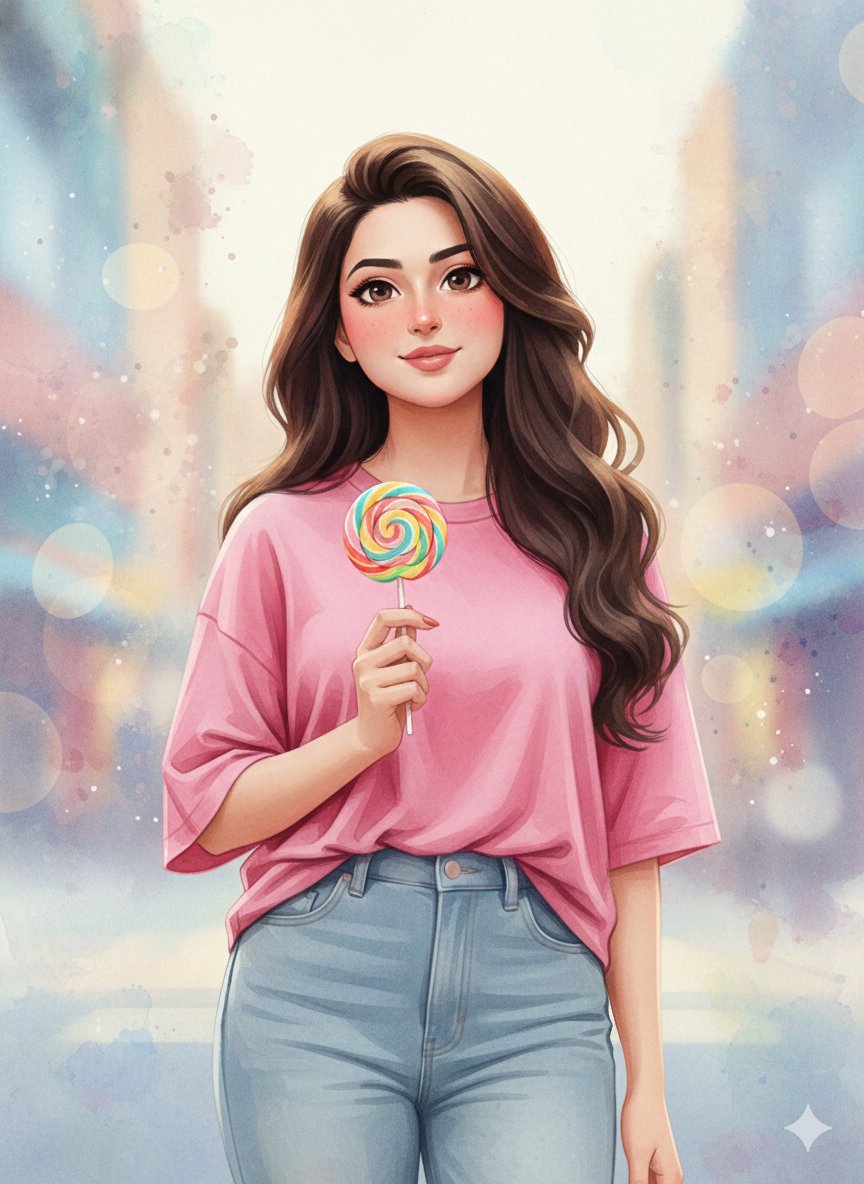
An image-to-image prompt designed to preserve the identity and facial features of an uploaded person while applying a 3D anime watercolor style. It specifies details like expressive eyes, flushed cheeks, casual clothing, and a soft abstract watercolor background with painterly textures.
Full prompt
{
  "prompt": "Use the uploaded reference image to **preserve 100% of the facial features, identity, age, skin tone, and expression** of the person. Apply a **3D anime watercolor style** while keeping the face identical. The person has long wavy dark brown hair (or adapted from reference), fair skin, big expressive eyes, flushed cheeks, playful or gentle expression. Clothing: loose casual top (pink t-shirt or reference-inspired), high-waisted pants, shoes optional. Pose: sitting or standing naturally, one hand holding an object (lollipop, drink, or personal prop), other hand relaxed. Background: outdoor urban or soft abstract watercolor environment, soft atmospheric lighting, warm or pastel tones, painterly texture with subtle bokeh. Highly detailed, cinematic, vibrant colors, soft depth of field, masterpiece quality.",
  "negative_prompt": "blurry, low quality, deformed, extra limbs, bad anatomy, watermark, text overlay, realistic photo, 3d render, cartoonish (non-anime), overexposed, underexposed, ugly face, bad hands, face altered, identity changed",
  "parameters": {
    "steps": 50,
    "cfg_scale": 7.5,
    "sampler": "Euler a or DPM++ 2M Karras",
    "strength": 0.55,
    "noise": 0.3,
    "width": 832,
    "height": 1216,
    "aspect_ratio": "2:3"
  },
  "usage_instructions": "Upload your reference image in img2img mode. The AI will **keep the face exactly as in the reference**, while applying the anime 3D watercolor style, clothing, and environment. Keep strength around 0.5-0.6 for perfect face match with stylization. Increase slightly for minor pose or background variations."
}Copy the prompt as a starting point, then swap the subject, setting, or style keywords for your own idea. Works with the image models on CreateVision AI. More Watercolor prompts →
How to use this prompt
Copy the full prompt above, or hit "Use this prompt" to load it into the generator with the right model pre-selected.
Swap the highlighted parts — subject, outfit, setting — for your own idea. The rest of the prompt carries the look.
Generate with Nano Banana Pro for the closest match to the example, or try other models for different takes.
About Nano Banana Pro
Google’s Gemini 3 Pro image model (also called Nano Banana Pro). Strong at photorealistic detail, identity consistency and multi-image fusion (up to 5 reference images) — describe the scene in plain English and it follows. On CreateVision, Nano Banana Pro costs 40 credits per image.
Prompts in this library are curated from publicly shared posts on X (Twitter), with author attribution and a link to the original wherever available. If you are the author and would like your prompt updated or removed, email support@createvision.ai and we'll act promptly.
More from Watercolor
Fantasy Watercolor Illustration of an Immense Desert Canyon
by @Artingent
Watercolor Portrait with Hibiscus Prompt
by @Ai Prompts Lab
Watercolor Cliffside Village Illustration
by @Artingent
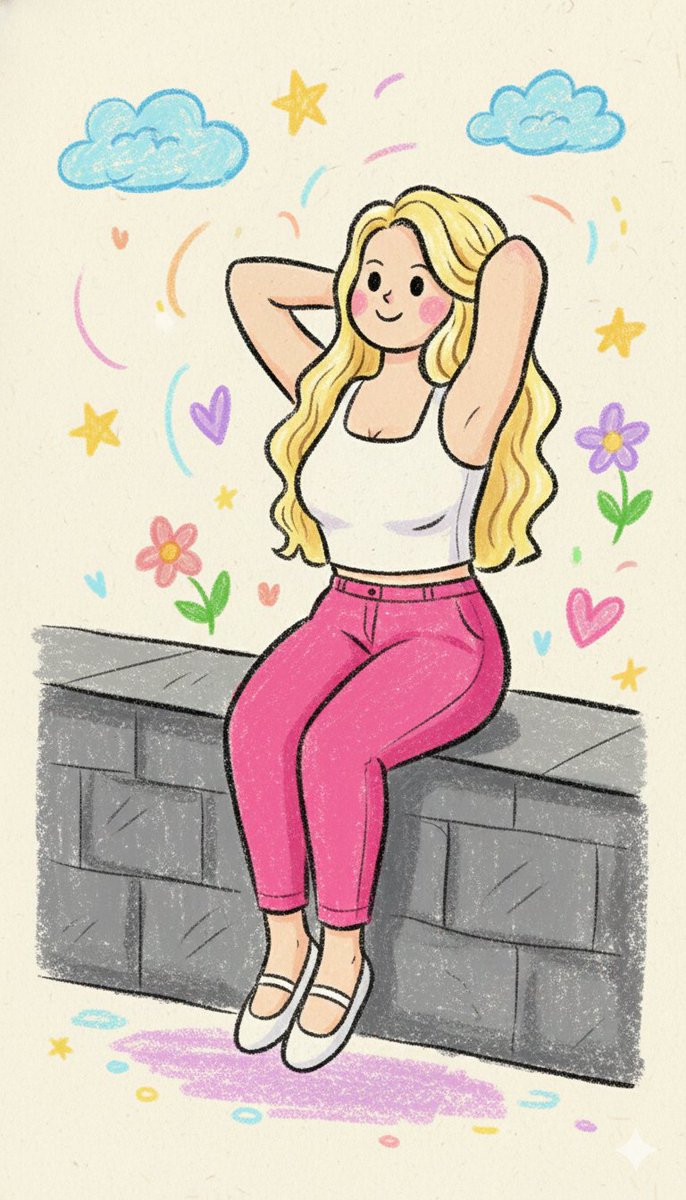
Kindergarten Crayon Doodle Illustration Prompt
by @Gagan Singh
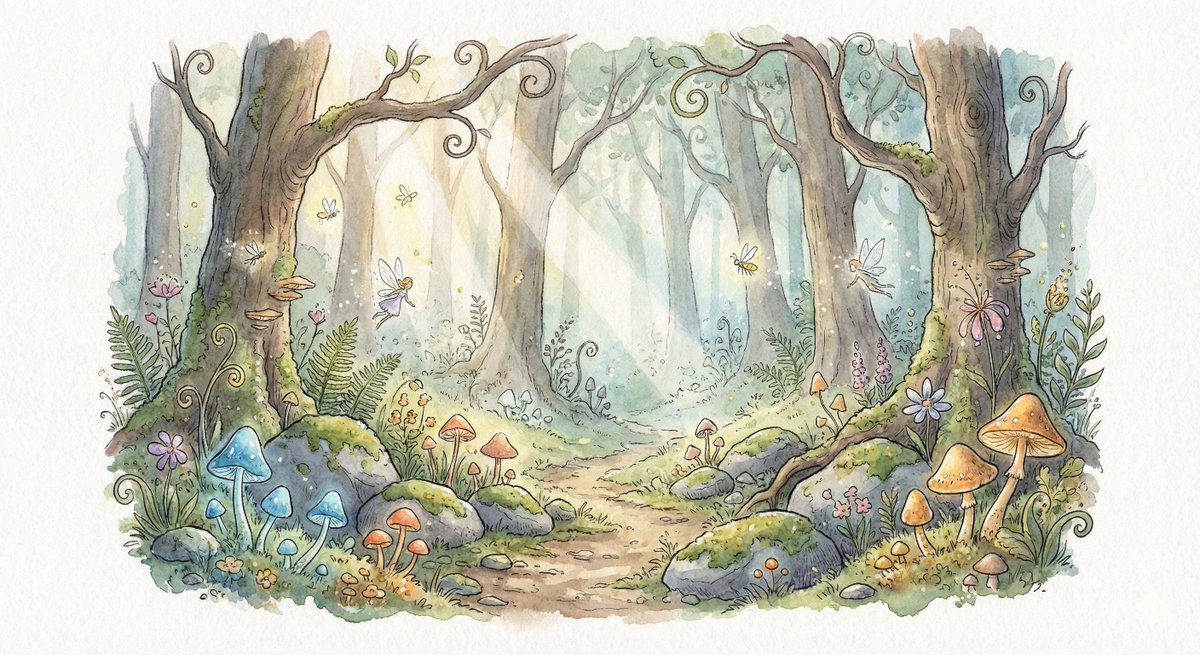
Watercolor Illustration of Enchanted Forest Clearing at Dawn
by @Artingent
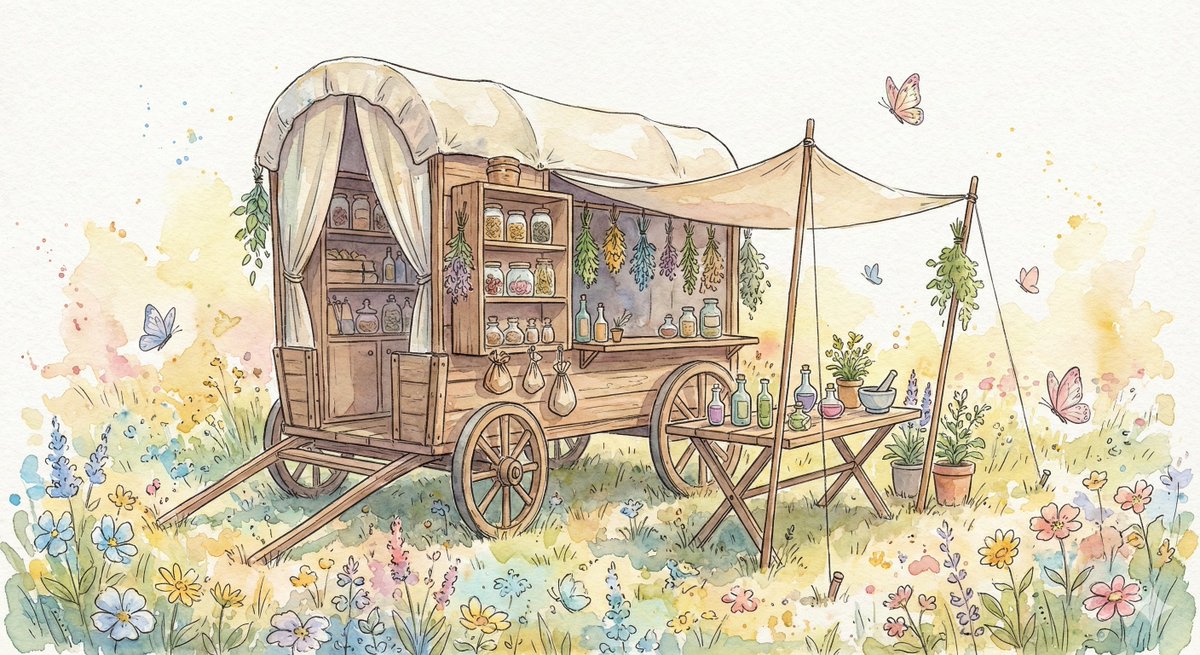
Fantasy Watercolor Herbalist Wagon
by @Artingent
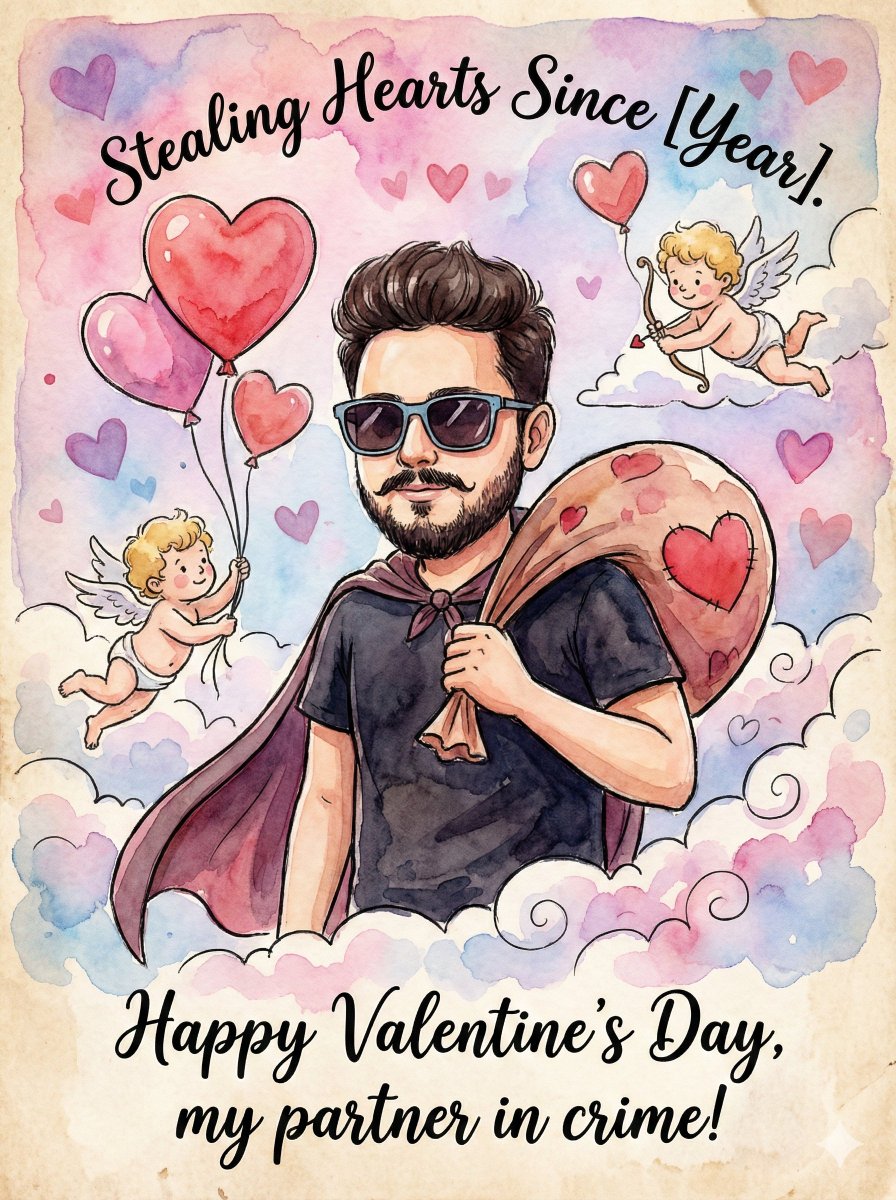
Image Transformation into Watercolor Valentine's Day Card
by @Dhaatrik Chowdhury
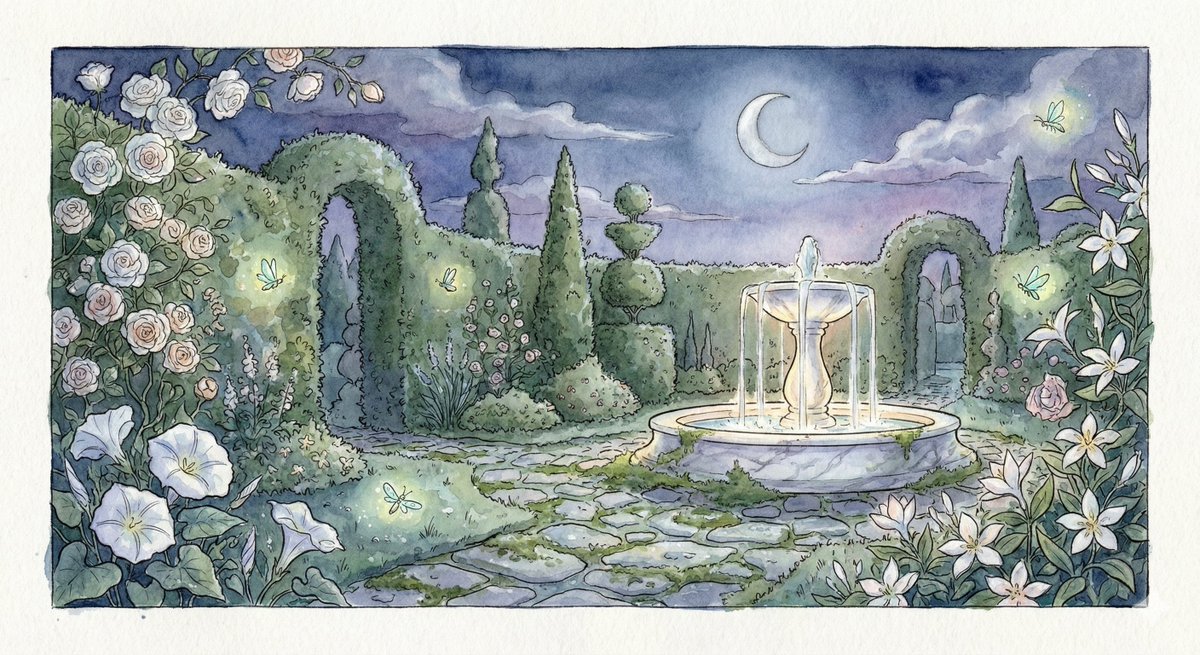
Watercolor Illustration of a Magical Garden at Midnight
by @Artingent
Browse the prompt library
Make this prompt yours
Every prompt in this library is shown in full and free to run. Swap the subject, keep the look, and generate in seconds.