Start Honest: Raphael AI Is Good — With an Asterisk
The Honest Comparison
Free tier, sign-up, watermark, models — and, the column nobody else shows you, who has to pick the model and settings.
| Tool | Free? | Sign-up? | Watermark (free) | Models | Who picks the model & settings? |
|---|---|---|---|---|---|
| Raphael AI | Yes | No | Yes | 1 free (FLUX.1-Dev); more if you pay | You do (after paying) |
| VisualGPT | Limited | Yes | — | 12+ | You do — manual dropdown |
| Google Gemini / ImageFX | Yes | Google acct | No | 1 (Imagen) | n/a (single model) |
| Most aggregators (OpenArt, Mage, Poe…) | Varies | Usually | Varies | Many | You do — manual dropdown |
| CreateVision AI | Yes (Z Image Turbo, 0 credits) | Yes (free acct) | No | Several pro models | Ava agent does it for you |
Pick Your Reason for Leaving Raphael
"I want actually-unlimited free generation."
Honest options: Google Gemini / ImageFX (free, high quality), Perchance (no login, modest quality), and CreateVision AI's Z Image Turbo — a 0-credit, no-watermark model (free account required).
"I need images without a watermark."
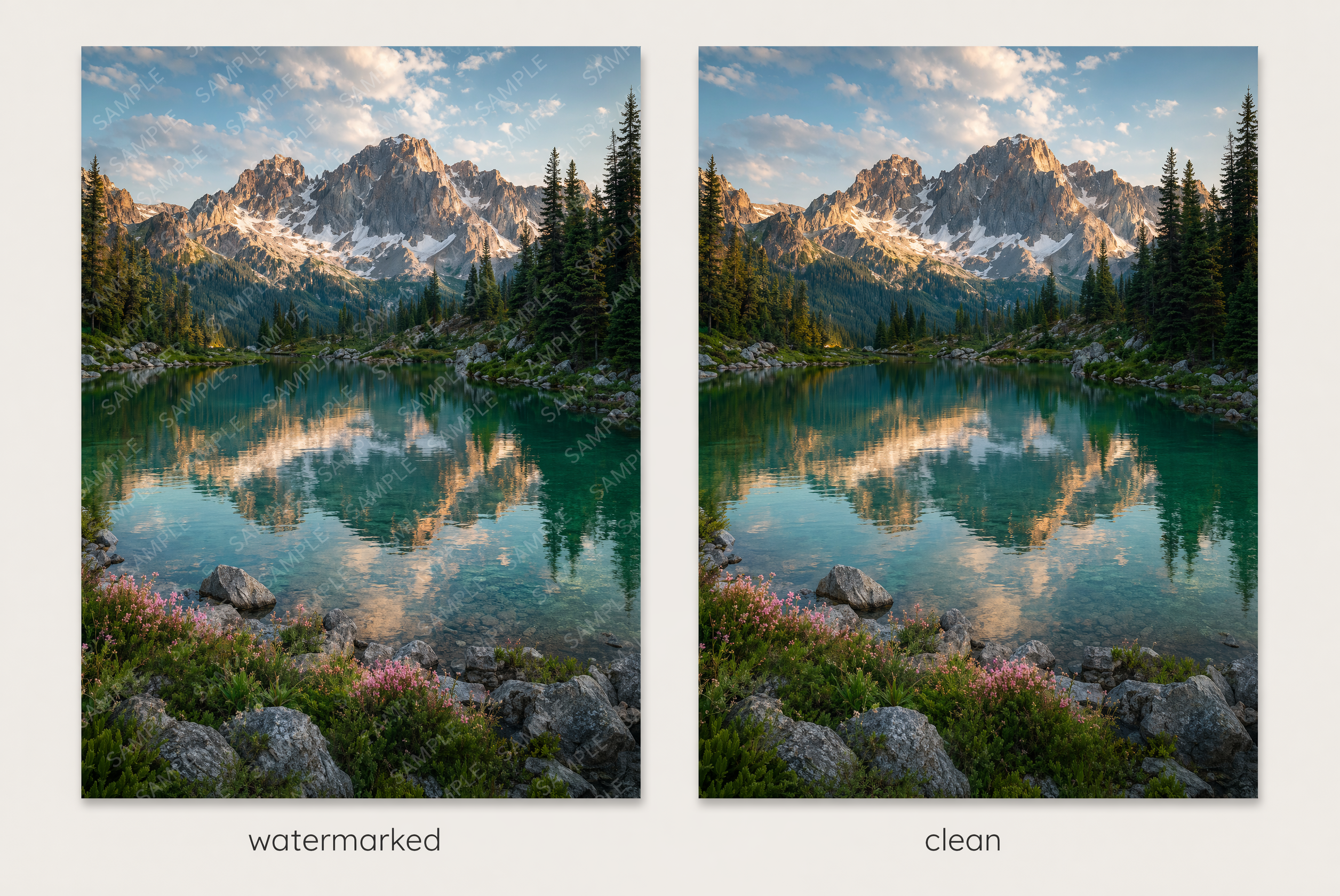
Raphael's free watermark blocks professional use. Google Gemini, Bing, Leonardo's free tier, and CreateVision AI all output watermark-free.
"I need to actually sell what I make."
Raphael's free plan is personal-use only. For clean commercial rights: Adobe Firefly (commercial-safe by design) or CreateVision AI on a Premium/Ultimate plan (free tier is personal; paid tiers grant commercial rights).
"I don't want to be locked to one model."
Raphael's free tier is FLUX-only. Multi-model tools (VisualGPT, CreateVision AI) let you use several — but read the next section, because "having many models" and "knowing which to use" are not the same thing.
The Part Nobody Explains to Beginners: Choosing the Model Is the Hard Part
Reads your intent
Is this a photo? A poster with text? A portrait? A product shot? Ava classifies what you actually want.
Picks the right model — and the cheaper one
It chooses the model that fits the job, and at equal quality the cheaper one, so you don't waste credits on an overkill model.
Sets the size and resolution
A story is 9:16; a product shot is square. Ava sets the aspect ratio and resolution that fit the use.
Writes the prompt for you
It rewrites your rough description into a strong prompt before generating — the step that usually separates good results from bad ones.
Why This Is Genuinely Different (We Checked)
"Auto" buttons aren't new — a few tools (Krea, Adobe Firefly) will auto-pick a model. But across every consumer image platform we surveyed in 2026, not one does cost-aware selection — choosing the cheaper model when it would give you the same result, to save your credits. That capability exists only in research papers. It's the part of Ava that no competitor offers. Combined with automatic prompt-writing and sizing, it means the floor for "getting a great image" drops to a single sentence — without raising the cost.
Other tools give you more models to choose from. CreateVision AI's Ava chooses for you — and chooses the one that costs you less.
Where CreateVision AI Fits (Honestly)
CreateVision AI is not the "no-login" tool — you create a free account. In return you get a 0-credit, watermark-free model to start, several pro models in one place, and the Ava agent that picks the model (the cheaper one at equal quality), sizes the image, and writes the prompt — so a complete beginner gets a pro-quality result from one sentence. If all you want is to generate something this second without signing in, Raphael or Perchance is the faster path, and we'll say so.
Frequently Asked Questions
Is Raphael AI safe to use?
It's a real tool built on FLUX.1-Dev. As with any newer free site, check its terms and avoid uploading sensitive images; for personal experiments it's fine.
Is Raphael AI really unlimited?
Not exactly — about 10 fast generations a day, then a slower queue, with a watermark on free output.
Can I sell images from Raphael's free tier?
No — the free plan is personal-use only and watermarked. For commercial work use a tool with explicit commercial licensing (Adobe Firefly, or CreateVision AI's paid plans).
I'm a beginner and don't know which model to pick — what's easiest?
Use a tool that picks for you. CreateVision AI's Ava agent reads your request, chooses a fitting model (the cheaper one when quality is equal), sets the size, and writes the prompt — you just describe what you want.
Do these tools charge credits if a generation fails?
Some do (VisualGPT users report losing credits on failed generations). Check the policy before buying credits.
What's the best truly-free, watermark-free alternative?
Google Gemini / ImageFX and CreateVision AI's Z Image Turbo (0 credits, no watermark; free account required) are the strongest free, watermark-free picks.