
AI video model

Veo 3.1 Fast AI Video Generator

Use Veo 3.1 Fast for high-quality cinematic clips with prompt and reference-image workflows.

Veo videoCinematic clipsImage references

Explore More Models

Compare Veo 3.1 Fast with other video models — same workspace, one click to switch.

Get Inspired

A glimpse of what people are creating with AI video models on CreateVision AI.

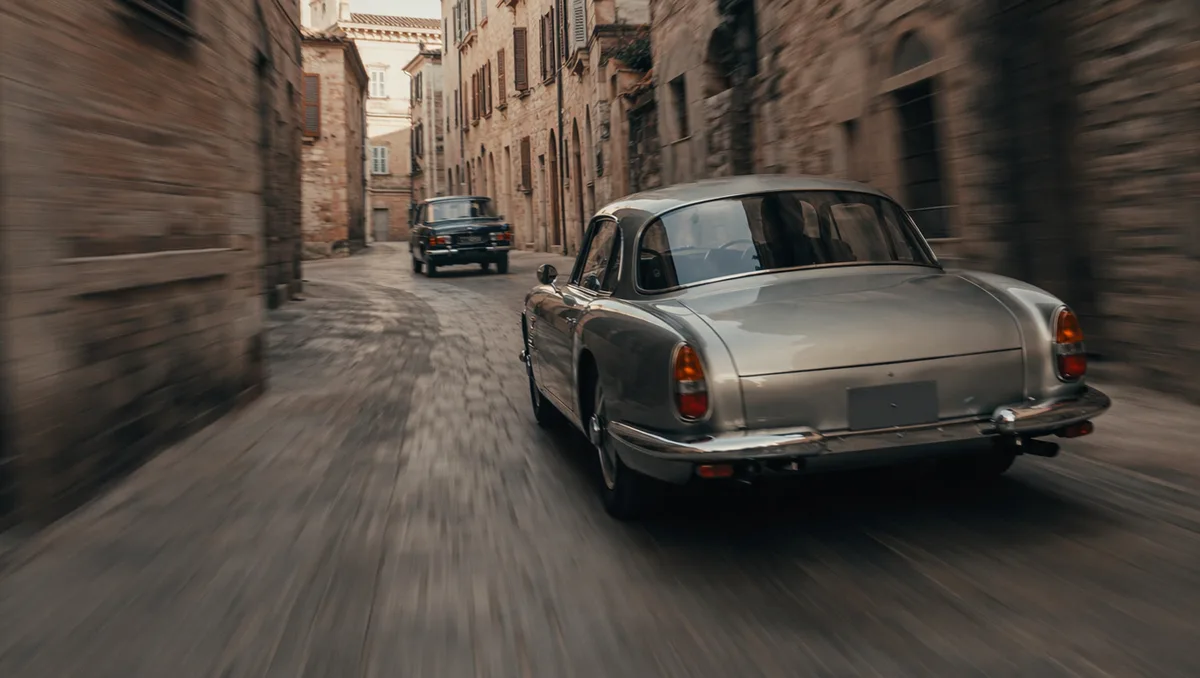
AI video still of a vintage car chase through narrow European streets
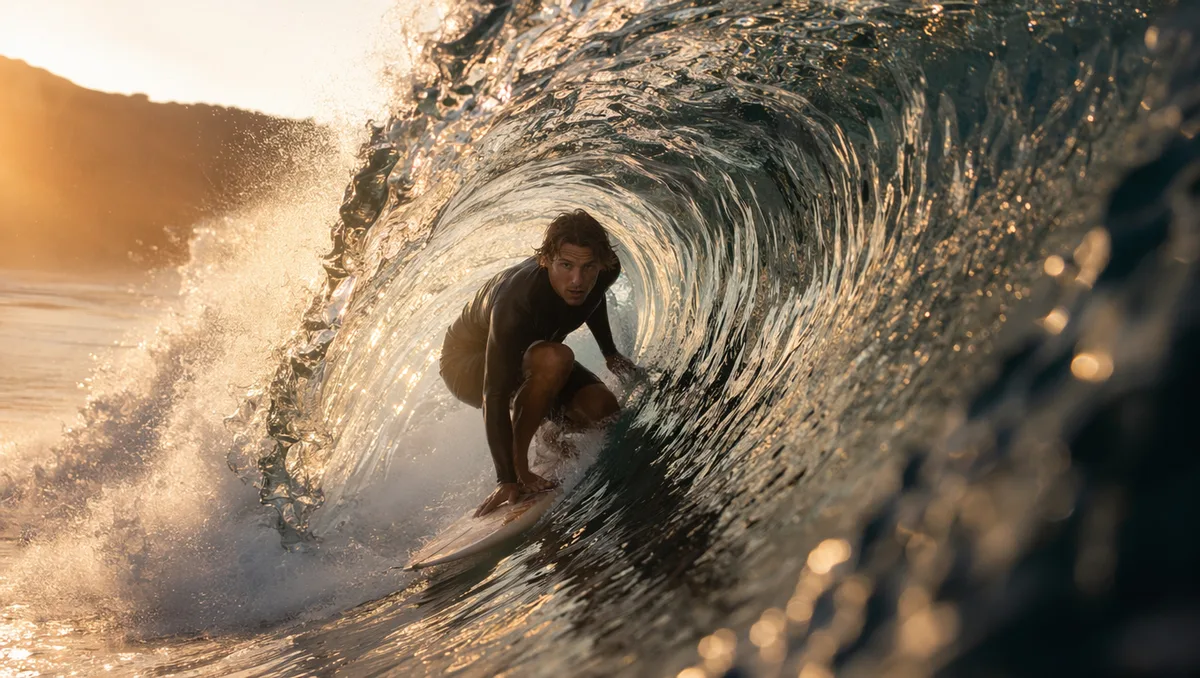
AI video still of a surfer inside a glassy barrel wave at sunrise
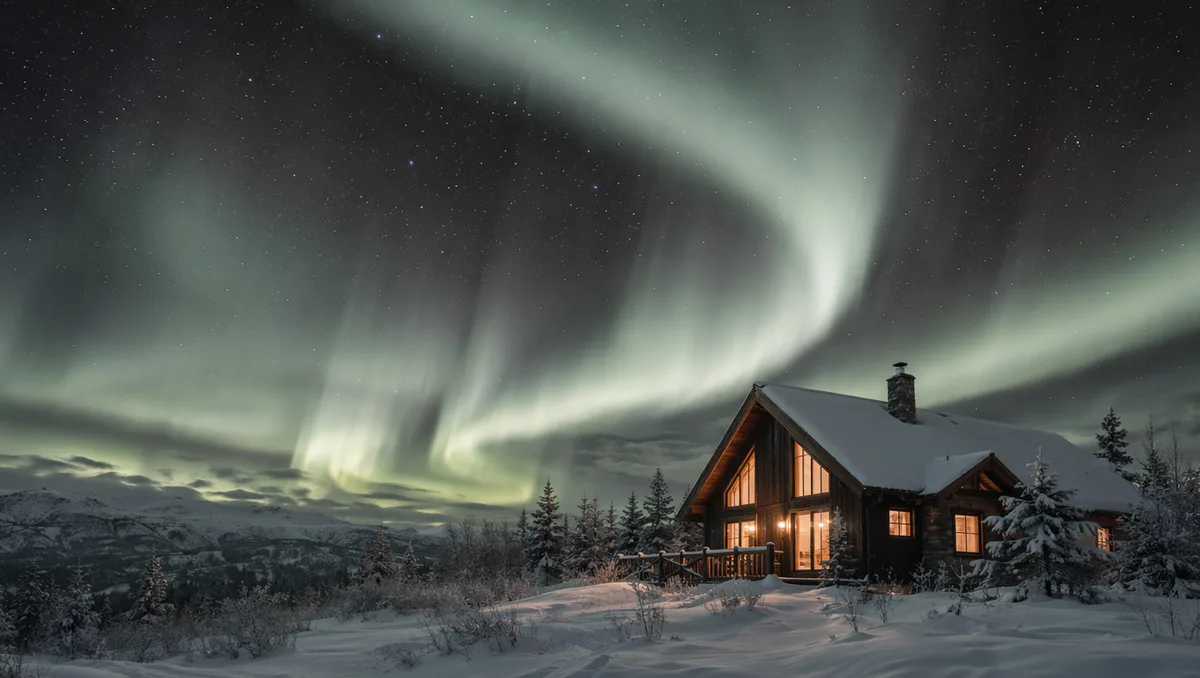
AI video still of northern lights swirling over a snowy cabin
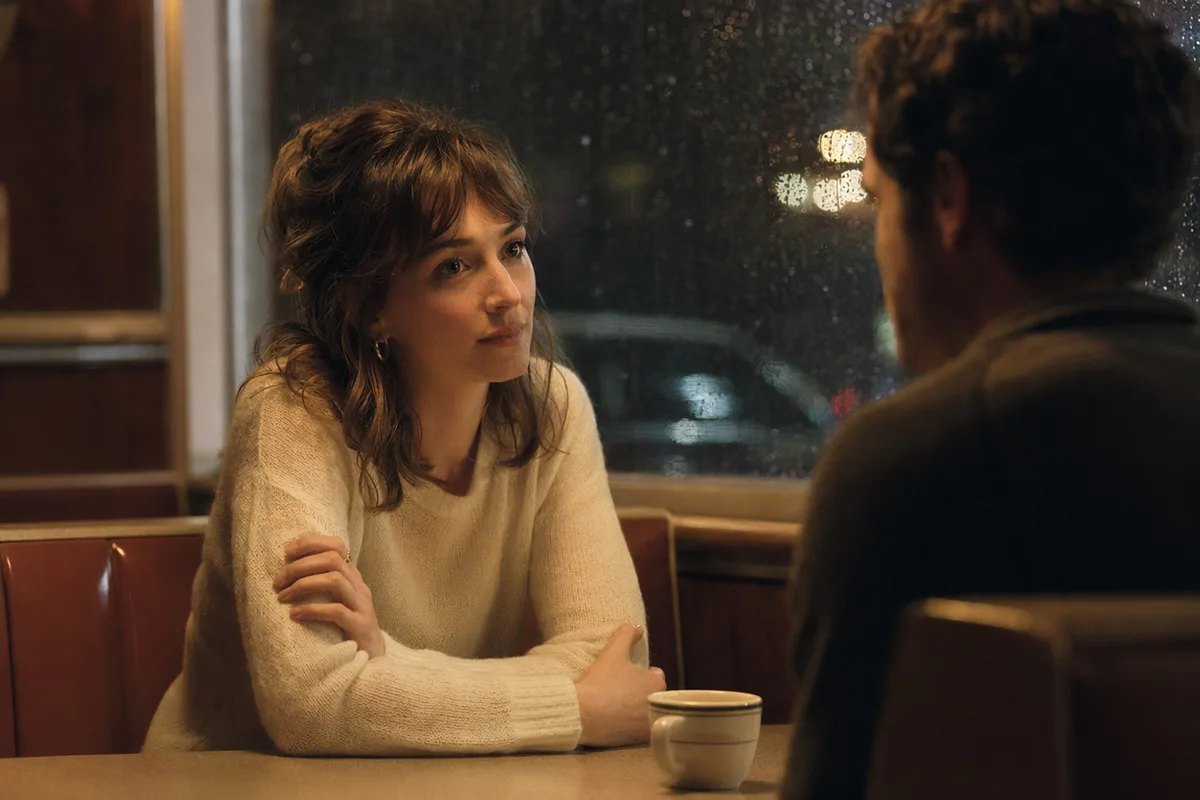
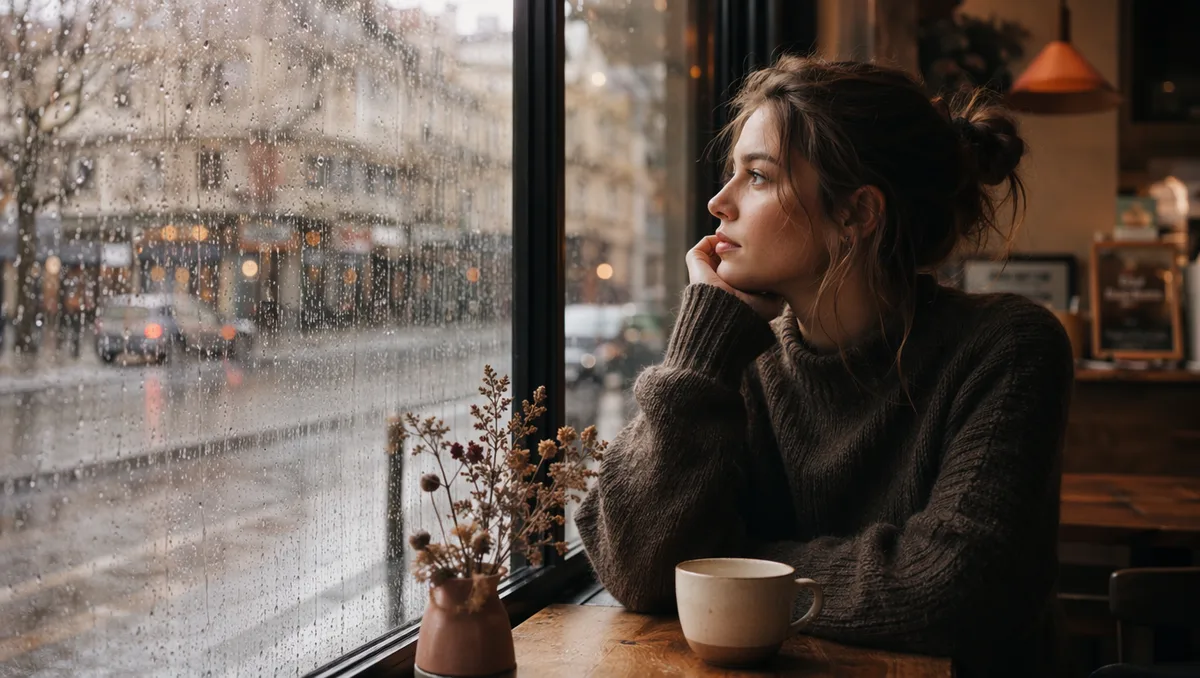
AI video still of rain running down a cafe window with warm bokeh
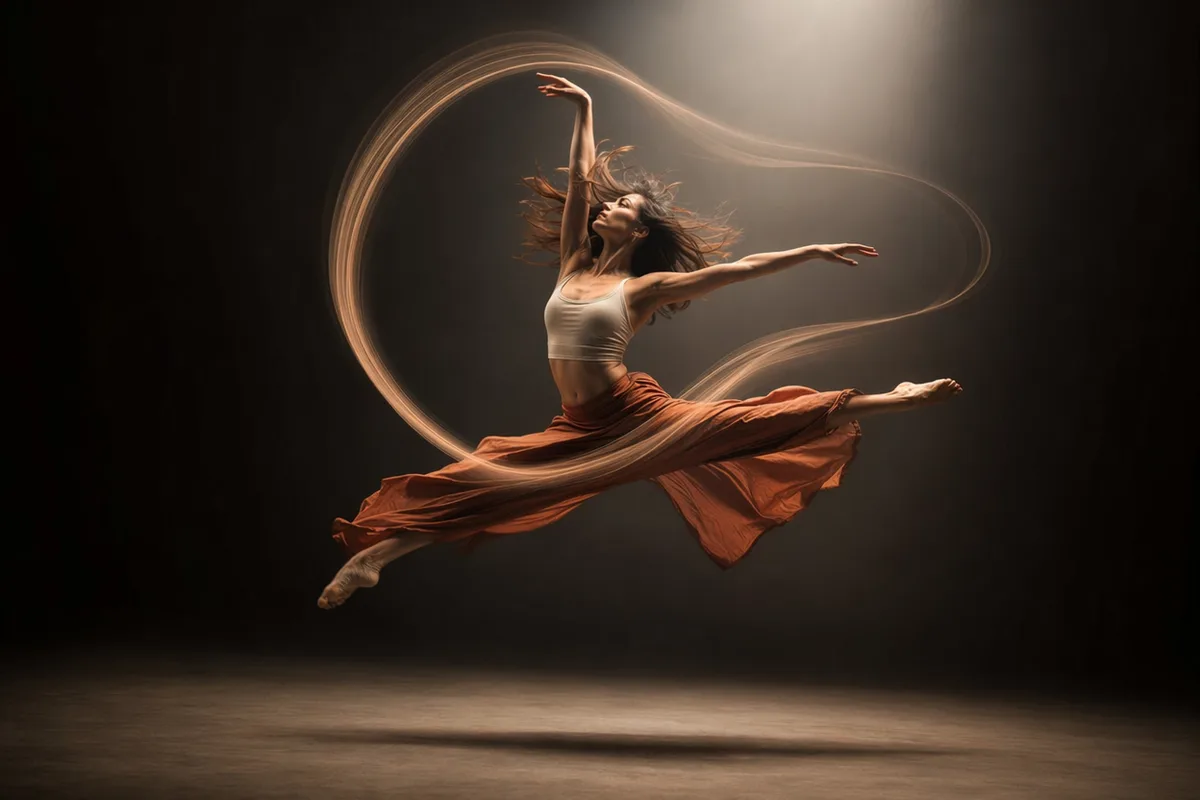
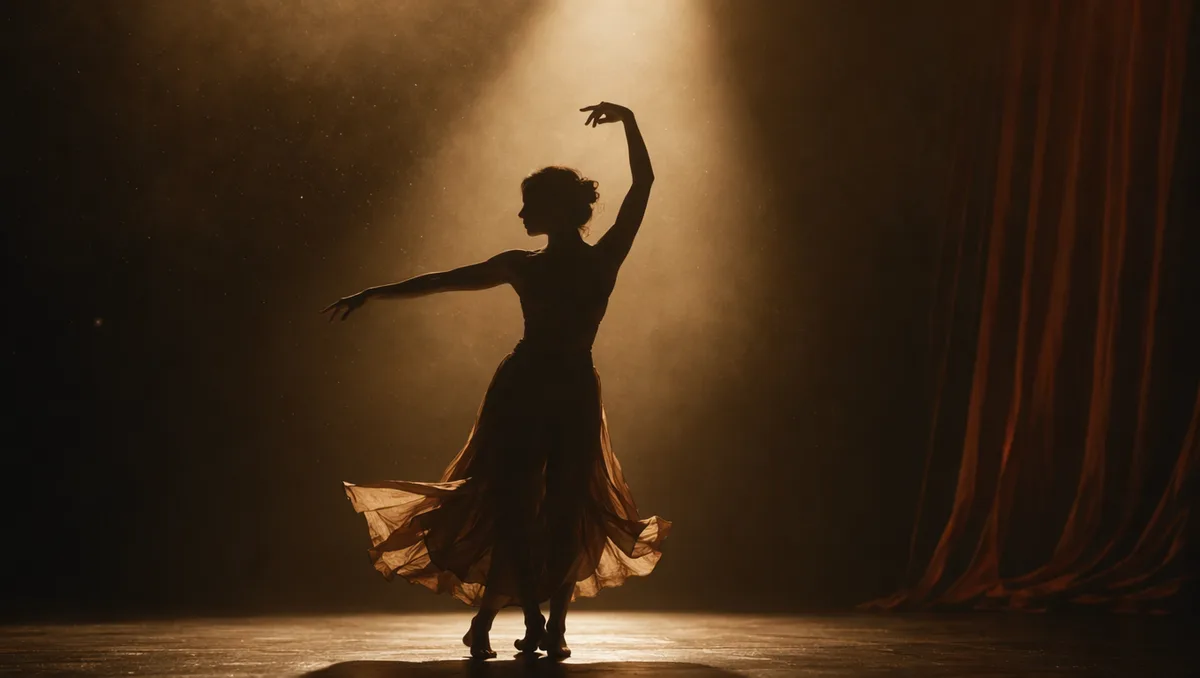
AI video still of a dancer silhouette on a smoky stage under amber light
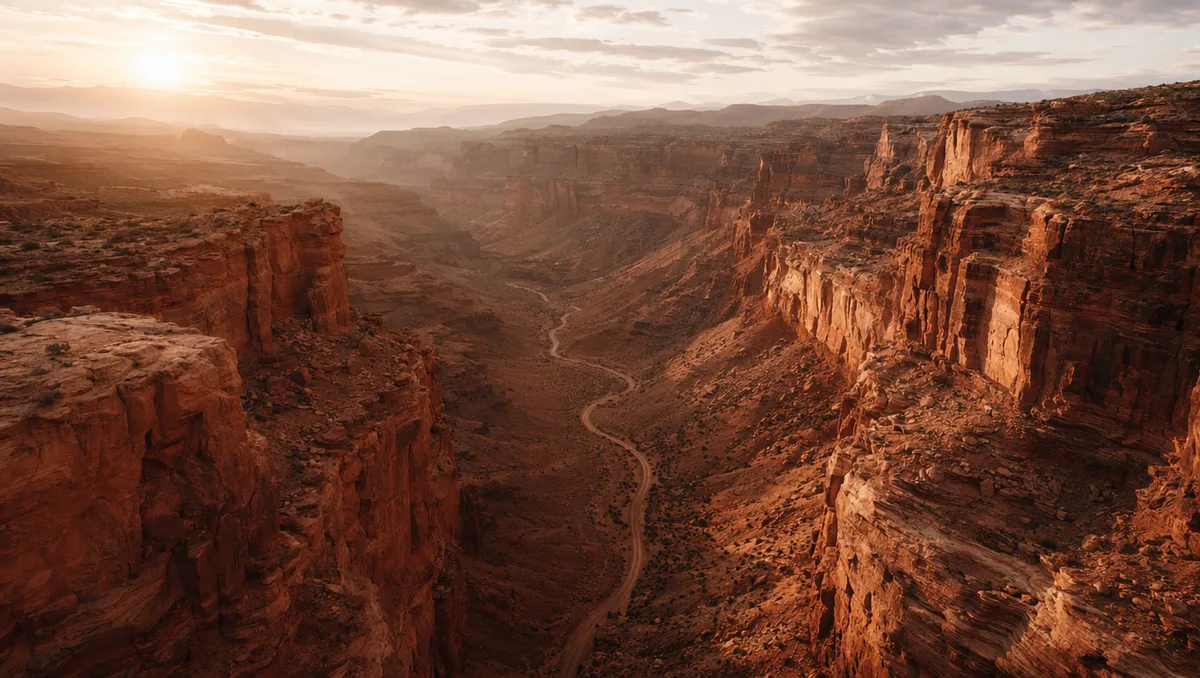
AI video still from a drone flight through a red rock canyon
AI video still of milk splashing around chocolate cookies
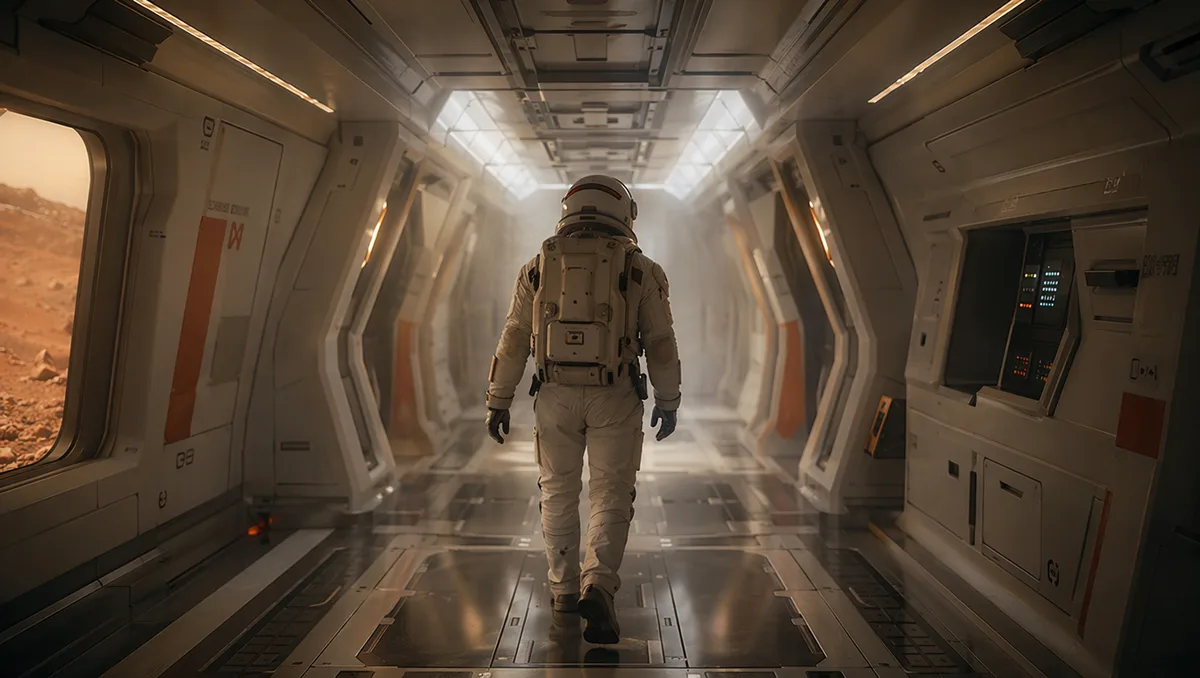
AI video still of an astronaut walking down a glowing spaceship corridor

Veo 3.1 Fast — cinematic light, believable physics, native sound

Google DeepMind's video model renders scenes users describe as "directed, not generated": intentional lighting, natural textures, physically plausible motion, and audio that belongs in the scene.

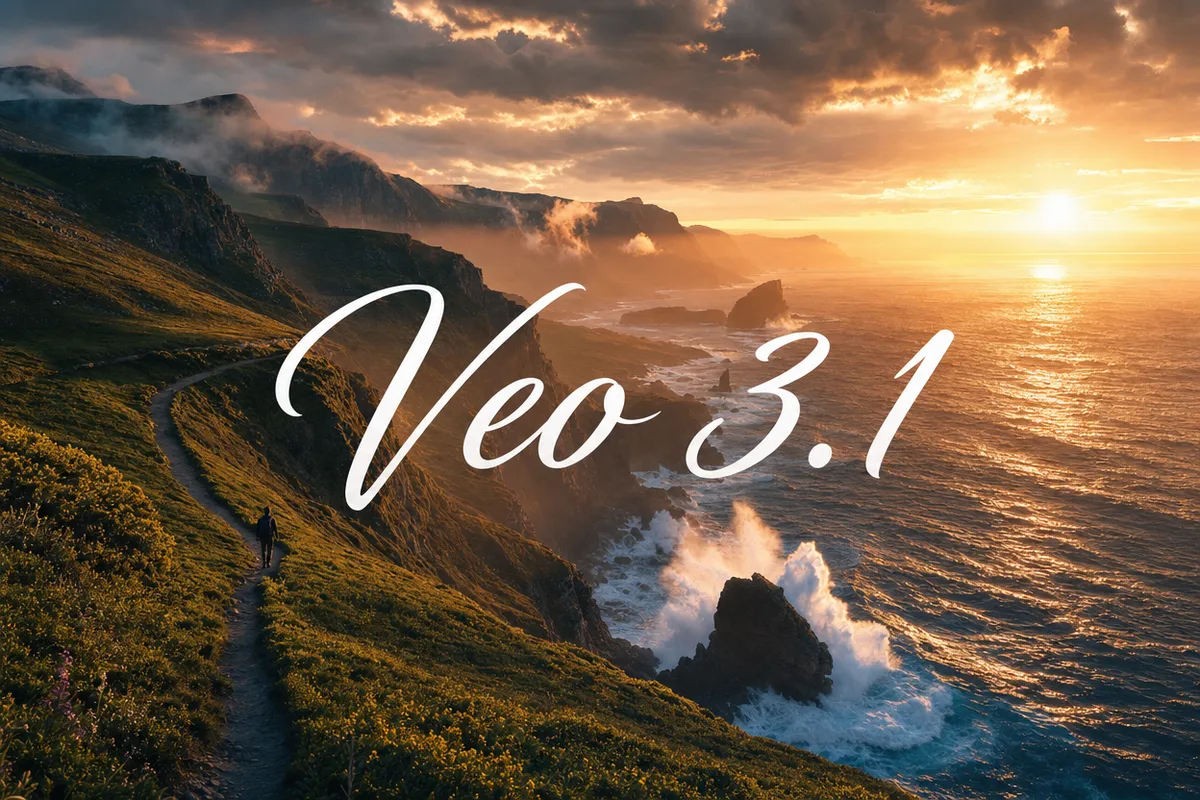
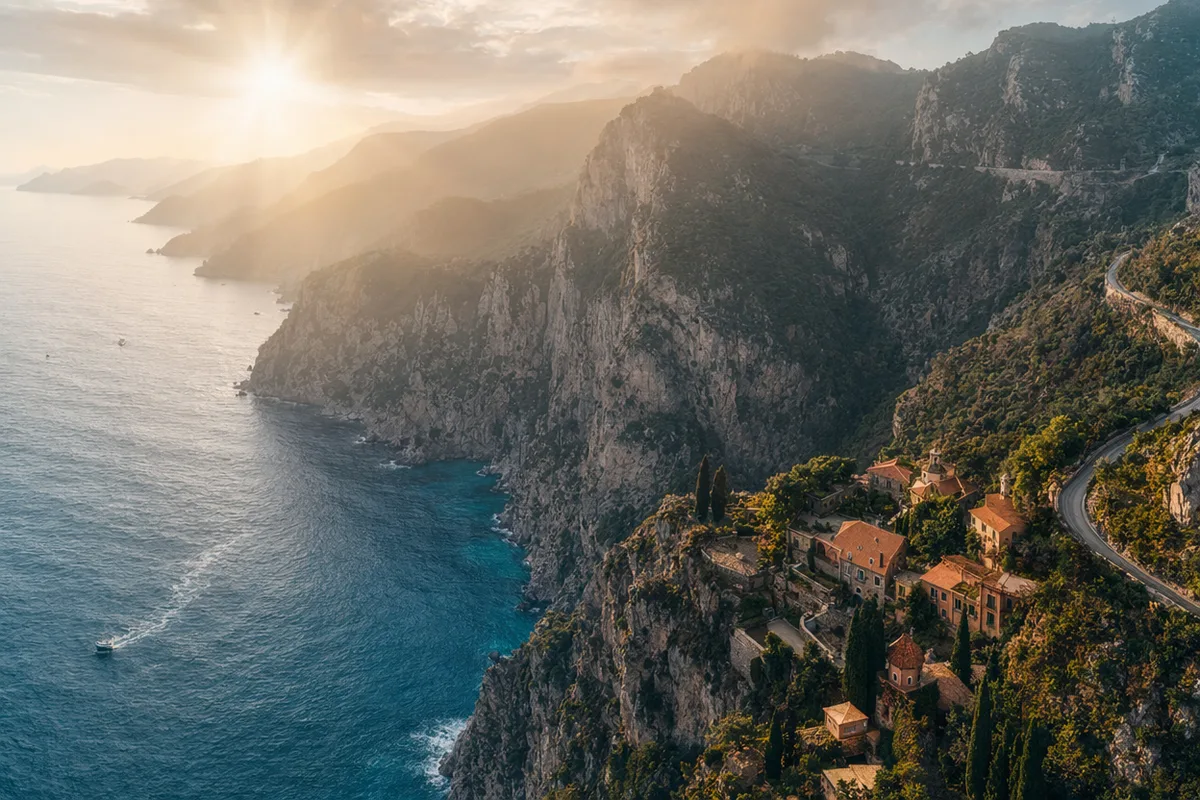
Epic aerial coastline at sunrise with volumetric light

Cinematography, not just footage

Lighting feels intentional, camera moves feel directed, and color grading reads like a film — reviewers consistently describe Veo output as closest to traditional production values. For brand films and concept shots, it delivers the polish in minutes.

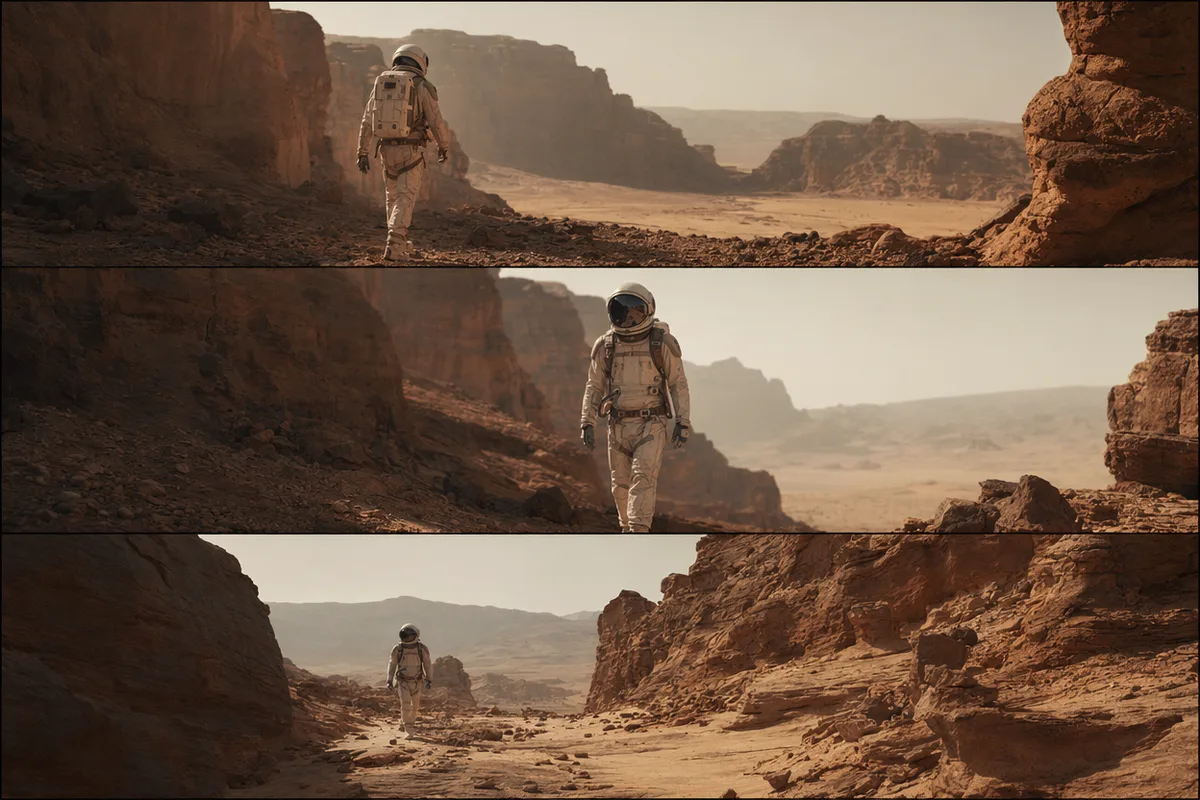
Astronaut in a glowing spaceship corridor

Audio that lives inside the scene

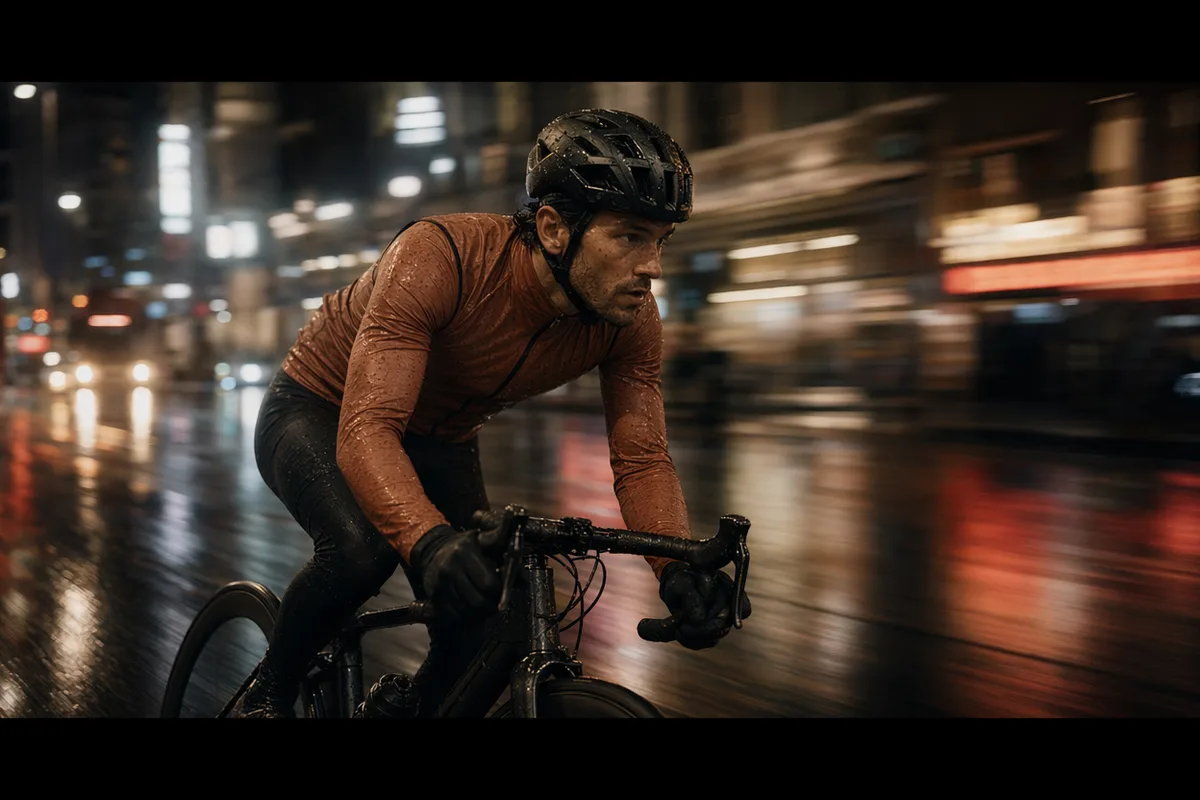
Veo generates voice, ambience, and effects natively, and users note the sound feels cohesive with the visuals rather than pasted on. A street scene arrives with its own traffic and footsteps.

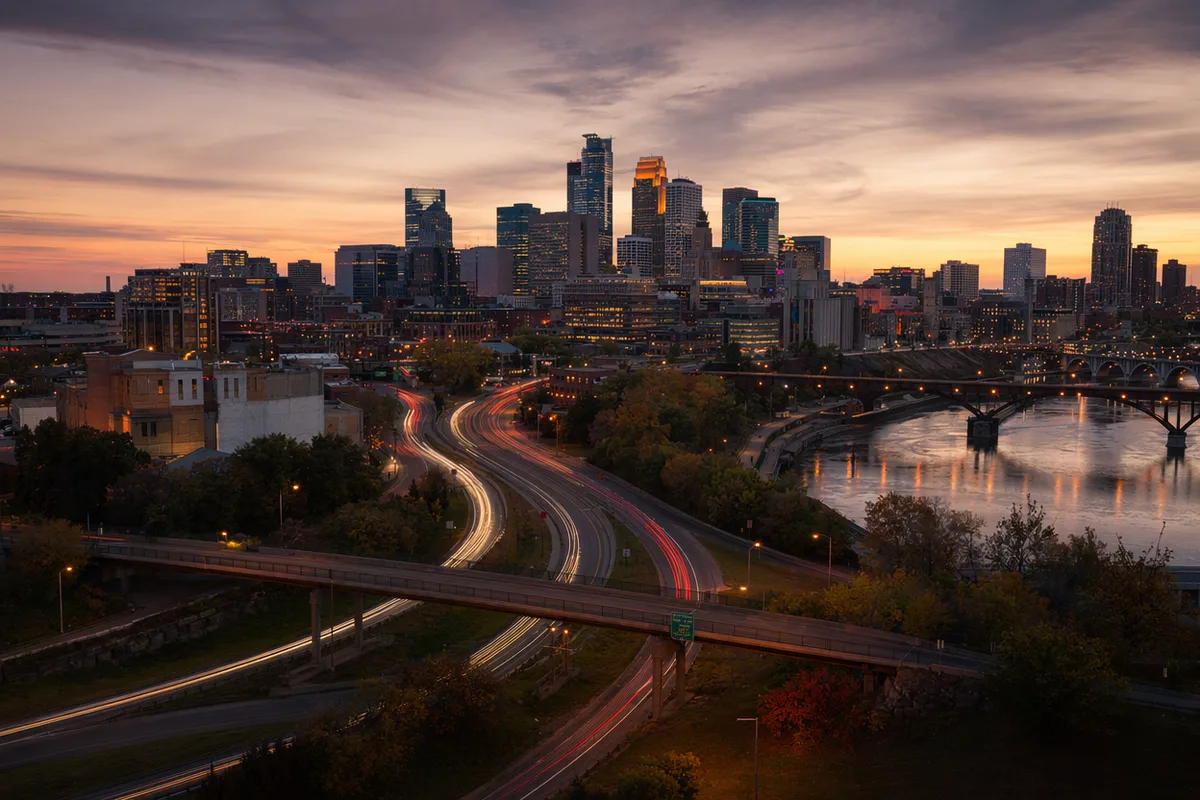
City skyline timelapse with traffic light trails

Physics people vote for

In blind comparisons, viewers repeatedly picked Veo for physical authenticity — objects fall, splash, and collide believably; camera moves obey real optics. Fewer uncanny artifacts means more usable takes.

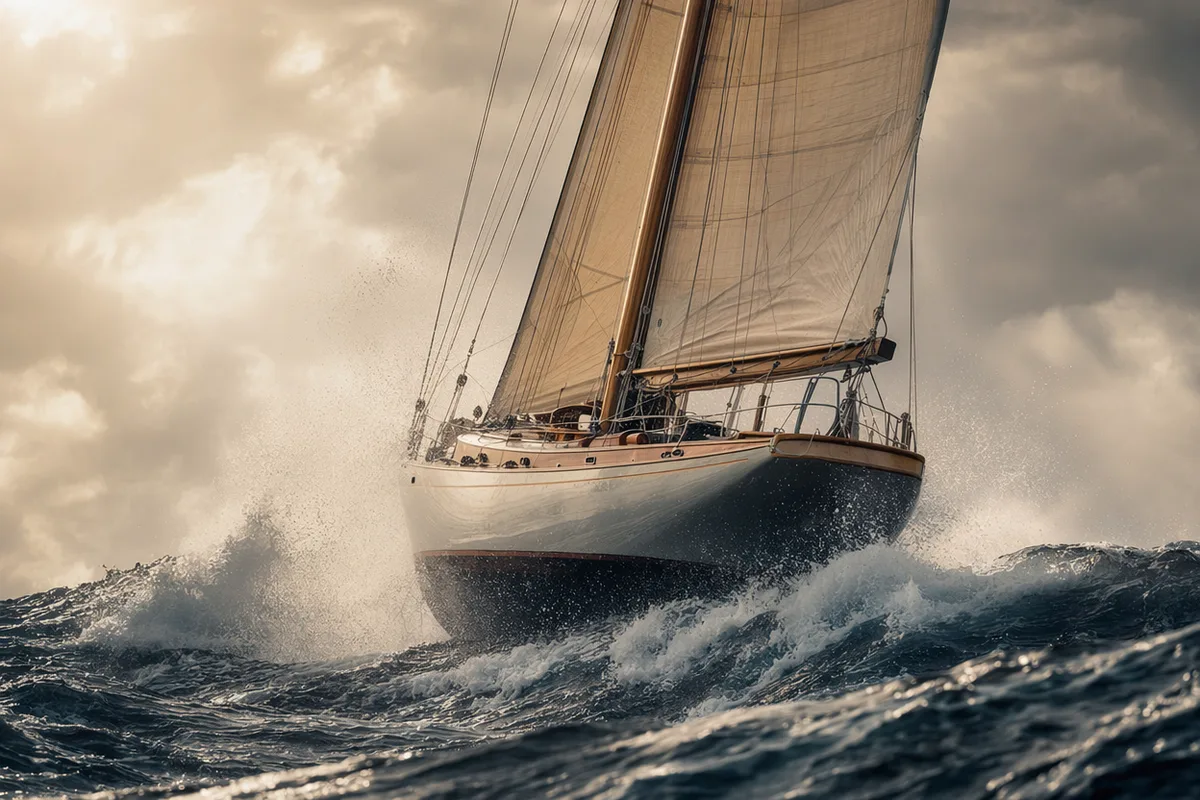
Drone shot through a canyon at golden hour

Prompt or image, minutes to render

Start from text or animate a reference image; the Fast variant returns complex scenes in minutes. Iterate on direction the way you would with a patient cinematographer.

Keep exploring CreateVision AI

One account, the full image and video generation workflow.

Choose Your Plan

Start free with daily credits. Upgrade for premium models, faster generation, and 4K output.

Free

$0

Perfect for getting started

  • 80 credits per day, 400 per month
  • Z Image Turbo drafts at 0 credits
  • Standard generation speed
  • Generation history included
Get Started

Premium

Most popular
$29/month

Billed annually · $240/year

  • 1,600 credits/day, 8,000 credits/month
  • All premium models — GPT Image 2, Nano Banana, Seedream, Seedance, Veo, Kling
  • 5x generation speed, priority queue
  • AI prompt enhancement
Upgrade to Premium

Ultimate

$49/month

Billed annually · $300/year

  • 4,000 credits/day, 18,000 credits/month
  • HD generation up to 4K resolution
  • Private generation — results stay out of the gallery
  • Fastest queue and early access to new models
Upgrade to Ultimate

Frequently Asked Questions

1

What is Veo 3.1 Fast best at?

Single-shot cinematic quality: intentional lighting, believable physics, and native audio that feels part of the scene. Ideal for brand films, concept shots, and atmosphere.

2

Does it generate sound?

Yes — voice, ambience, and effects generate natively with the visuals.

3

Can I animate an image with it?

Yes — provide a reference image and describe the motion for image-to-video generation.

4

How much does it cost?

The credit cost is shown before each generation, and failed runs are refunded automatically.

5

Veo vs Seedance — which should I pick?

Veo for single-shot cinematic polish and physics; Seedance 2.0 for multi-shot consistency and reference-driven direction. Many creators use both across one project.

6

What aspect ratios are supported?

16:9 widescreen and 9:16 vertical, selectable per generation.

Shoot something cinematic with Veo 3.1 Fast

Shoot something cinematic with Veo 3.1 Fast

Start Generating Videos

What's newVeo 3.1 Fast

  1. Upgraded

    Switched Veo 3.1 Fast to the official preview channel for more reliable generations.