人人可用的免費 AI 圖片與影片生成器

不用學任何工具,也能做出專業級的圖片和影片。AI 幫你挑模型,一鍵完成編輯,還能看資深創作者怎麼寫提示詞。免費開始。

  • 39 個 AI 模型
  • 79 個一鍵工具
  • 28 位專家導師
0 / 2,000
Free

頂尖 AI 圖片與影片生成模型,一站齊全

探索為 CreateVision AI 提供動力的圖像與影片模型——選擇一個即可開始創作。

GPT Image 2.5新

GPT Image 2.5

OpenAI — 更銳利的細節、更忠實的參考圖,Flare 或 Sunburst 兩檔。
Nano Banana 2.1新

Nano Banana 2.1

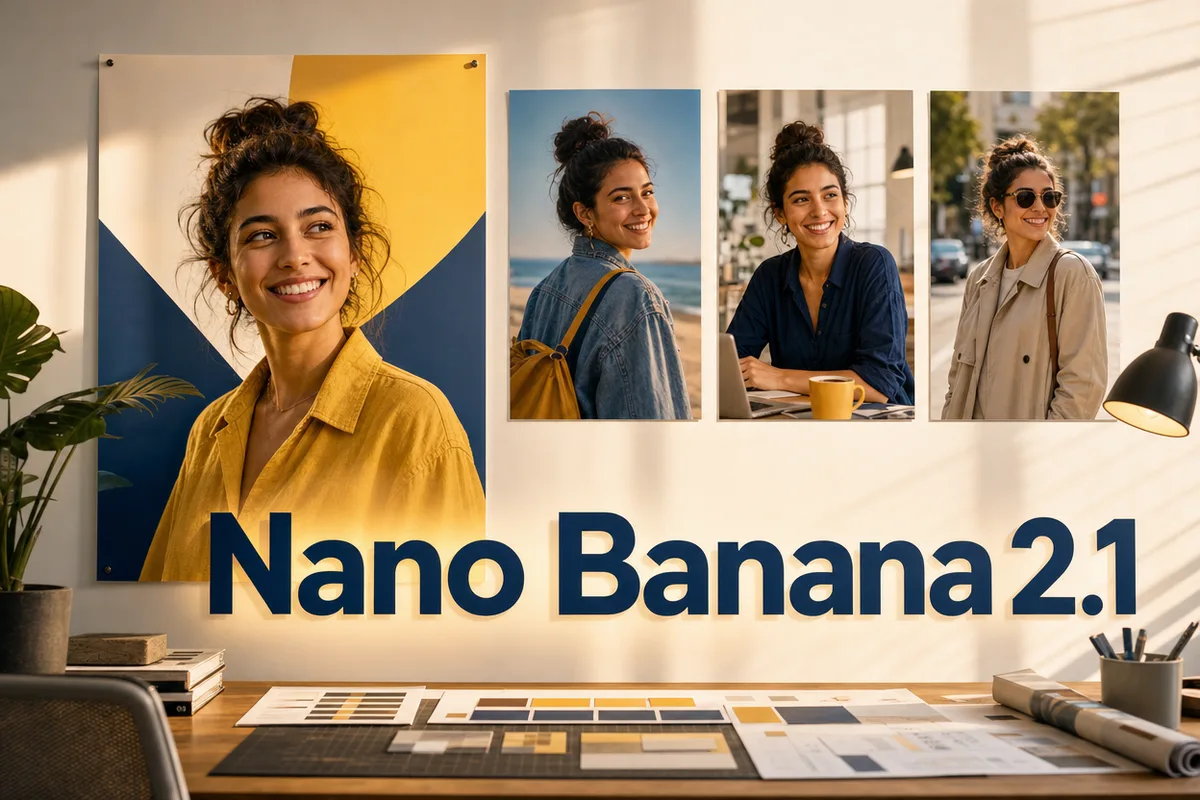
Gemini 官方通道——文字排版更準,多輪編輯人物更穩,最高 4K。

新

Wan 3.0

阿里旗艦,30 秒帶聲長鏡頭,可控首尾影格。

MiniMax H3 Max新

MiniMax H3 Max

海螺 3 Max,首尾幀控制,多模態參考,480p/768p。

MiniMax H3 Max Turbo新

MiniMax H3 Max Turbo

海螺 3 Max Turbo,經濟檔,每秒 20 積分起。

新

MiniMax H3

海螺 3,電影級運鏡,原生音訊,768p/2K。

新

Seedance 2.5

旗艦影片,圖片、影片、音訊混合參考出 30 秒。

Grok Imagine Image 2.0新

Grok Imagine Image 2.0

xAI 出品,生成與編輯一體,文生圖榜前五。
Qwen Image 3 Pro新

Qwen Image 3 Pro

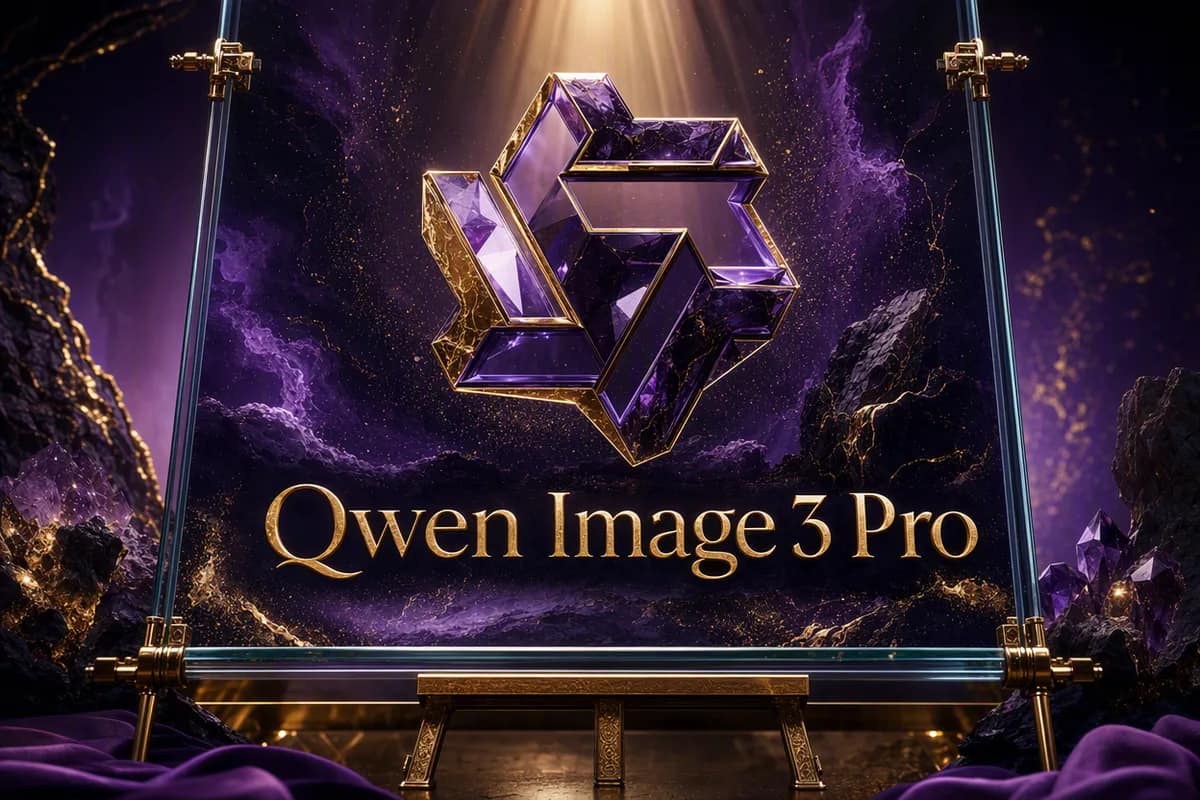
通義旗艦,專業級細節與畫面內文字。

Qwen Image 3新

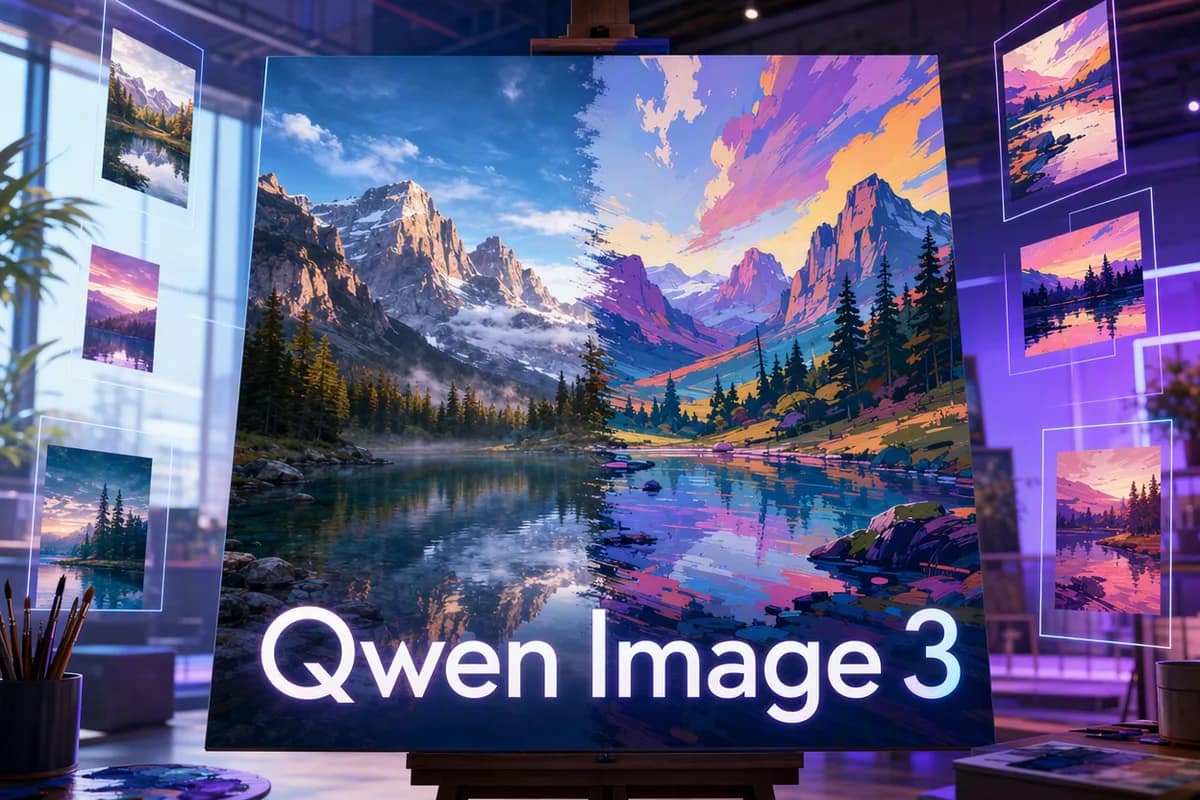
Qwen Image 3

畫面內文字清晰可讀,海報選單,2K 統一價。

Seedream 5 Pro新

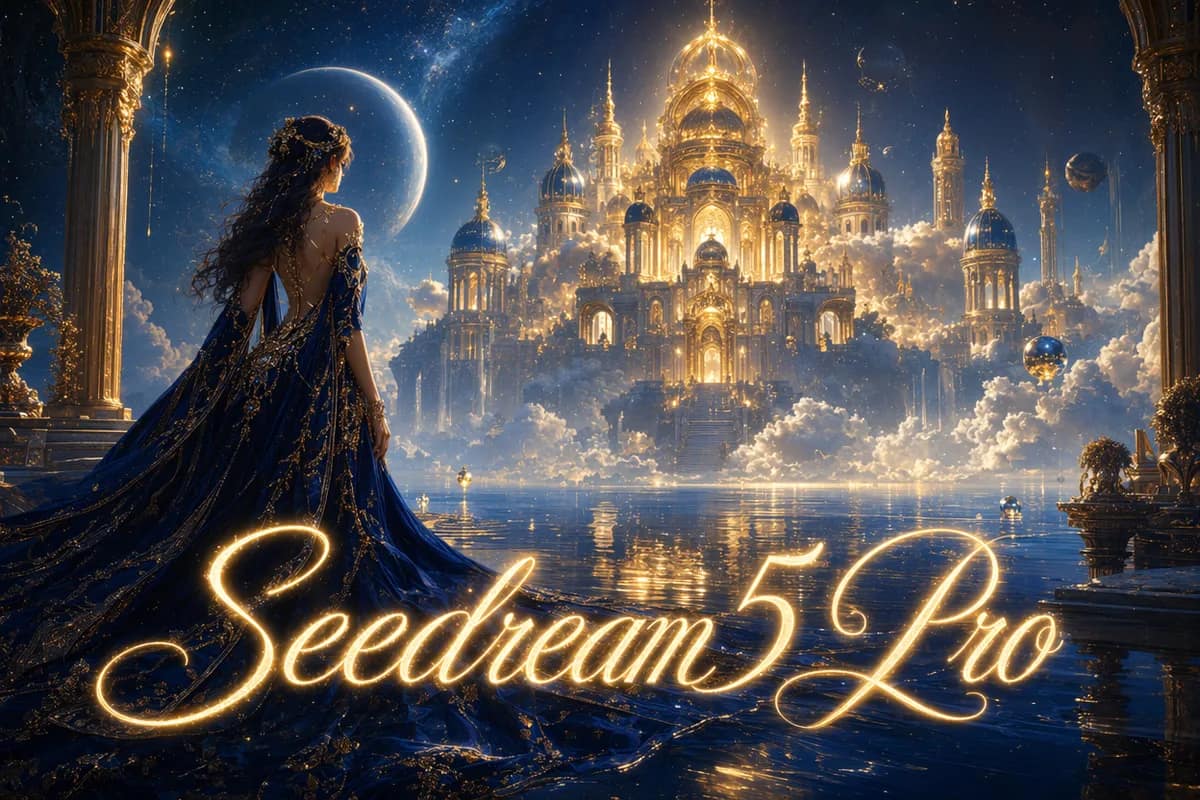
Seedream 5 Pro

專業旗艦,1K/2K 極致細節。

Seedream 5 Flash新

Seedream 5 Flash

Seedream 5 高性價比檔,快速生成與編輯,1K–2K 同價。
Grok Imagine 1.5新

Grok Imagine 1.5

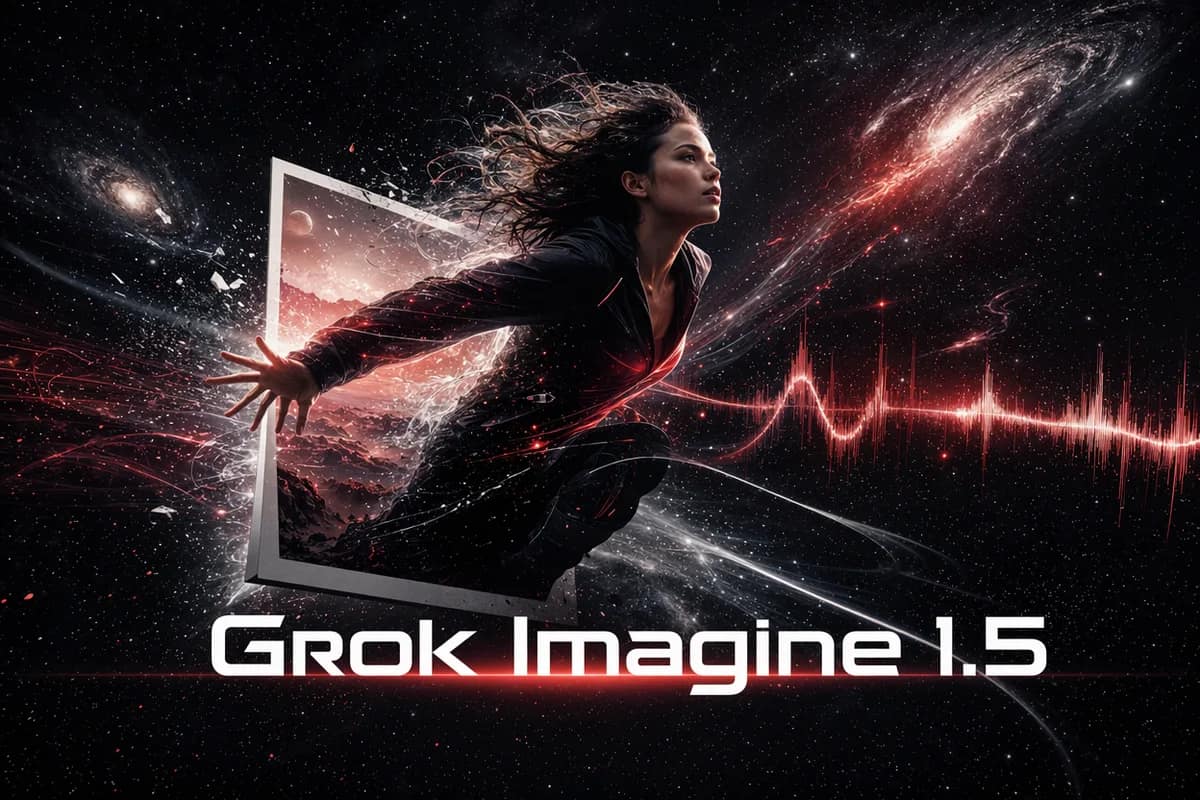
一張照片變成會動的場景,成本最低,自帶聲音。

HappyHorse 1.1新

HappyHorse 1.1

原生音訊加六語言口型同步。

Wan 2.7新

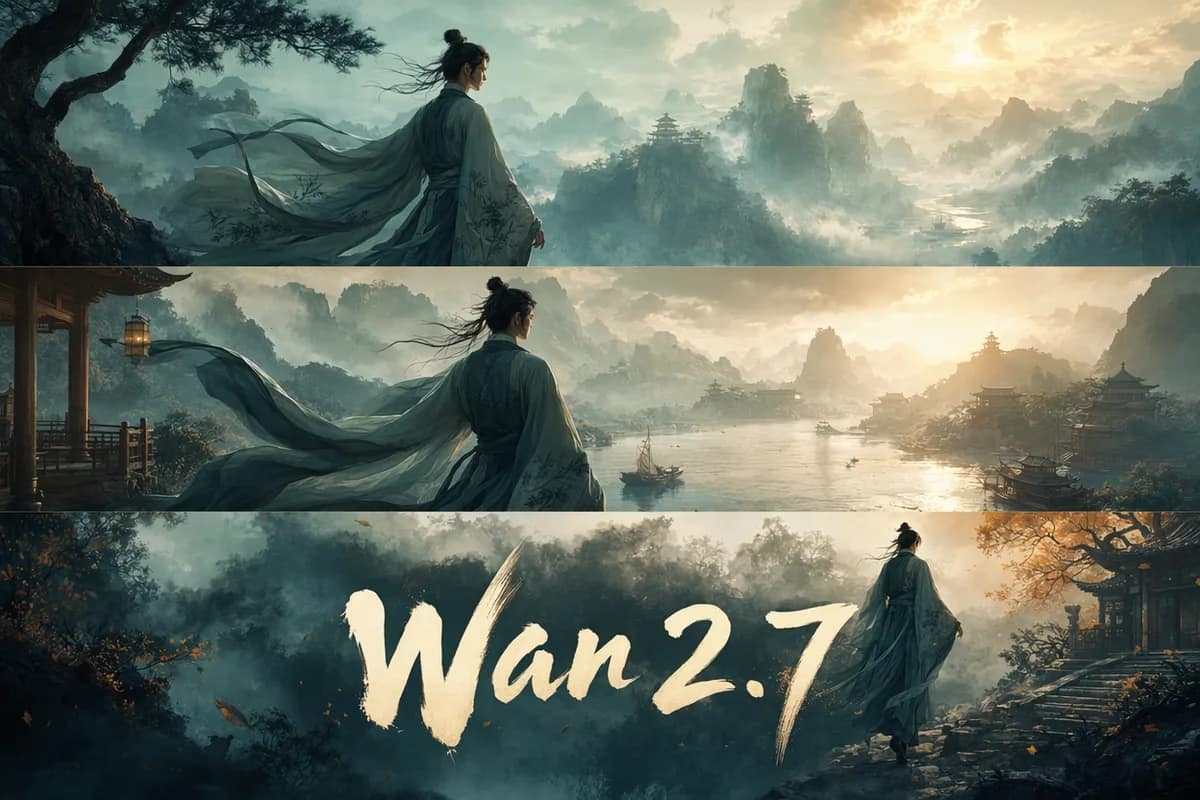
Wan 2.7

多鏡頭敘事,人物身分不跑偏。

Kling 3.0 Turbo新

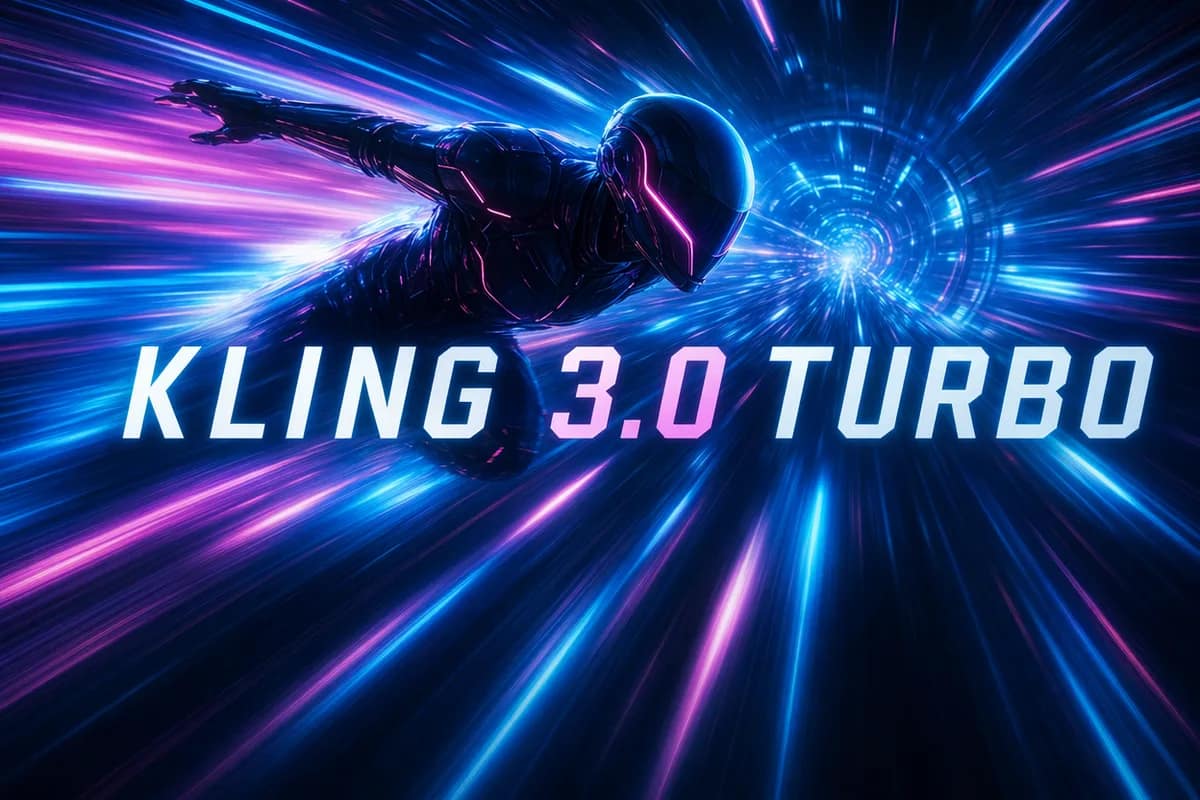
Kling 3.0 Turbo

可靈的運動質感,更快的引擎。

Seedance 2.0 Mini新

Seedance 2.0 Mini

輕量低價,適合快速出草稿。

Midjourney V8.2新

Midjourney V8.2

Signature artistic style, four variations per prompt.
Kling 3.0新

Kling 3.0

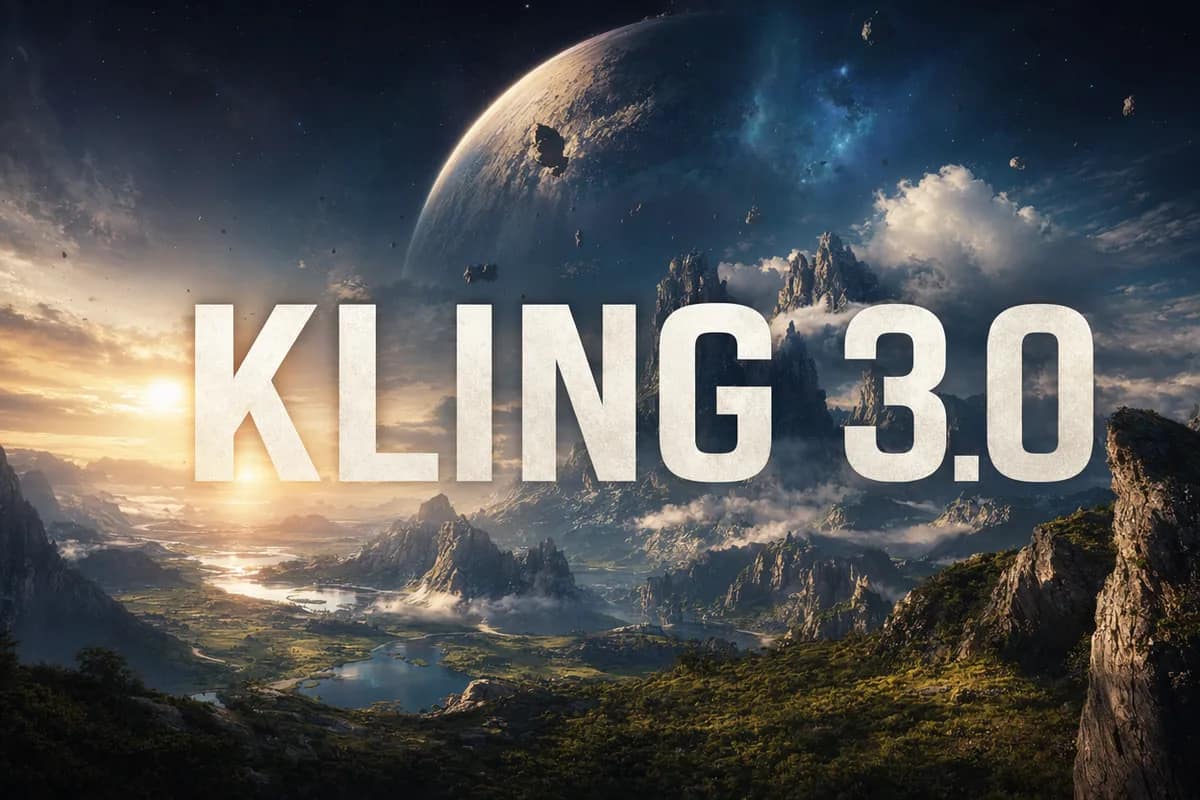
文生影片與圖生影片,最高 4K 帶聲。

Veo 3.1 Pro新

Veo 3.1 Pro

高階電影感影片,原生音訊。

Hailuo 02新

Hailuo 02

快速實惠,真實運鏡控制。

OmniHuman 1.5新

OmniHuman 1.5

一張照片加一段聲音,變成會說話的數位人。

Seedance 2.0新

Seedance 2.0

流暢動作與自然編排。

GPT Image 2編輯精選

GPT Image 2

精準提示詞、清晰文字、產品圖。

Nano Banana 2新

Nano Banana 2

新一代多圖融合,分級畫質。

Seedream 5 Lite新

Seedream 5 Lite

新一代 2K/3K 高品質生成。

Nano Banana Pro Official

Nano Banana Pro Official

官方通道,聯網搜尋,最高 4K。
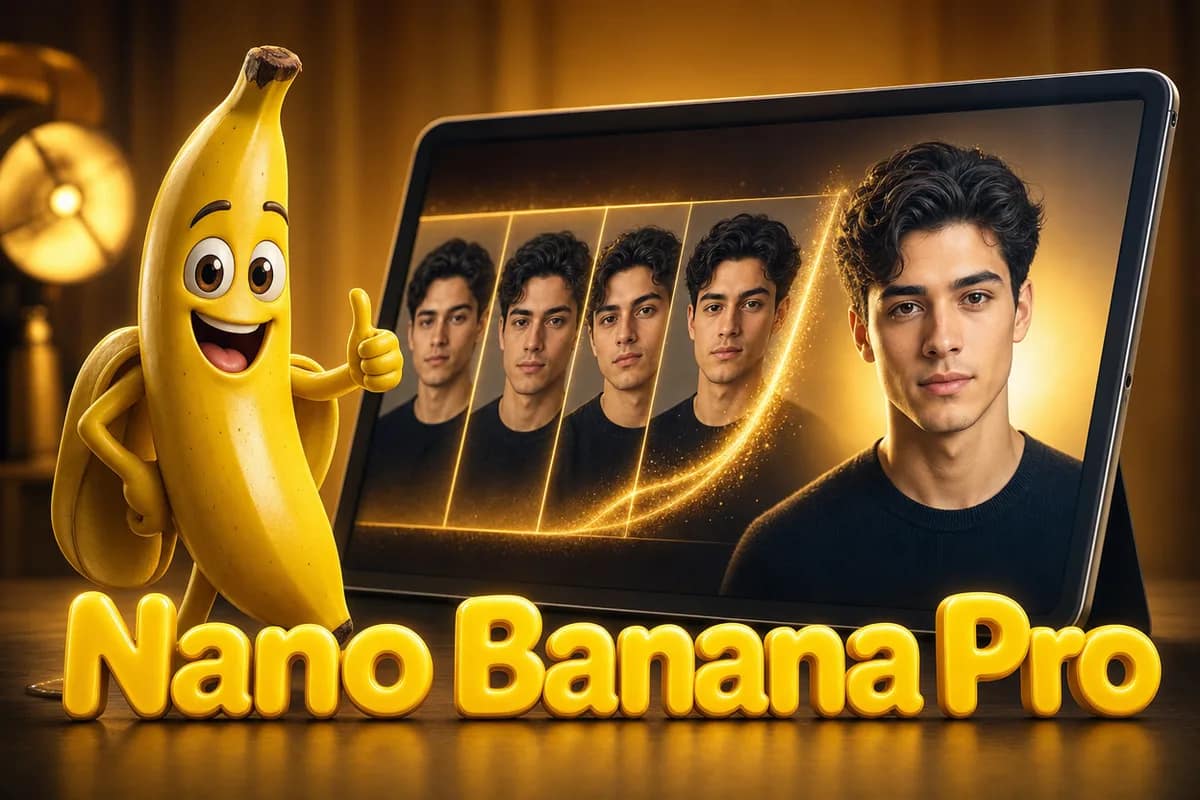
Nano Banana Pro

Nano Banana Pro

多圖融合,臉部與風格一致。

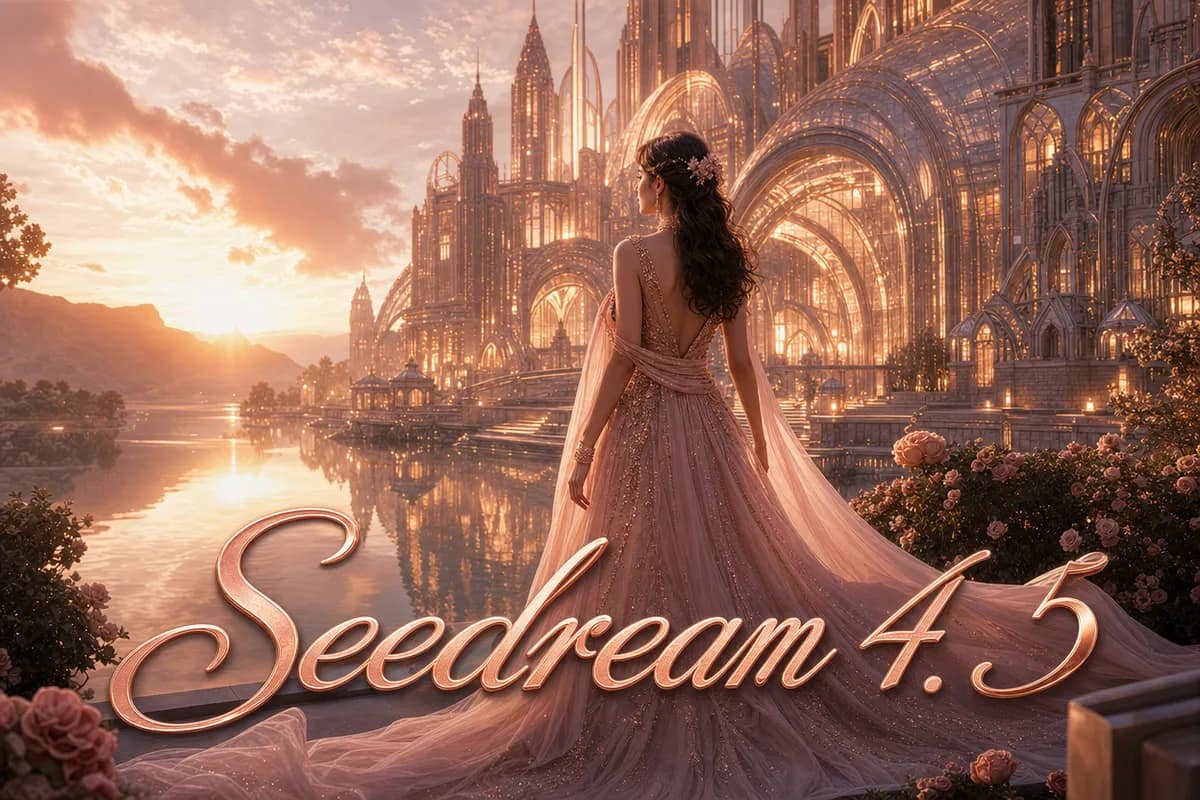
Seedream 4.5

Seedream 4.5

進階 2K/4K 高品質生成。

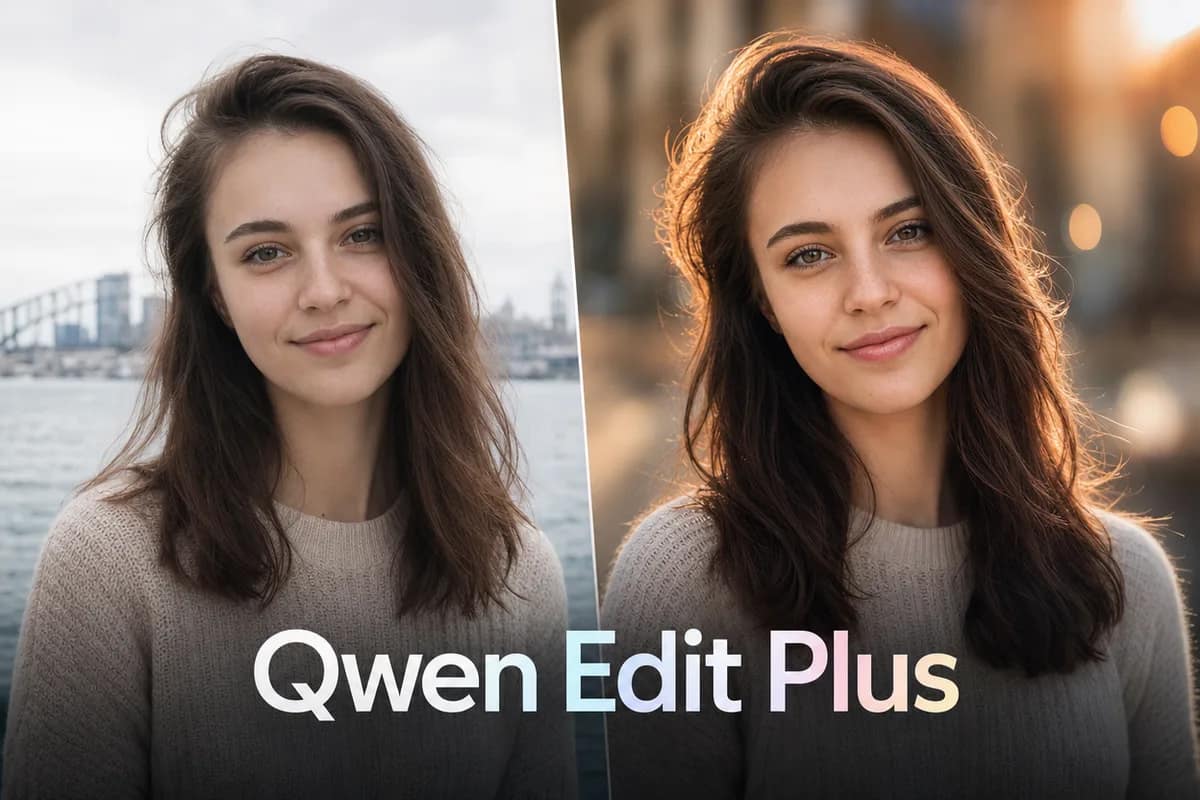
Qwen Image Edit Plus

Qwen Image Edit Plus

基於提示詞的精準修圖。

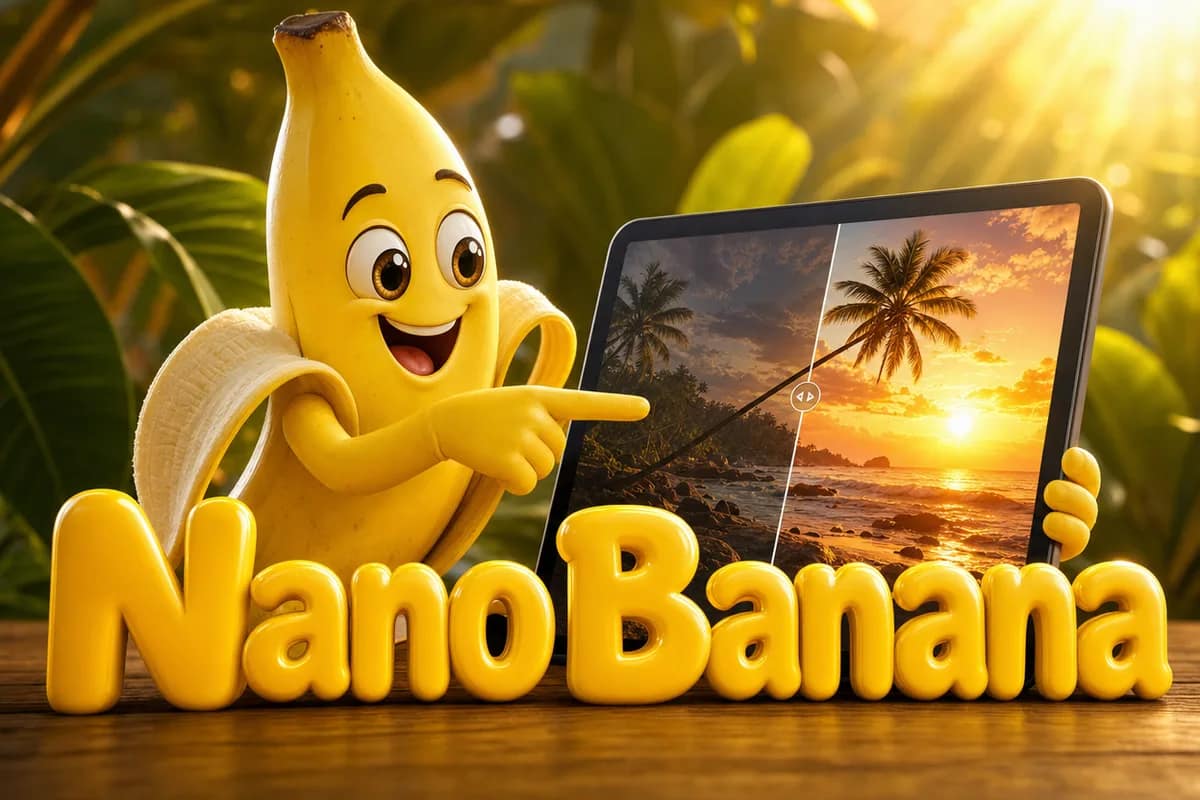
Nano Banana

Nano Banana

快速實惠的融合與智慧編輯。

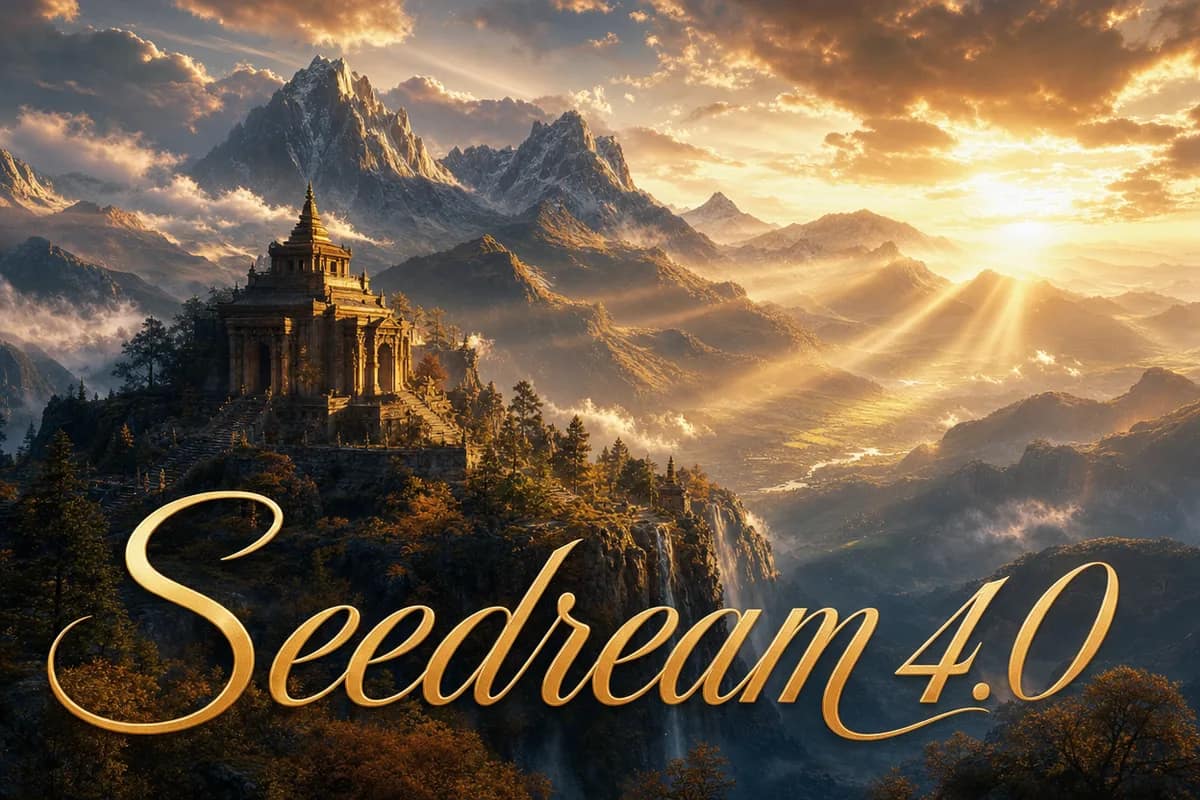
Seedream 4.0

Seedream 4.0

HD 批次生成,精細提示詞控制。

Z Image Turbo免費

Z Image Turbo

免費即時文生圖草稿。

Seedance 2.0 Fast

Seedance 2.0 Fast

快速流暢的文/圖生影片。

Veo 3.1 Fast

Veo 3.1 Fast

由提示詞或參考生成電影感短片。

Seedance 1.5 Pro

Seedance 1.5 Pro

專業級影片,含音訊與畫質控制。

Kling 3.0 Motion Control

Kling 3.0 Motion Control

參考驅動的影片運動控制。
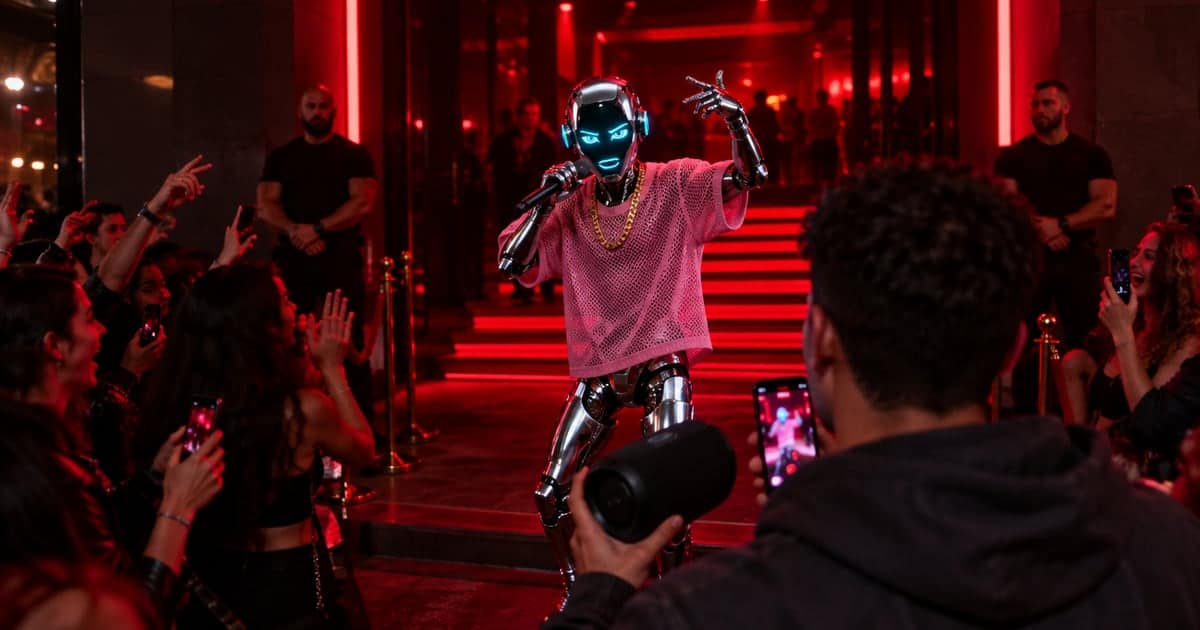
熱門 AI 圖片與影片工具

創作者最常用的一鍵工具,依實際使用熱度排序——向右滑就能看到全部。

查看全部工具

AI 圖片生成、影片生成與虛擬人,一站搞定

所有創作能力都在同一個工作區裡。切換分頁,看看每條創作線能走多遠。

從初稿到成品的 AI 圖片生成

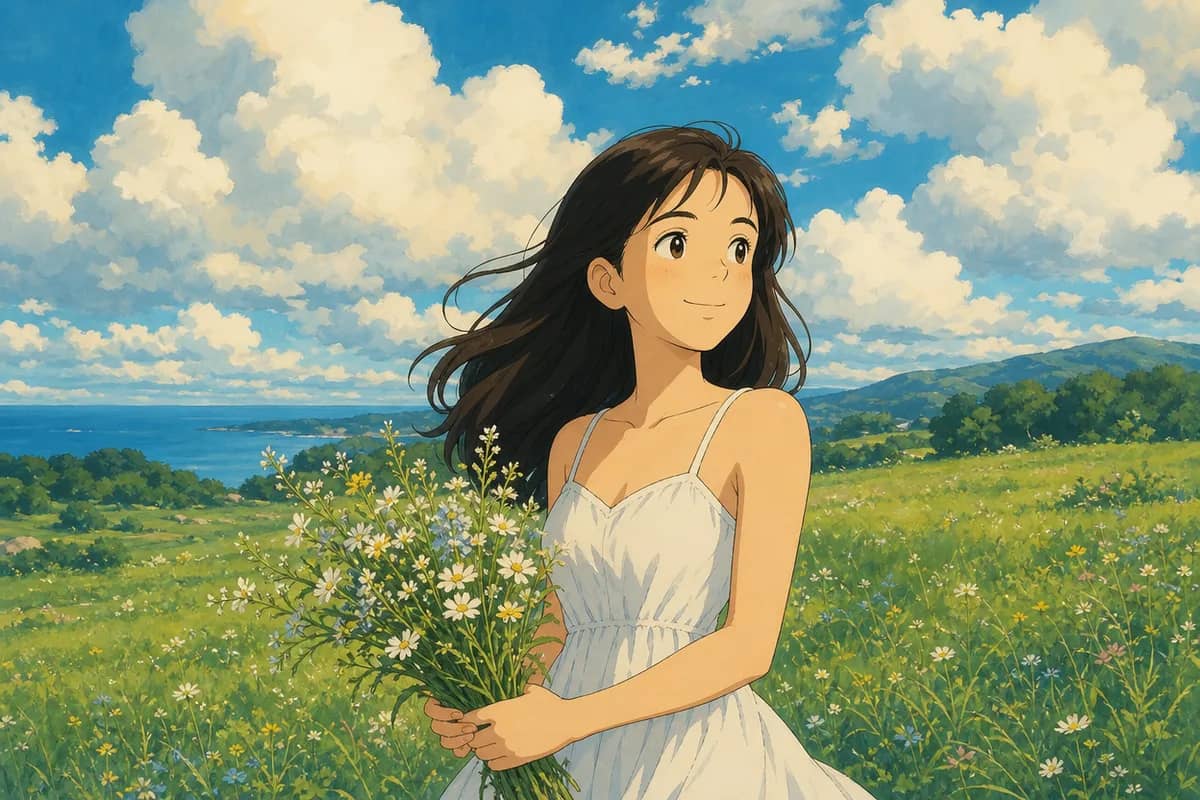
用一句提示詞或一張參考圖生成高品質圖片,匯聚市面上最強的模型——精準文字渲染、多圖融合、高解析度輸出通通都有。

  • 文生圖、圖生圖,同一個工作區完成
  • 精準編輯:一句話替換、改風格、修細節
  • 最高 4K 解析度,可直接用於印刷與行銷素材
開啟 AI 圖片生成器
GPT Image 2
Seedream 5 Pro
Nano Banana 2
Midjourney V8.2

不知道從哪開始?直接問

內建的 AI 引導,新手和老手都適用——一個替你做規劃的智慧代理,一群幫你練眼力的導師。

Ava agent

Ava,你的創作智慧代理

用大白話說出你想要什麼。Ava 會規劃方案、挑選合適的模型,陪你從想法一路走到成品圖片或影片。

和 Ava 聊聊

一句需求就能規劃完整設計方案——風格、模型、參數全包

給出具體的圖片構圖建議:取景、光線、焦點

逐鏡頭撰寫影片腳本,寫完就能直接生成

與世界頂尖大師一同創作

28 位 AI 導師——傳奇藝術家與專業工作室高手。挑一位,把你的靈感聊成一幅成品。

免費 AI 提示詞與範本

兩個靈感庫,一個習慣:從已經驗證有效的作品開始。

編輯精選提示詞

188 條人工精選提示詞,依主題逐條把關——每一條都對照它實際生成的圖片核驗過。

海量範本庫

15,000+ 開箱即用的創意範本——依風格、主題或模型搜尋,從已驗證的配方起步。

這裡的一切都免費——任何提示詞或範本都能一鍵套用,也可以在此基礎上改成你自己的提示詞。

全部 AI 圖片與影片模型

39 個模型共用一個點數餘額,無需設定 API key。

OpenAI logo
GPT Image 2
Generate with GPT Image 2 using ratio, quality, batch, and reference-image controls in one CreateVision AI workspace.
OpenAI logo
GPT Image 2.5
GPT Image 2.5 is OpenAI's September 2026 image model: sharper detail, stronger reference fidelity and more precise edits than GPT Image 2, in a Flare tier for speed and a Sunburst tier for polish.
Google logo
Nano Banana 2.1
Nano Banana 2.1 renders sharper in-image text and keeps the same face through repeated edits, at 1K, 2K or 4K — in the browser, no API key.
Google logo
Nano Banana 2
Nano Banana 2 is the only model here that renders 8:1 and 1:8 — fourteen ratios plus auto, up to 14 references, and 1K/2K/4K output.
Google logo
Nano Banana Pro Official
The official Gemini 3 Pro Image channel: Nano Banana Pro Official blends up to 14 references, grounds a picture in Google Search, and renders to 4K or 21:9.
Google logo
Nano Banana Pro
Nano Banana Pro renders readable text inside the image and fuses up to five references — in the browser, with no API key and no Google Cloud project.
Google logo
Nano Banana
Blend up to five photos or edit one by instruction with Nano Banana, in the browser — no API key and no setup.
ByteDance logo
Seedream 5 Lite
ByteDance's Seedream 5 Lite line, tuned for photoreal skin and light rather than layouts. Web search grounds real subjects by default. No API key, no +86 phone.
ByteDance logo
Seedream 5 Flash
Seedream 5 Flash is the fast, low-cost tier of the Seedream 5 family: generation and editing at 1K to 2K for a flat 20 credits, with up to 10 reference images. Pick Lite for web search and batches, Pro for dense design work.
ByteDance logo
Seedream 5 Pro
Seedream 5 Pro is ByteDance's flagship for design work: dense layouts rendered in one pass, region-precise editing, and native text in 10+ languages.
xAI logo
Grok Imagine Image 2.0
Grok Imagine Image 2.0 does two jobs with one model — send text and it generates, attach references and it edits. No mode switch, no X subscription.
ByteDance logo
Seedream 4.5
Seedream 4.5 is ByteDance's commercial-detail model: machined metal, woven fabric and poured liquid that read as photographed, at print resolution.
ByteDance logo
Seedream 4.0
Seedream 4.0 is the everyday tier of the line: the same realism, at one flat price whatever resolution you ask for.
Alibaba logo
Qwen Image Edit Plus
Qwen Image Edit Plus edits only — upload a photo and describe the change. Its standout is rewriting the words printed inside an image, English or Chinese.
Alibaba logo
Qwen Image 3
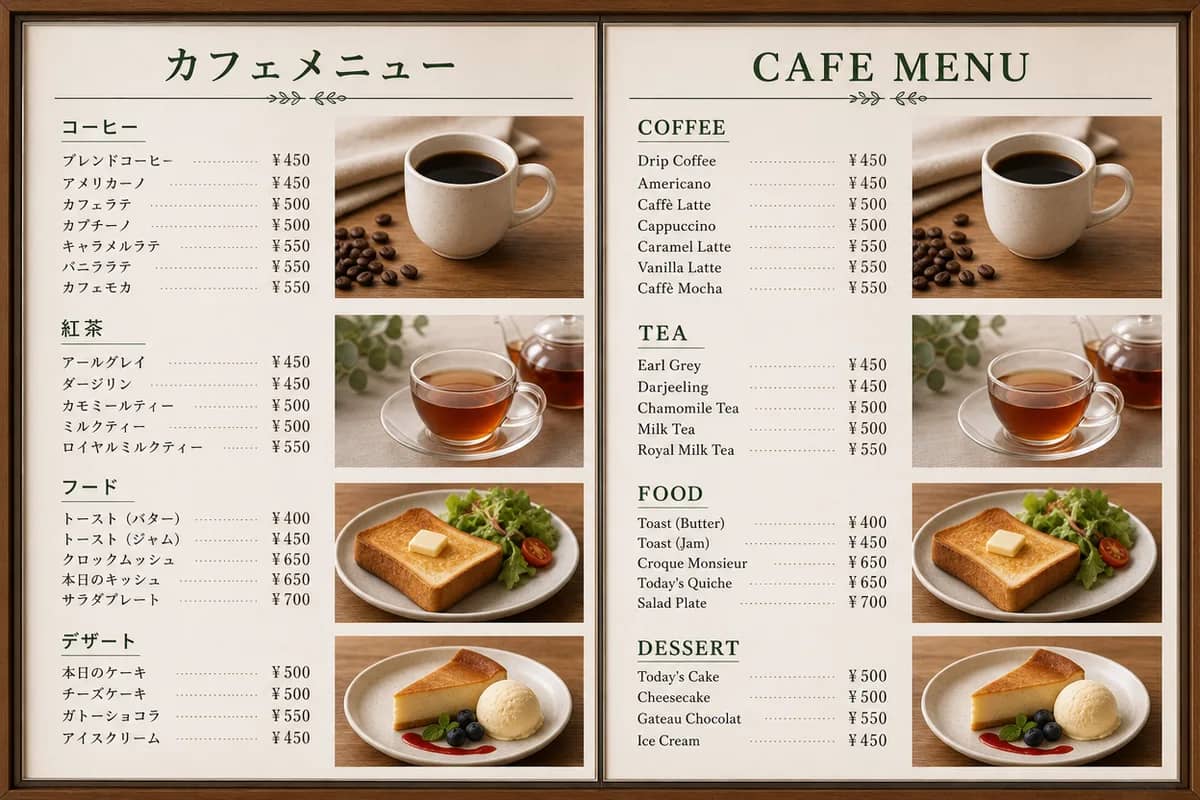
Qwen Image 3 is Alibaba's working-tool model: menus, posters and documents where the text inside the picture has to be spelled right.
Alibaba logo
Qwen Image 3 Pro
Qwen Image 3 Pro is the flagship of Alibaba's Qwen-Image line, and the reason to run it is bilingual type — Chinese and English in one frame.
Alibaba logo
Z Image Turbo
Z Image Turbo is the free model here — 0 credits on every plan. Draft as many takes as you want, then finish the keeper on a flagship model.
ByteDance logo
Seedance 2.5
Seedance 2.5 is the only Seedance tier that delivers a finished take in one pass — and the only one that can rework or continue footage you already have.
MiniMax logo
MiniMax H3
MiniMax H3 takes images, video clips and audio tracks in one request — point at them in the prompt by order, as Image 1, Video 1, Audio 1.
MiniMax logo
MiniMax H3 Max
MiniMax H3 Max adds first-and-last-frame control to Hailuo 3's reference workflow — pin the start and end of a shot, or drive it with up to 9 images, 3 videos and 3 audio clips.
MiniMax logo
MiniMax H3 Max Turbo
MiniMax H3 Max Turbo is the budget Hailuo 3 tier: the same 5–15 second clips from text or a first-and-last frame pair, at about half the per-second price, without the reference-asset mode.
ByteDance logo
Seedance 2.0 Fast
Seedance 2.0 Fast is the middle tier: the family's motion quality at a lower per-second rate, tuned for volume and social work rather than finals.
ByteDance logo
Seedance 2.0
Seedance 2.0 is the standard tier the others are cut from — the only one with native 1080p and 4K, and with web-search grounding for prompts.
ByteDance logo
Seedance 2.0 Mini
Seedance 2.0 Mini is the volume tier: priced so ten variations cost less than one flagship take — cheap enough that most social clips ship from here.
ByteDance logo
Seedance 1.5 Pro
Seedance 1.5 Pro bills per finished clip from a fixed table rather than per second — the earlier generation, still the predictable one to budget for.
Google logo
Veo 3.1 Fast
Veo 3.1 Fast takes the same controls as Veo 3.1 Pro at a lower per-second rate — the tier for finding the shot before you pay to finish it.
xAI logo
Grok Imagine 1.5
Animate a photograph with Grok Imagine 1.5, xAI's video model and the cheapest per second here. It follows pose and outfit instructions on ordinary photos without false refusals, and a refused run costs nothing.
Kling 4.0
Kuaishou announced Kling 4.0 on 27 September 2026 for an October release: native 30-second clips, up to 15 multimodal references and 10 keyframes. Until the API opens, this workspace runs Kling 3.0 Turbo — the same family, live today.
Kling logo
Kling 3.0 Turbo
Kling 3.0 Turbo is the fast lane of Kuaishou's motion engine — the quickest video model we have measured here, at 29 seconds for the fastest clip in our test.
Alibaba logo
HappyHorse 1.1
Sound is not an option on HappyHorse 1.1: picture, audio and lip-sync come out of the same pass, so a character who speaks arrives already on-mouth.
Alibaba logo
Wan 3.0
Run Alibaba's flagship Wan 3.0 in your browser: clips up to 30 seconds with sound already attached, a first-and-last-frame mode that pins exactly where the shot starts and ends, and a reference mode that reads images, video, and audio in one request.
Alibaba logo
Wan 2.7
Write your clip shot by shot — a wide, then a push-in, then a close-up — and Wan 2.7 executes the whole storyboard in one continuous take.
Kling logo
Kling 3.0 Motion Control
Kling 3.0 Motion Control does not invent movement — it takes the motion from a reference video you upload and re-performs it with your character.
Kling logo
Kling 3.0
Kling 3.0 is the tier for the shot you actually keep — the only model in this workspace that pairs a 4K finish with clips longer than eight seconds.
MiniMax logo
Hailuo 02
Hailuo 02 is priced per finished clip rather than per second — five fixed prices — and the camera is directed inside the prompt with bracketed commands like [Push in].
Google logo
Veo 3.1 Pro
Veo 3.1 Pro is the tier for the take you keep: the same controls as Veo 3.1 Fast, at a higher rate for a higher-quality pass.
Midjourney logo
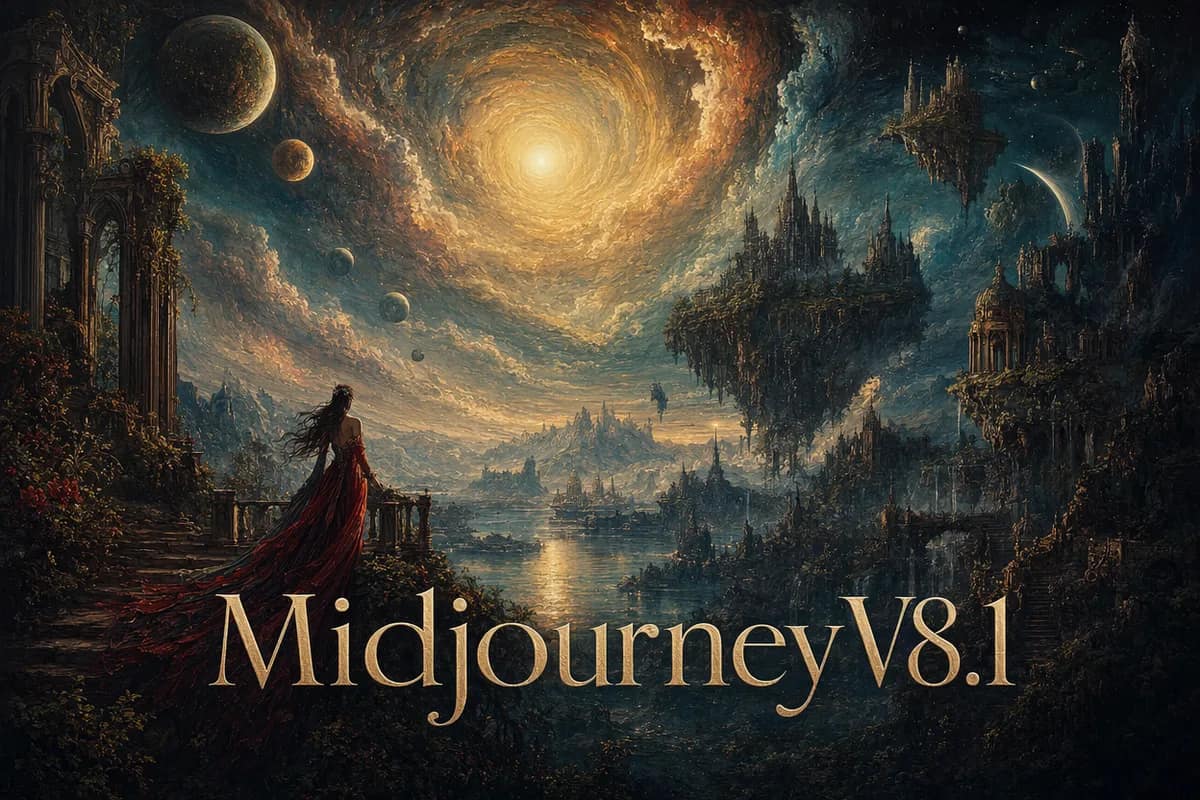
Midjourney V8.1
Run Midjourney V8.1 without Discord or a monthly plan — this workspace reaches it through an API gateway and charges per run, so you pay only for what you generate.
Midjourney logo
Midjourney V8.2
Midjourney V8.2 has been the bolder default since July 2026. We re-ran our V8.1 test prompts on it here — four images per run, no Discord.
ByteDance logo
OmniHuman 1.5
Give OmniHuman 1.5 one portrait and a voice track, and it returns a video of that person saying your exact words — lips, expressions and gestures follow the sound.
瀏覽全部模型

常見問題

還有其他問題?歡迎聯繫我們:support@createvision.ai

1

CreateVision AI 是什麼?它是如何運作的?

CreateVision AI 是一款免費的 AI 圖像與影片生成器,把 33 個頂尖模型集中在同一個輸入框裡。描述您想要的畫面,或上傳一張照片;內建 AI 智慧代理 Ava 會為您挑選合適的模型並寫好提示詞,而由 28 位創意大師與場景專家組成的 AI Mentor 系統,會向您展示專業人士如何處理同一個需求。

2

CreateVision AI 真的可以免費使用嗎?

是的。註冊 CreateVision AI 免費,Z Image Turbo 模型可免費使用——註冊後每天 30 張,無需信用卡。其他模型會消耗點數,點數包 $9 起,永不過期。付費方案從 Basic 起步,提供每月點數、所有進階模型,以及 AI 工具的無浮水印下載。

3

CreateVision AI 與其他 AI 圖像生成器有什麼不同?

三件事。一是 AI 智慧代理替您挑模型、寫提示詞,您完全不必學任何一個模型。二是 AI Mentor 系統,16 位傳奇大師與 12 位場景專家會展示他們的思路與提示詞。三是 70 個一鍵圖片與影片工具,加上 15,000+ 提示詞範本,一個帳號全部搞定,不必訂閱五個服務。

4

AI Mentor 大師系統是什麼?它們如何幫助我?

AI Mentor 由 16 位傳奇創意大師——達文西、梵谷、宮崎駿、畢卡索、安瑟·亞當斯、安妮·萊柏維茲等——以及 12 位場景專家組成,後者專攻商品照、人像、室內、美食等日常需求。選擇一位導師,用日常語言描述您的想法,它會以那位藝術家構思畫面的方式改寫您的提示詞,並挑選相符的模型。

5

我可以用 CreateVision AI 創建哪些類型的圖像?

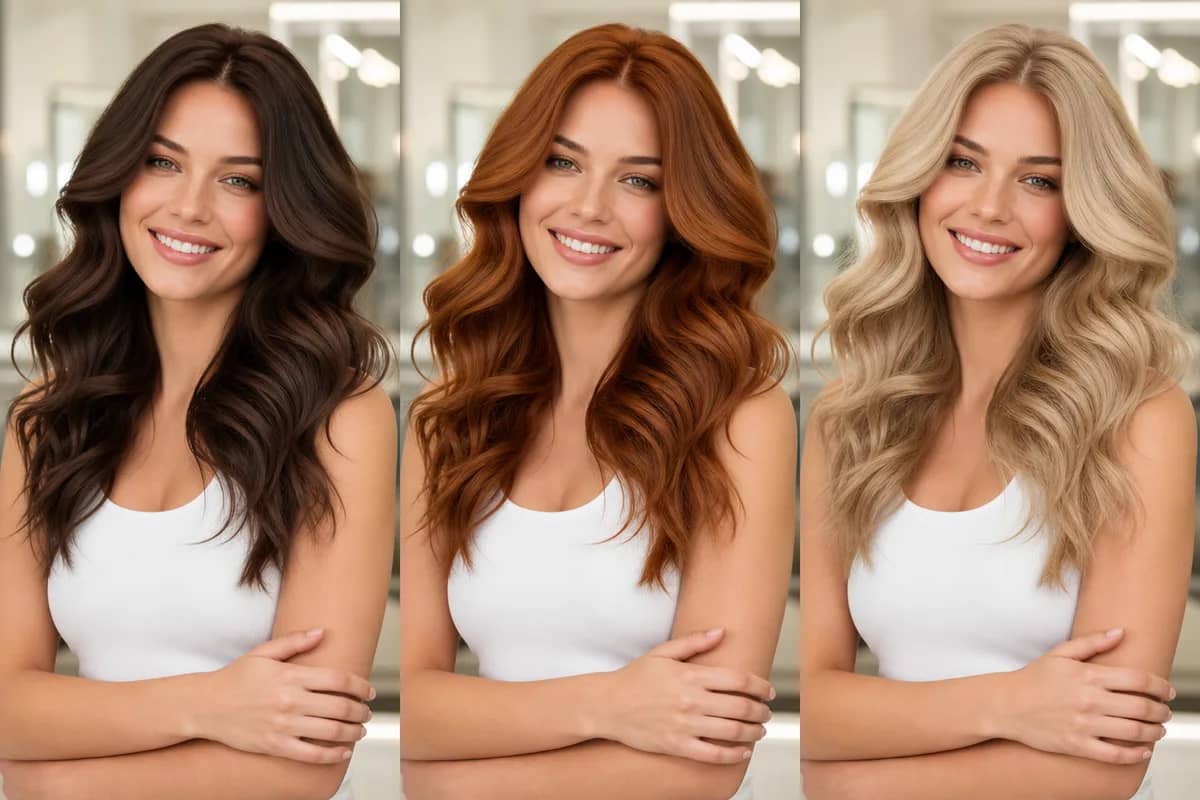
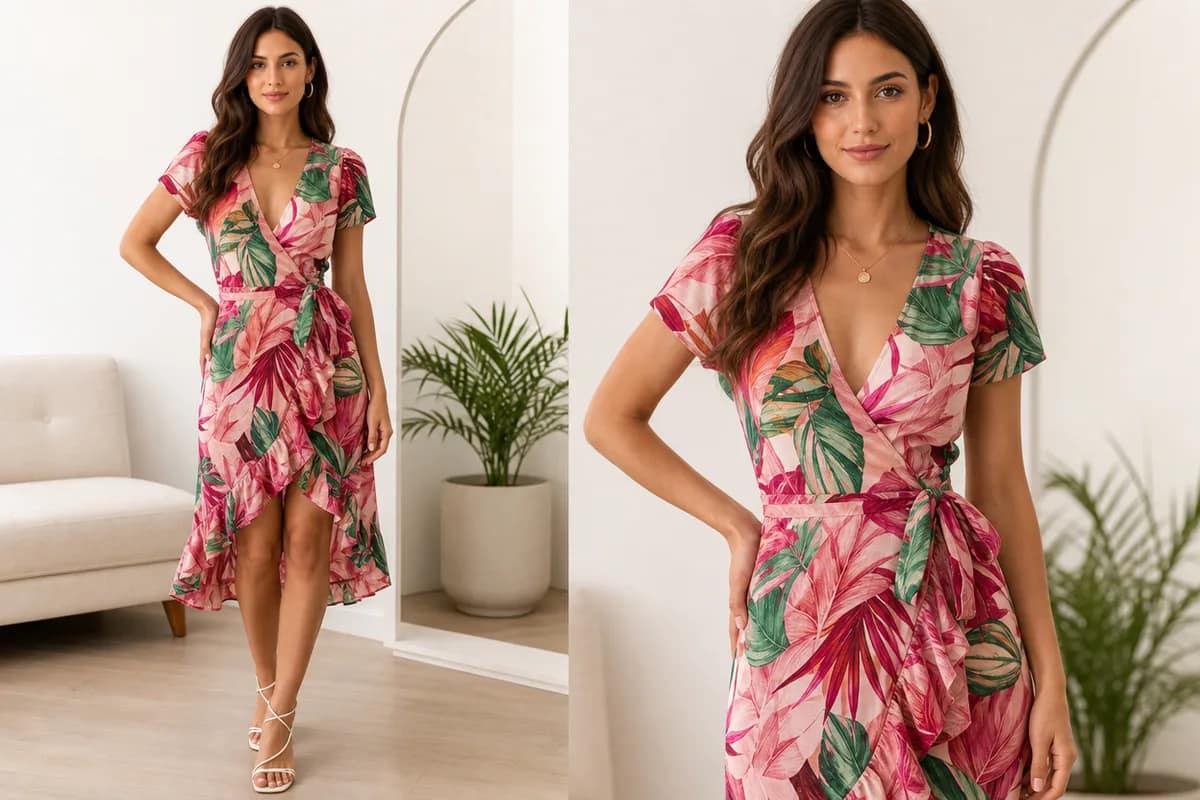
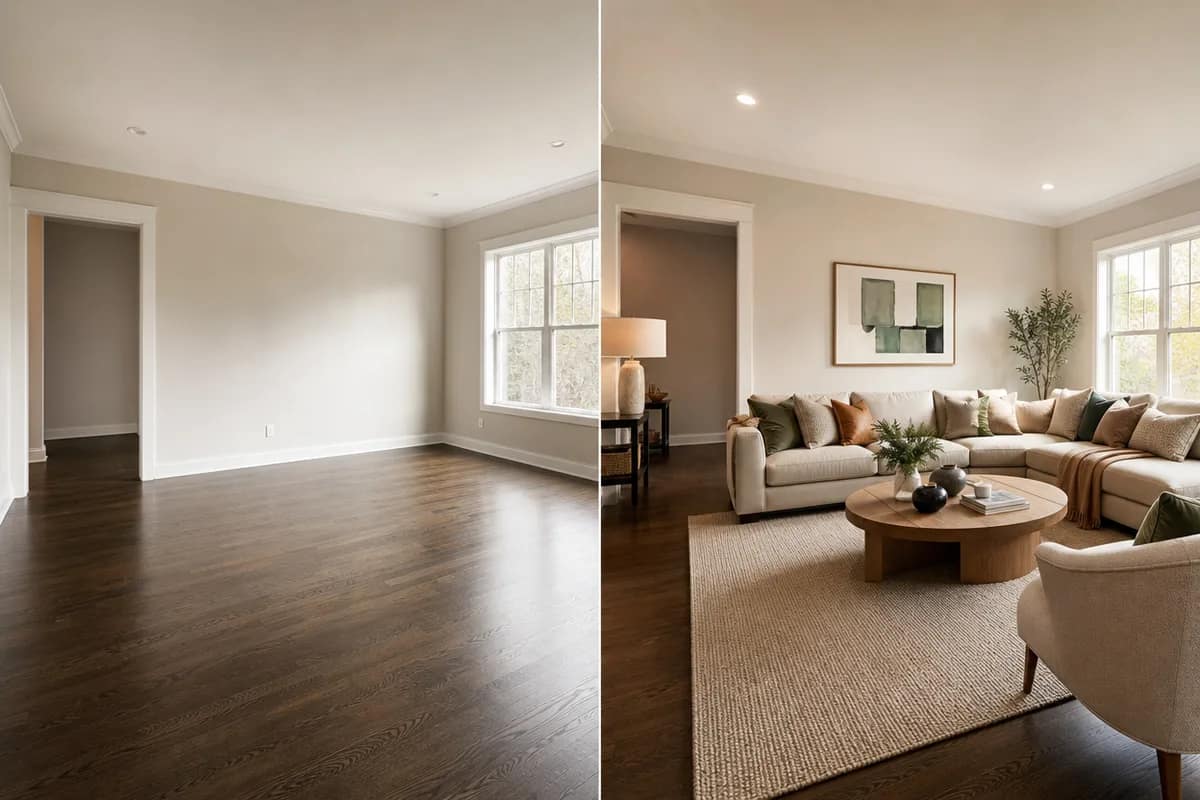
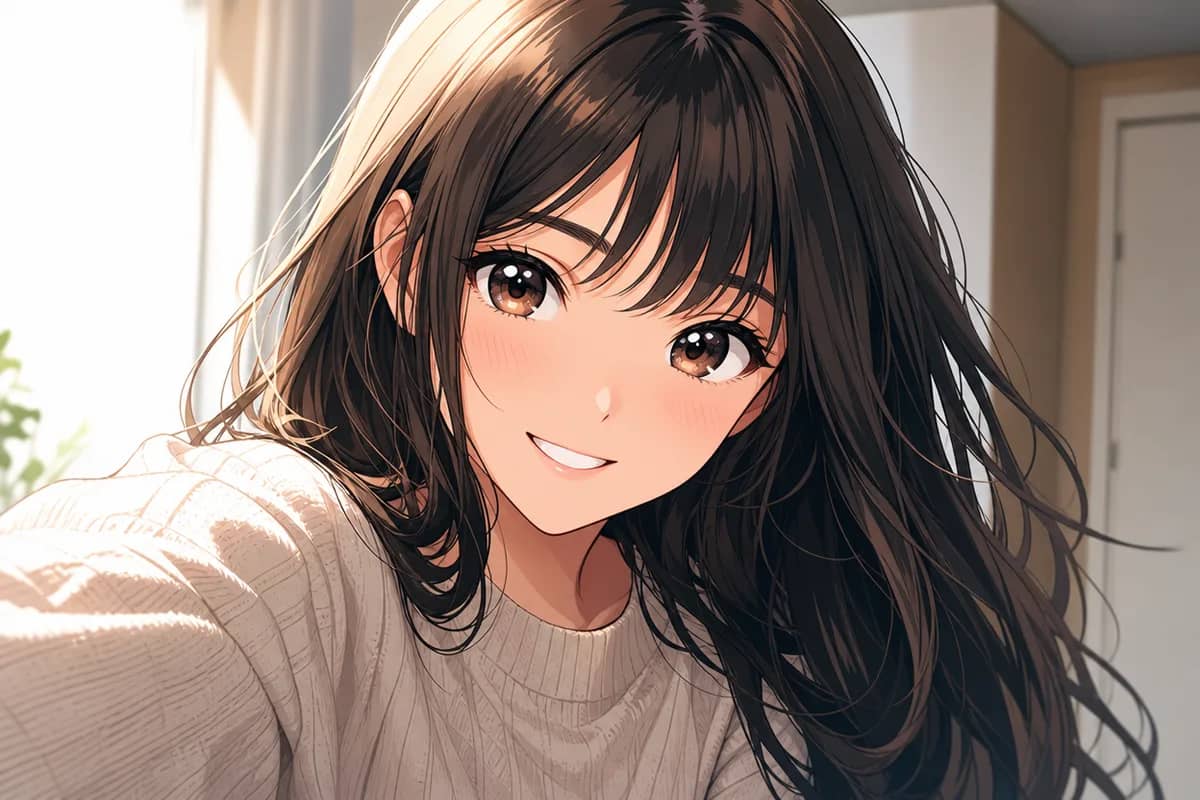
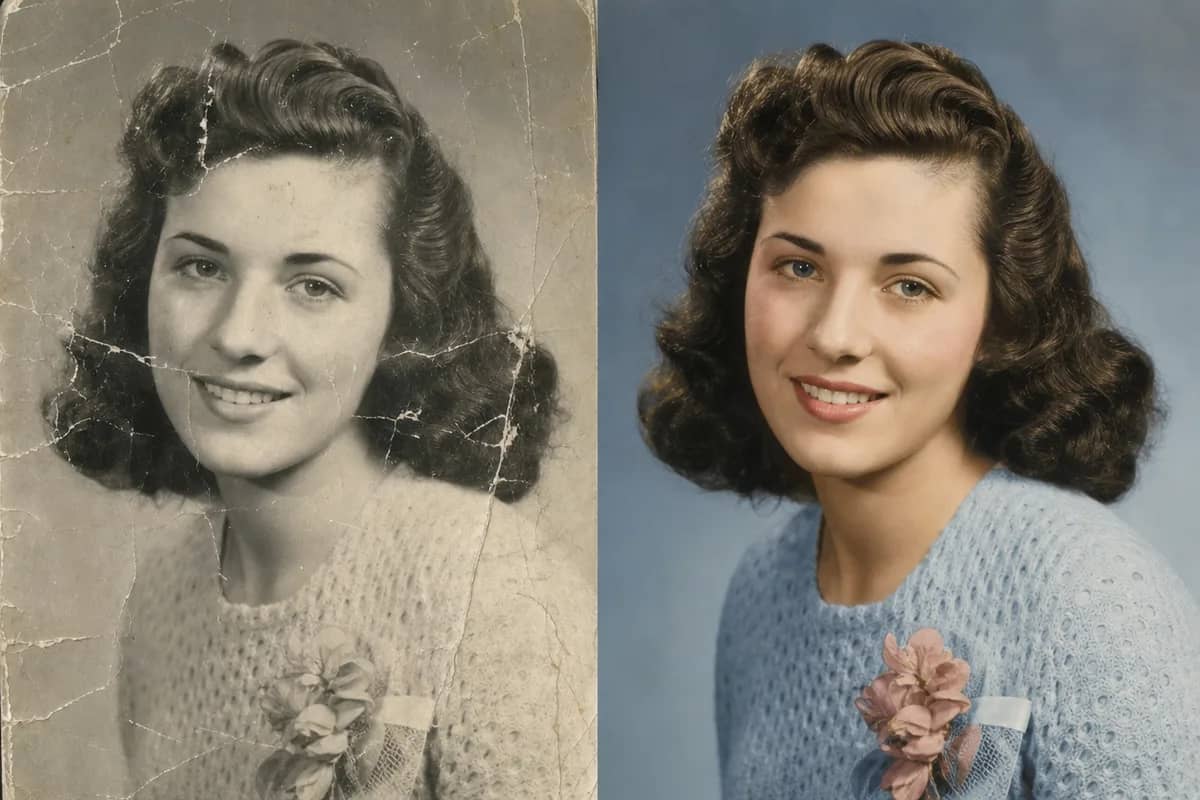
幾乎無所不能:寫實人像、動漫與卡通頭像、商品模擬圖、海報、Logo、室內設計、節日賀卡與插畫,還能用一張照片或一段文字生成短影片。70 個一鍵工具涵蓋常見需求——去背、換臉、換髮型與換裝、圖像放大、老照片修復、去浮水印等。

6

使用 CreateVision AI 需要提示詞工程技能嗎?

完全不需要!我們的 AI Mentor 系統和智慧提示詞優化功能會自動將簡單描述轉化為專業級提示詞。您還可以瀏覽 15,000+ 即用型模板——點擊即可生成。CreateVision AI 為每個人設計,從新手到專業人士都能輕鬆上手。

7

我可以將生成的圖像用於商業用途嗎?

可以,您擁有在 CreateVision AI 上生成的圖像的使用權。您可以將它們用於個人和商業用途,包括社群媒體、行銷素材、產品展示和創意專案。

8

CreateVision AI 使用了哪些 AI 模型?

共 33 個模型,新模型推出後持續更新。圖像方面:GPT Image 2.5、Seedream 5 Pro、Nano Banana Pro、Midjourney V8.2、Qwen Image 3 Pro,以及免費的 Z Image Turbo。影片方面:Seedance 2.5、Kling 3.0、Veo 3.1、Wan 3.0 與 MiniMax H3。您可以自己選模型,也可以讓 Ava 為任務挑選最合適的一個。

9

AI 圖像工具是如何運作的?

上傳照片、選擇工具、點擊生成——提示詞、模型與參數都已為您處理好。大多數工具每次消耗 50 點(少數輕量工具 25 點,高解析度與影片工具更高;確切價格標示在按鈕上)。訂閱會員下載的是無浮水印結果;免費方案與點數包用戶的結果會帶有一個小小的 CreateVision 浮水印。

10

Premium 和 Ultimate 會員有哪些權益?

共四個付費方案:Basic(每月 3,000 點)、Premium(8,000 點)、Ultimate(18,000 點)與 Max(40,000 點)。所有方案都取消每日上限、解鎖全部模型,並在 AI 工具上提供無浮水印下載;方案越高,點數越多、並行數越高。每月未用完的訂閱點數會在每個計費週期重置,點數包的點數則永不過期。

11

CreateVision AI 如何保護我的隱私?

我們高度重視隱私保護。您的所有生成內容預設為私密——無論哪個會員等級,其他用戶都絕不可能看到您的創作。我們不會出售或濫用任何會員資料,您的創作始終屬於您。

12

CreateVision AI 支援行動裝置嗎?

支援!CreateVision AI 在手機瀏覽器(createvision.ai)上體驗出色,介面完全適配觸控操作並進行了最佳化。我們也正在開發專屬行動應用程式,為您帶來更出色的使用體驗。

13

有 CreateVision AI 的評測或真實範例可以看嗎?

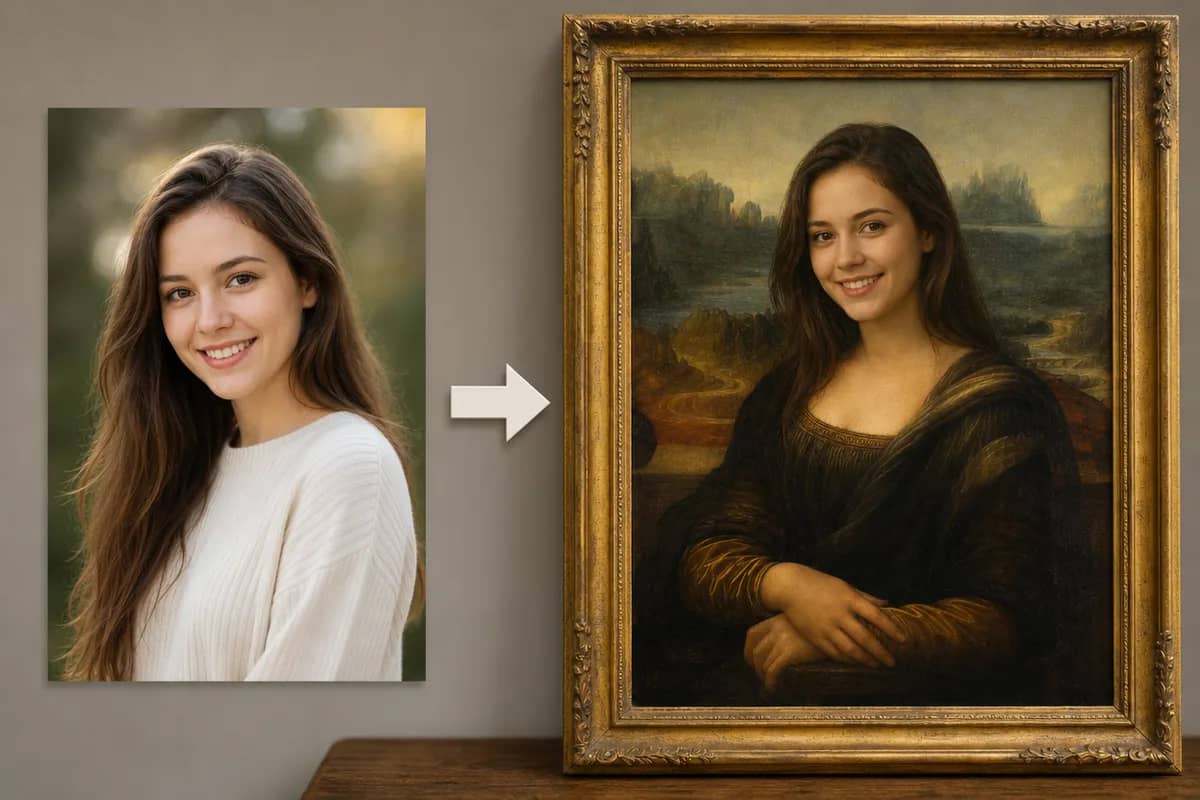
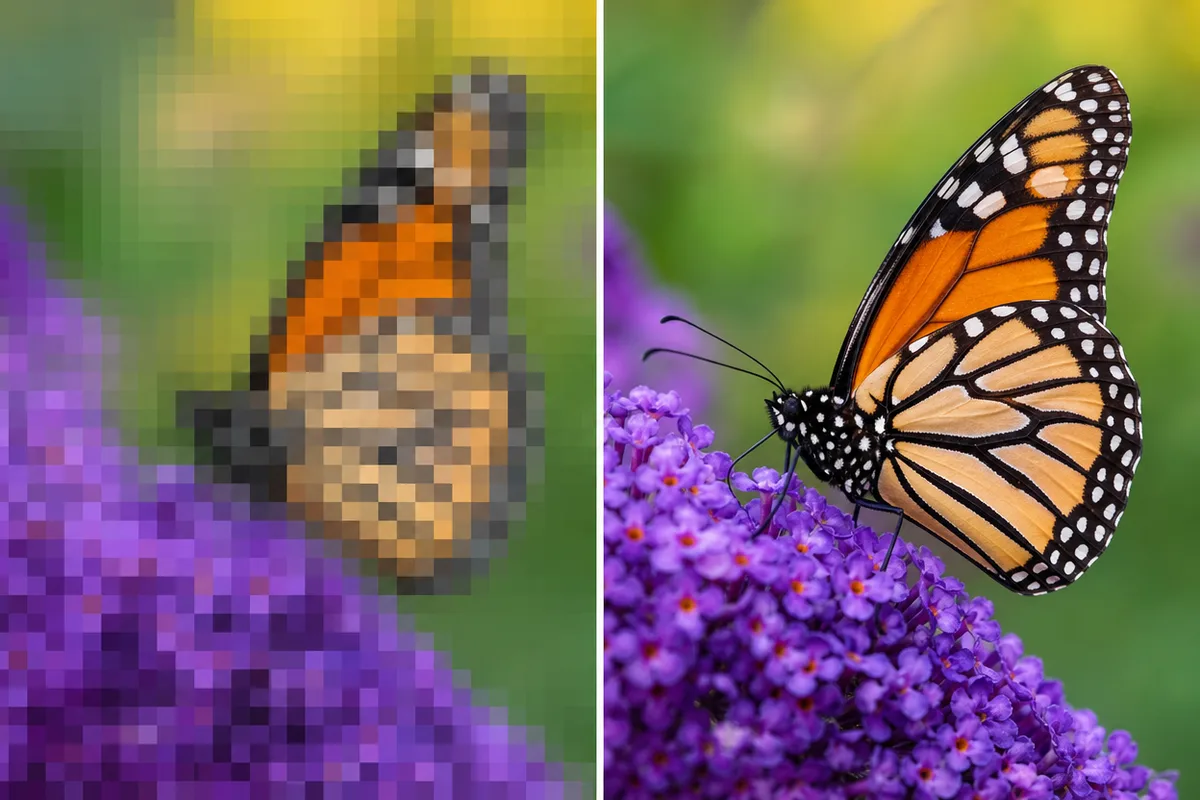
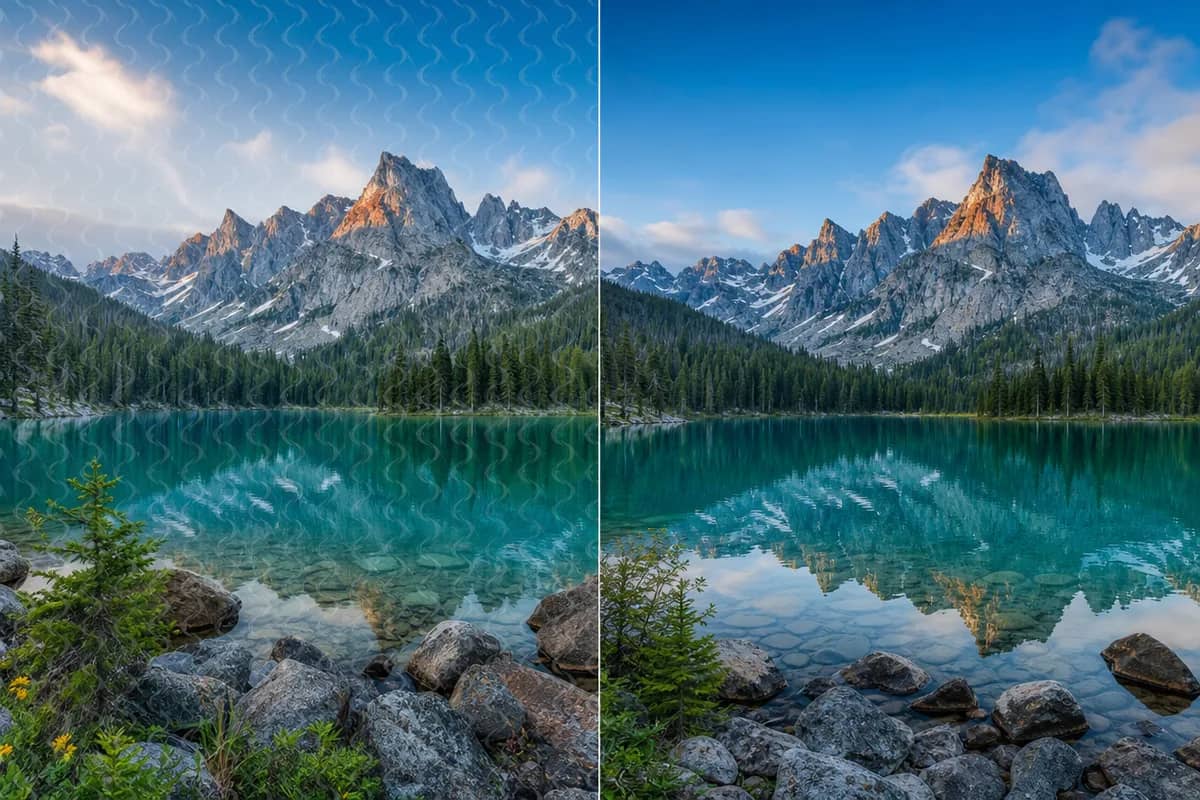
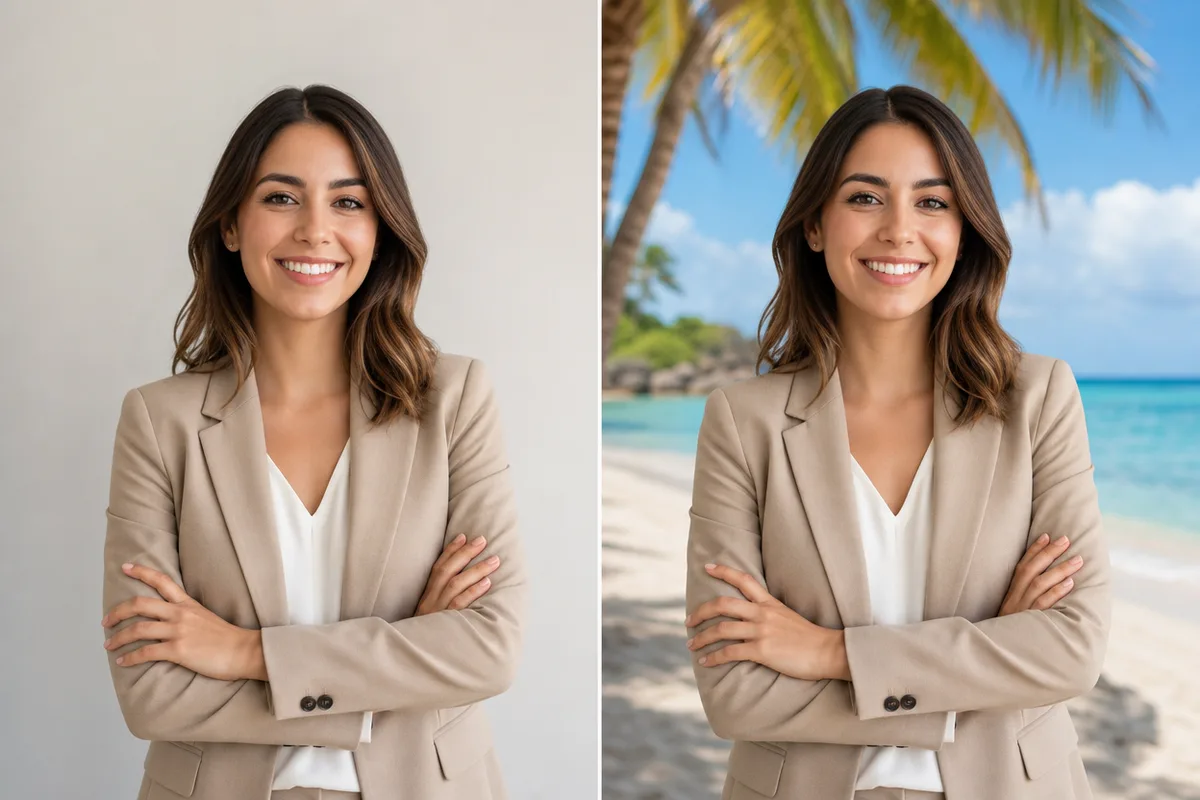
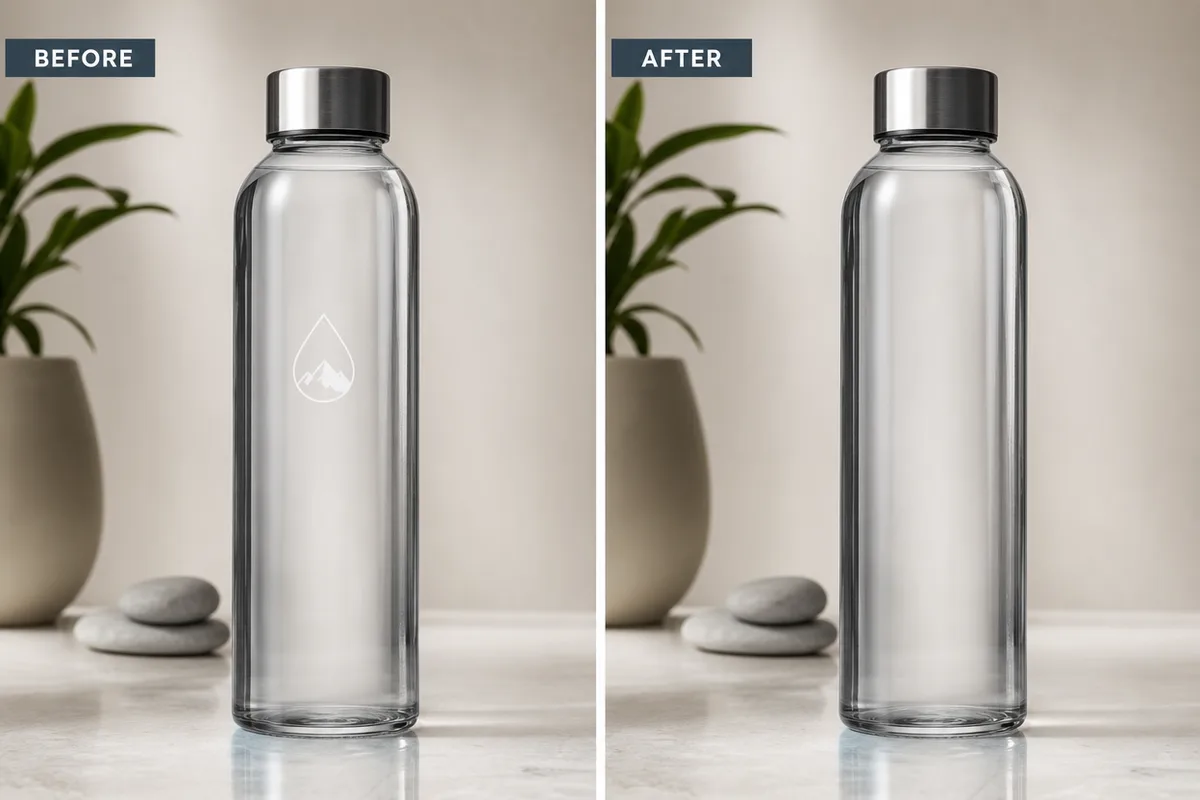
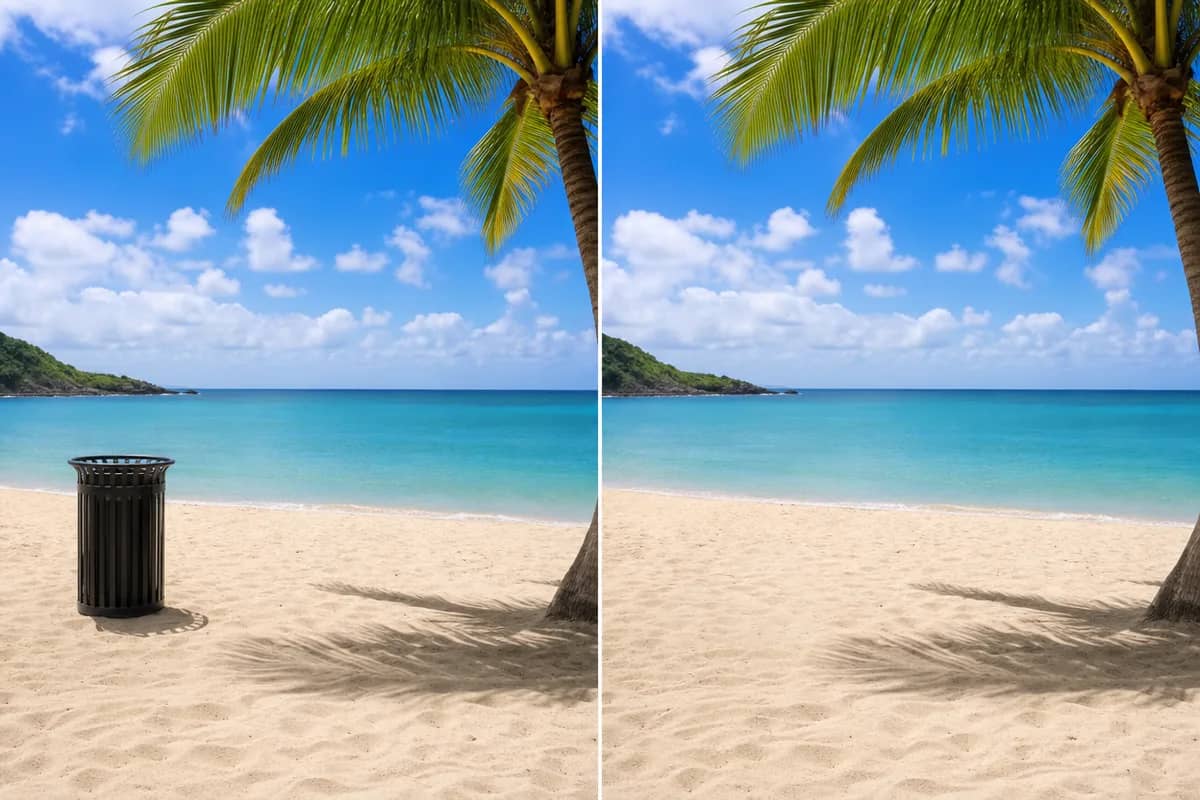
有!每個工具頁都展示了用該工具實際生成的前後對比範例,模型頁提供並排的輸出對比,提示詞庫則把完成作品和所用的完整提示詞一起展示。登入後,首頁的「最近生成」欄就是您自己的即時創作紀錄。

14

CreateVision AI 有下載版或 App 嗎?

不需要下載任何東西。CreateVision AI 在電腦和手機上都直接透過瀏覽器使用——打開 createvision.ai,登入即可開始創作。在手機上,您可以從瀏覽器選單將它加入主畫面,之後就能像 App 一樣開啟。