Your music starts here

AI Music Generator

Turn your words into a song. Give your next story its own soundtrack. Create AI vocals or instrumental music, compare two versions and take your favorite track further with cover art and video tools.

60 credits · two versions · MP3 download

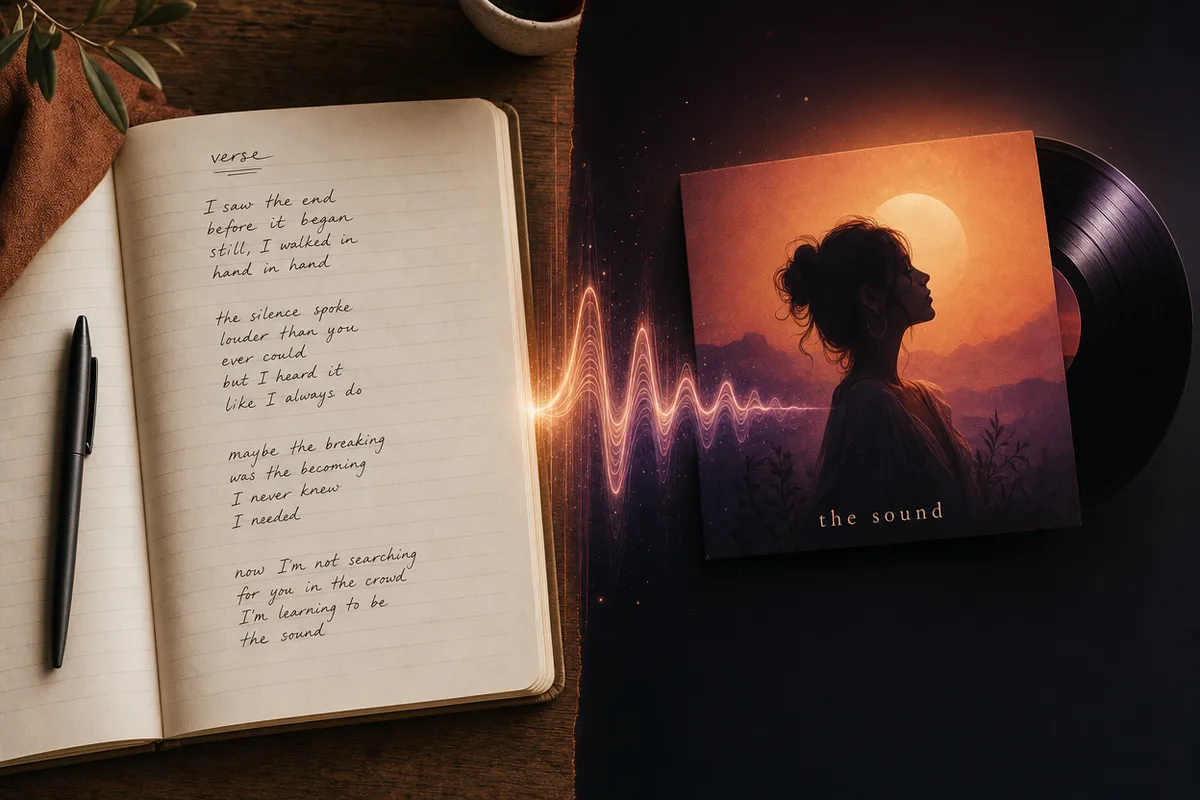
Illustration of lyrics becoming music, with a notebook, a sound wave and record artwork
Your words. Your mood. A new musical direction.

Make your next track

Review your lyrics before generating
Need lyrics? Use a title or an idea

Add a song title, a short idea, or both. Then write and review your lyrics before creating music.

Will write in German. This setting applies when writing new lyrics.

Add a song title or an idea of at least 3 characters to enable lyric writing.

Review the lyrics before generating. Your music credits are used only when you create the tracks.

At least 20 characters0 / 2,500
Voice
Music style
Target length

A target, not an exact cut. Actual length can vary.

Sign in to generate · free to sign up

Hear the idea come to life

Five sounds. Real tracks. A starting point for yours.

Browse the covers and listen to complete original tracks. Explore the lyrics and creative brief, then make one your own. Loading a sample costs no credits.

Hear what a change can do

Take the same idea further

01 / Rewrite the chorus. Give the story a new hook.

Keep the verses and style brief. Replace an abstract new-beginning chorus with a concrete image: leave a little light on. These are two full generations, so melody, performance and arrangement can also change.

BEFORE · ORIGINAL

I can feel the morning coming Like a spark beneath my skin Every broken road behind me Is a place I won’t live in

AFTER · REGENERATED

Leave a little light on I am coming home to me Turn the quiet into color Let it spill into the street
  1. Load the original. Keep the verses and style.
  2. Rewrite both [Chorus] sections around one clear image.
  3. Review the lyrics, generate, then compare the two new takes.

02 / Edit the original audio. Make a slowed version.

The same Blue Hour recording, processed at 0.85× speed, 40% reverb, Hall room and +0 dB bass. Pitch follows speed and the reverb tail is preserved. The finished sample uses this site’s own audio engine.

Original audio · 2:00

Slowed + reverb · 2:24

  1. Open the editor with this public sample loaded.
  2. Use the Slowed + Reverb preset or change speed, room and mix.
  3. Preview, then export audio. Processing runs in your browser.
Try this edit yourself

Create music around the idea you already have

A page of lyrics, a feeling for a scene, or a chorus you cannot get out of your head: give it a musical direction and build from there. Choose vocals or an instrumental, compare two versions, then keep shaping your project.

Illustration of handwritten lyrics, a sound wave and a record sleeve

Turn your lyrics into a song with AI vocals

Bring the words you want to hear. Paste your lyrics, separate the verses and chorus with section tags, then choose a style such as Pop, R&B, Rock or Country. The lyrics are the vocal input, while the style field guides the arrangement. If you only have an idea, draft lyrics here for 0 credits, read them back and change any line before creating music. You stay involved in the words rather than accepting an unseen first draft.
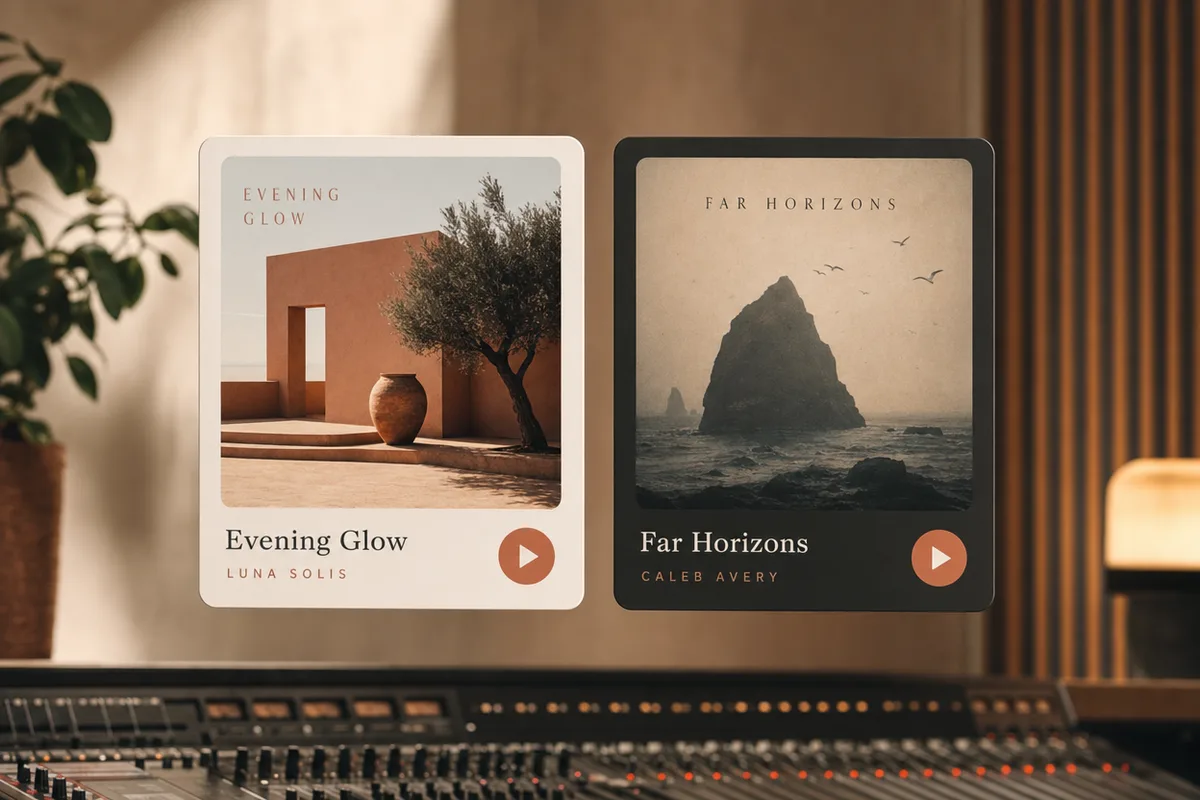
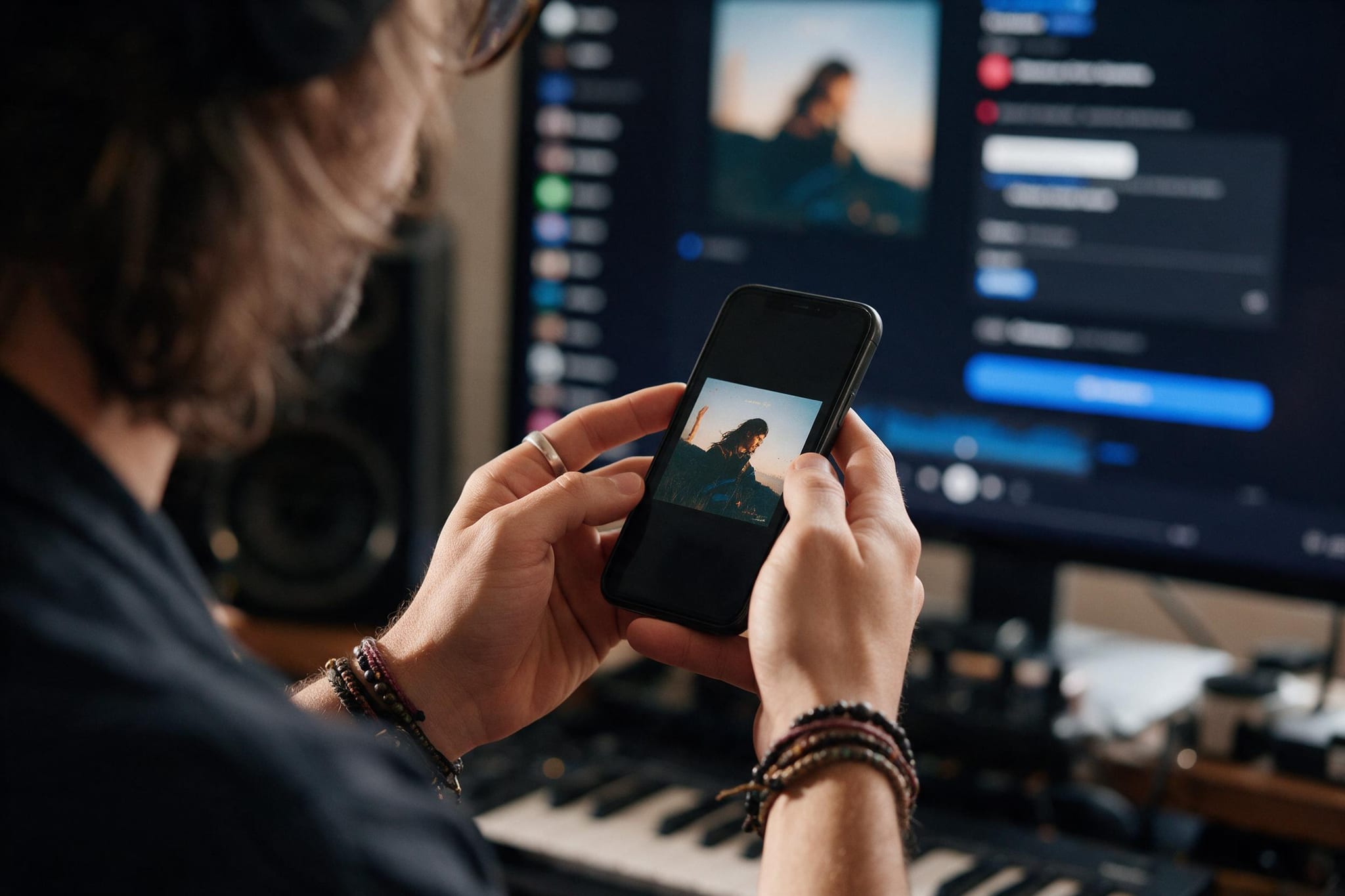
Illustration of two musical directions with warm and cinematic cover artwork

An instrumental music generator for the mood of your scene

Some stories need space for a voiceover; others need a melody that carries the scene. Instrumental mode creates music without sung lyrics. Start with a genre, then name the instruments, mood and tempo: soft piano and restrained percussion for a reflective vlog, a relaxed lo-fi groove for a study session, or a cinematic build for a short film. Download the MP3 and place it in your editor alongside the footage. The generator creates the music; you decide how it fits your cut.

A creator reviewing music artwork on a phone beside a production workspace

Hear two versions before choosing your direction

One generation costs 60 credits and creates two versions from your input. Listen for the chorus, vocal delivery, instrumentation and pacing rather than judging by the cover alone. Download the track you prefer as MP3, or adjust one part of your brief for another generation. Your recent songs are available in your account, so returning to the page does not mean starting the project again. Credits are reserved at submission and charged when generation succeeds.

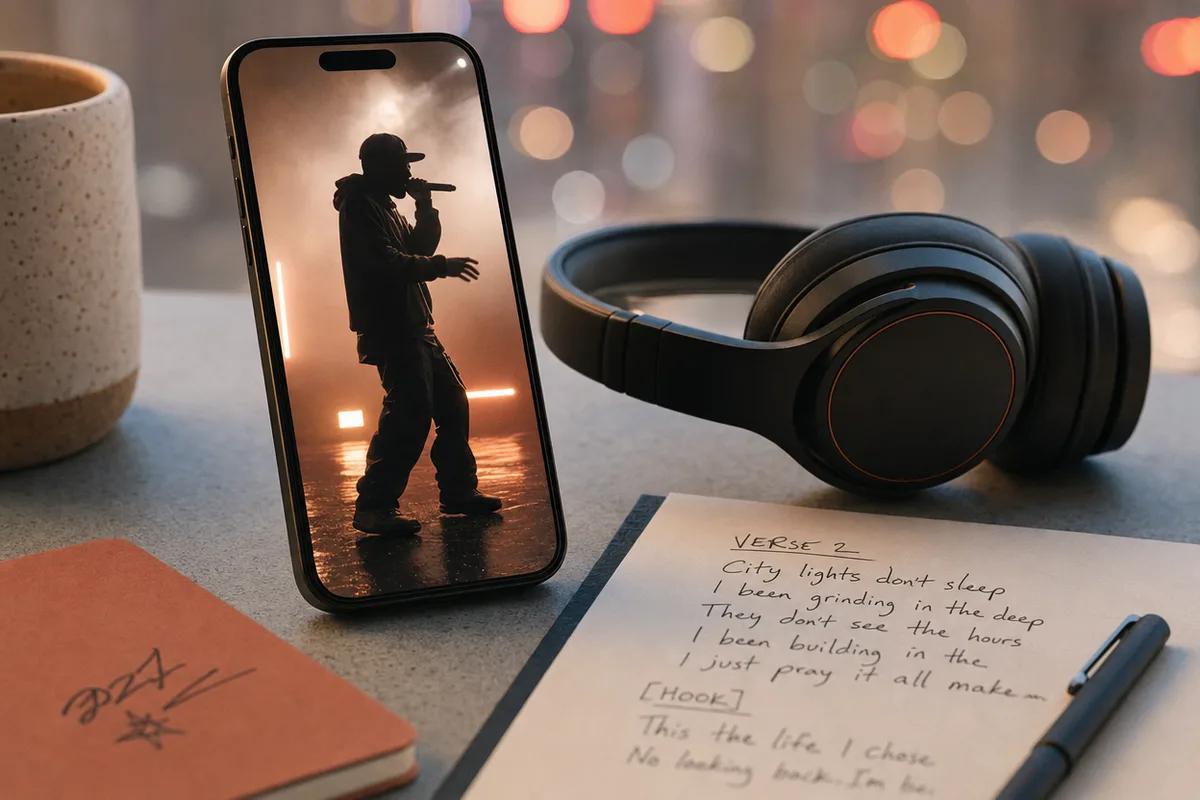
Illustration of a music performance on a phone beside headphones and a lyric sheet

Keep creating with cover art, slowed versions and music videos

A finished track can lead to more than an audio download. Design a square cover for the song with the album cover generator, open a track in the slowed and reverb editor, or continue a vocal track into a short rap performance video. These are separate tools with their own controls and credit requirements. The music toolkit below helps you choose the next step without losing sight of the song you started with.

Music for the project you are making

Choose a useful starting point, then shape the sound for the person who will hear it.

  • Video creators & storytellers

    Build an instrumental direction for a travel vlog, a montage or a short film. Describe the energy of the scene and leave room for dialogue, then choose the parts of the downloaded track that fit your edit.

  • Songwriters & independent musicians

    Hear how a lyric could work as a song before refining the next draft. Compare two arrangements, test a different genre or voice preference, and develop the chorus that best carries your idea.

  • Podcasters & personal projects

    Explore an instrumental opening, a gentle transition or a song for a personal occasion. Keep the brief focused: one mood, a few instruments and a clear sense of pace are easier to develop than a long list of competing styles.

AI music generator specifications & credits

Creation modesSong with vocals, or instrumental / background music without lyrics.
Lyrics20–2,500 characters for vocal songs. Section tags such as [Verse] and [Chorus] can guide the structure.
Creative controlsMusic-style tags up to 1000 characters; optional title up to 80 characters; Auto, Male or Female voice preference for vocals.
Target duration30 seconds, 60 seconds or 2 minutes. Actual generated duration can vary.
OutputTwo versions per generation, browser playback and MP3 download. Recent songs are available in your account.
CostLyrics drafting: 0 credits. Music generation: 60 credits for two versions. A separate generation uses credits again.
Account & settlementSign in to generate. Credits are reserved on submission, charged on successful generation and released if generation fails.

How to generate AI music in three steps

Start with the words or the sound. Review the details before spending music credits.

  1. Choose a song or an instrumental

    For a song, paste your lyrics or describe an idea and use Write lyrics. Review the result before generating. For an instrumental, skip the lyrics and describe the sound you want in the style field.

  2. Set the style, voice and target length

    Choose a genre and add mood, instrumentation or tempo tags. A vocal song can use Auto, Male or Female as a voice preference. Pick a 30-second, 60-second or 2-minute target; actual duration can vary.

  3. Listen, choose and download

    Sign in and generate two versions for 60 credits. Compare the tracks in the browser and download the MP3 you prefer. If the connection is interrupted, check Your recent songs for the task instead of immediately submitting again.

How to write an AI music prompt that gives you a clear direction

Use the idea field for the story, the lyrics field for words to sing, and the style field for how the music should sound.

1

Genre

Choose a main musical direction before combining styles.

acoustic pop, lo-fi hip hop, cinematic ambient

2

Mood & energy

Describe the emotional arc and how intense it should feel.

hopeful and intimate; gentle opening, brighter chorus

3

Instruments

Name the sounds you want at the front of the mix.

warm piano, fingerpicked guitar, restrained drums

4

Tempo & space

Give a pace and leave space for the purpose of the track.

around 85 bpm, sparse arrangement, no vocals

Too vague

Make a nice song.

A clearer brief

Acoustic pop about finding your way home; warm guitar, soft drums, an intimate verse and a hopeful, repeating chorus.

Why it helps

A story, an emotional change and a small set of instruments give the song a direction you can evaluate. After drafting the lyrics, revise the chorus before generating the audio.

Too vague

Background music for a video.

A clearer brief

Instrumental cinematic ambient, gentle piano and airy pads, slow build, restrained percussion, spacious enough for a travel-film voiceover.

Why it helps

The scene and the voiceover explain how busy the arrangement should be. Select instrumental mode as well; describing “no vocals” in text is not a substitute for choosing the mode.

Too vague

Pop rock EDM country jazz, happy sad calm energetic.

A clearer brief

Lo-Fi instrumental, dusty piano chords, soft bass and a laid-back 80 bpm beat; calm, steady energy for reading.

Why it helps

A focused brief makes the next iteration easier to judge. Change the tempo, an instrument or the mood one at a time rather than replacing every part of the direction.

Small changes that make the next draft easier

  • Keep performance directions out of the lyrics. Put instrumentation and mood in the style field so instructions are not treated as words to sing.
  • Use short lyric lines and clear [Verse] and [Chorus] sections. A concise, repeated chorus is easier to compare across versions.
  • Treat voice and duration as preferences. Listen to the actual result and use your editor for an exact cut when timing matters.
  • Compare both versions before changing the prompt. The same brief can lead to different vocal deliveries and arrangements.

The music toolkit

From the first lyric to the final visual

All music tools →

Write lyrics, make the song, explore a slowed version and give the release its own artwork. Choose a dedicated tool when you are ready for the next part of the project.

AI music generator: frequently asked questions

1

What is an AI music generator?

It turns a musical brief into an audio track. Here you can create a vocal song from lyrics or an instrumental from a style description. You choose the direction, review the words and compare two generated versions.

2

Can I generate a song from a text idea?

Yes. Describe the story or feeling in the idea field and click Write lyrics. This creates an editable lyric draft for 0 credits. Review the words, choose your music settings and then generate the audio as a separate step.

3

Can I use my own lyrics?

Yes. Vocal songs accept 20–2,500 characters. Use your own words, and add [Verse], [Chorus] or [Outro] tags to describe the song structure. Instrumentals do not require lyrics.

4

Is this a free AI music generator?

The lyric-writing step costs 0 credits. Generating music costs 60 credits and returns two versions. You need to sign in and have enough credits for music generation; the price is shown before submission.

5

How do I make instrumental or background music?

Select Instrumental / background music. Choose a genre and describe the mood, instruments and pace in the style field. No lyrics or vocal selection is needed. Download the result and add it to your project in your editor.

6

What music styles can I try?

The presets include Pop, R&B, Rock, Country, EDM, Lo-Fi, Cinematic and Acoustic. You can combine a preset with your own instrument and mood tags. For a dedicated rap workflow, open the AI Rap Generator from the music toolkit.

7

Can I choose a voice or an exact song length?

Vocal songs offer Auto, Male and Female voice preferences. Target lengths are 30 seconds, 60 seconds and 2 minutes. These settings guide generation; they do not guarantee a particular singer or an exact cut to the second.

8

Why are there two tracks?

Two versions let you compare different arrangements and deliveries from the same input. Listen to the melody, chorus and pacing, then download the version you prefer. If you want another direction, edit the brief before a new generation.

9

Can I download an MP3 and use it in a video editor?

Yes. Finished tracks can be played in the browser and downloaded as MP3. Import the file into your editor to position, trim and balance it against your footage or dialogue. Automatic editing of your uploaded video is a separate workflow.

10

What if I leave the page or generation fails?

Your form selections are saved for the browser session, and submitted music tasks appear in Your recent songs after signing in. Credits are only charged on successful generation. A failed generation releases reserved credits; an interrupted connection can be checked through history.

Your next song starts with one clear idea

Create your music