KI-Bildmodell

Seedream 5 Pro AI Image Generator

Use Seedream 5 Pro for the highest-fidelity renders, precise prompt following, and reference-guided image editing.

Seedream 5 Pro1K and 2KReference editing

Mehr Modelle erkunden

Compare Seedream 5 Pro with other image models — same workspace, one click to switch.

Lass dich inspirieren

Ein Einblick in das, was Menschen mit KI-Bildmodellen auf CreateVision AI erschaffen.

KI-generiertes redaktionelles Porträt einer Frau in weichem Fensterlicht
KI-generierter 3D-Babydrachen-Charakter auf einem bemoosten Stein
KI-generiertes Architekturfoto einer warmen Betonwendeltreppe
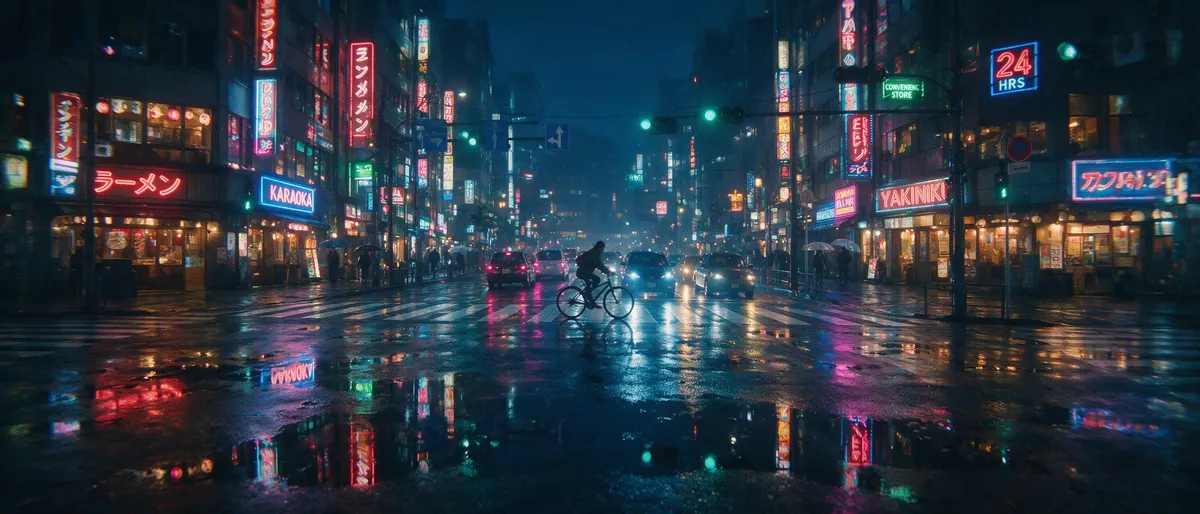
KI-generierte Anime-Illustration eines Mädchens mit Regenschirm auf einer regennassen Neonstraße
KI-generierte Food-Fotografie von oben eines rustikalen Frühstücks-Arrangements
KI-generiertes Wildtierfoto eines Schneeleoparden im fallenden Schnee
KI-generiertes hochwertiges Mode-Editorial-Porträt vor einer Terrakottawand
KI-generierte Fantasielandschaft aus schwebenden Inseln mit Wasserfällen

Seedream 5 Pro — ByteDance's flagship, tuned for maximum fidelity

The Pro tier of the Seedream 5 line pushes rendering fidelity further: even finer skin and material detail, stronger prompt adherence, and reference-guided editing at 1K and 2K.

Ultra-detailed photoreal AI portrait with visible skin texture

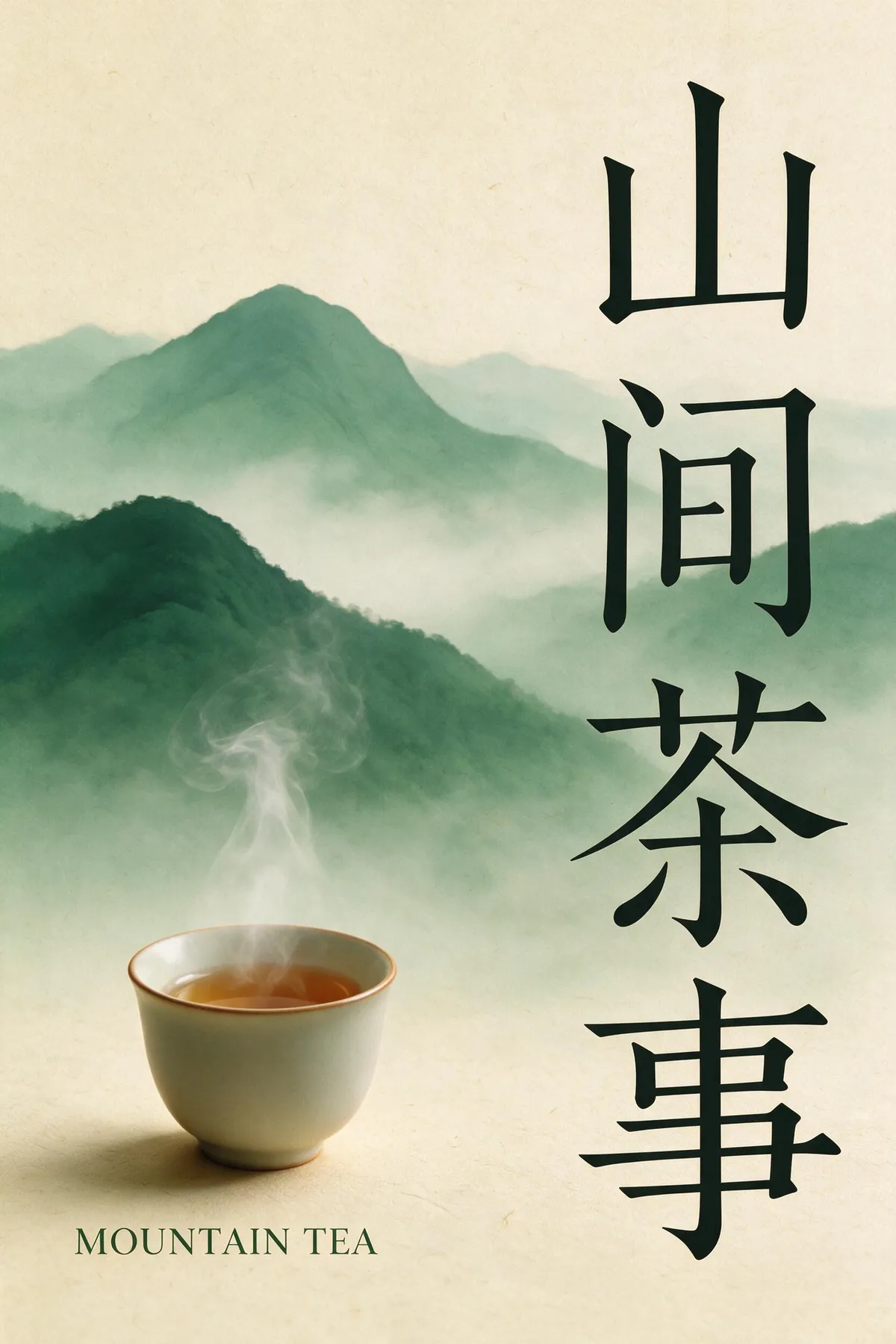
Maximum-fidelity skin, faces, and materials

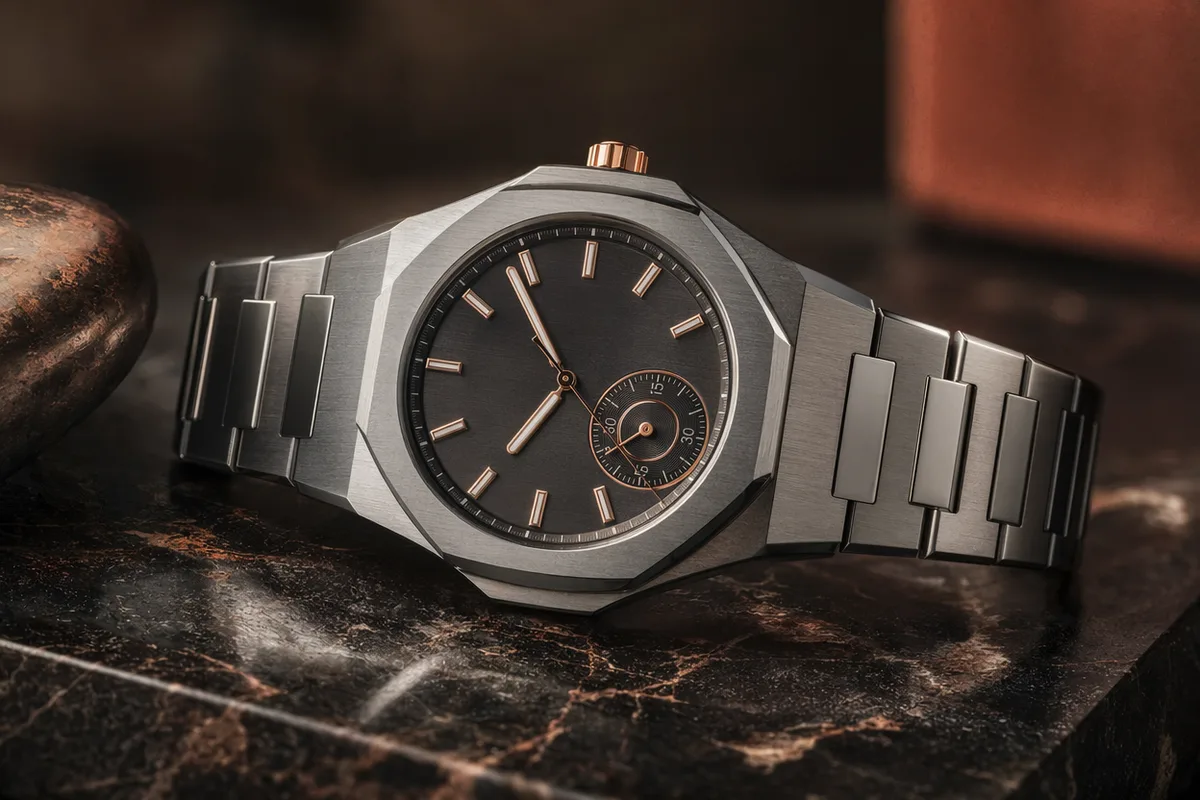
Seedream 5 Pro extends the Seedream line's photoreal reputation with even cleaner micro-detail — pores, hair strands, fabric weave, and reflective surfaces hold up under close inspection. Portraits and product shots come back looking captured, not rendered.

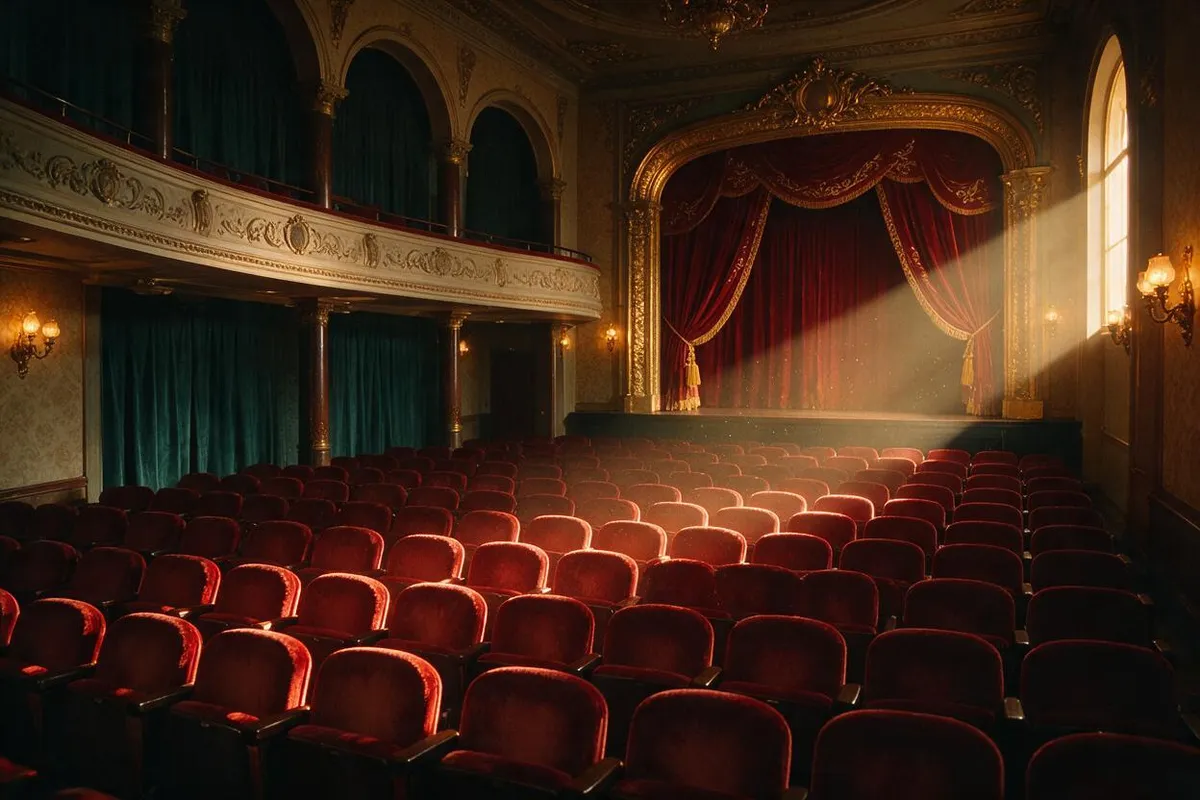
Editorial fashion scene with precise directional lighting

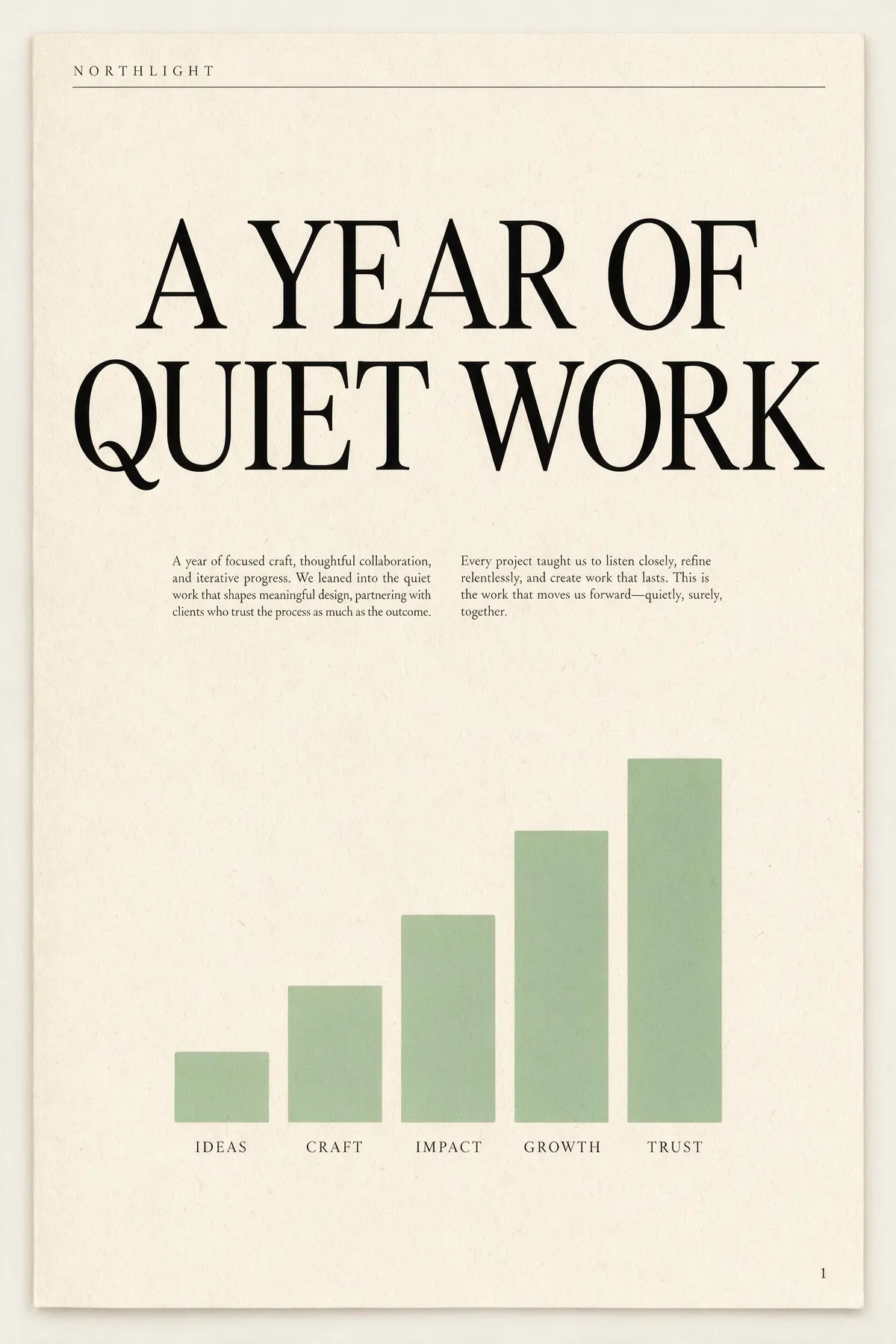
Stronger prompt adherence

The Pro model follows long, specific prompts more faithfully — composition, wardrobe, lighting direction, and scene details land closer to the brief on the first try, cutting the number of re-rolls needed to nail a shot.

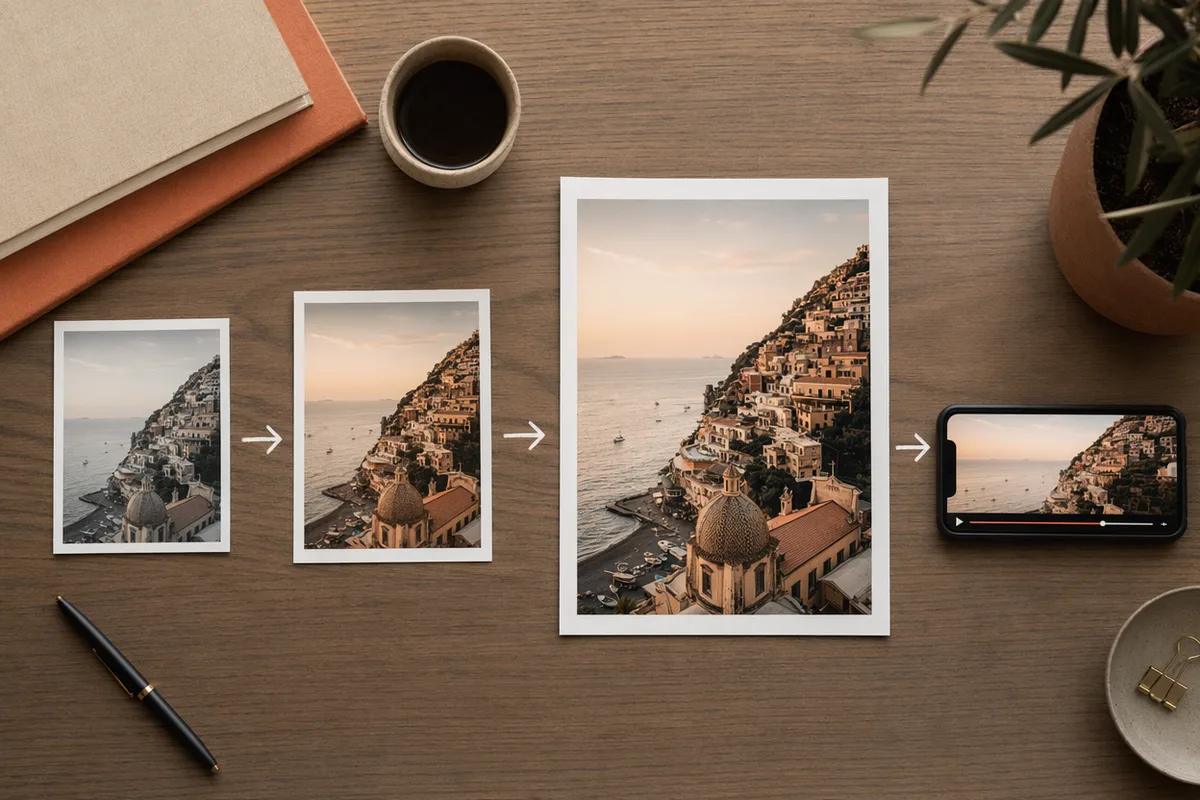
The same render shown at 1K and 2K side by side

1K and 2K quality tiers

Iterate cheaply at 1K while you dial in a prompt, then switch to 2K for the final, detail-critical render. Both tiers are shown with their credit cost in the generator before you run.

Consistent AI portrait series in soft window light

Reference-guided editing and series

Attach up to five references to keep a subject, product, or location consistent across an image set, or to guide precise edits. Seedream 5 Pro turns a shot list into a coherent, usable series.

Erkunde CreateVision AI weiter

Ein Konto, der vollständige Bild- und Video-Generierungs-Workflow.

Wähle deinen Plan

Starte kostenlos mit täglichen Credits. Upgrade für Premium-Modelle, schnellere Generierung und 4K-Ausgabe.

Kostenlos

$0

Perfekt für den Einstieg

  • 80 Credits pro Tag, 400 pro Monat
  • Z Image Turbo entwirft zu 0 Credits
  • Standard-Generierungsgeschwindigkeit
  • Generierungsverlauf inklusive
Loslegen

Premium

Am beliebtesten
$29/month

Jährliche Abrechnung · 240 $/Jahr

  • 1.600 Credits/Tag, 8.000 Credits/Monat
  • Alle Premium-Modelle — GPT Image 2, Nano Banana, Seedream, Seedance, Veo, Kling
  • 5x schnellere Generierung, Prioritäts-Warteschlange
  • KI-Prompt-Verbesserung
Upgrade auf Premium

Ultimate

$49/month

Jährliche Abrechnung · 300 $/Jahr

  • 4.000 Credits/Tag, 18.000 Credits/Monat
  • HD-Generierung bis zu 4K-Auflösung
  • Private Generierung — Ergebnisse bleiben aus der Galerie heraus
  • Schnellste Warteschlange und früher Zugang zu neuen Modellen
Upgrade auf Ultimate

Häufig gestellte Fragen

1

How is Seedream 5 Pro different from Seedream 5?

Pro is the higher-fidelity tier of the same flagship line — finer micro-detail and stronger prompt adherence. It renders at 1K and 2K (Seedream 5 covers 2K/3K with an optional web-search step).

2

What resolutions does Seedream 5 Pro support?

1K and 2K. Use 1K to iterate cheaply, then 2K for the final detail-critical render. Both options appear with their credit cost before each run.

3

Wie viel kostet es?

Seedream 5 Pro costs 50 credits at 1K and 100 credits at 2K per image. The exact cost is always shown before you generate, and credits refresh daily and monthly with your plan.

4

Kann ich Referenzbilder verwenden?

Yes — attach up to five references to hold a subject or style steady across a series, or to guide precise edits.

5

Seedream 5 Pro vs GPT Image 2?

Seedream 5 Pro leads on photoreal rendering and fine detail; GPT Image 2 leads on in-image text and complex layout instructions. Many workflows draft with one and finish with the other.

Render your next set at flagship fidelity with Seedream 5 Pro

Render your next set at flagship fidelity with Seedream 5 Pro

Beginne mit dem Generieren von Bildern