
CreateVision Studio
AI Poster Generator
Type your words, get a poster where every letter is exactly right — then change one thing without losing the rest.
Rendered letter-perfect — exactly as you type them, nothing added.
Product photos (optional, kept true to the photo)
Brand kit (saved on this device, applied every time)
Failed runs are refunded automatically.
Start from a proven layout
Every card is a complete preset — type, design school, palette, format and sample copy. Pick one, then make every word yours.
Sales & Promos
Discounts, openings, clearances — offers that stop the scroll
Product Launch
Drops, spotlights, restocks — make one thing the star
Events & Nightlife
Concerts, parties, markets, community days
Food & Drink
Menus, specials, happy hours — appetite first
Business & Hiring
Recruiting, webinars, listings, bookings
Fitness & Sports
Memberships, classes, match days
Social Feed
Quotes, tips, giveaways — posts that live in the feed
Seasonal & Holiday
Campaigns pinned to the calendar
What is Poster Studio
A poster studio where the words are sacred — and one note fixes one thing
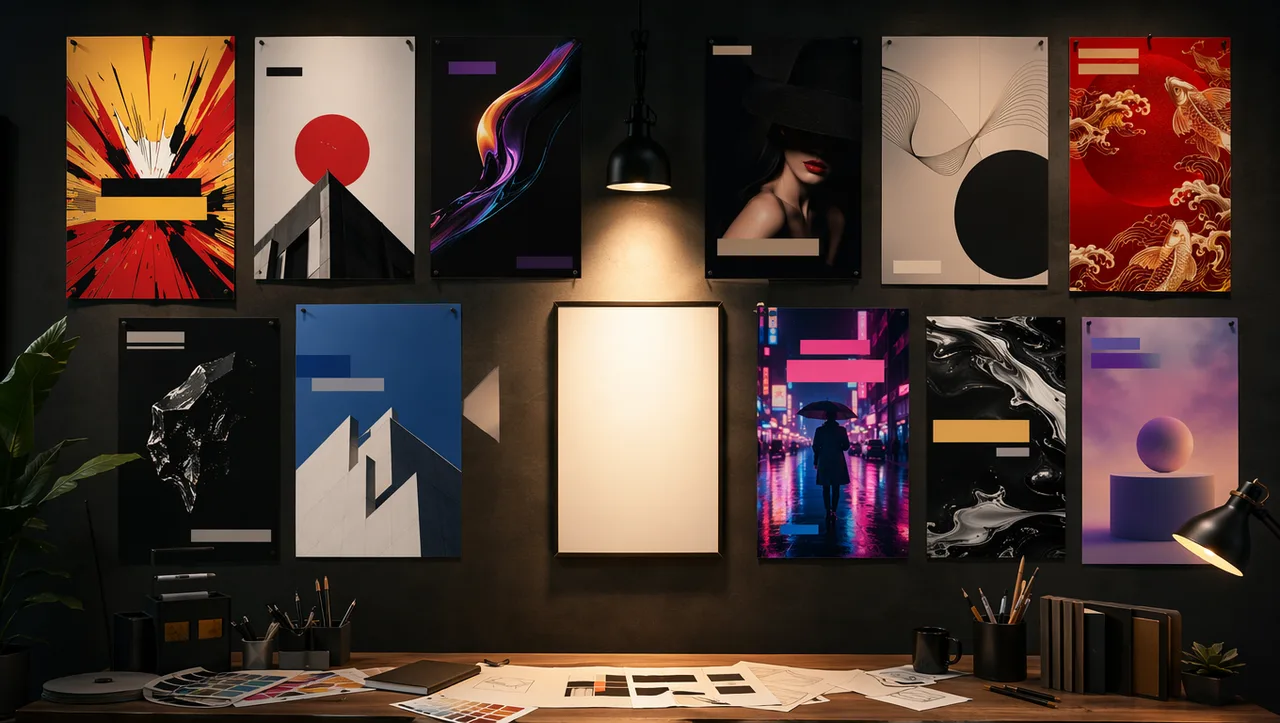
Poster Studio turns your exact words into finished marketing posters — sale announcements, event flyers, menus, launch graphics, hiring posts. You type the headline, the offer and the brand name; the studio renders them letter-perfect inside a real design idiom, at real platform sizes, with your brand colors leading the palette.
It is built around the two failures people complain about most in AI design tools: text that comes out scrambled, and results you can’t revise without starting over. Here the words are locked before generation, and any finished poster accepts surgical revision notes — change the headline, calm the background, fix a glyph — while everything else stays put.
When a poster works, it multiplies: the Adapt pass recomposes the same design into six platform formats, from square feed post to full-screen story to widescreen banner. One design decision, an entire campaign of assets.
16
complete poster presets
12
design schools from real design history
10
poster jobs, from sale to hiring
6
platform formats from one design
2
engines — GPT Image 2 & Nano Banana Pro, price on the button
1
note is all a revision takes
Built against the complaints
We read the AI poster complaints — thousands of them. Then we built the answers in.
Scrambled text, full re-rolls for tiny tweaks, the instantly recognizable “AI look”, ignored brand kits, per-platform rebuilds, billing surprises — each card below quotes the real complaint, then shows the concrete mechanism that answers it.
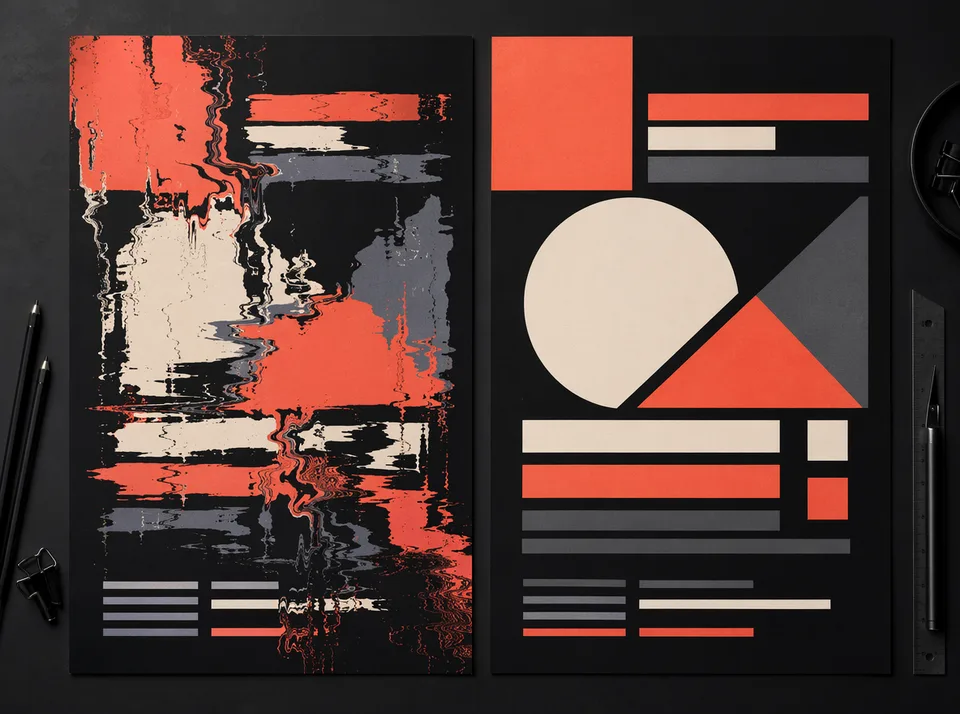
“I asked for ‘Big Sale Today — no spelling mistakes, exact words as written’ and got random gibberish letters that weren’t even words.”
AI text comes out misspelled or scrambled
Your words enter through the Copy Deck — headline, subline, offer, brand name — and the studio locks each one letter-for-letter while explicitly banning any text you didn’t ask for. The engine underneath is the strongest text-rendering model on our roster, chosen for exactly this job. If a glyph ever slips, the Fix-broken-text revision redraws the type without touching the design.
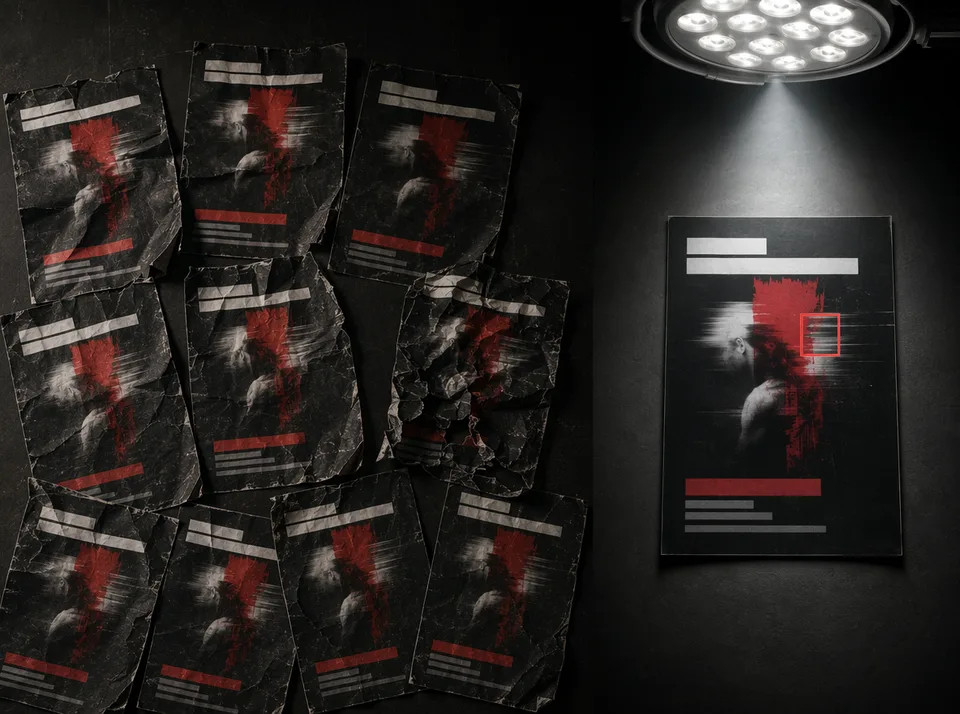
“If an image is almost perfect but not quite, your only option is to write a brand new prompt. Want the title bigger? Regenerate — and lose everything you liked.”
One tweak means re-rolling the whole design
The Revise pass is surgical: your finished poster goes back in as the reference, your instruction names the one change, and everything else is ordered to stay put — same layout, same colors, same imagery. “Change the headline to Friday”, “make the badge gold”, done. Your near-perfect poster stops being a lottery ticket.
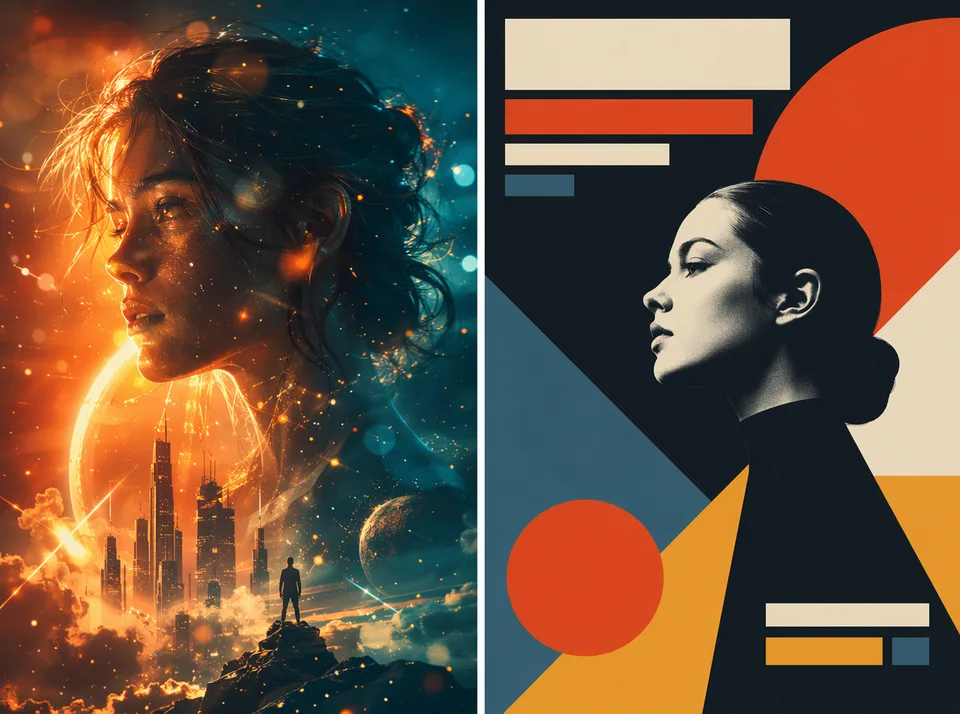
“Generic orange-and-gold cinematic tones, floating particles, glowing embers — it instantly exposes the image as synthetic. Every AI poster looks like the same template.”
Everything has that same “AI look”
You don’t pick adjectives here — you pick a design school. Swiss grid, retro screen-print, editorial magazine, brutalist, minimal luxury: twelve real graphic-design idioms with decades of craft behind them. And every single generation carries an explicit ban on the clichés people clock as AI: no orange-teal grading, no particle glitter, no meaningless glow.
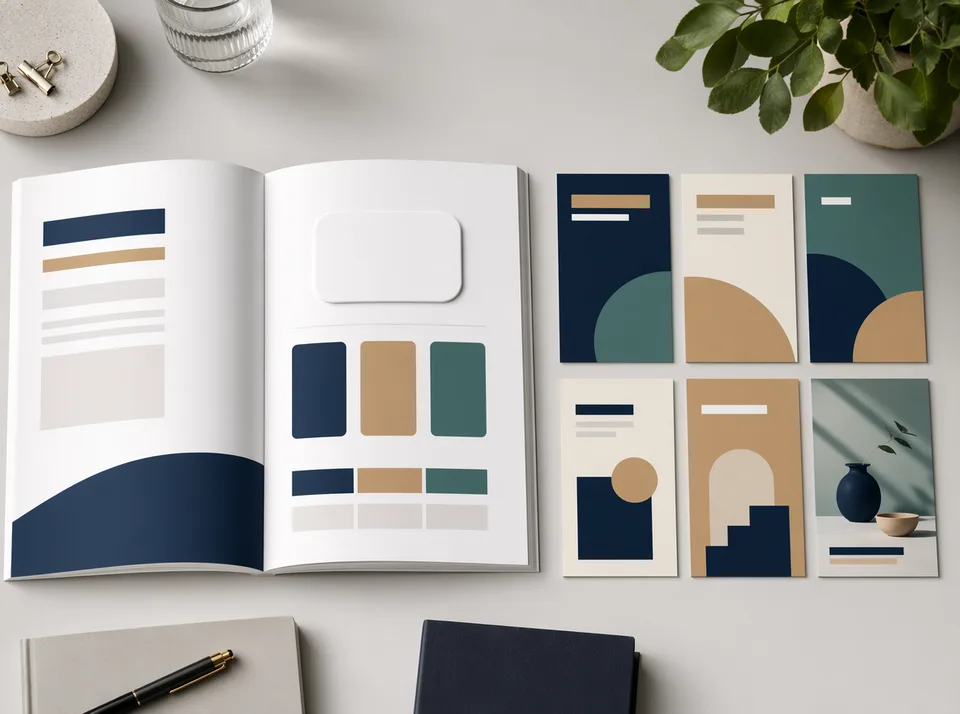
“The AI completely ignores brand guidelines — our logos, our color palette, our style. Every generation is an independent event.”
Brand kits get ignored
Set your brand once — exact hex colors, a typography direction, your logo — and it rides along on every poster automatically, phrased to the engine as a hard constraint that leads the palette rather than a mood suggestion. Your logo is passed as a visual reference to reproduce faithfully, never redrawn from memory.
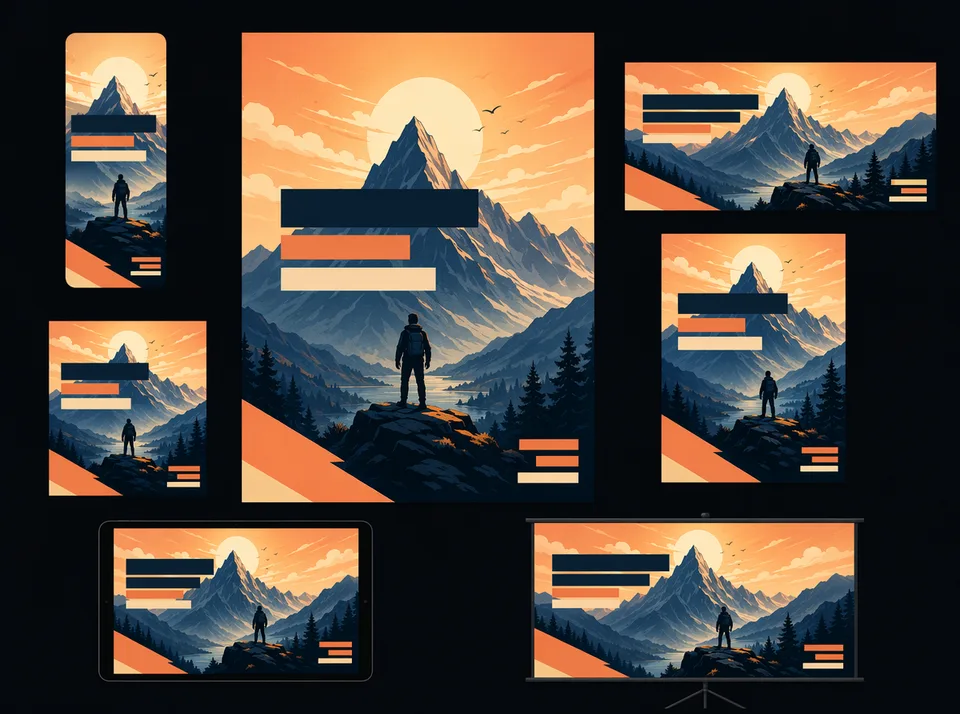
“I finish the Instagram version, then remake the Story version, then the banner, then Pinterest. Four rebuilds of the same poster.”
Every platform means starting over
The Adapt pass takes your finished poster and recomposes it into any of six platform formats — square feed, portrait, story, widescreen banner, Pinterest, landscape. Genuinely rebalanced for the new shape, never letterboxed or stretched, with all your text still letter-perfect. One design, a whole campaign of sizes.
“Charged $339 after cancelling the same day.” “Charged after the trial with no refund.” — the single loudest complaint category across AI design tools.
Surprise charges and credit traps
Every button here wears its exact price — posters start at 80 credits on the flagship GPT Image 2 engine (40 on Nano Banana Pro), and revisions and adaptations are priced identically and visibly. No subscriptions layered on subscriptions, no hidden multipliers, and failed generations refund automatically. Transparent per-action pricing is the whole billing model.
Why Poster Studio
Six mechanisms, not six adjectives
A Copy Deck, not a prompt box
Posters live or die by their words, so the words get first-class treatment: dedicated slots for headline, subline, offer and brand, each rendered exactly as typed and protected from the model’s imagination. Anything you didn’t write is banned from the canvas — including fake fine print and watermark junk.
Revisions, like a real studio
A design studio doesn’t redo the whole poster when you ask for a bigger headline — and neither does this one. The finished poster becomes the reference; your note becomes the only change. It’s the difference between iterating and gambling.
Design schools, not style sliders
Twelve idioms from actual graphic-design history — Swiss International, screen-print retro, editorial, Y2K chrome, East Asian modern, brutalism. Semantic choices a designer would recognize, with the generic AI look explicitly engineered out.
Your brand, set once
Three exact brand colors, a typography direction and your logo, saved on your device and injected into every generation as a leading constraint. Consistency stops depending on how well you phrased the prompt today.
One poster, six platforms
Square, portrait, story, banner, Pinterest, landscape — every format a real platform ratio, and any finished poster recomposes into the rest with one click. The remake-per-platform treadmill ends here.
Prices on the buttons
Create, revise, adapt — each action shows its credit cost before you press it, and failures refund themselves. We read the billing horror stories so we could build the opposite.
How it works
Words in, campaign out
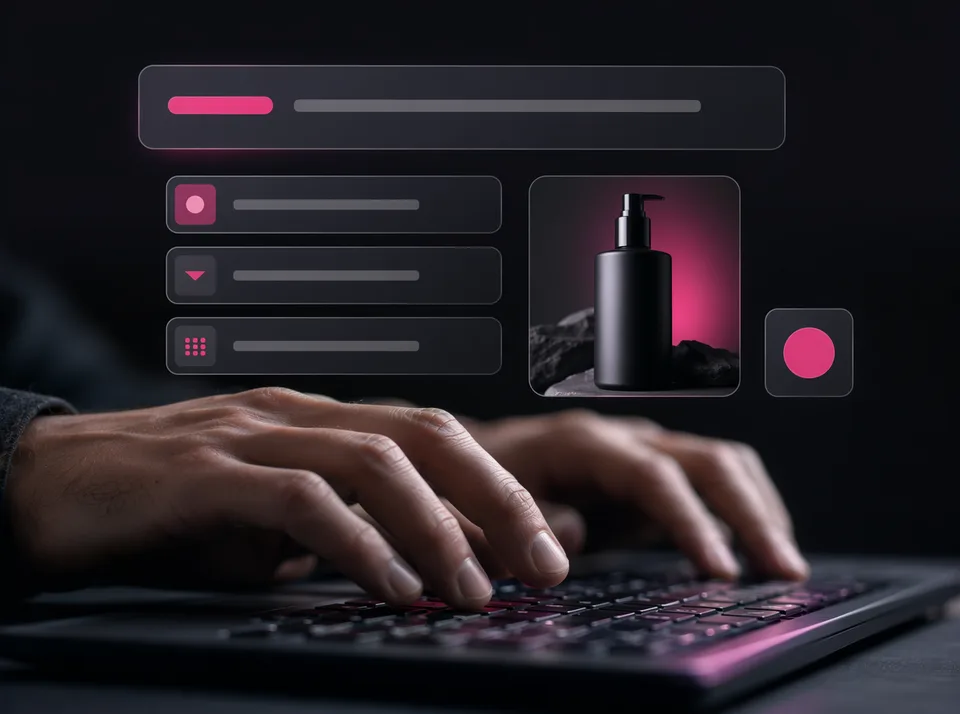
Write your words
Headline, subline, offer, brand — the Copy Deck is the heart of the poster. Add product photos or your logo if you have them; skip them if you don’t.
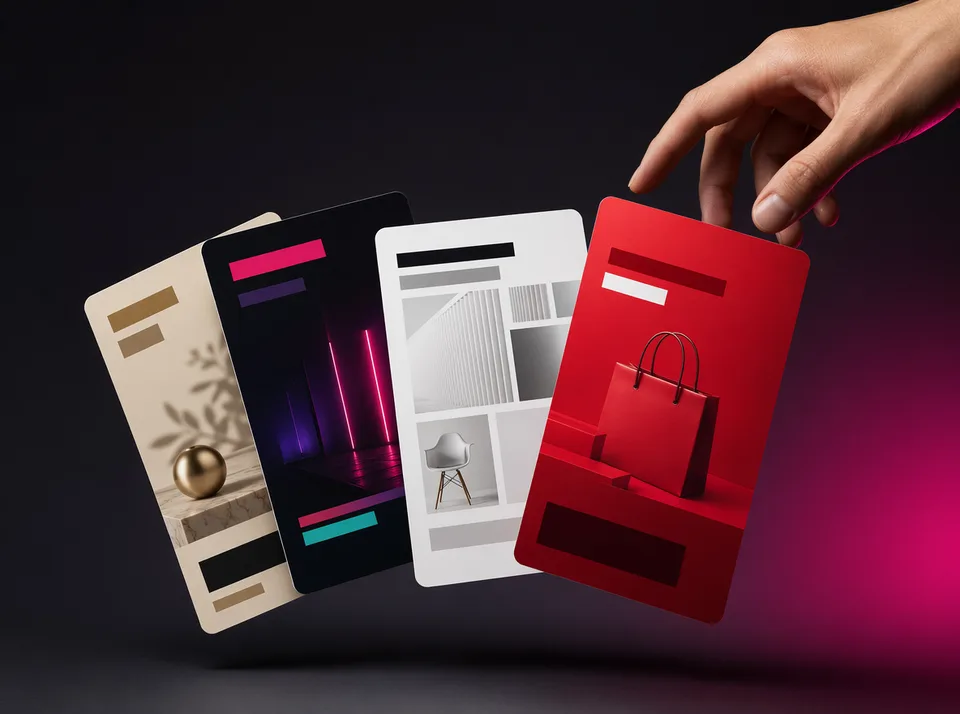
Pick the design language
Choose a poster type, a design school, a palette and a format — or tap a template and get all four plus sample copy in one click. Your saved brand colors apply automatically.
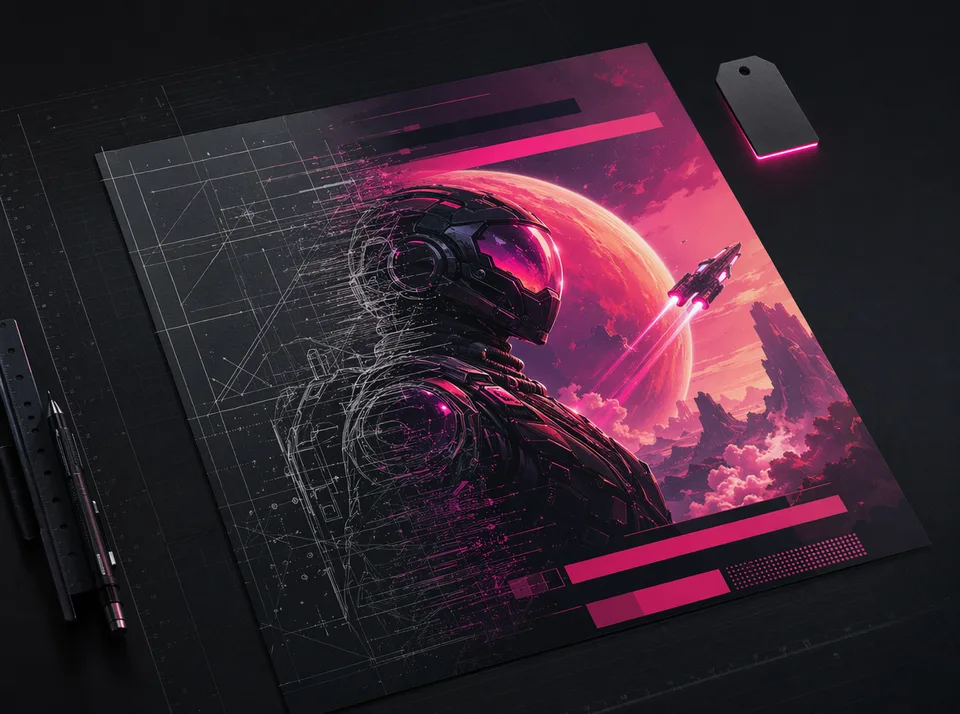
Create at a visible price
Pick an engine — GPT Image 2 for the sharpest text and layout, Nano Banana Pro for photoreal product shots — with the exact credit price printed on the button. The studio lays out your exact words in your chosen idiom, letter-perfect or it gets revised.
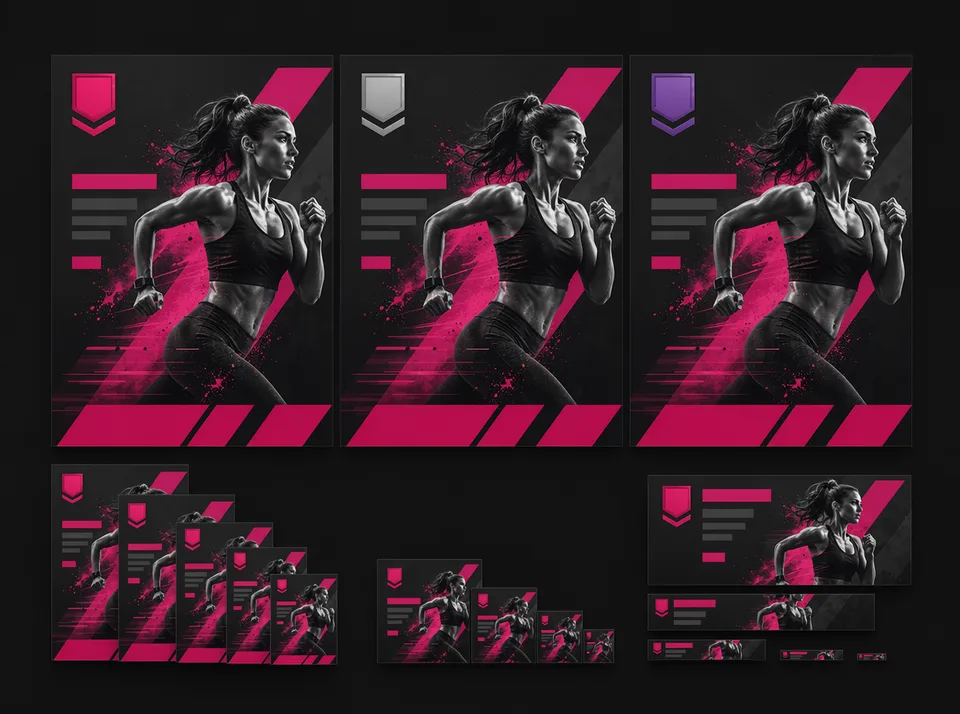
Revise once, adapt everywhere
Change the one thing that bugs you without losing the rest, then recompose the winner into every platform size your campaign needs.
FAQ
Questions, answered straight
How much does a poster cost?
With the flagship GPT Image 2 engine a poster starts at 80 credits (2K Standard) and scales with size and quality tier — the full price list sits right under the Create button. Nano Banana Pro runs 40 at 2K and 80 at 4K. Revisions and platform adaptations cost the same as the poster they work on, every price shows before you press, and failed generations refund automatically.
Will my text really be spelled correctly?
Your Copy Deck lines are passed to the engine quoted verbatim, marked as letter-perfect requirements, with all other text banned from the design. We run this on the strongest text-rendering model on our roster. If a character still slips — it can happen in dense layouts — the built-in “Fix broken text” revision redraws the type while keeping the design.
Can I change one detail without regenerating everything?
Yes — that’s the Revise pass. Your finished poster goes back in as the visual reference and only your requested change is allowed to move. Headline wording, a color, the background, a badge: one instruction, one surgical edit.
Does it support Chinese, Japanese or Korean text?
Yes. The engine handles CJK scripts unusually well, and the East Asian Modern design school treats CJK typography as a first-class graphic element — a gap most Western poster tools never filled.
Can I put my actual product in the poster?
Upload up to three product photos and the studio integrates the real item — true shape, colors, materials and label text — into the composition, with explicit instructions never to redraw it or swap in a lookalike.
How does the brand kit work?
Add up to three exact hex colors, pick a typography direction, and optionally upload your logo. The kit is stored on your device and automatically injected into every poster as a leading constraint — brand colors drive the palette, and the logo is reproduced from your file, never redrawn.
What sizes can I make — and can I get all of them from one design?
Six real platform formats: 1:1 square, 3:4 portrait, 9:16 story, 16:9 banner, 2:3 Pinterest/print and 3:2 landscape. Generate in one, then use Adapt to recompose the same design into any other — rebalanced for the new shape, not cropped or stretched.
Can I use the posters commercially?
Yes — posters you generate are yours to download and use in your marketing. If you include third-party trademarks or celebrity likenesses in your inputs, clearing those rights remains your responsibility, same as with any design tool.
How is this different from Canva or Ideogram?
Template editors like Canva give you editing but weak AI text; pure generators like Ideogram give you strong text but no way to revise a result. Poster Studio combines the two halves: letter-perfect text generation plus instruction-based revision and multi-format adaptation on the finished design — with per-action pricing instead of a subscription wall.
Do I need to know how to write prompts?
No. You write the words that appear on the poster and make four semantic choices — type, design school, palette, format. Templates set all of it in one tap. There is deliberately no giant prompt box: the studio turns your choices into the professional brief behind the scenes.
Keep creating
Related tools & studios
Your words. Letter-perfect. On every platform.
Write a headline, pick a design school, press one clearly priced button. Revise the details, adapt the sizes — failed runs refund automatically.