
AI 이미지 생성기 & 동영상 제작 도구
원하는 내용을 설명하거나 사진을 업로드하세요. CreateVision이 완성도 높은 이미지나 동영상으로 만들어 드립니다.
세계 최고의 AI 모델을 한곳에
CreateVision AI를 구동하는 이미지 및 동영상 모델을 둘러보고 하나를 골라 제작을 시작하세요.
 신규
신규Grok Imagine Image 2.0
xAI — generate and edit in one model, #2 on both arenas.
 신규
신규MiniMax H3
Hailuo 3 — cinematic motion with native audio, 768p/2K.
 신규
신규Qwen Image 3 Pro
Flagship Qwen — pro-grade detail and in-image text.
 신규
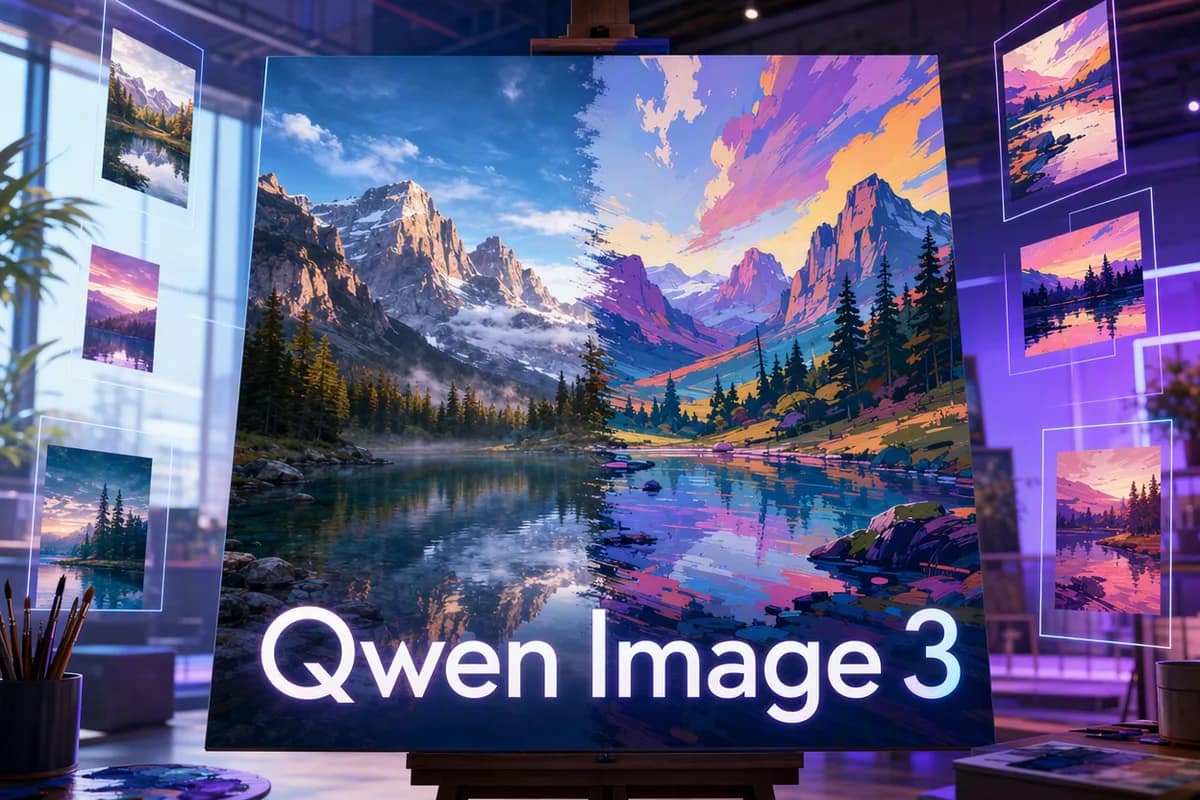
신규Qwen Image 3
Readable in-image text — posters and menus, 2K at flat price.
 신규
신규Seedance 2.5
Flagship video — 30 seconds from mixed image, video and audio refs.
 신규
신규Seedream 5 Pro
Pro flagship — ultra-detailed 1K/2K rendering.
 신규
신규Grok Imagine 1.5
Turn any photo into a living scene — lowest cost, with sound.
 신규
신규HappyHorse 1.1
Video with native audio and lip-sync in six languages.
 신규
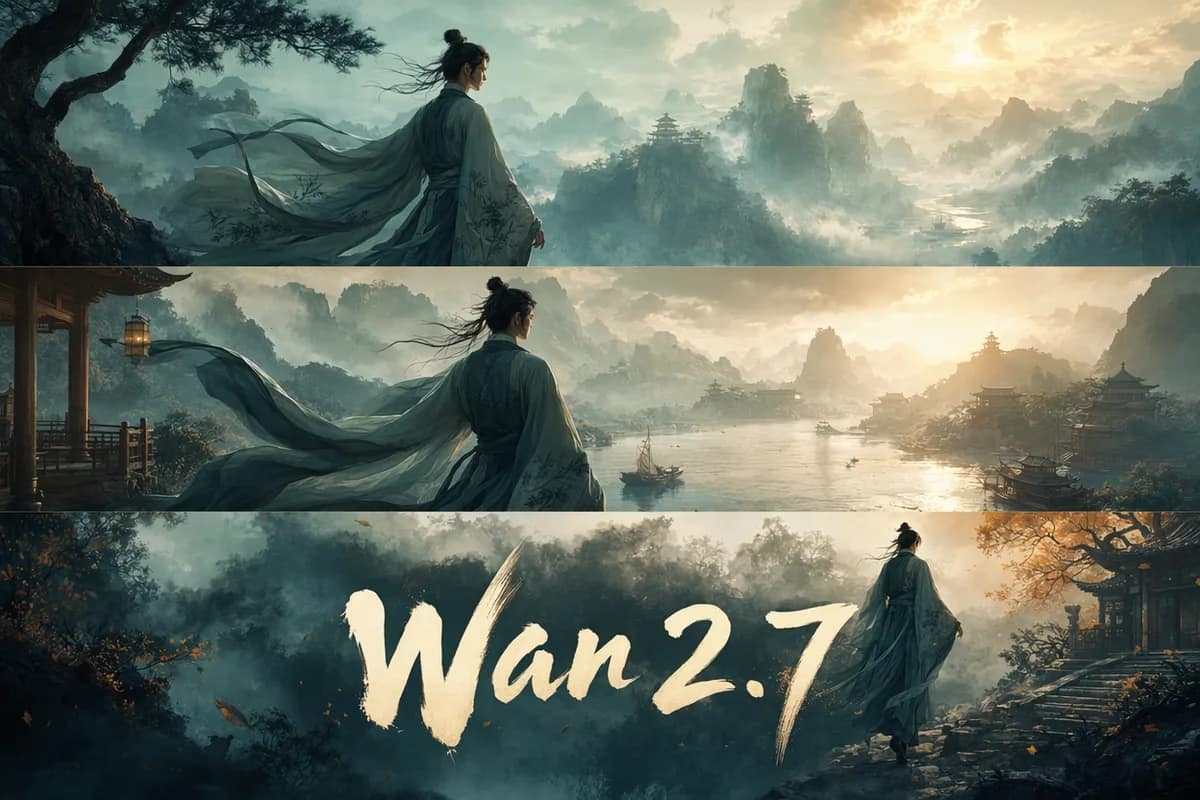
신규Wan 2.7
Multi-shot stories with locked character identity.
 신규
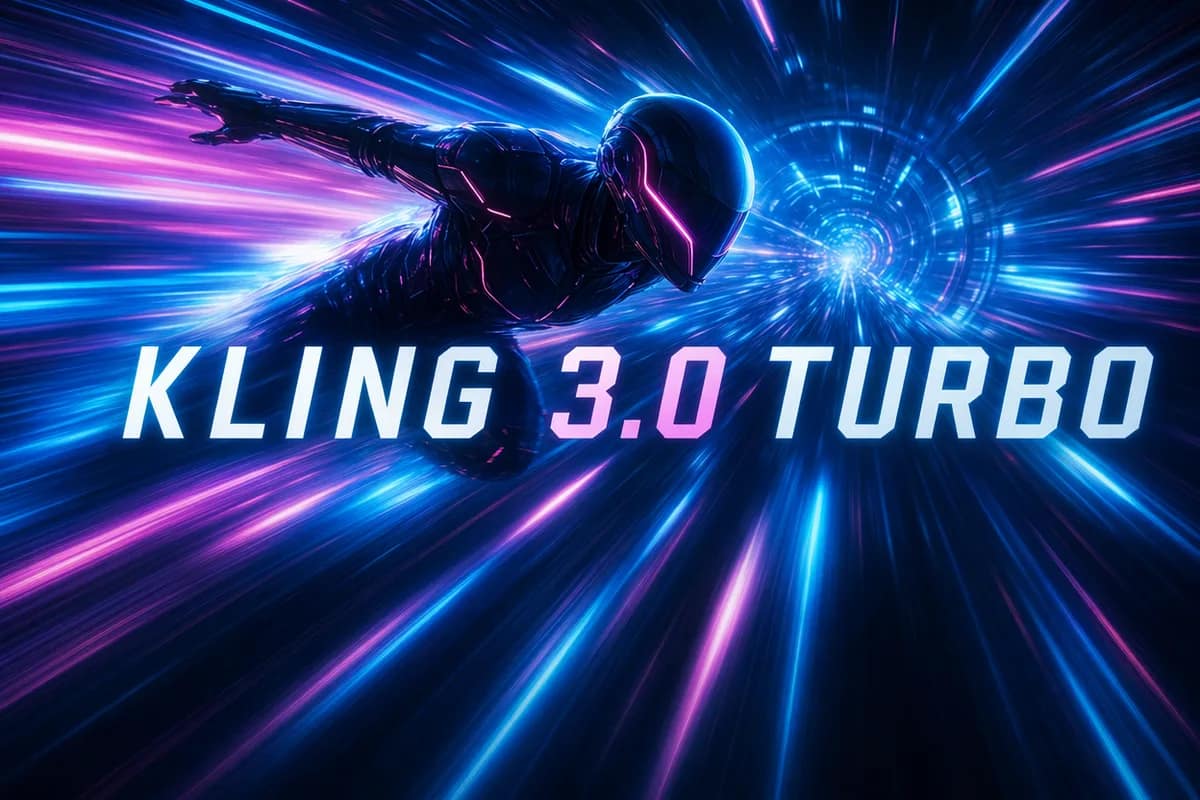
신규Kling 3.0 Turbo
Kling motion quality on a faster engine.
 신규
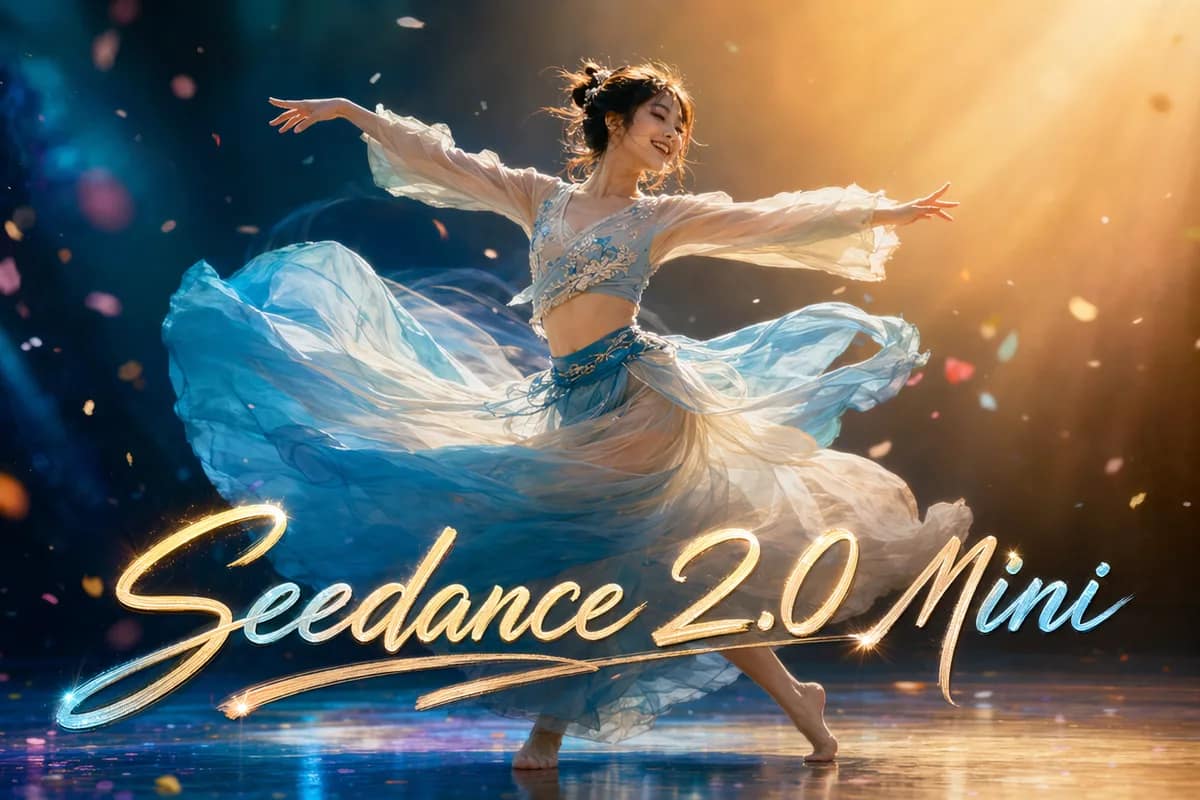
신규Seedance 2.0 Mini
Lightweight, low-cost video for fast drafts.
 신규
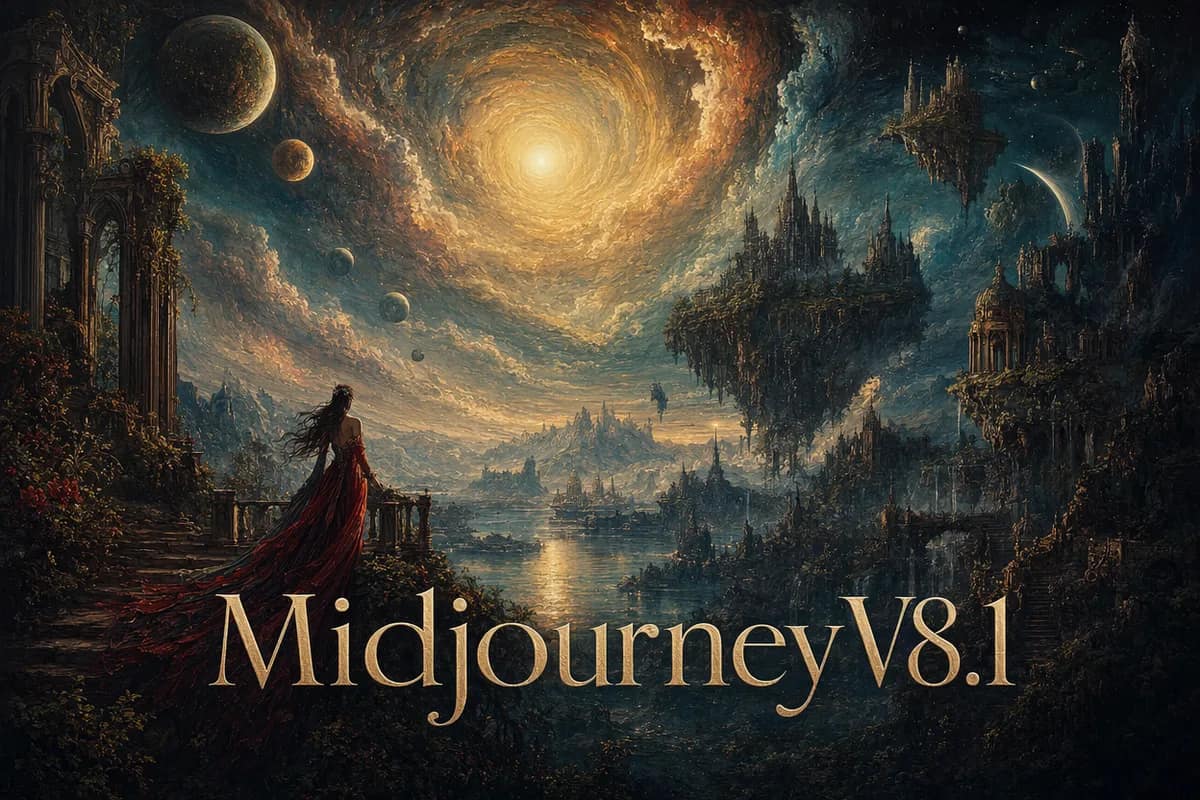
신규Midjourney V8.1
Signature artistic style, four variations per prompt.
 신규
신규Kling 3.0
Text & image to video, up to 4K with sound.
 신규
신규Veo 3.1 Pro
Premium cinematic video with native audio.
 신규
신규Hailuo 02
Fast, affordable video with real camera control.
 신규
신규OmniHuman 1.5
Photo + voice to a lifelike talking avatar.
 신규
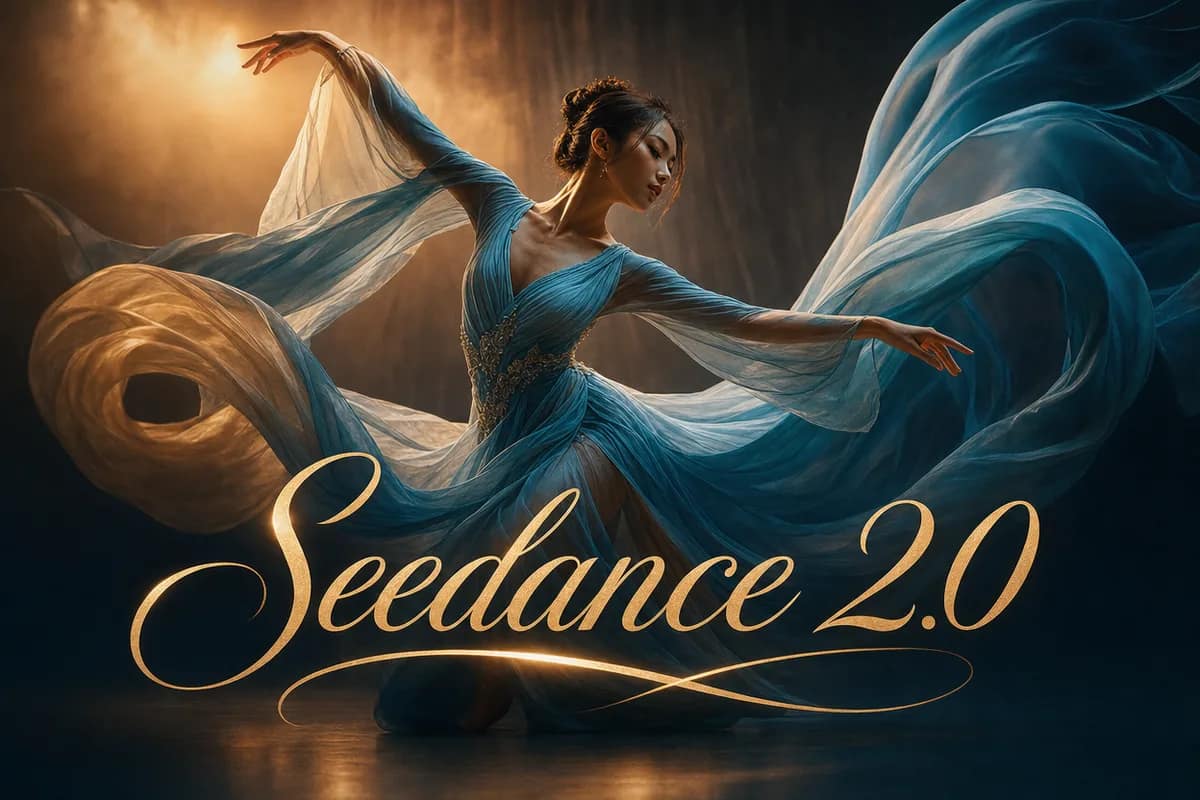
신규Seedance 2.0
부드러운 움직임과 자연스러운 연출.
 에디터 추천
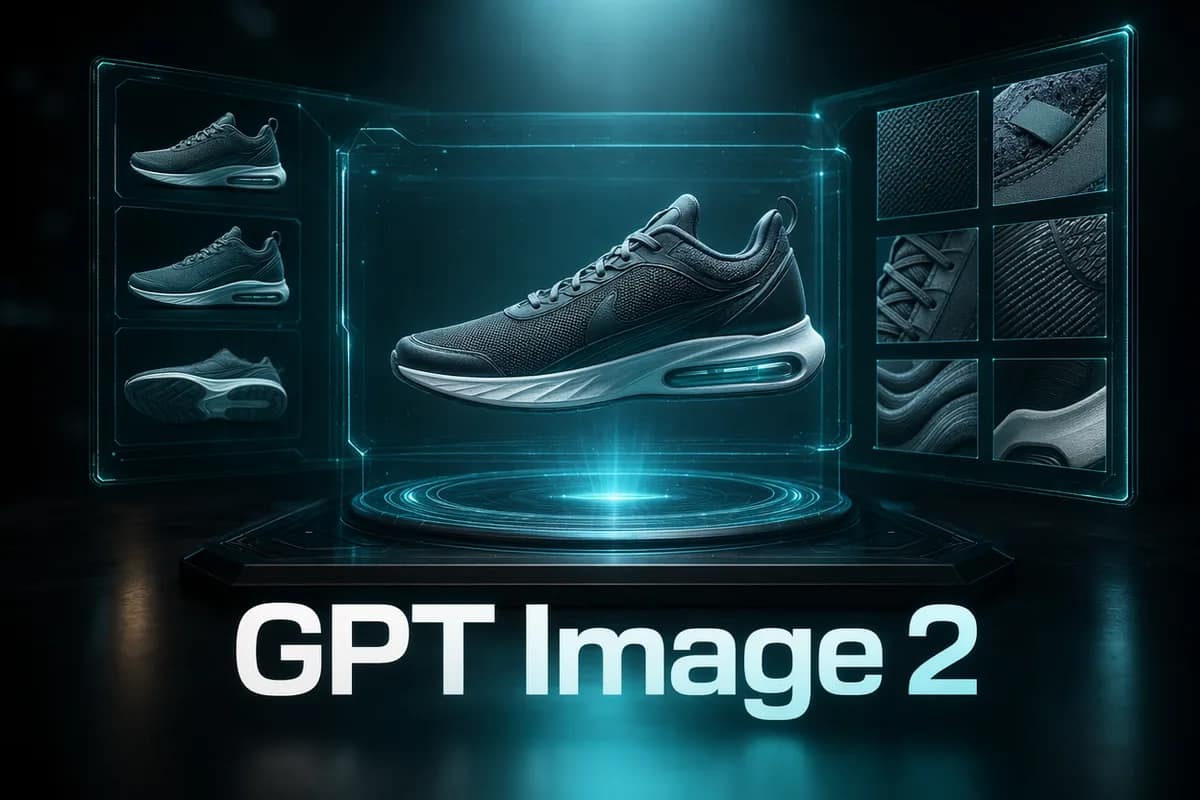
GPT Image 2
정확한 프롬프트, 깔끔한 텍스트, 제품 샷.
 신규
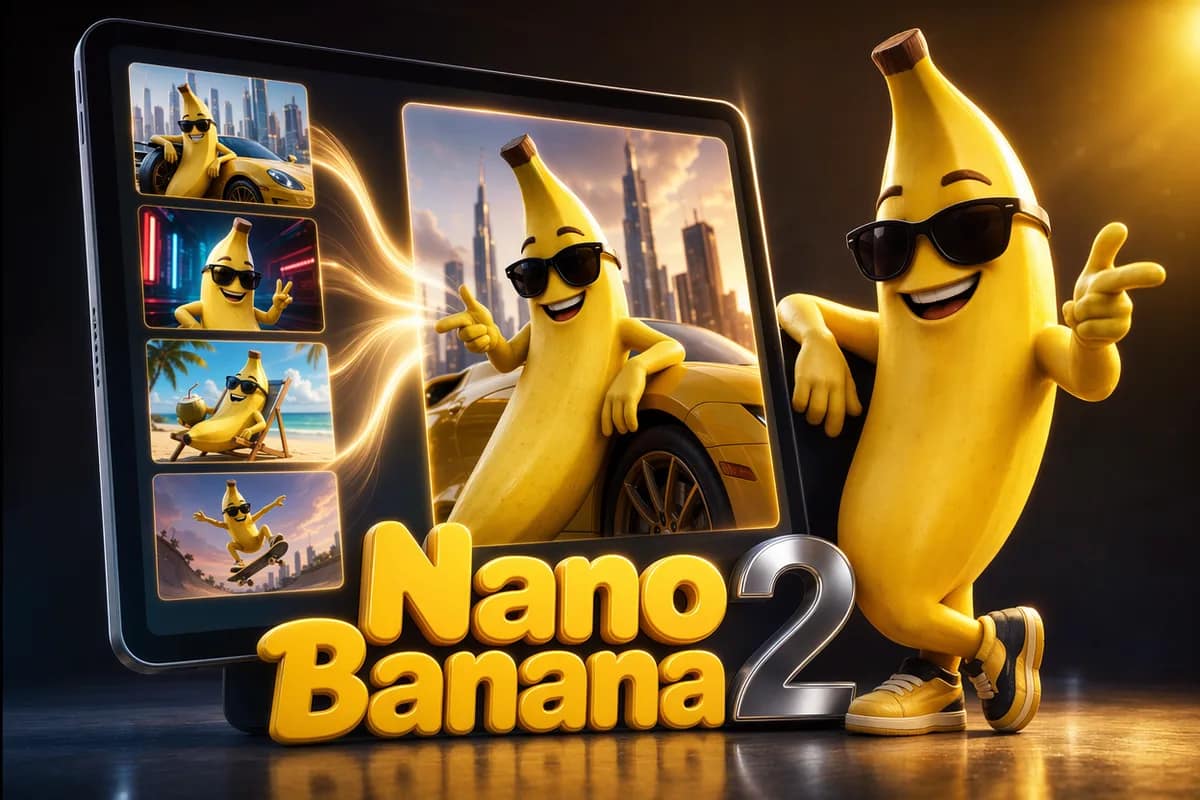
신규Nano Banana 2
차세대 멀티 이미지 합성, 품질 등급 지원.
 신규
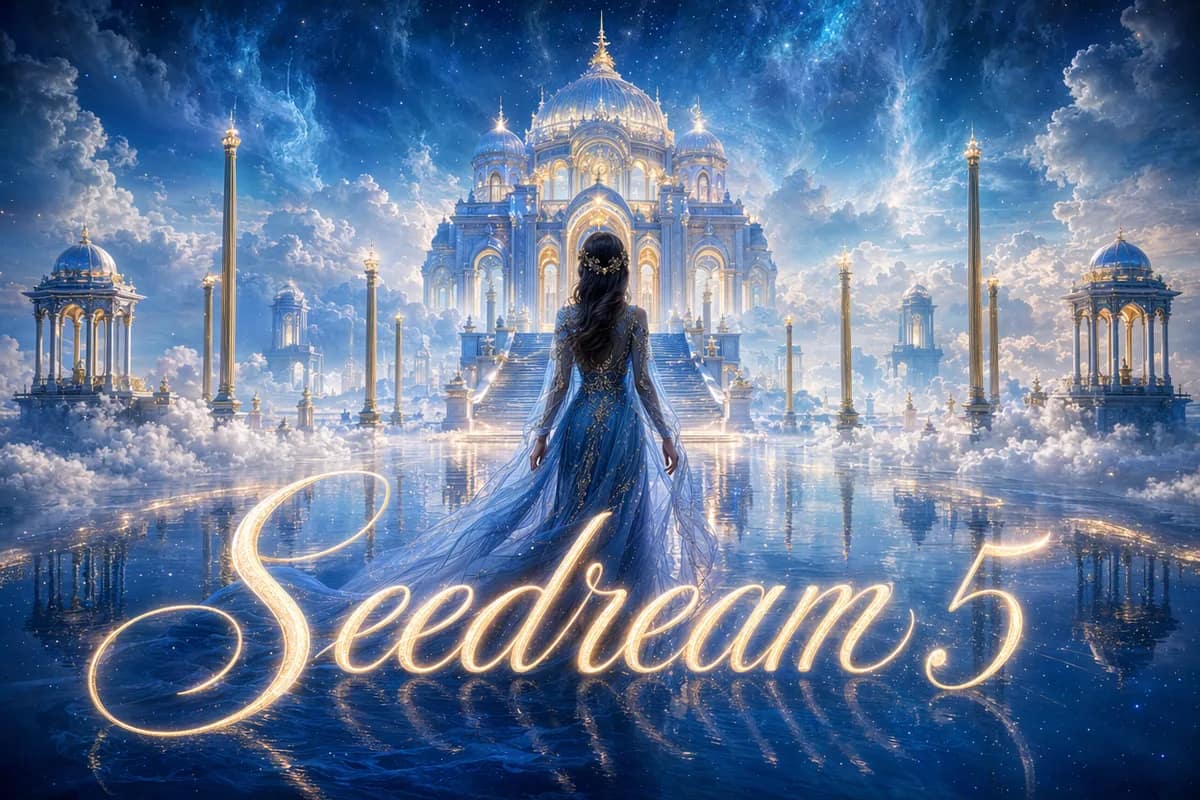
신규Seedream 5
차세대 2K/3K 고품질 생성.
Nano Banana Pro Official
공식 채널, 웹 검색, 최대 4K.
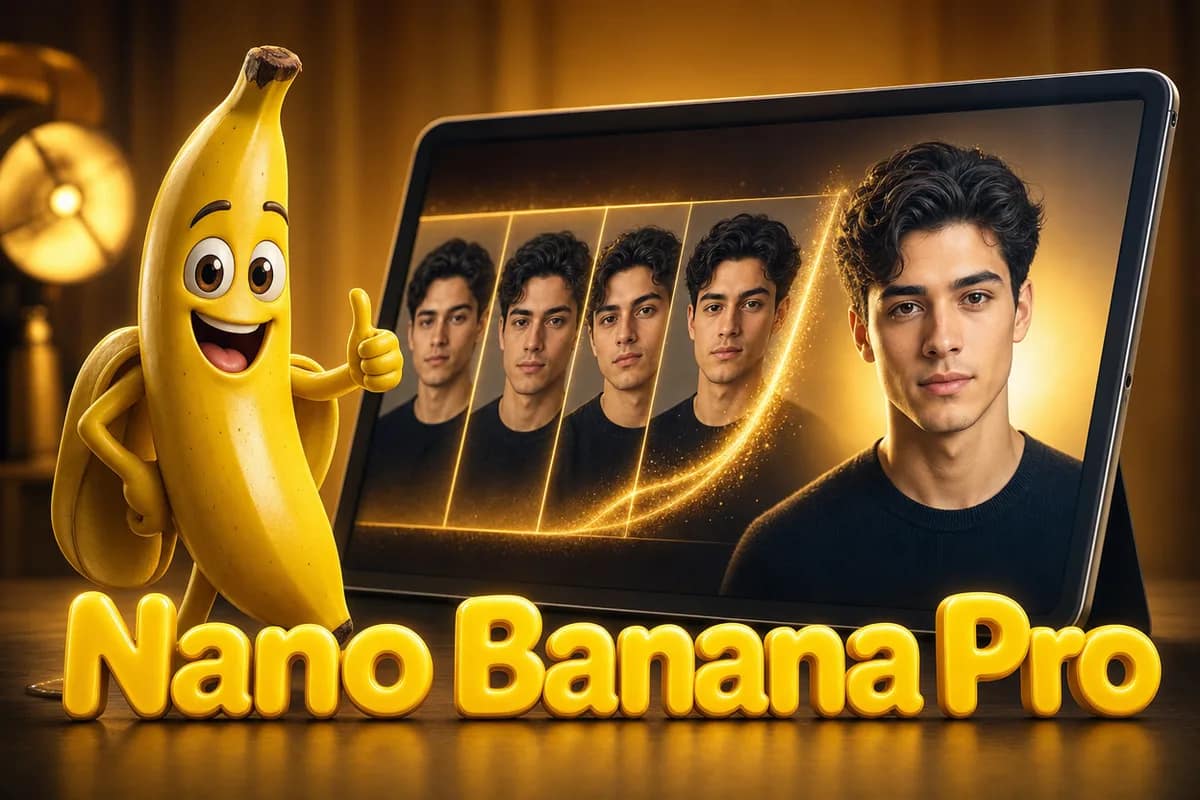
Nano Banana Pro
얼굴과 스타일이 일관된 멀티 이미지 합성.
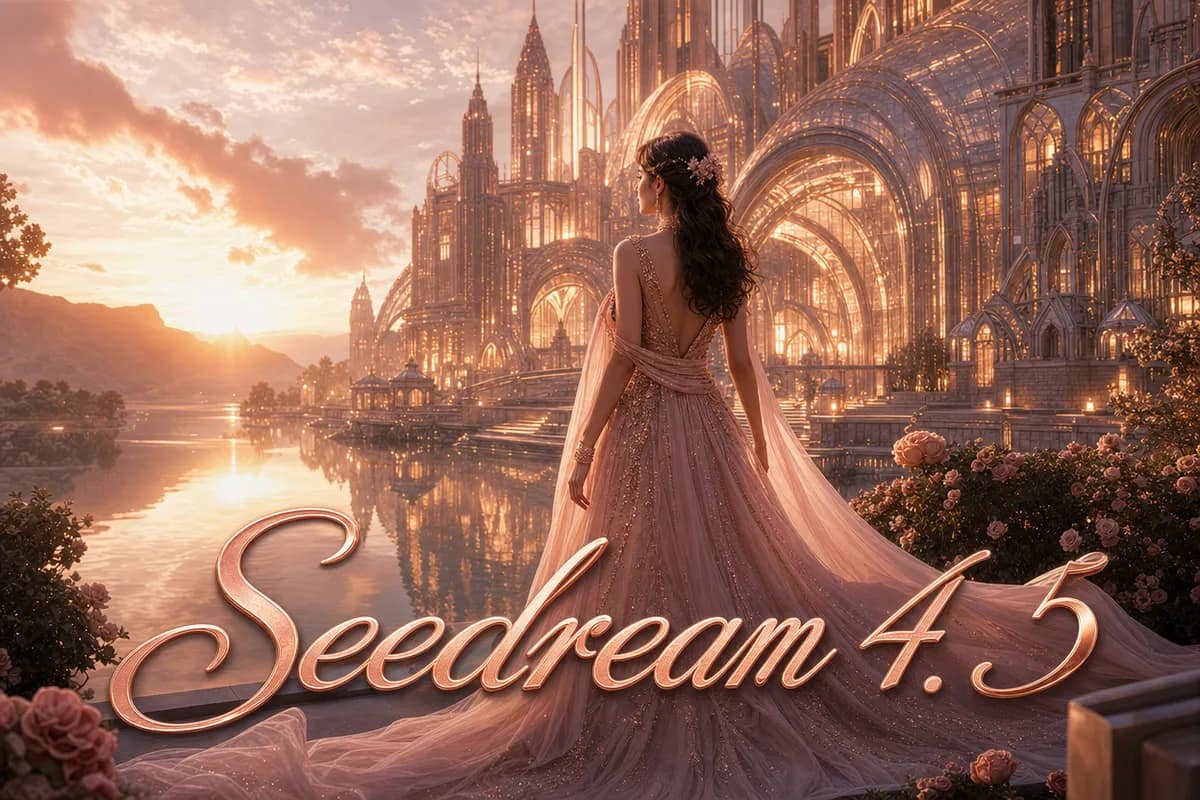
Seedream 4.5
고급 2K/4K 고품질 생성.
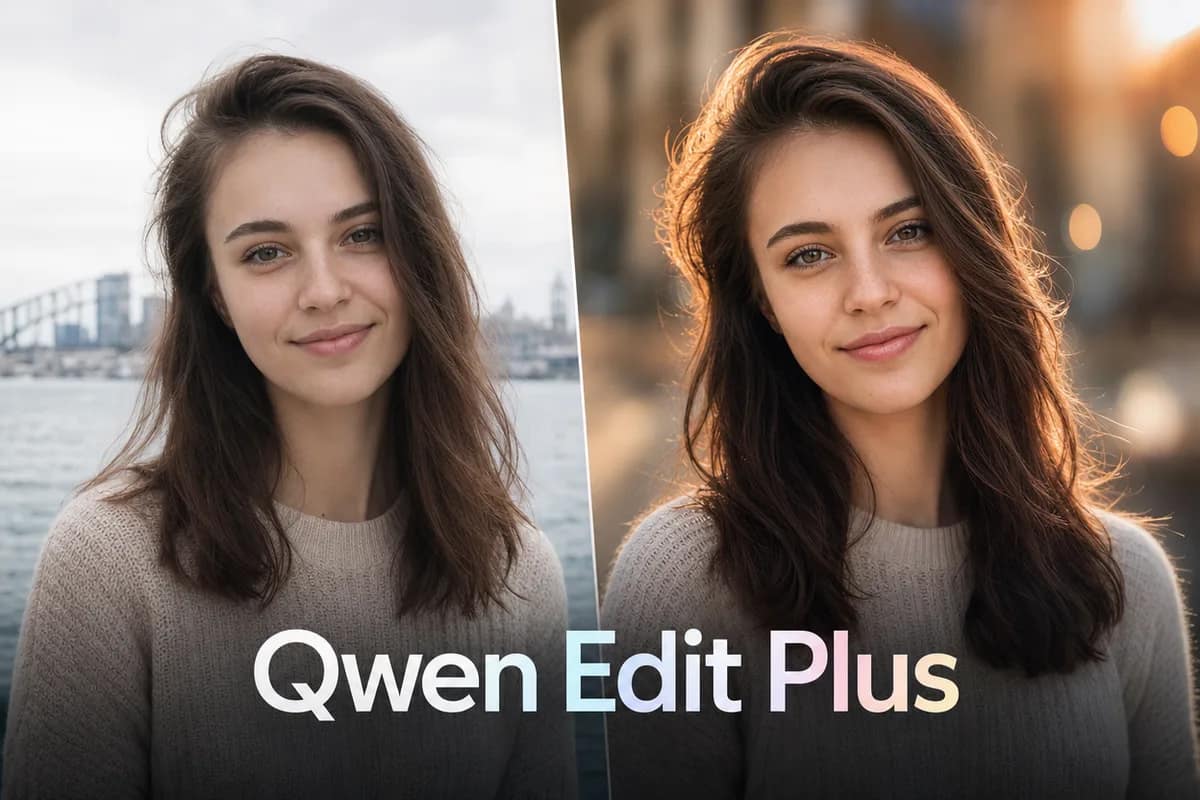
Qwen Image Edit Plus
프롬프트 기반 정밀 사진 편집.
Nano Banana
빠르고 저렴한 합성과 스마트 편집.
Seedream 4.0
HD 배치 생성, 세밀한 프롬프트 제어.
 무료
무료Z Image Turbo
무료 즉석 텍스트→이미지 초안.
Seedance 2.0 Fast
빠르고 부드러운 텍스트/이미지→영상.
Veo 3.1 Fast
프롬프트나 참조로 만드는 시네마틱 클립.
Seedance 1.5 Pro
오디오와 품질 제어를 갖춘 프로급 영상.
Kling 3.0 Motion Control
참조 기반 영상 모션 컨트롤.
AI Couple Photo
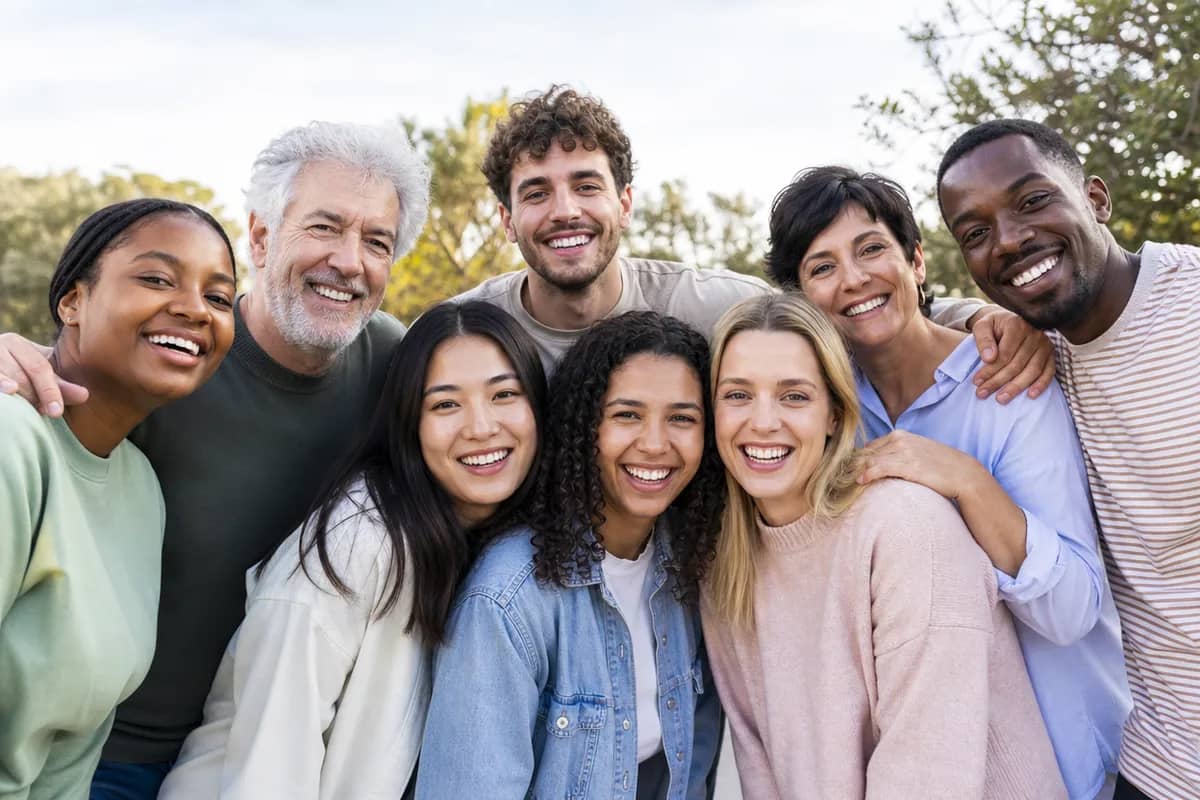
AI Group Photo Mixer
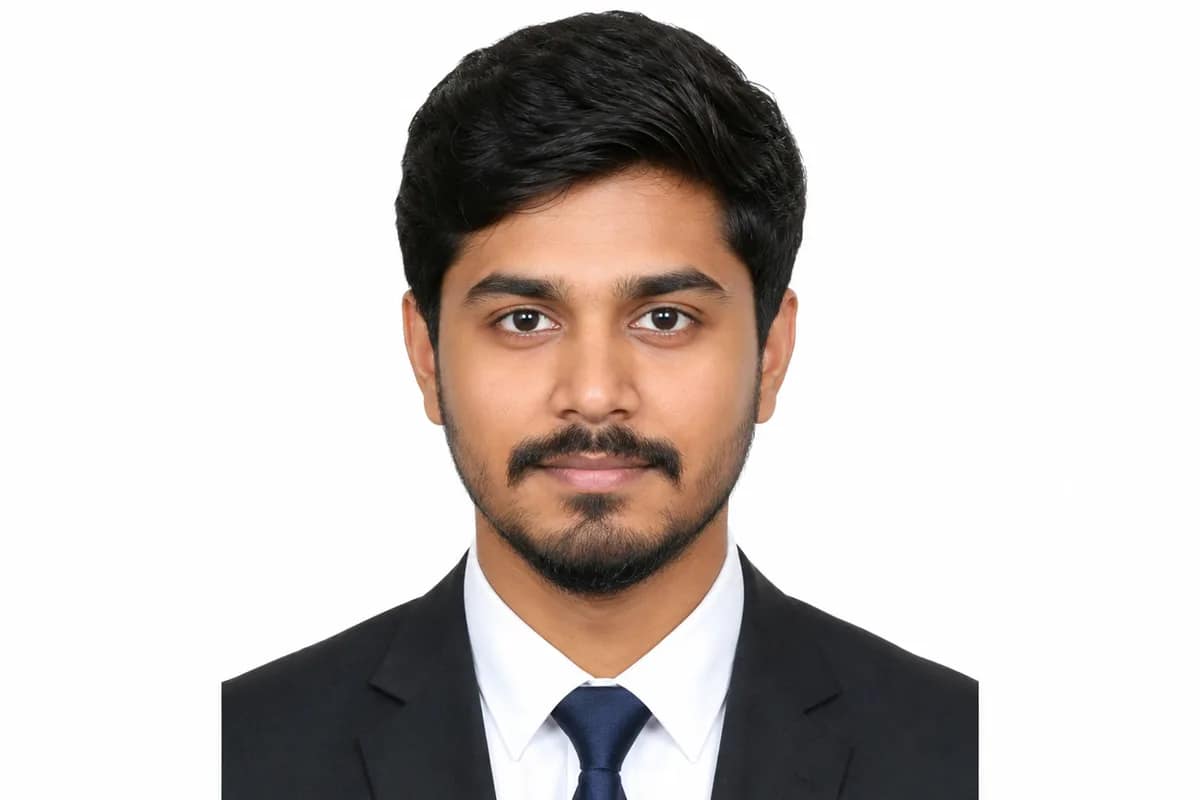
AI ID Photo Maker
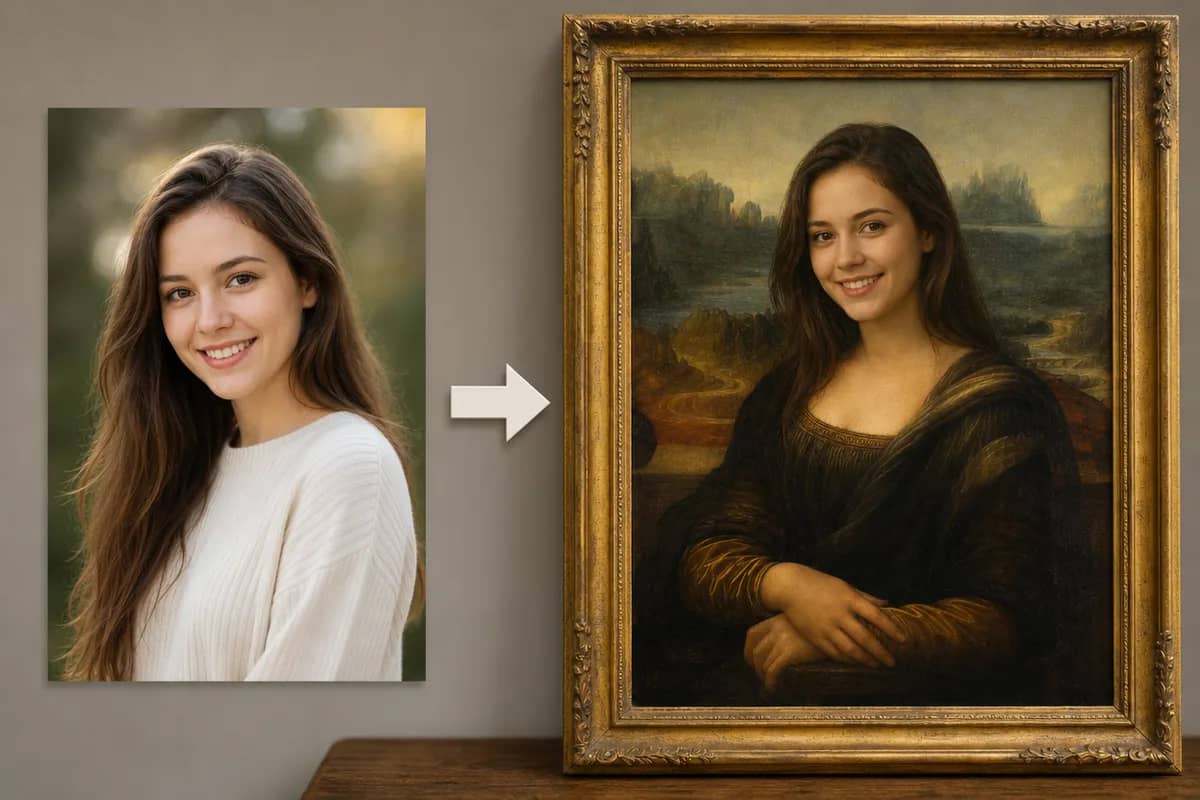
AI Face Swap
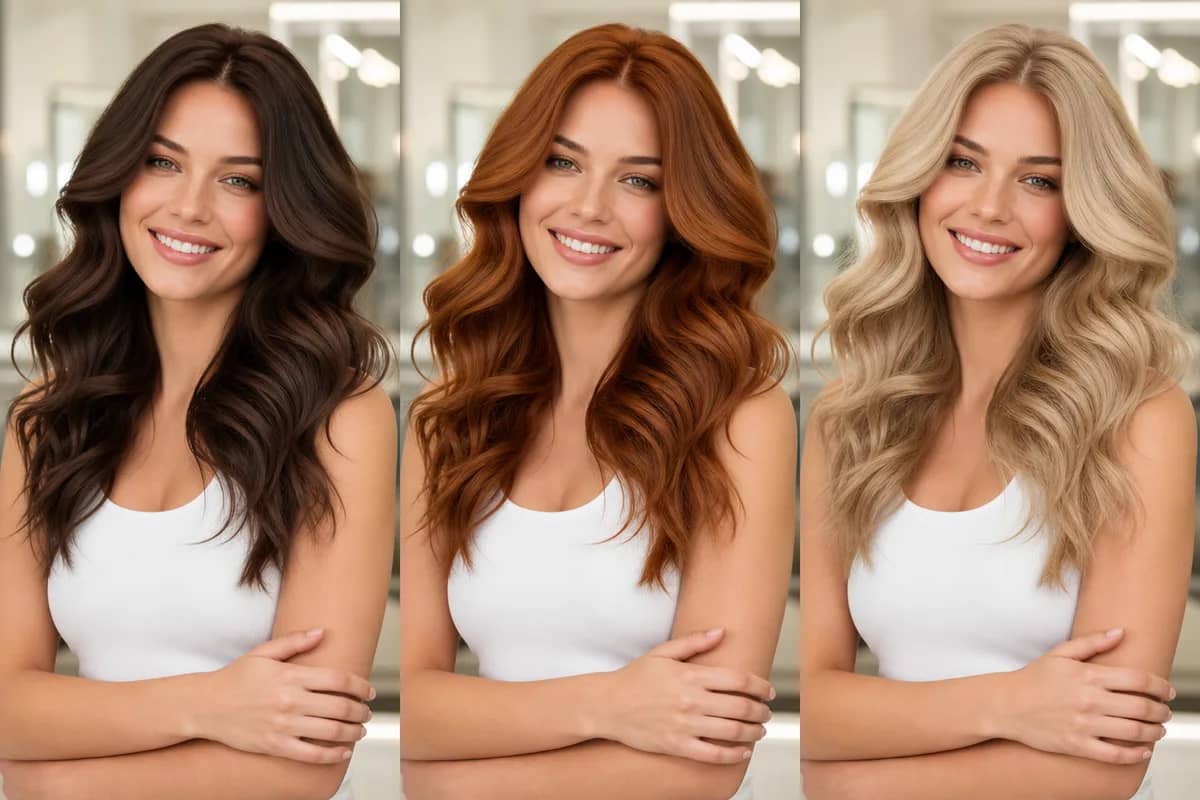
AI Hair Color Changer
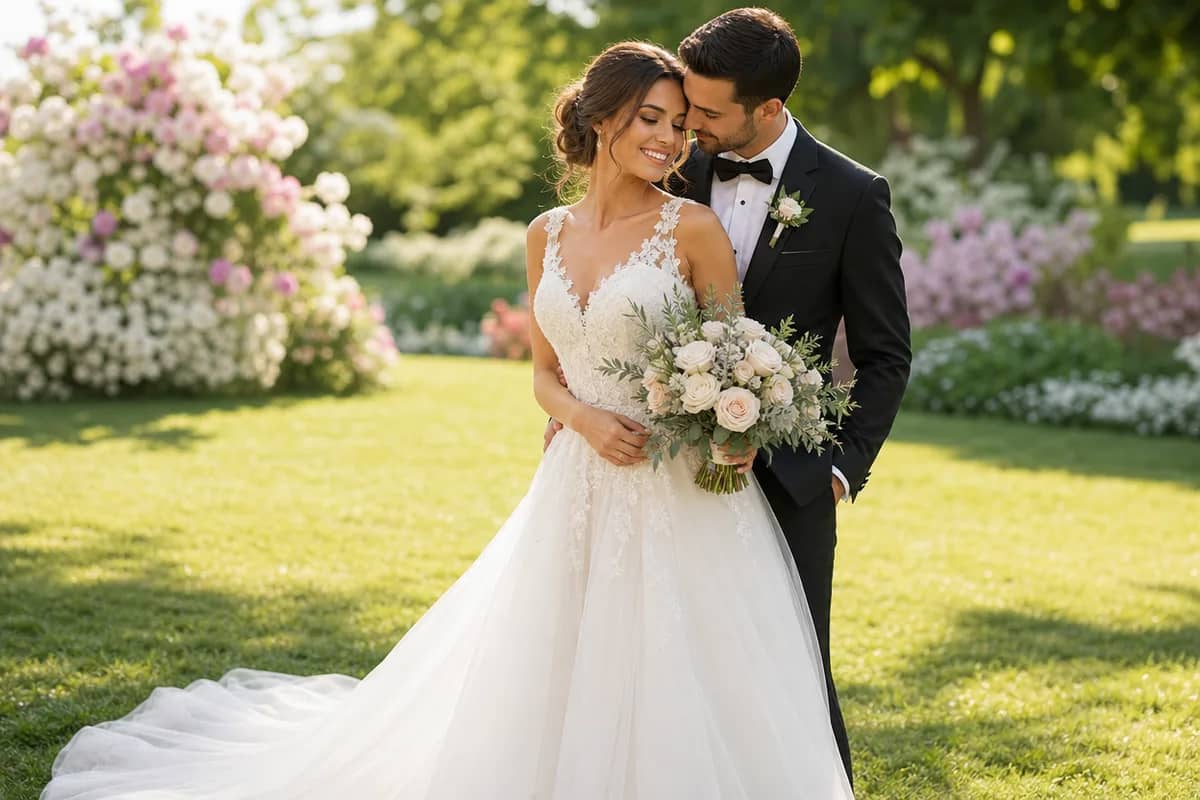
AI Wedding Photo
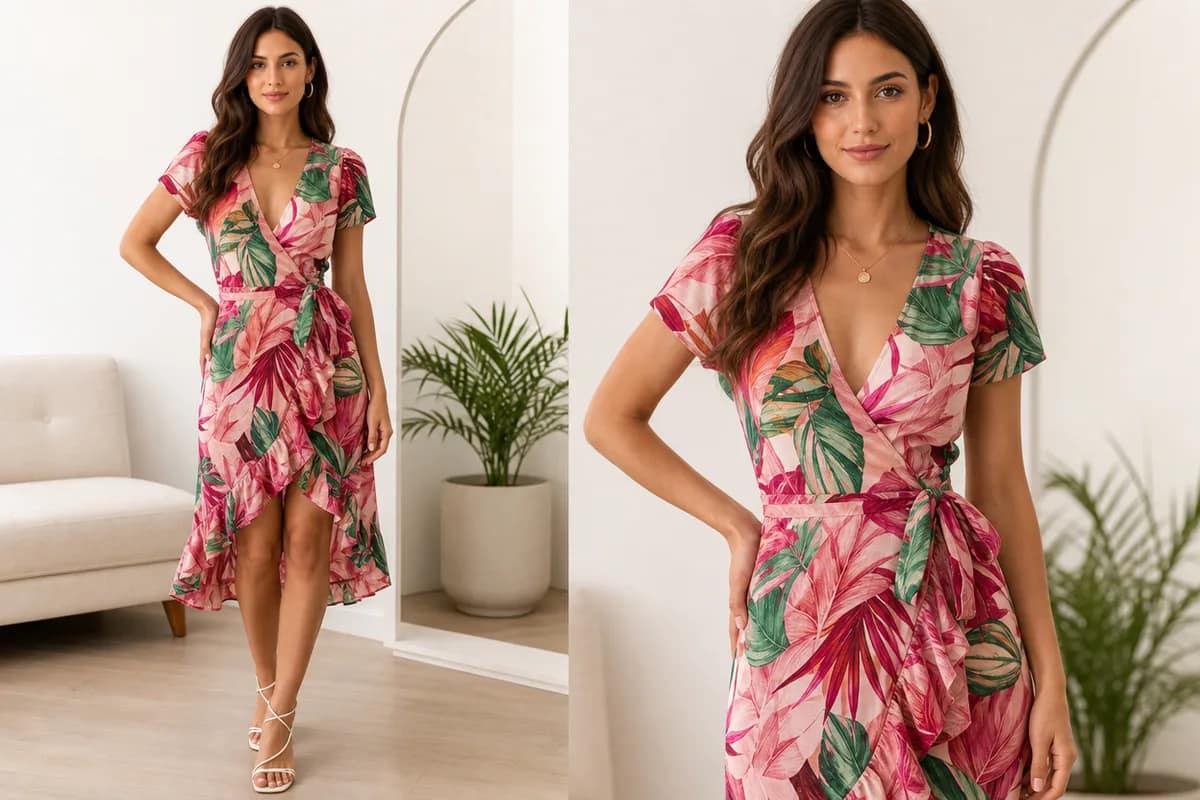
AI Virtual Try-On
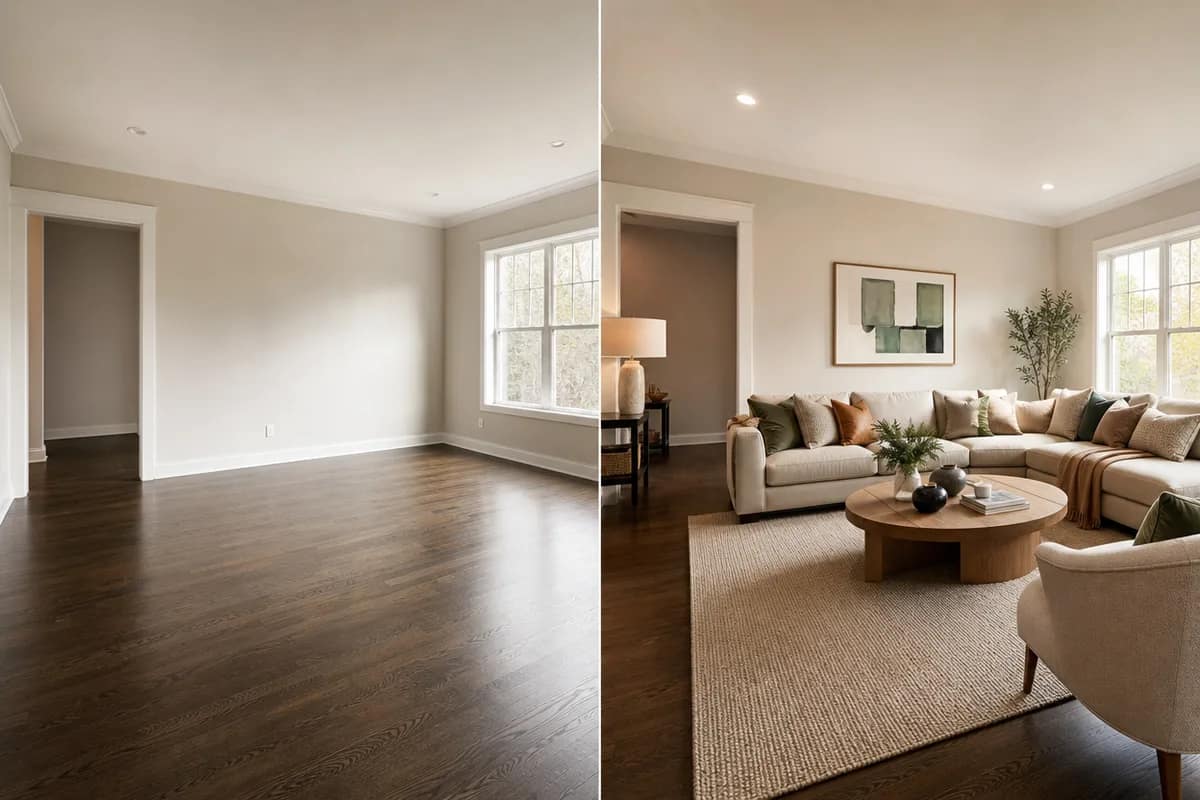
AI Room Designer
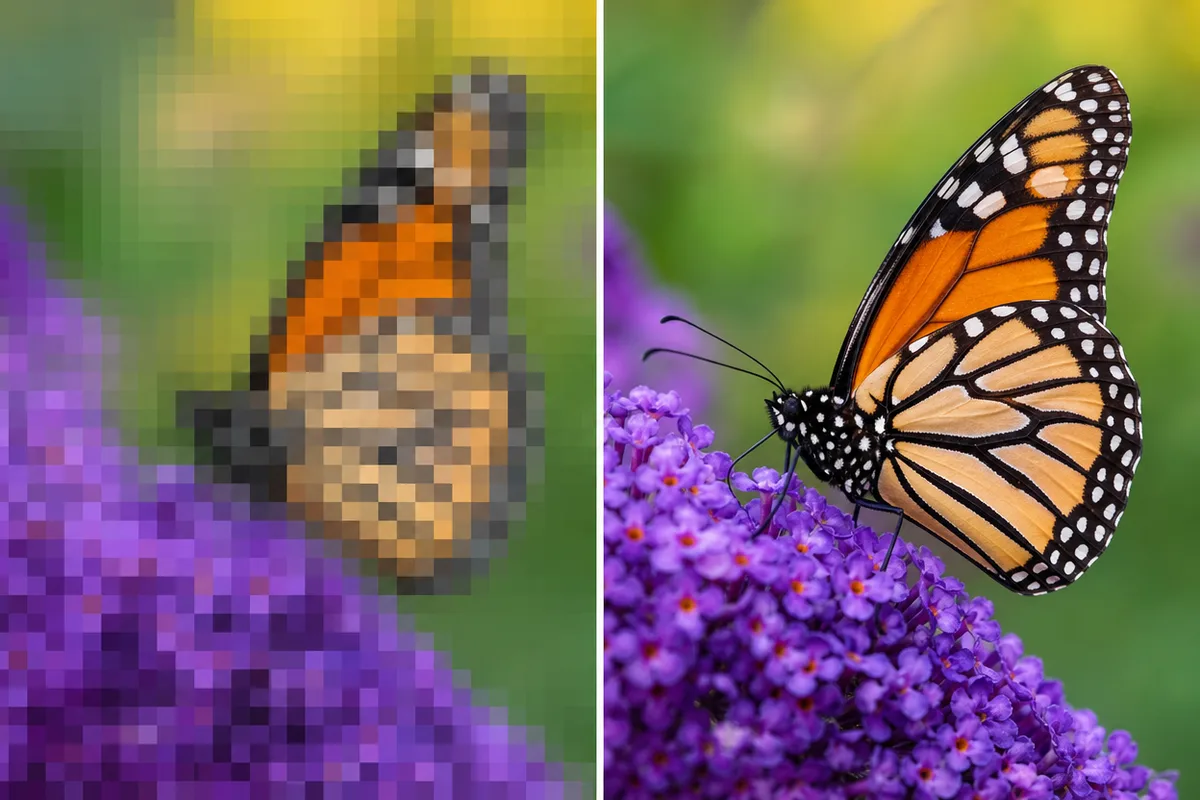
AI Image Upscaler
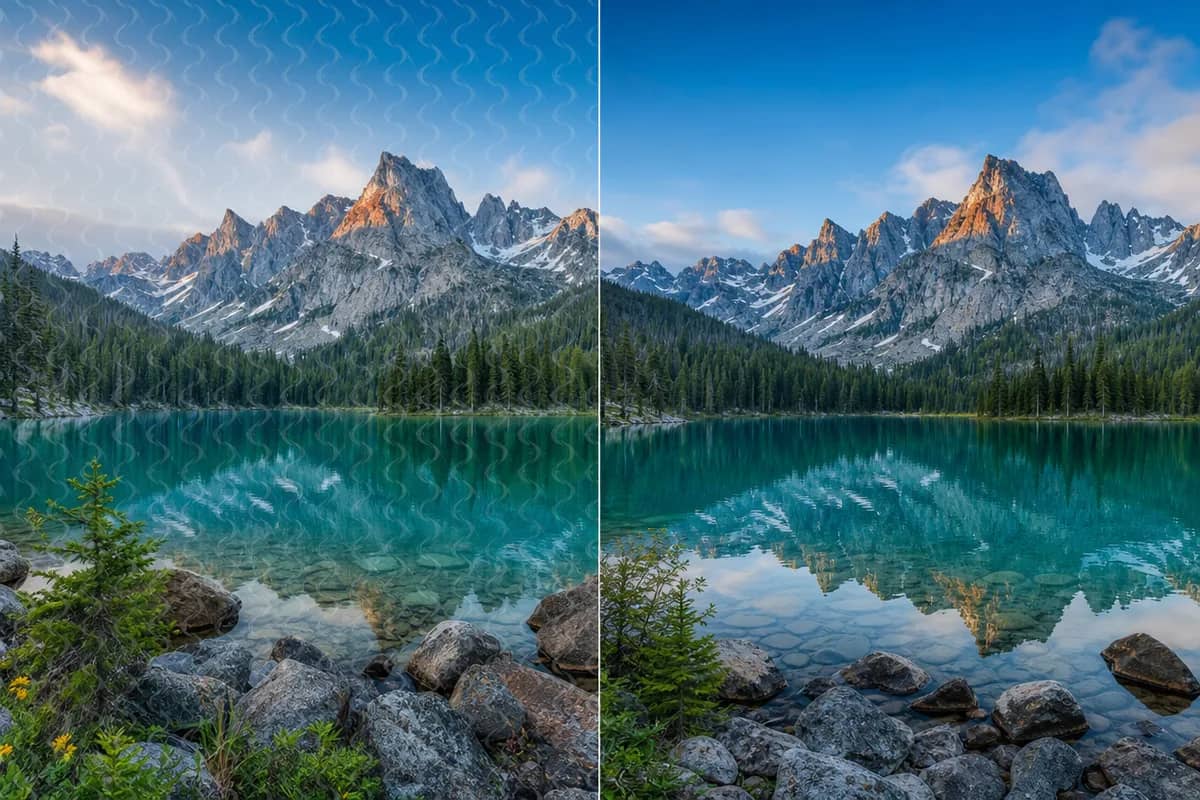
AI Watermark Remover
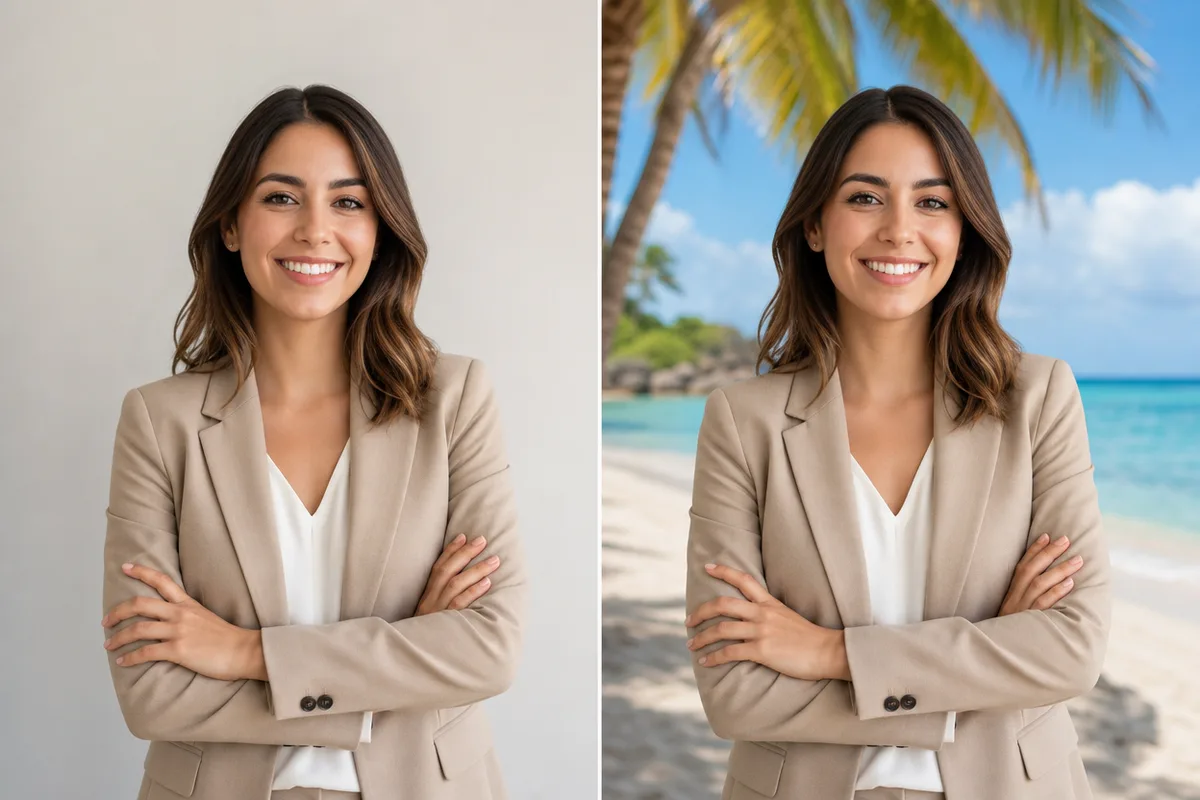
AI Background Changer
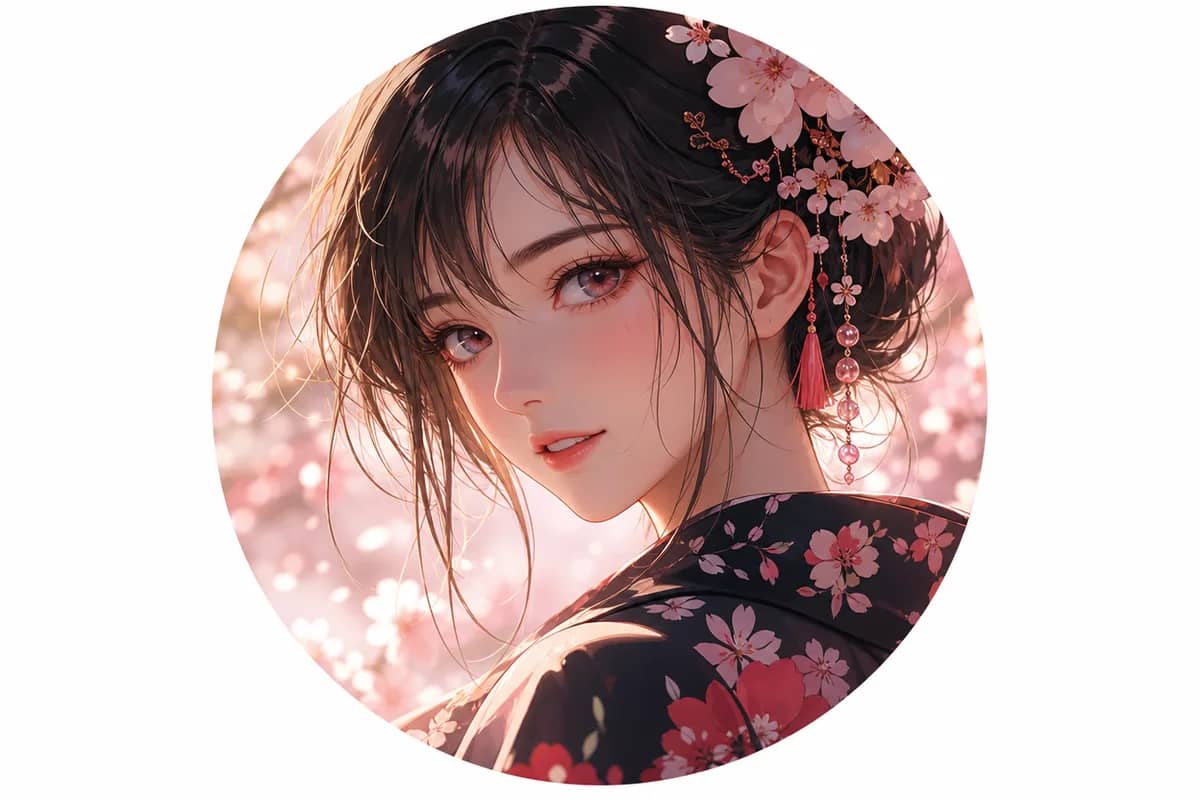
AI Anime Avatar
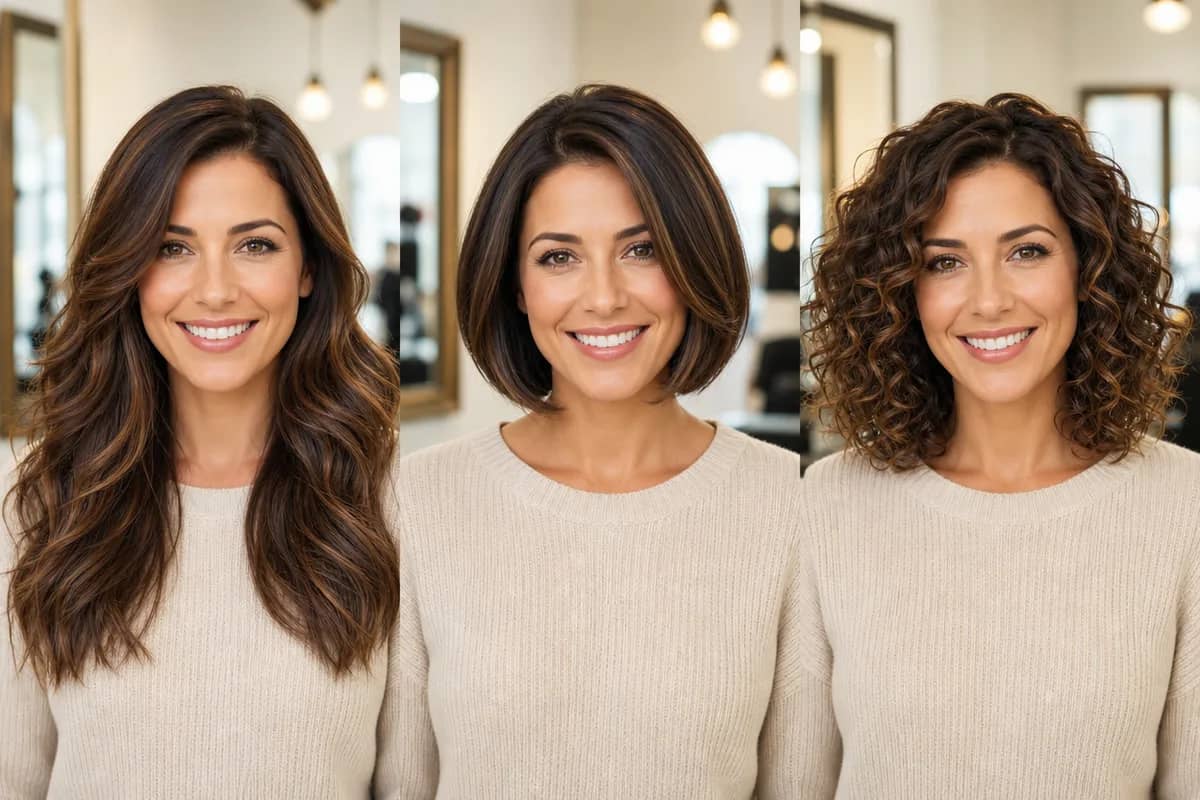
AI Hairstyle Changer
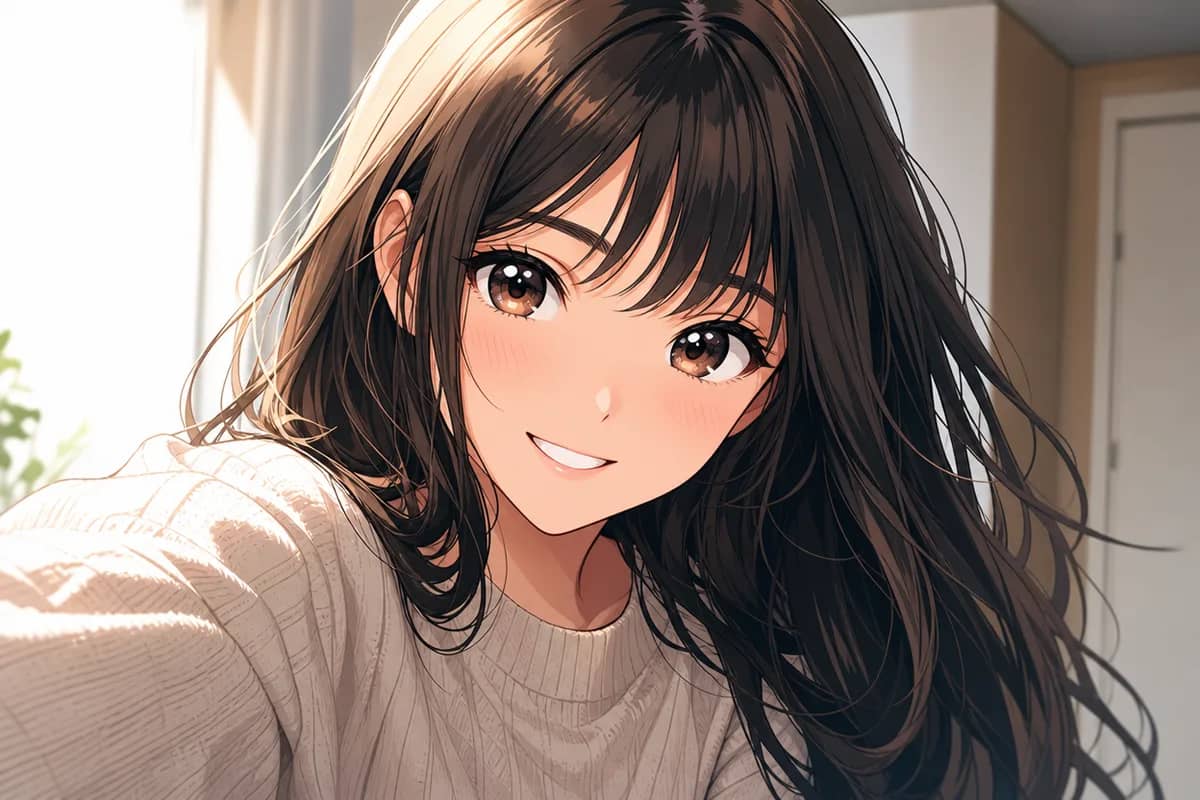
AI Photo to Anime
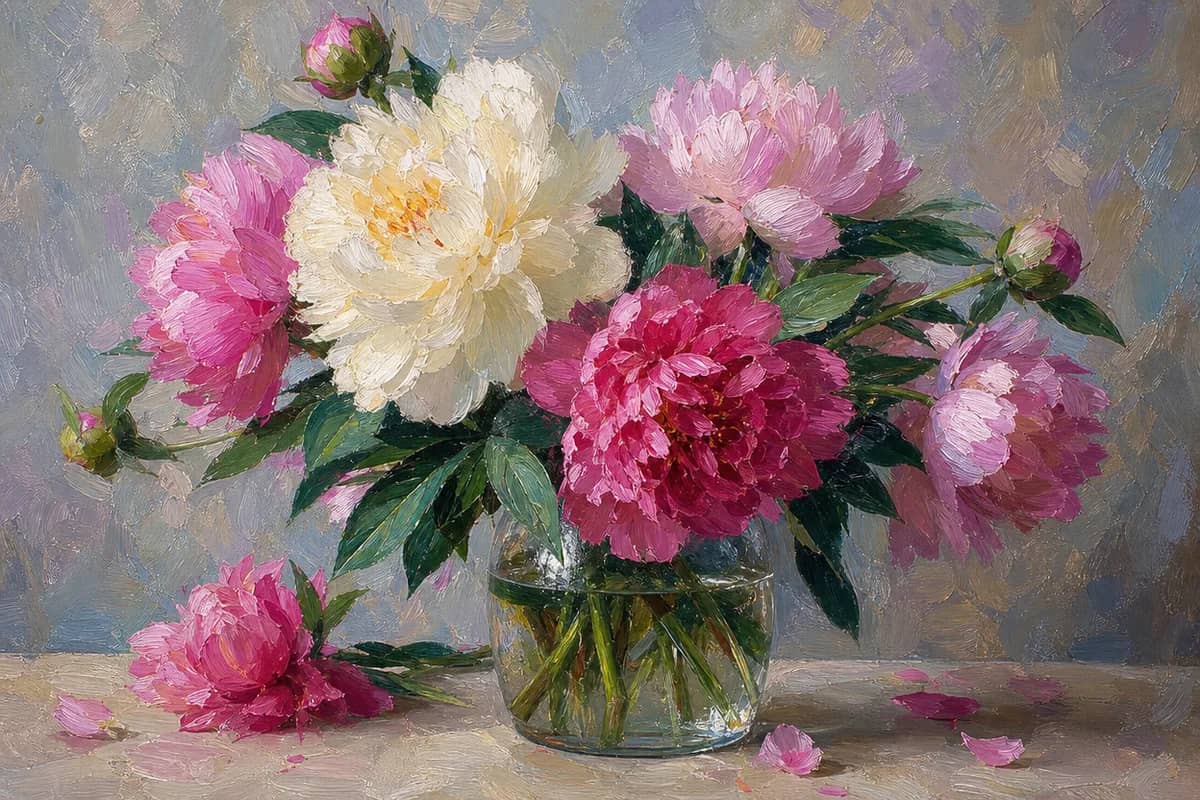
AI Art Style Transfer
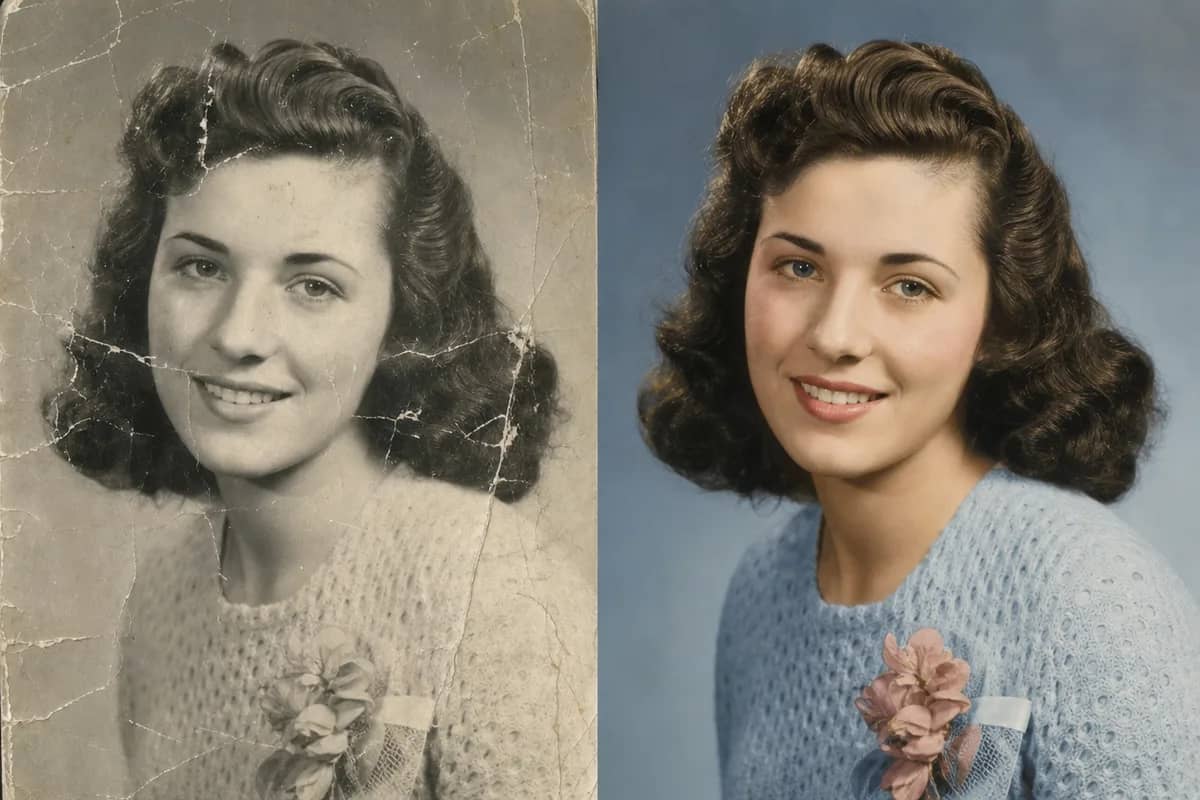
AI Old Photo Restoration
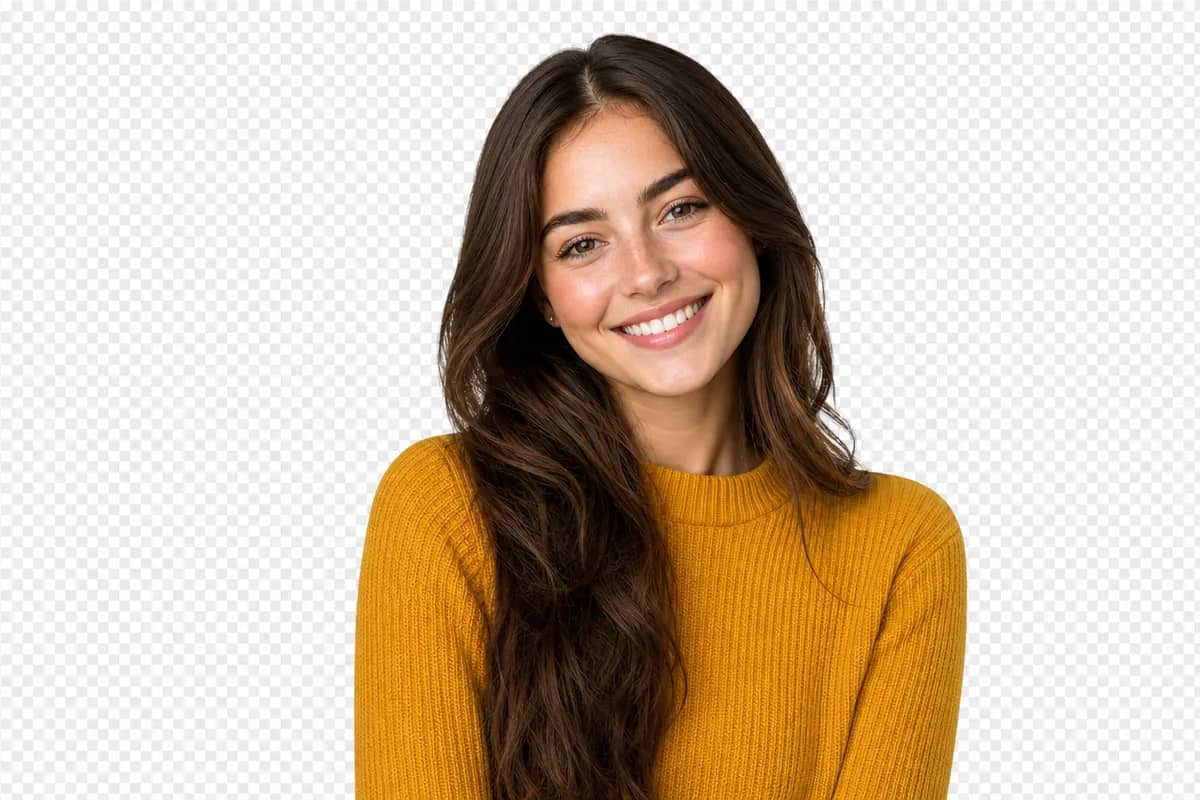
AI Background Remover

AI Cartoon Portrait

AI Christmas Card Generator

AI Valentine Card Maker
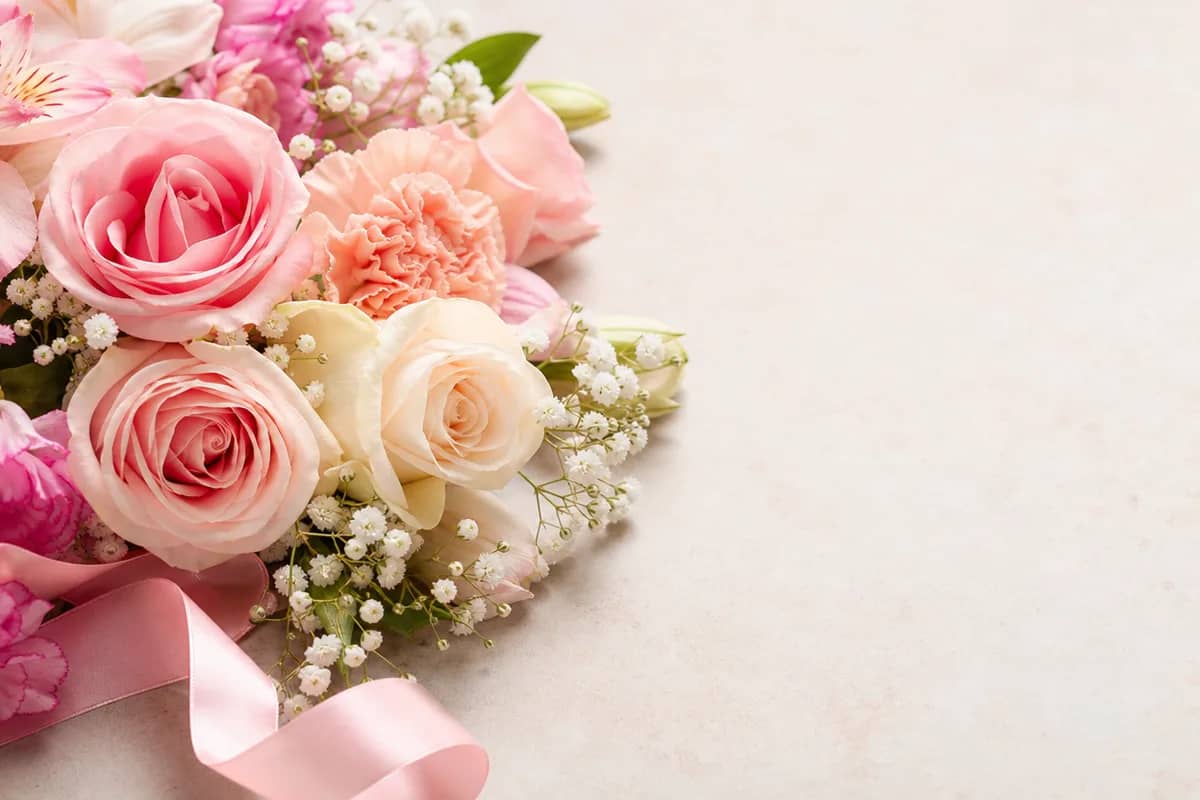
AI Mother's Day Card Maker
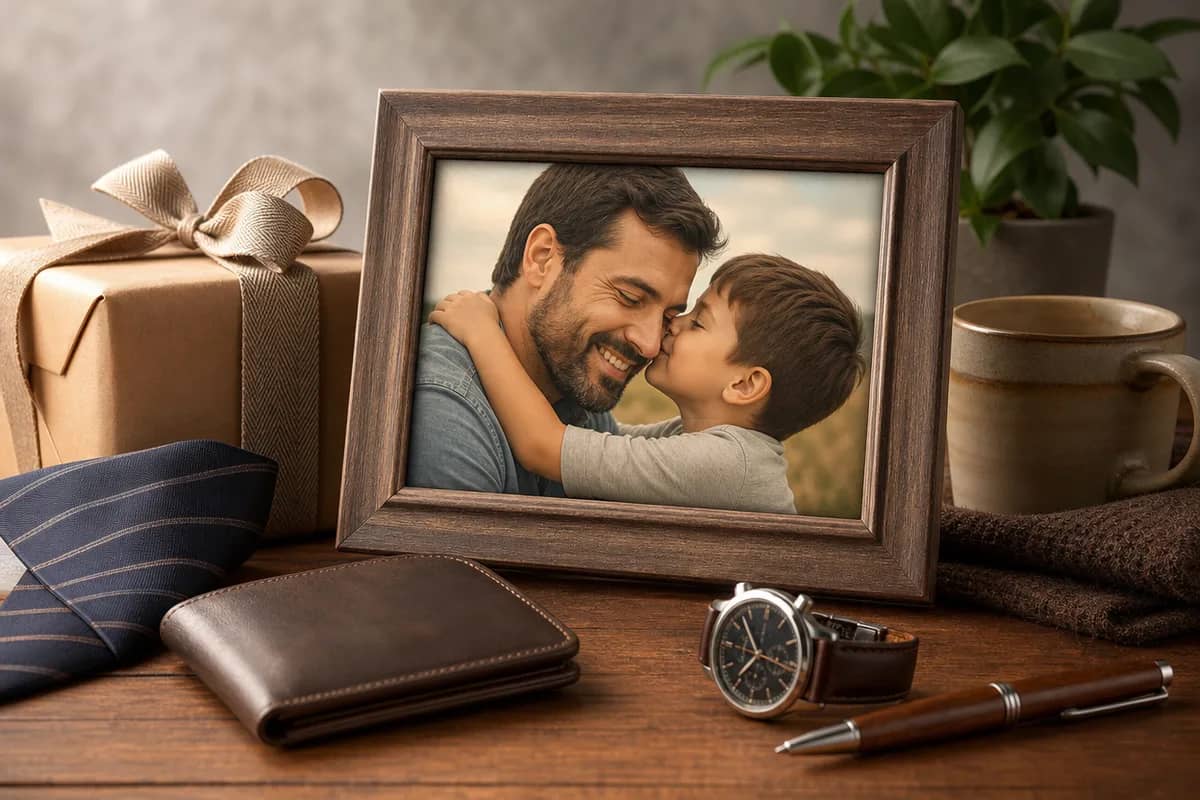
AI Father's Day Card Maker
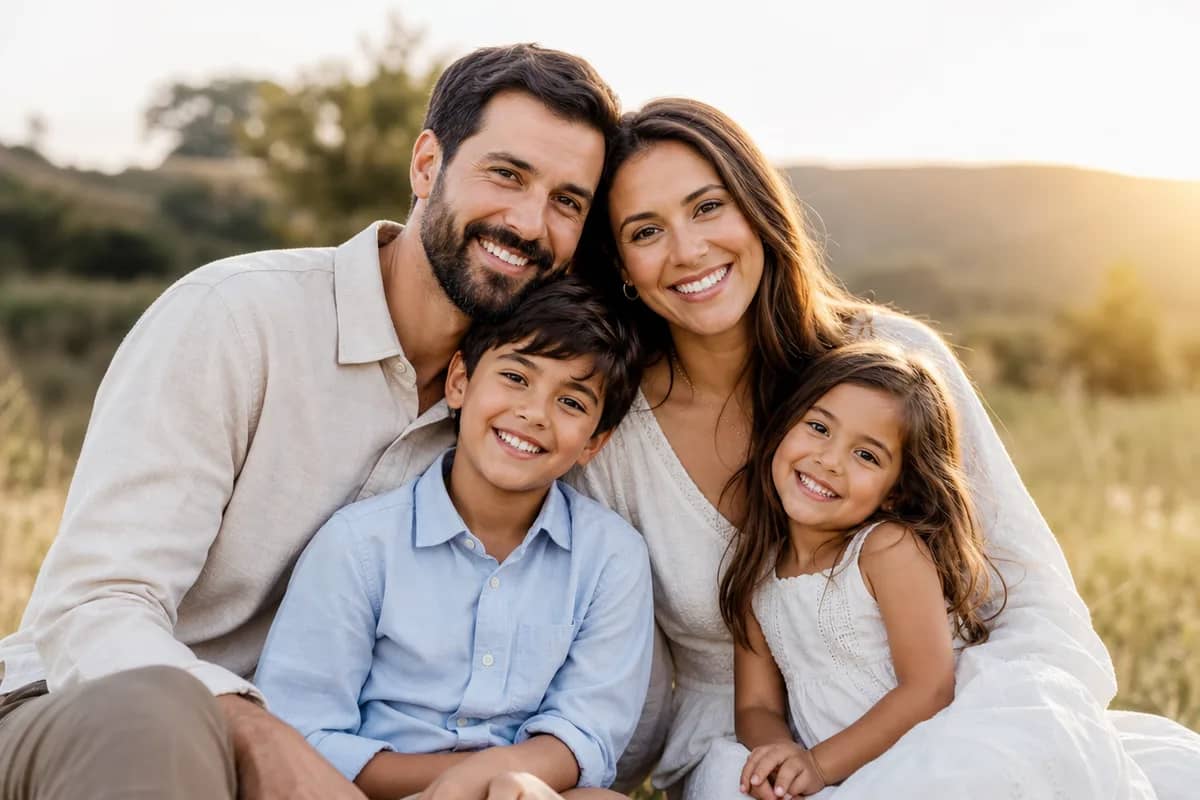
AI Family Photo Generator
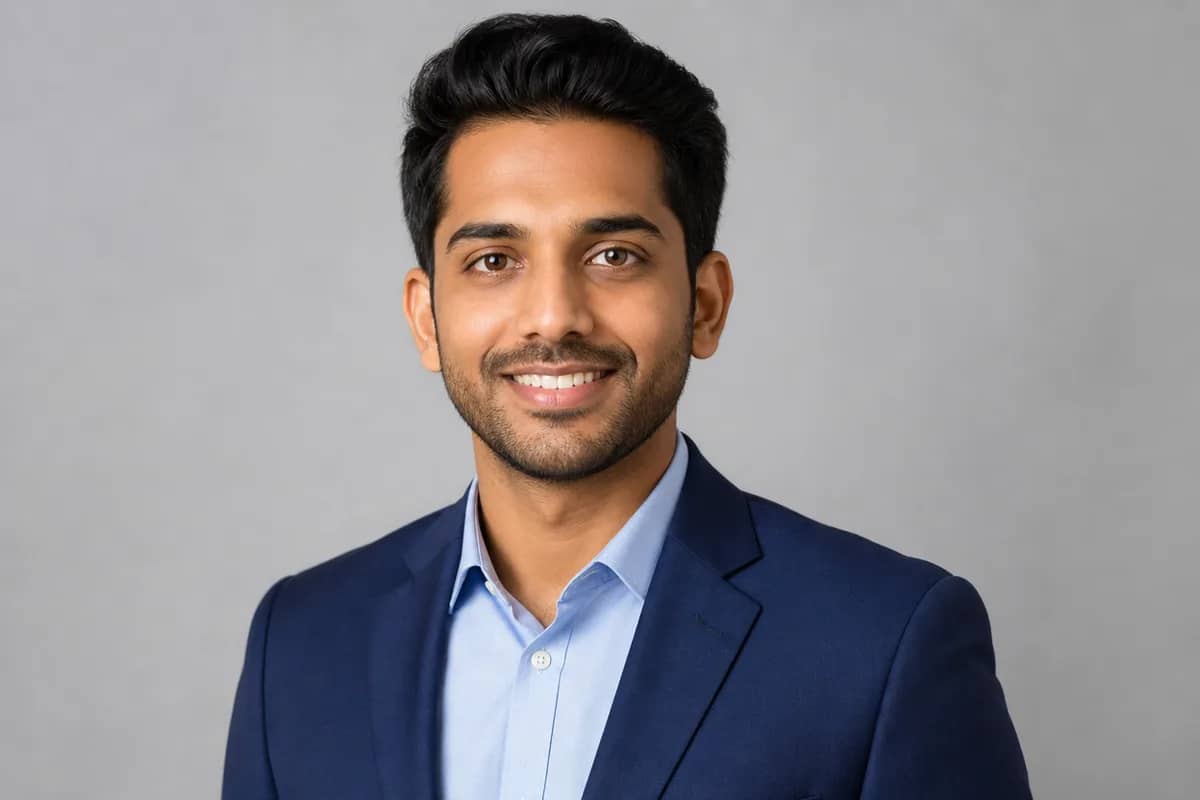
AI Headshot Generator
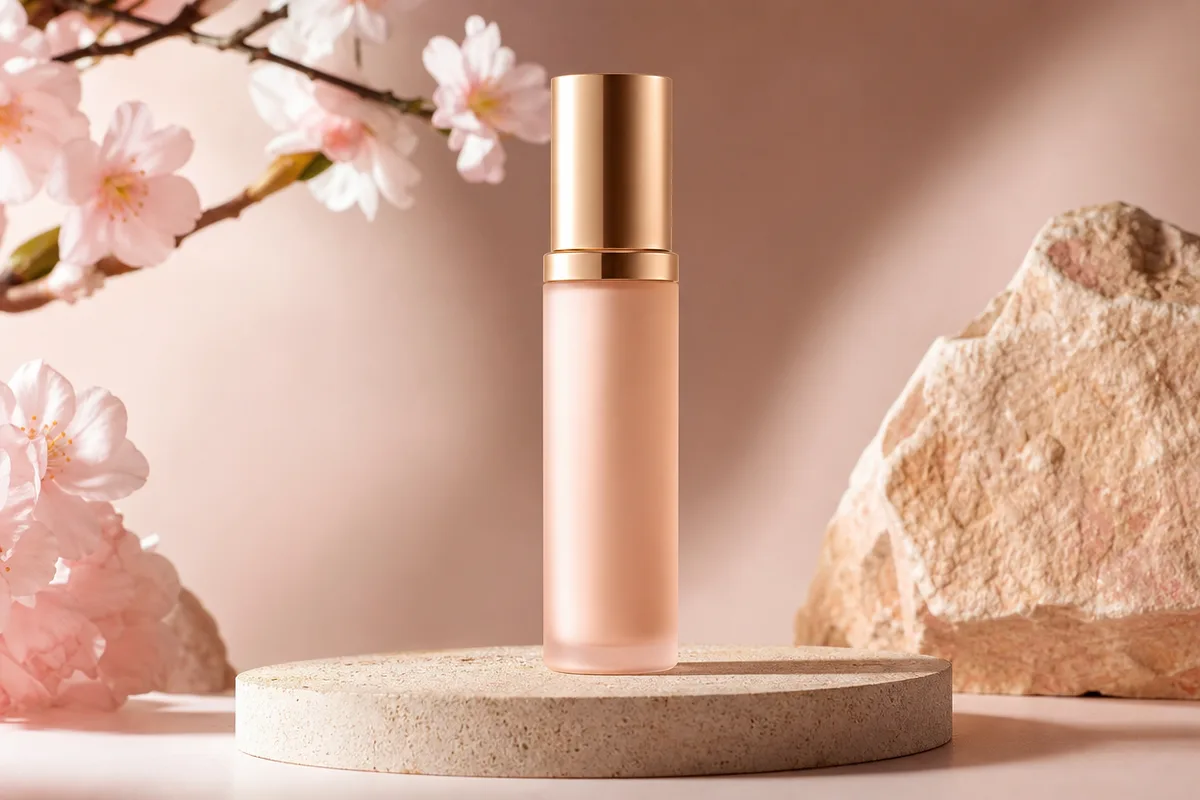
AI Product Mockup
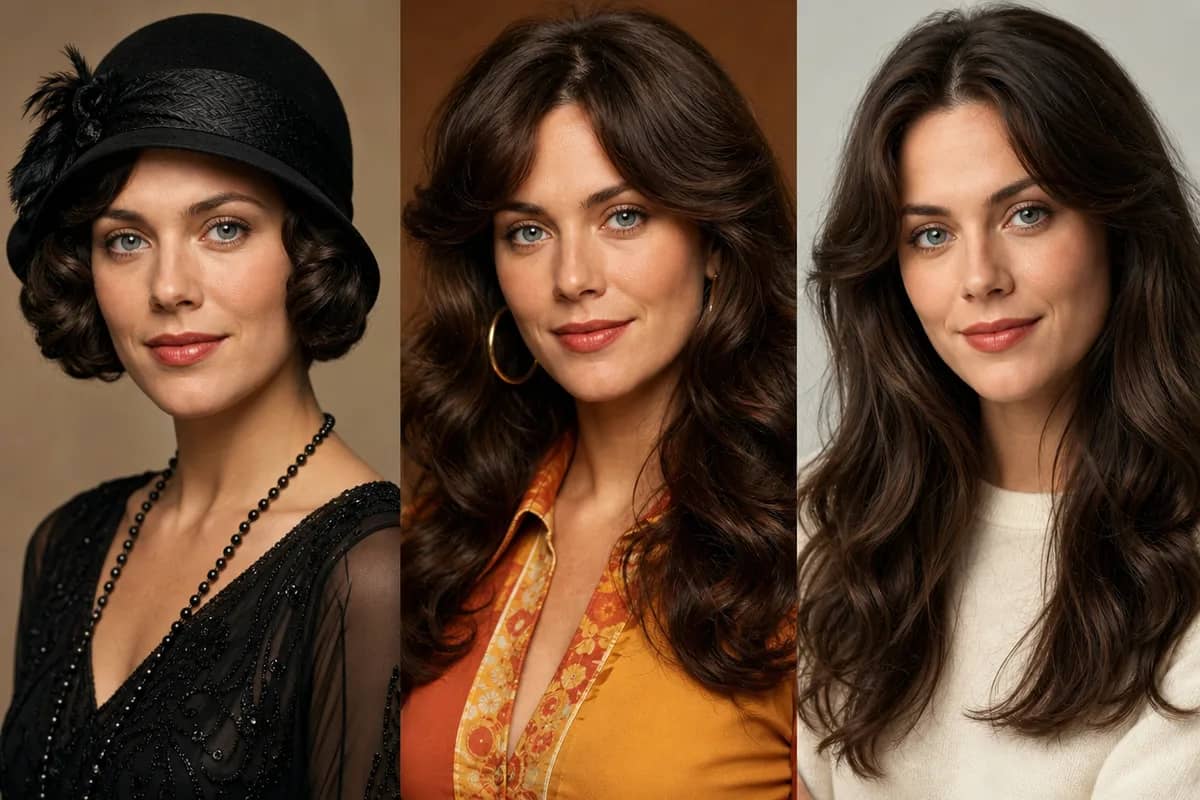
AI Time Travel Photo
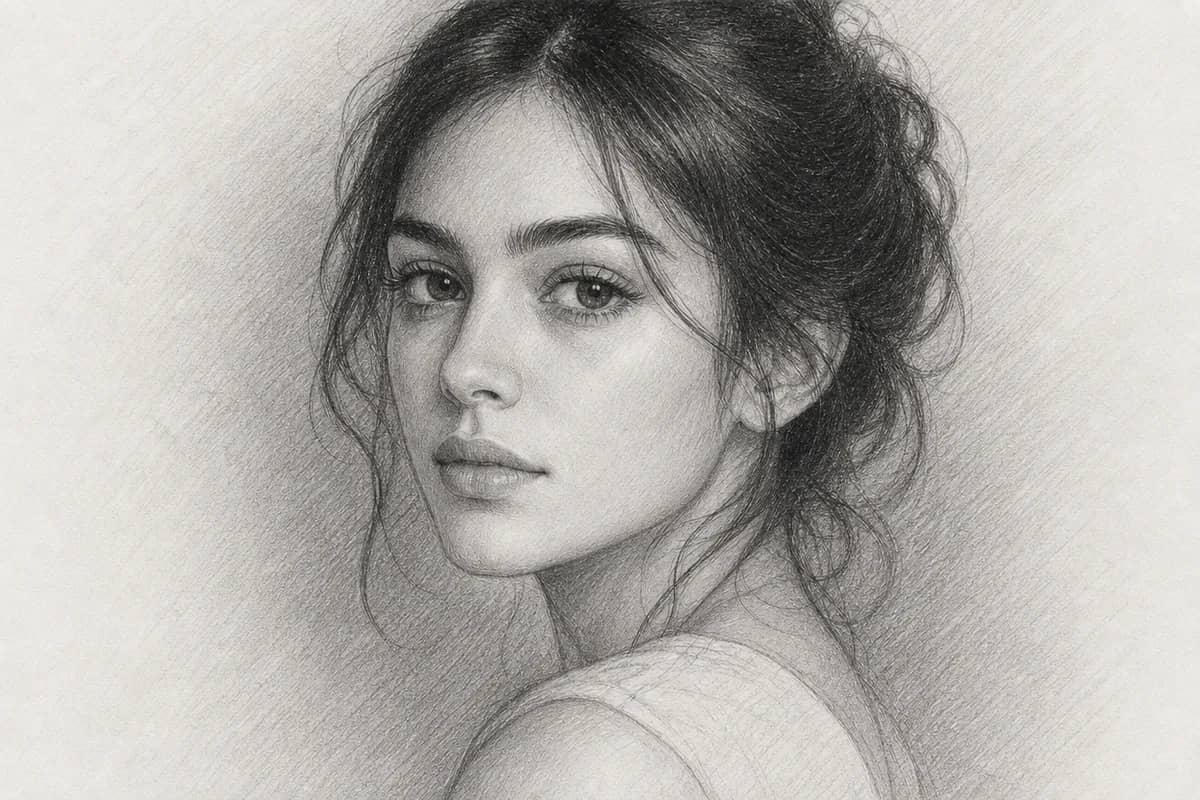
AI Photo to Sketch
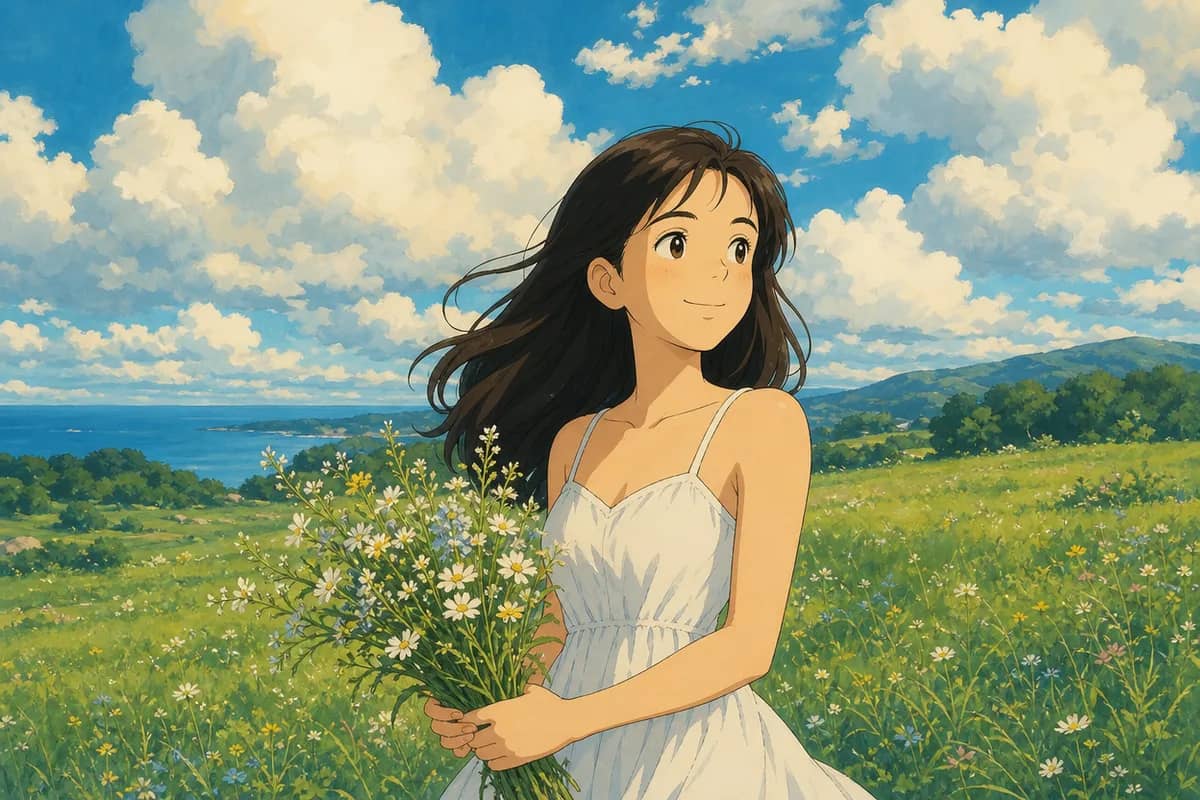
AI Photo to Ghibli
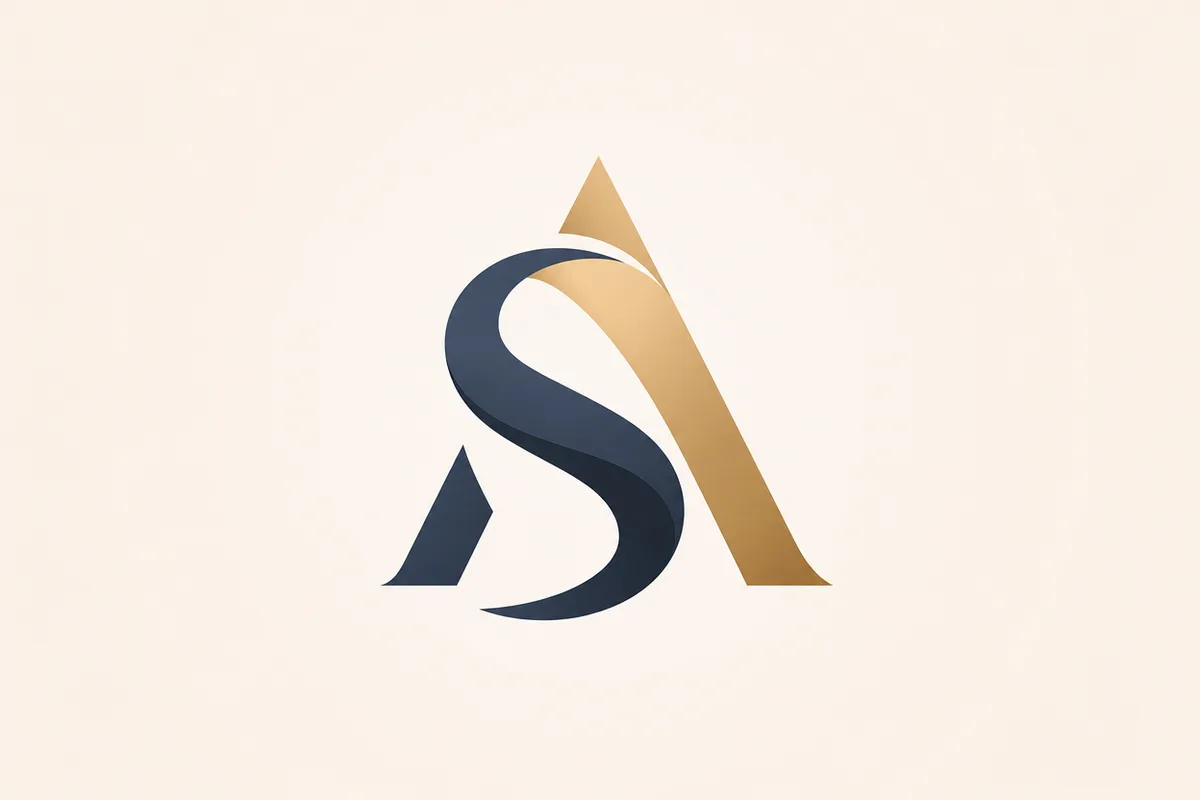
AI Logo Generator
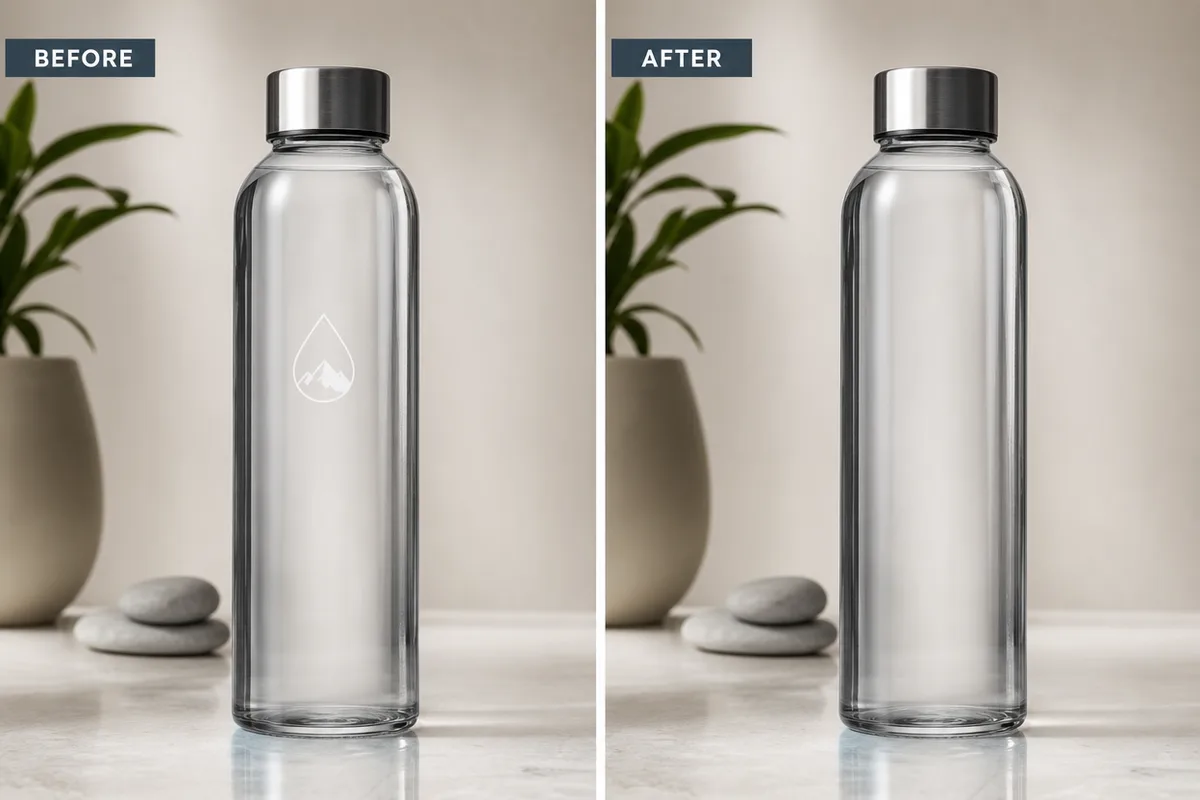
AI Logo Remover
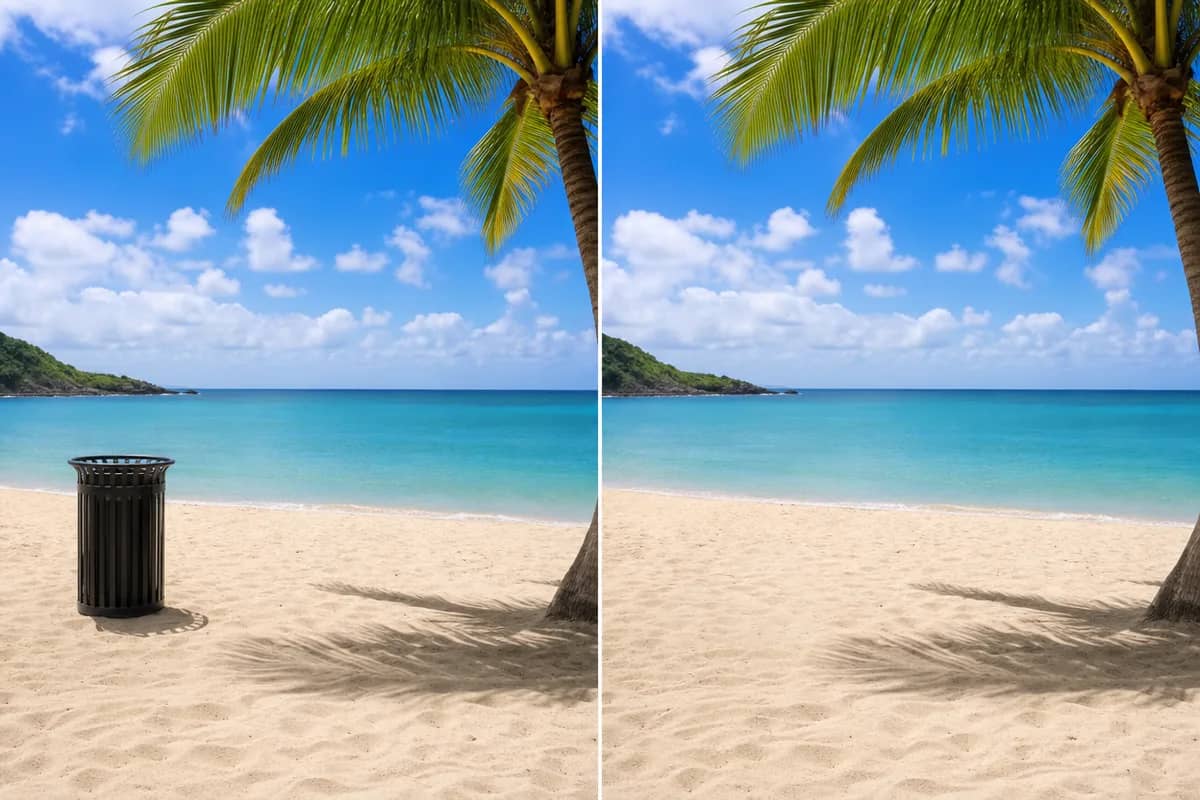
AI Object Remover
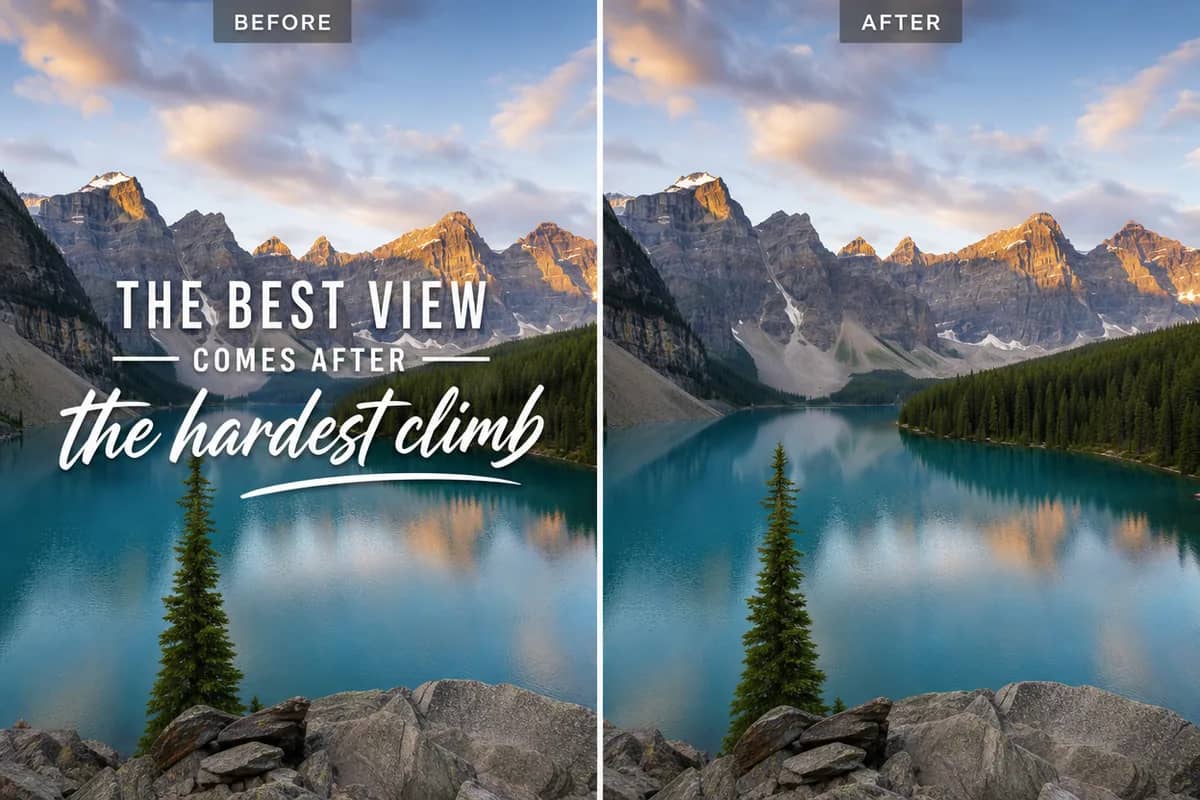
AI Text Remover
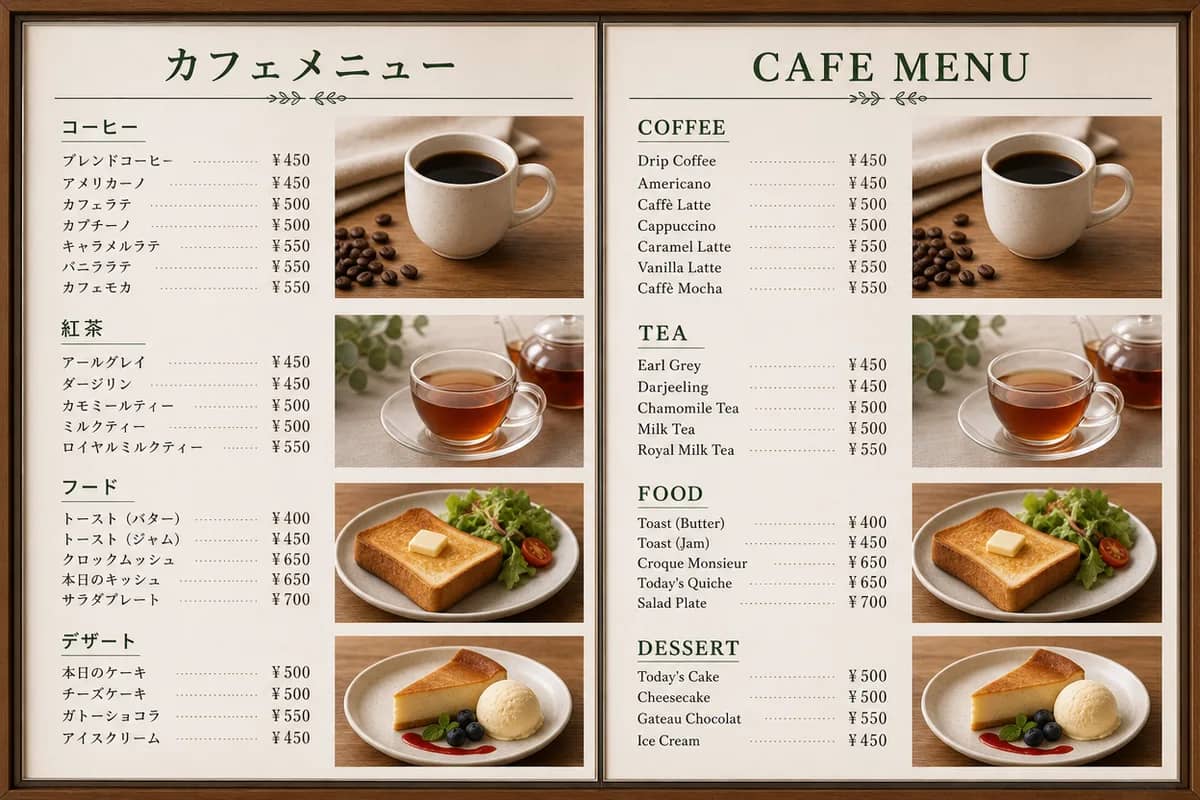
AI Image Translator
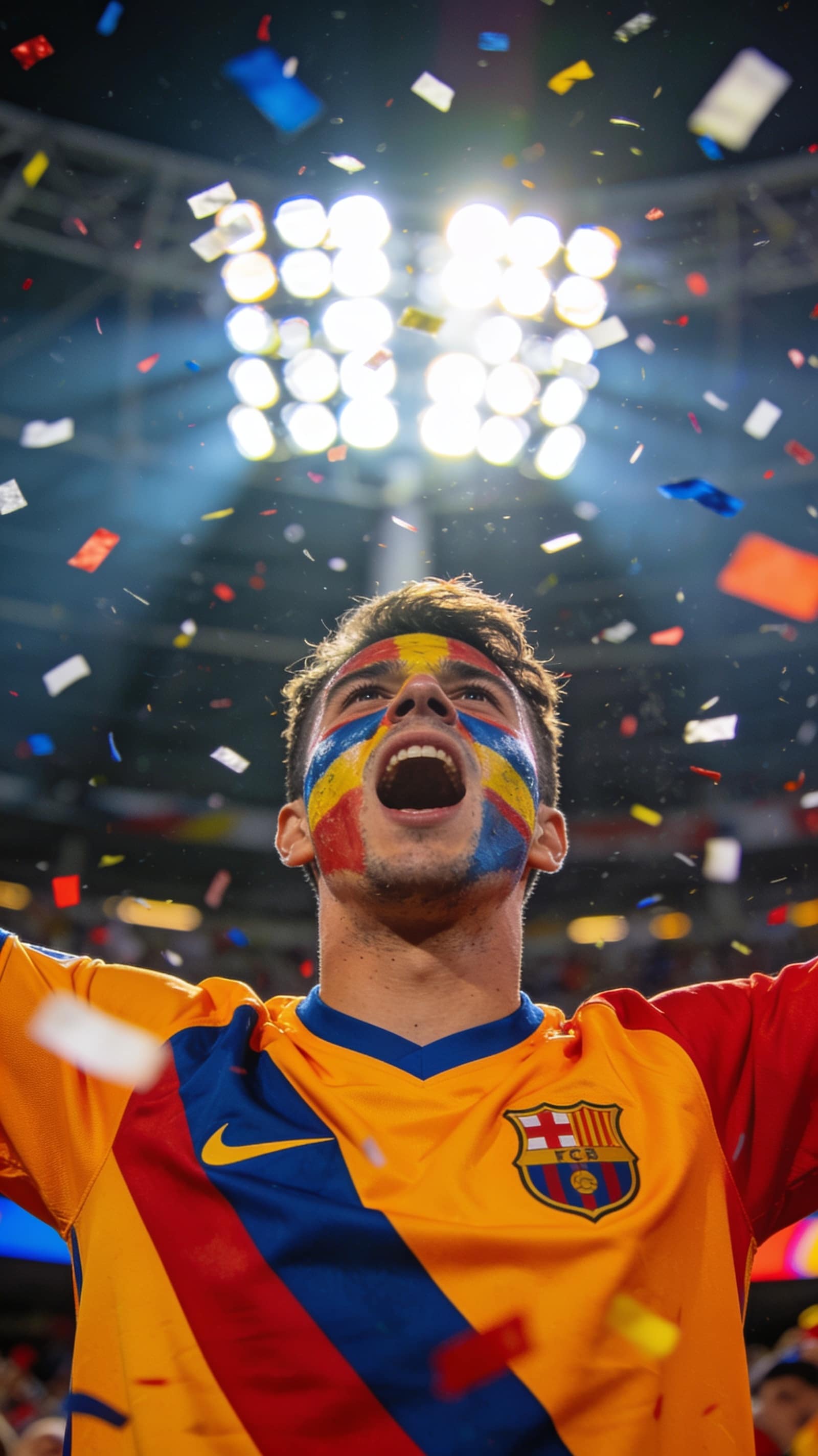
FIFA Photo Maker
이미지, 영상, 아바타까지 — 스튜디오 하나면 충분해요
모든 창작 기능이 한 작업 공간에 있어요. 탭을 바꿔가며 각 기능이 어디까지 가능한지 확인해 보세요.
초안부터 완성본까지, AI 이미지 생성
텍스트 프롬프트나 참고 사진 한 장이면 시중 최강 모델들이 완성도 높은 이미지를 만들어 줘요. 정확한 텍스트 렌더링, 다중 이미지 융합, 고해상도 출력까지 전부 포함이에요.
- 텍스트로도, 사진으로도 — 이미지 생성을 한 작업 공간에서
- 정밀 편집: 프롬프트 한 줄로 교체, 스타일 변경, 리터칭
- 최대 4K 해상도로 인쇄물과 캠페인 작업까지 커버
어디서 시작할지 막막하면, 그냥 물어보세요
처음 하는 분도 프로도 쓸 수 있는 내장 AI 가이드 — 작업을 설계해 주는 에이전트와 보는 눈을 키워 주는 멘토가 함께해요.
Ava, 당신의 창작 에이전트
원하는 걸 평소 말투로 설명해 보세요. Ava가 접근 방식을 짜고, 알맞은 모델을 고르고, 아이디어에서 완성된 이미지나 영상까지 함께 가요.
Ava와 대화하기한 줄 요청만으로 스타일·모델·설정까지 전체 계획 수립
구도, 조명, 초점까지 이미지에 대한 구체적인 조언 제공
바로 생성할 수 있는 컷별 영상 스크립트 작성
세계 최고의 거장들과 함께 창작하세요
28명의 AI 멘토 — 전설적인 아티스트와 프로 스튜디오 전문가. 한 명을 골라 아이디어를 대화로 완성된 이미지로 만드세요.

AI 미야자키
애니메이션 거장

AI 다빈치
르네상스 거장

AI 반 고흐
후기인상주의 거장

AI 피카소
입체파 혁명가

AI 아담스
풍경 사진 거장

AI 레보비츠
초상 사진 전설

AI 아베돈
패션 사진 선구자

AI 모네
인상주의의 아버지

AI 렘브란트
빛의 마술사

AI 미켈란젤로
신성한 창조자

AI 달리
초현실주의 천재

AI 호크니
현대 비전 거장

AI 카파
전쟁 사진 전설

AI 브레송
결정적 순간의 대가

AI 워홀
팝아트의 아이콘

AI 프리다
영혼의 화가

AI 프로덕트 프로
제품 사진 디렉터

AI 포트레이트 렌즈
인물 사진 마스터

AI 바이럴 캔버스
소셜미디어 크리에이티브 디렉터

AI 플레이트 앤 라이트
푸드 포토그래피 마스터

AI 룸 비전
인테리어 디자인 비주얼라이저

AI 픽셀 포지
게임 컨셉 아트 디렉터

AI 런웨이 아이
패션 크리에이티브 디렉터

AI 사쿠라 스튜디오
애니메 & 만화 아티스트

AI 블루프린트 렌즈
건축 시각화 전문가

AI 스토리북 매직
아동 일러스트 전문가

AI 브랜드 마크
브랜드 아이덴티티 디자이너

AI 캠페인 스튜디오
광고 크리에이티브 디렉터
프롬프트와 템플릿, 전부 무료
라이브러리는 두 개, 습관은 하나 — 이미 검증된 것에서 시작하기.
엄선된 프롬프트
에디터가 검수한 테마별로 166개의 프롬프트를 엄선했어요 — 하나하나 실제 생성된 이미지와 대조해 확인을 마쳤어요.
여기 있는 건 전부 무료예요 — 어떤 프롬프트나 템플릿이든 클릭 한 번으로 적용하고, 내 프롬프트로 고쳐 쓸 수도 있어요.
모델
31개 모델을 하나의 크레딧으로. API 키 설정이 필요 없습니다.


자주 묻는 질문
다른 질문이 있으시면 support@createvision.ai로 문의해 주세요
CreateVision AI는 무엇이며 어떻게 작동하나요?
CreateVision AI는 Z Image Turbo, Seedream, Nano Banana Pro, Qwen Image Edit 등 여러 모델을 지능적으로 연동하는 올인원 AI 이미지 생성 플랫폼입니다. 원하는 이미지를 설명하기만 하면, 28명의 전설적인 크리에이티브 마스터로 구성된 AI 멘토 시스템이 프롬프트를 자동으로 강화하고 최적의 모델을 선택하여 뛰어난 결과물을 제공합니다.
CreateVision AI는 정말 무료로 사용할 수 있나요?
네! CreateVision AI는 하루 80크레딧, 월 400크레딧의 넉넉한 무료 요금제를 제공합니다. Z Image Turbo 모델은 완전 무료로 무제한 생성이 가능합니다. 신용카드 등록이 필요 없으며, 숨겨진 비용도 없습니다. 프리미엄 및 얼티밋 요금제로 업그레이드하시면 더 많은 크레딧과 고급 기능을 이용하실 수 있습니다.
CreateVision AI는 다른 AI 이미지 생성기와 어떻게 다른가요?
CreateVision AI는 16명의 전설적인 크리에이티브 마스터로 구성된 AI 멘토 시스템, 28개 이상의 전문 AI 도구, 9,000개 이상의 프롬프트 템플릿을 제공하는 유일한 플랫폼입니다. 지능형 모델 라우팅이 각 작업에 최적의 엔진을 자동으로 선택하므로, 프롬프트 엔지니어링 전문 지식 없이도 뛰어난 품질을 실현할 수 있습니다.
AI 멘토 마스터란 무엇이며 어떤 도움을 주나요?
AI 멘토 시스템에는 Da Vinci, Van Gogh, Miyazaki, Picasso를 비롯한 16명의 전설적인 크리에이티브 마스터가 탑재되어 있습니다. 각 마스터는 고유한 예술적 관점으로 프롬프트를 강화합니다. 멘토를 선택하고 아이디어를 일상적인 언어로 설명하기만 하면, 프롬프트가 걸작 수준의 설명으로 변환되어 300% 향상된 결과를 얻을 수 있습니다.
CreateVision AI로 어떤 유형의 이미지를 만들 수 있나요?
사실적인 인물 사진, 애니메이션 캐릭터, 제품 목업, 룸 디자인, 예술적 일러스트, 로고 등 거의 모든 유형의 이미지를 생성할 수 있습니다. 28개 이상의 AI 도구가 배경 제거, 얼굴 교체, 스타일 변환, 이미지 업스케일링, 워터마크 제거 등 다양한 전문 작업을 지원합니다.
CreateVision AI를 사용하려면 프롬프트 엔지니어링 기술이 필요한가요?
전혀 필요하지 않습니다! AI 멘토 시스템과 지능형 프롬프트 강화 기능이 간단한 설명을 전문가 수준의 프롬프트로 자동 변환합니다. 또한 9,000개 이상의 바로 사용 가능한 템플릿이 준비되어 있어 클릭 한 번으로 생성할 수 있습니다. CreateVision AI는 초보자부터 전문가까지 모든 분이 사용할 수 있도록 설계되었습니다.
생성된 이미지를 상업적으로 사용할 수 있나요?
네, CreateVision AI로 생성한 이미지의 권리는 사용자에게 귀속됩니다. 소셜 미디어, 마케팅 자료, 상품 목록, 크리에이티브 프로젝트 등 개인 및 상업적 용도로 자유롭게 사용하실 수 있습니다.
CreateVision AI에서는 어떤 AI 모델이 사용되나요?
여러 최첨단 모델을 제공합니다: 빠르고 무료인 생성에는 Z Image Turbo, 전문가급 HD 품질에는 Seedream 4.0/4.5, 일관된 스타일의 다중 이미지 합성에는 Nano Banana Pro, 정밀한 AI 편집에는 Qwen Image Edit Plus를 사용합니다. 지능형 라우팅이 사용자의 요구에 가장 적합한 모델을 자동으로 선택합니다.
AI 이미지 도구는 어떻게 작동하나요?
28개 이상의 AI 도구가 각각 다른 작업에 특화되어 있습니다 — 배경 제거, 얼굴 교체, 헤어스타일 변경, 이미지 업스케일링, 워터마크 제거 등. 이미지를 업로드하고 도구를 선택하기만 하면 몇 초 만에 전문가급 결과를 얻을 수 있습니다. 각 도구 사용 시 40크레딧이 소모됩니다.
프리미엄 및 얼티밋 멤버십의 혜택은 무엇인가요?
프리미엄 회원은 일일 1,600크레딧, 월간 8,000크레딧, 5배 빠른 생성 속도, 모든 모델 접근 권한이 제공됩니다. 얼티밋 회원은 일일 4,000크레딧, 월간 18,000크레딧, HD 품질 출력, 우선 지원을 누리실 수 있습니다. 두 요금제 모두 CreateVision AI의 모든 기능을 완벽하게 활용할 수 있습니다.
CreateVision AI는 개인정보를 어떻게 보호하나요?
저희는 개인정보 보호를 매우 중요하게 생각합니다. 회원님이 생성한 모든 콘텐츠는 기본적으로 비공개이며, 어떤 요금제를 이용하시든 다른 사용자는 회원님의 창작물을 절대 볼 수 없습니다. 회원 데이터를 판매하거나 부정하게 사용하지 않습니다. 여러분의 창작물은 여러분의 것입니다.
CreateVision AI는 모바일에서도 사용할 수 있나요?
네, createvision.ai에서 모바일 브라우저를 통해 원활하게 이용하실 수 있습니다. 인터페이스는 완전한 반응형으로, 터치스크린에 최적화되어 있습니다. 더 나은 경험을 위한 전용 모바일 앱도 개발 중입니다.