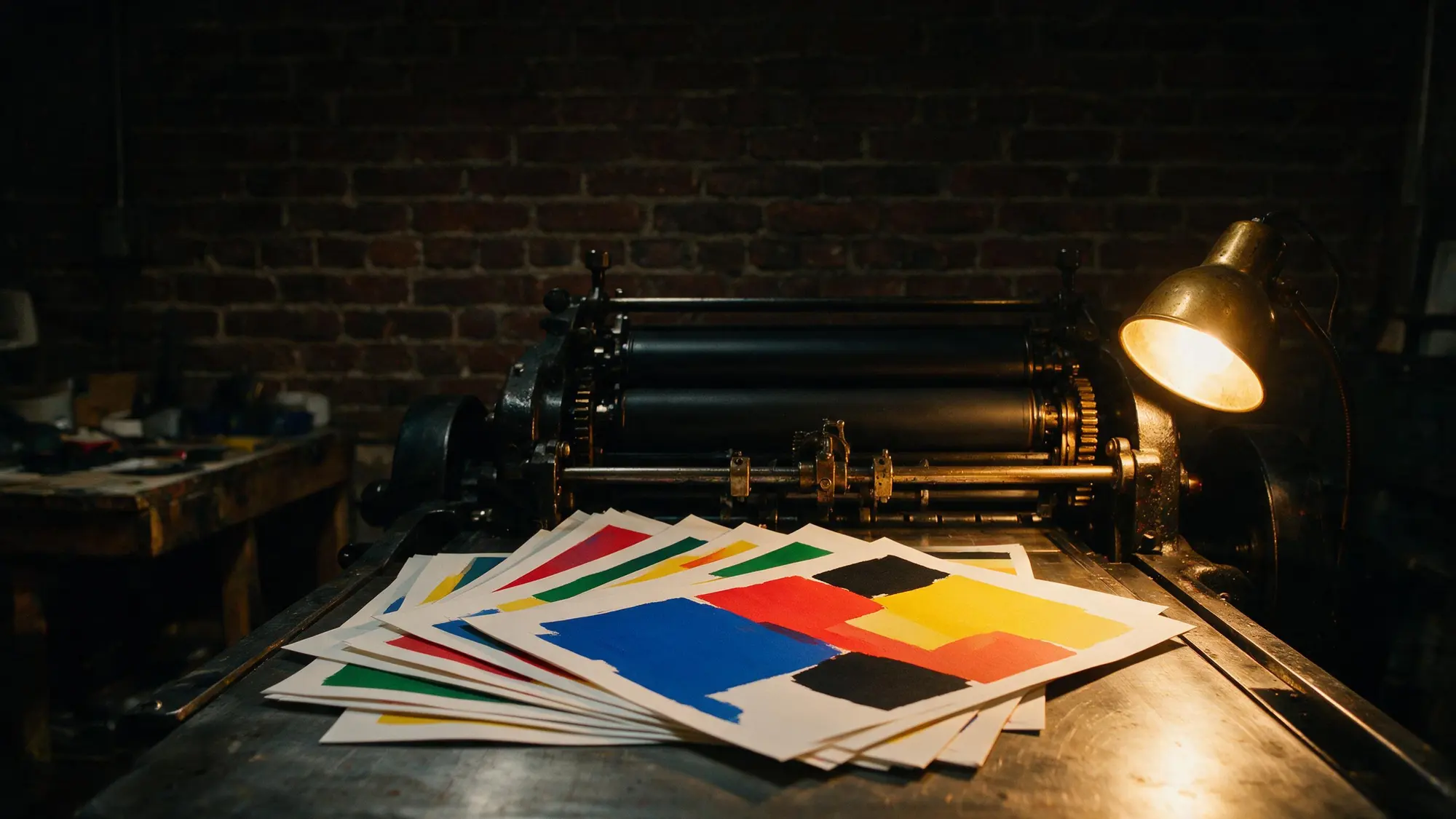
AI-beeldmodel

Seedream 5 Pro AI Image Generator

Use Seedream 5 Pro for the highest-fidelity renders, precise prompt following, and reference-guided image editing.

Seedream 5 Pro1K and 2KReference editing

Ontdek meer modellen

Compare Seedream 5 Pro with other image models — same workspace, one click to switch.

Laat je inspireren

Een blik op wat mensen maken met AI-beeldmodellen op CreateVision AI.

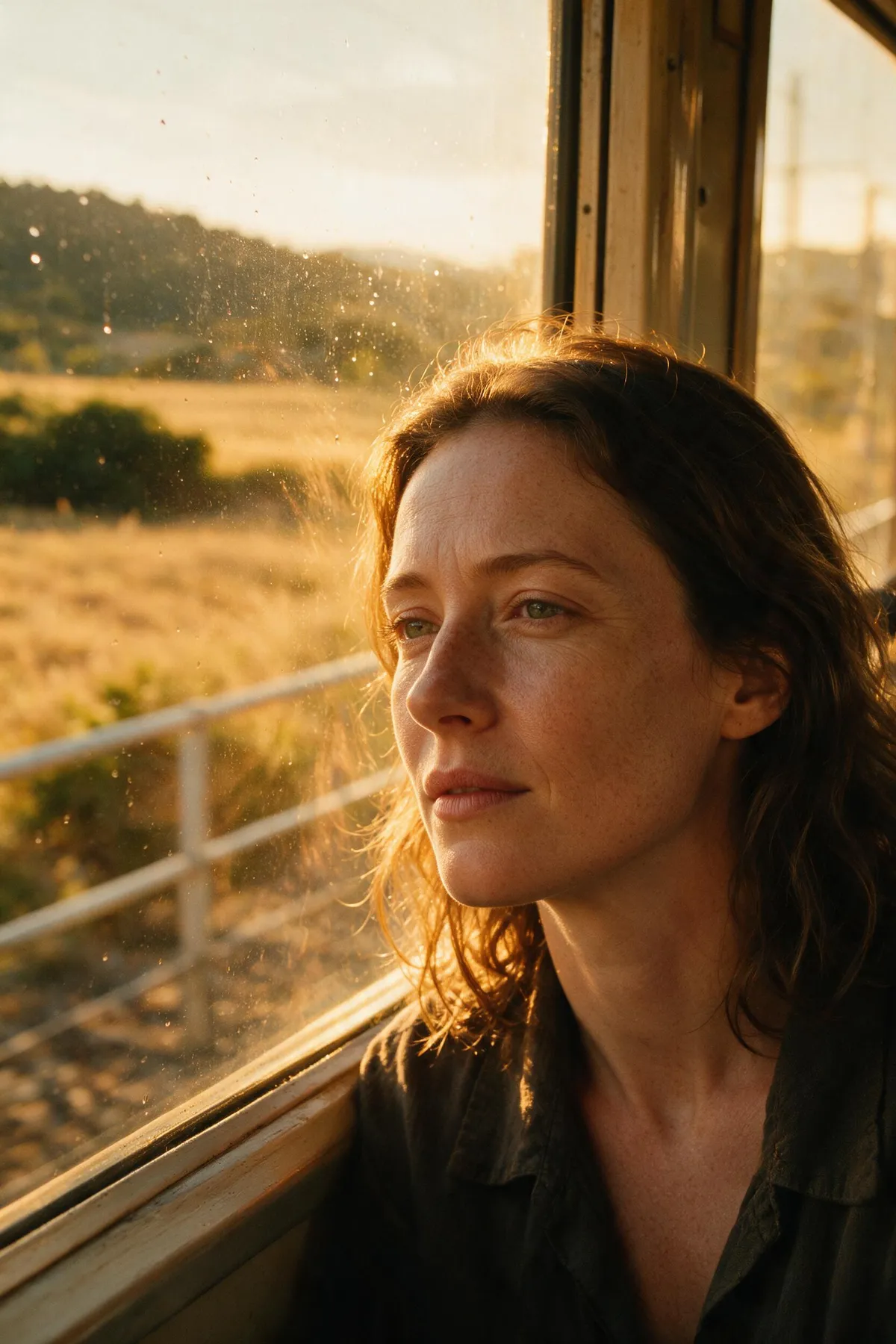
AI-gegenereerd redactioneel portret van een vrouw in zacht raamlicht
AI-gegenereerd 3D-babydrakenpersonage op een bemoste steen
AI-gegenereerde architectuurfoto van een warme betonnen wenteltrap
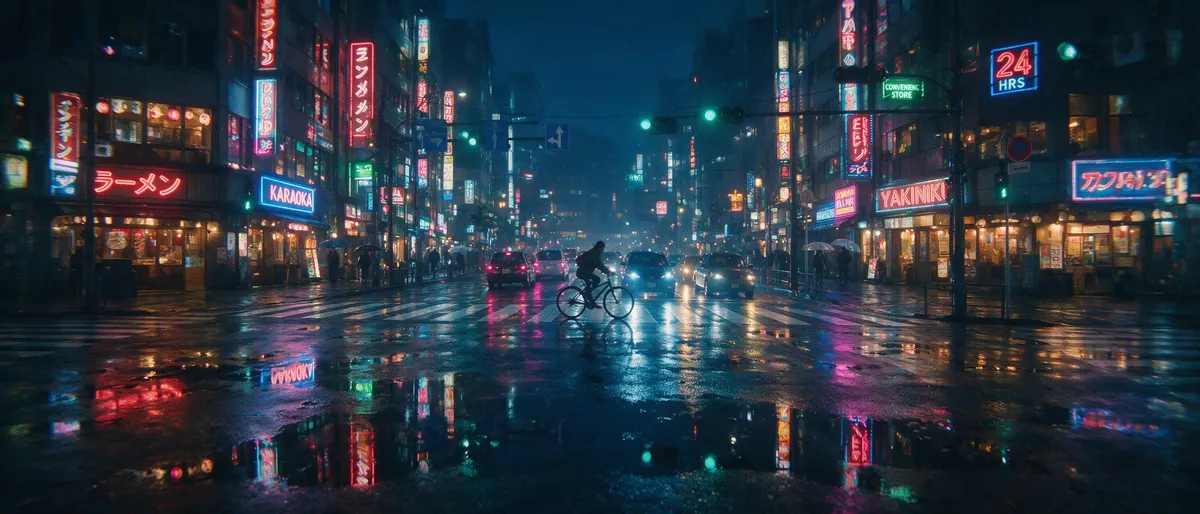
AI-gegenereerde anime-illustratie van een meisje met een paraplu op een regenachtige neonstraat
AI-gegenereerde bovenaanzicht-foodfotografie van een rustiek ontbijtarrangement
AI-gegenereerde natuurfoto van een sneeuwluipaard in vallende sneeuw
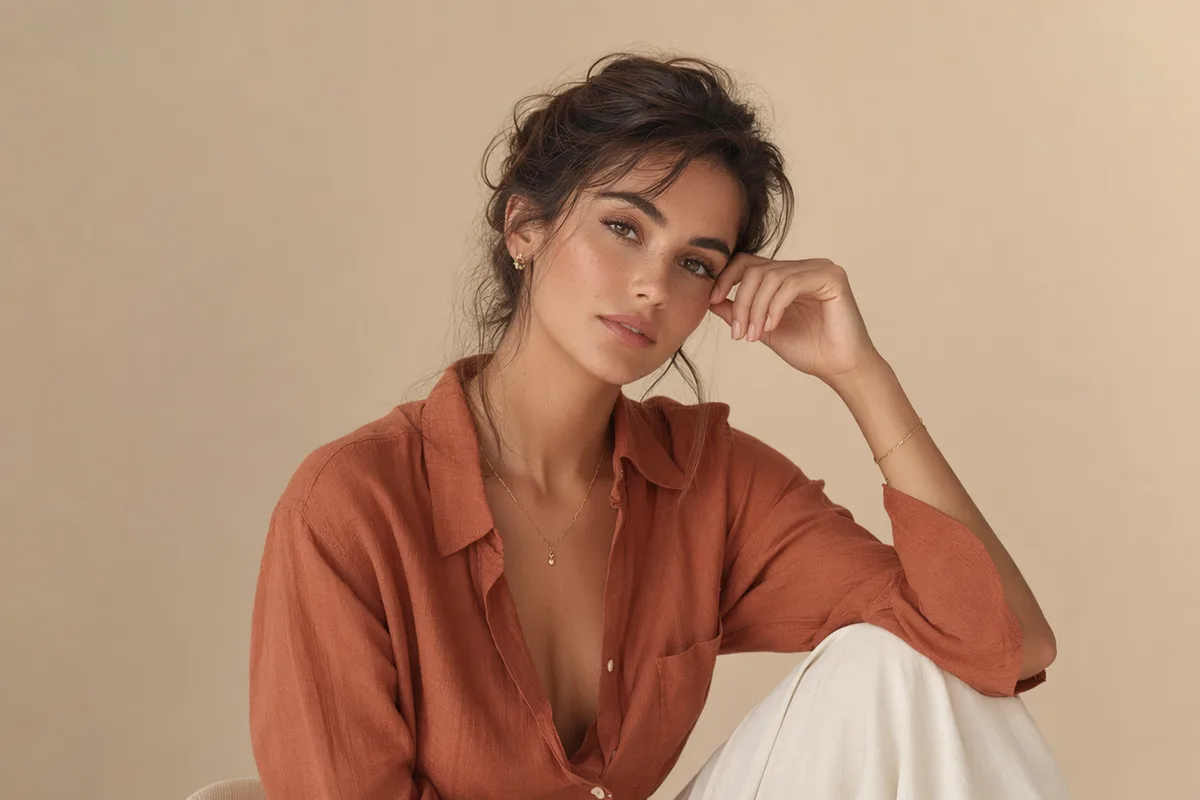
AI-gegenereerd high-fashion redactioneel portret tegen een terracotta muur
AI-gegenereerd fantasielandschap van zwevende eilanden met watervallen

Seedream 5 Pro — ByteDance's flagship, tuned for maximum fidelity

The Pro tier of the Seedream 5 line pushes rendering fidelity further: even finer skin and material detail, stronger prompt adherence, and reference-guided editing at 1K and 2K.

Ultra-detailed photoreal AI portrait with visible skin texture

Maximum-fidelity skin, faces, and materials

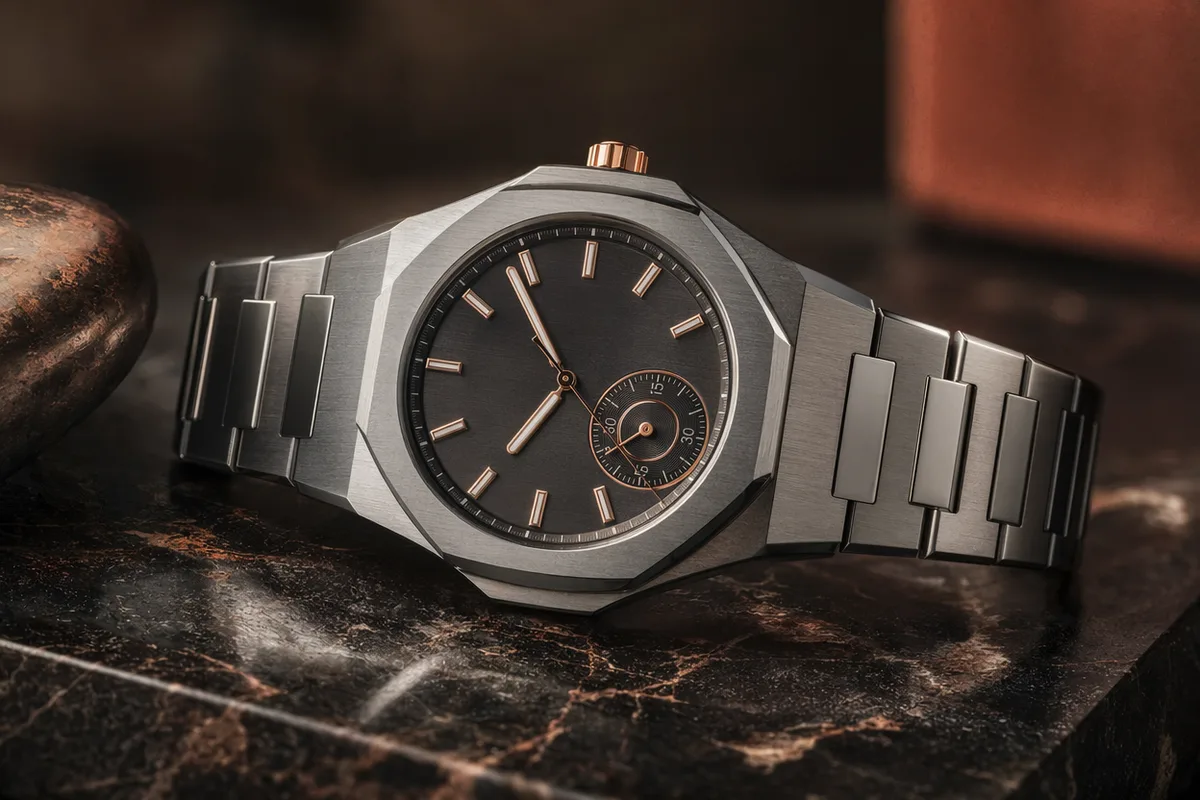
Seedream 5 Pro extends the Seedream line's photoreal reputation with even cleaner micro-detail — pores, hair strands, fabric weave, and reflective surfaces hold up under close inspection. Portraits and product shots come back looking captured, not rendered.

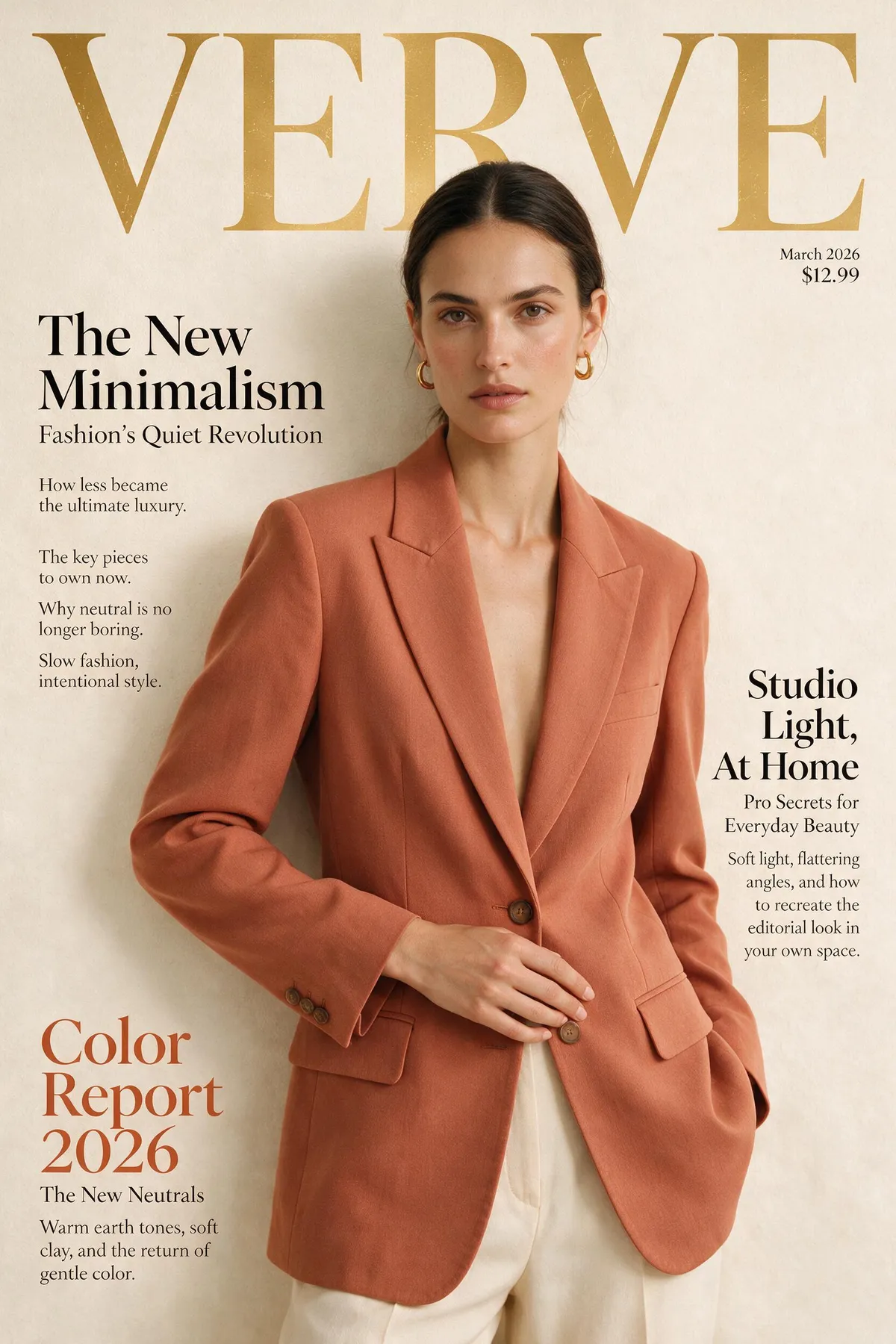
Editorial fashion scene with precise directional lighting

Stronger prompt adherence

The Pro model follows long, specific prompts more faithfully — composition, wardrobe, lighting direction, and scene details land closer to the brief on the first try, cutting the number of re-rolls needed to nail a shot.

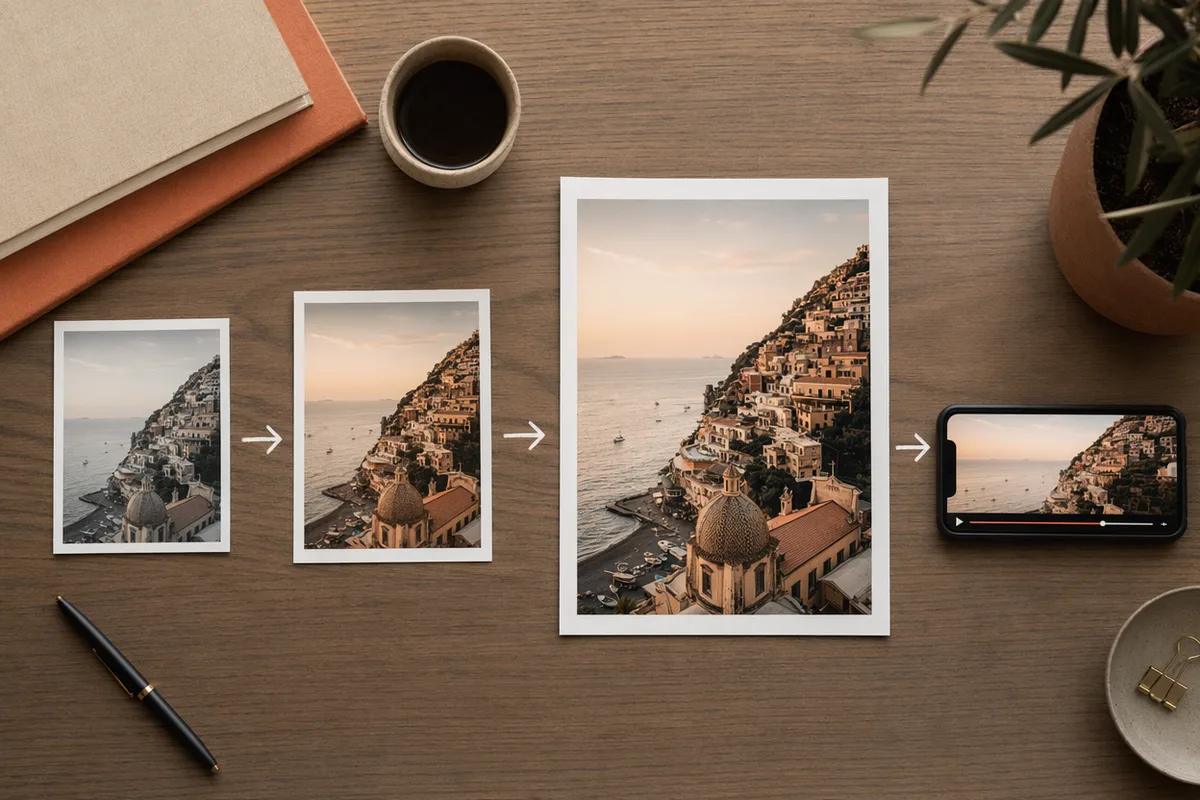
The same render shown at 1K and 2K side by side

1K and 2K quality tiers

Iterate cheaply at 1K while you dial in a prompt, then switch to 2K for the final, detail-critical render. Both tiers are shown with their credit cost in the generator before you run.

Consistent AI portrait series in soft window light

Reference-guided editing and series

Attach up to five references to keep a subject, product, or location consistent across an image set, or to guide precise edits. Seedream 5 Pro turns a shot list into a coherent, usable series.

Blijf CreateVision AI ontdekken

Eén account, de volledige workflow voor beeld- en videogeneratie.

Kies je abonnement

Begin gratis met dagelijkse credits. Upgrade voor premium modellen, snellere generatie en 4K-uitvoer.

Gratis

$0

Perfect om mee te beginnen

  • 80 credits per dag, 400 per maand
  • Z Image Turbo-schetsen voor 0 credits
  • Standaard generatiesnelheid
  • Generatiegeschiedenis inbegrepen
Aan de slag

Premium

Populairst
$29/month

Jaarlijks gefactureerd · $240/jaar

  • 1.600 credits/dag, 8.000 credits/maand
  • Alle premium modellen — GPT Image 2, Nano Banana, Seedream, Seedance, Veo, Kling
  • 5x generatiesnelheid, voorrangswachtrij
  • AI-promptverbetering
Upgraden naar Premium

Ultimate

$49/month

Jaarlijks gefactureerd · $300/jaar

  • 4.000 credits/dag, 18.000 credits/maand
  • HD-generatie tot 4K-resolutie
  • Privégeneratie — resultaten blijven buiten de galerij
  • Snelste wachtrij en vroege toegang tot nieuwe modellen
Upgraden naar Ultimate

Veelgestelde vragen

1

How is Seedream 5 Pro different from Seedream 5?

Pro is the higher-fidelity tier of the same flagship line — finer micro-detail and stronger prompt adherence. It renders at 1K and 2K (Seedream 5 covers 2K/3K with an optional web-search step).

2

What resolutions does Seedream 5 Pro support?

1K and 2K. Use 1K to iterate cheaply, then 2K for the final detail-critical render. Both options appear with their credit cost before each run.

3

Hoeveel kost het?

Seedream 5 Pro costs 50 credits at 1K and 100 credits at 2K per image. The exact cost is always shown before you generate, and credits refresh daily and monthly with your plan.

4

Kan ik referentieafbeeldingen gebruiken?

Yes — attach up to five references to hold a subject or style steady across a series, or to guide precise edits.

5

Seedream 5 Pro vs GPT Image 2?

Seedream 5 Pro leads on photoreal rendering and fine detail; GPT Image 2 leads on in-image text and complex layout instructions. Many workflows draft with one and finish with the other.

Render your next set at flagship fidelity with Seedream 5 Pro

Render your next set at flagship fidelity with Seedream 5 Pro

Begin met beelden genereren