
Ecommerce Studio
AI Product Photography Studio
Upload one product photo. Get on-model shots, lifestyle scenes, a white-background main image and every colourway — for one product or twenty.
On-model
Worn or held by a model
Lifestyle
In a real-life scene
White background
Clean marketplace main image
Detail close-up
Fabric, stitching, finish
Selling points
Callouts with short text
Product type
Platform — sets the image shape
Model
Or use your own model — the same face across every product
Images run one at a time. Max runs them in parallel
What you get
One product photo in, a full listing set out
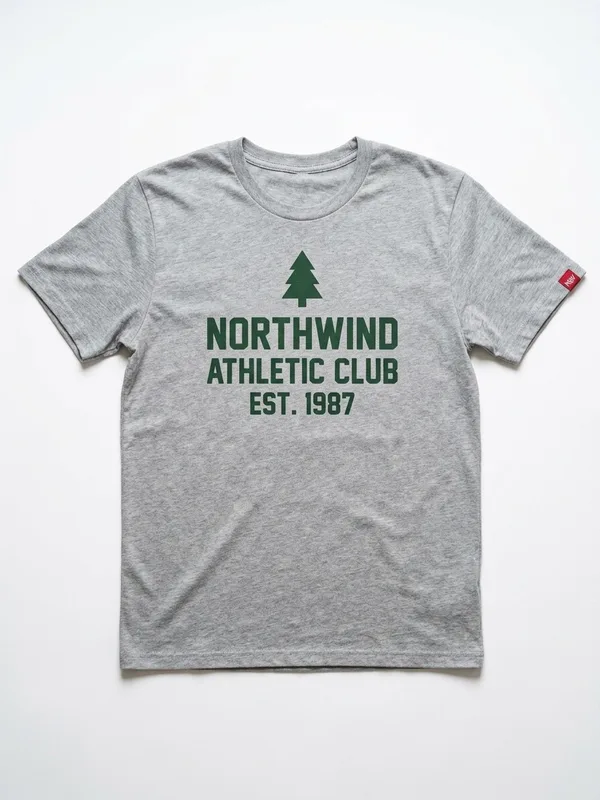
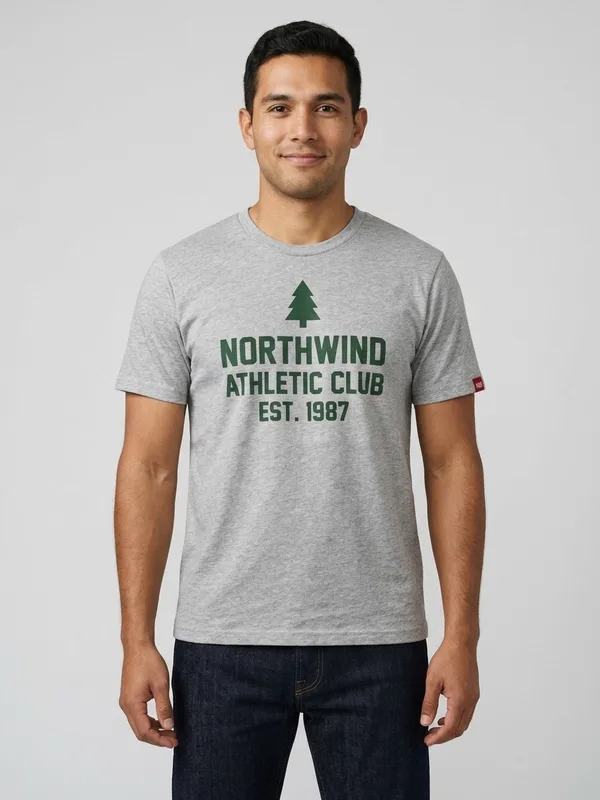
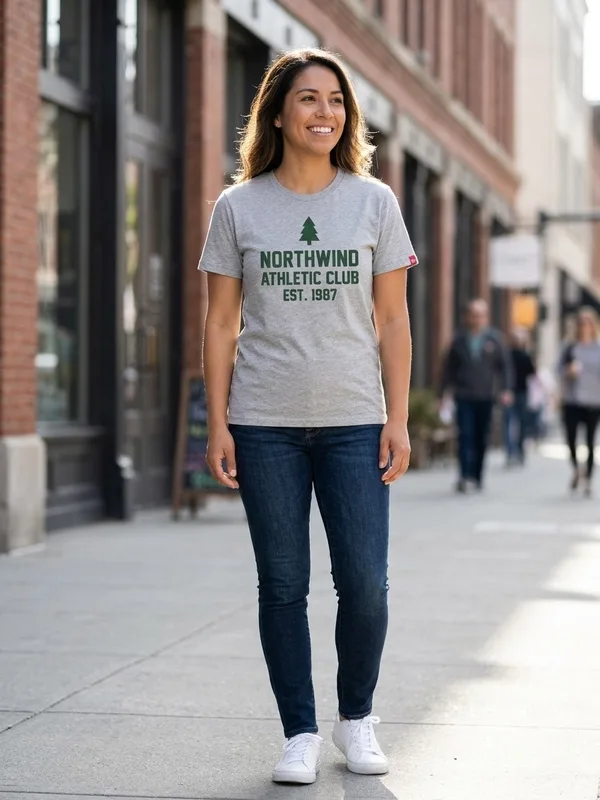
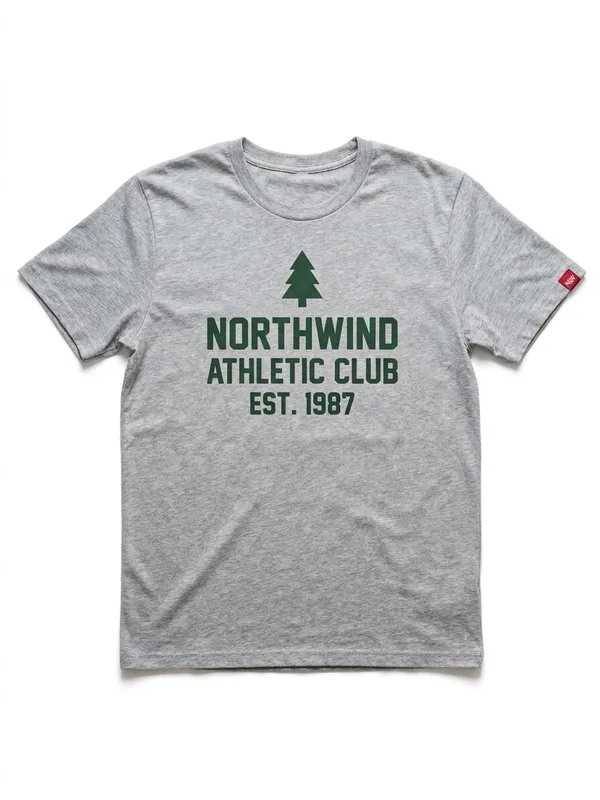
- ✓ Your product stays the same — colour, print and logo
- ✓ You see the credit total before anything runs
- ✓ Failed images are refunded and can be retried one by one
An AI product photography studio for online sellers
Ecommerce Studio turns one product photo into the images a listing needs: on-model shots, lifestyle scenes, a clean white-background main image, detail close-ups and selling-point graphics. You choose what to make, where it sells and which platform it is for. The studio writes the prompts.
It is built for people who sell on Amazon, Shopify, Etsy, TikTok Shop, Temu and SHEIN and need consistent images for many products, without booking a photographer or a model for every new item.
What it does
A full image set in one run
Pick how many on-model, lifestyle, white-background, detail and selling-point images you want. They are generated together and grouped by product.
Models that fit your market
Choose the market and the model, the setting and the text language follow. Or upload your own model photo and keep the same face across every product.
Every colourway and scene
Recolour one photo into each colour you sell, or move the same product into new scenes, without reshooting.
Batch up to 20 products
Apply one set of settings to a whole drop. Each image has its own status, failed ones are refunded and can be retried on their own, and you download everything as a ZIP.
Ghost mannequin and poses
Turn a model or mannequin photo into an invisible-mannequin packshot, or get new poses from one model photo.
A size chart with exact numbers
The size chart maker draws your table in the browser, so every measurement is exactly what you typed. It is free.
How it works
- 1
Upload a product photo
A flat lay, a hanger shot, a mannequin photo or a plain product picture all work. Add up to four angles of the same product.
- 2
Choose images, market and platform
Set how many of each image type you want. The platform sets the image shape and the market sets the model and language.
- 3
Check the total, then generate
The button shows the number of images and the credits before anything runs.
- 4
Review, retry, download
Open any image full size, retry the ones you do not like, select the keepers and download a ZIP.
More tools for sellers
Questions and answers
Will my product look the same in the generated images?+
Every request tells the model to keep the product exactly as it is in your photo: colour, shape, print placement and any text or logo. Results are usually faithful, but AI can still alter fine details, so check each image against the real product before you publish it. Clear, well-lit, front-facing photos give the best results.
How much does it cost?+
Each image costs 50 credits with the Standard engine (Nano Banana 2.1) or 70 credits with the Advanced engine (GPT Image 2.6). Images that use three or more reference photos cost 10 credits more. The total is shown on the Generate button before you start, and failed images are refunded automatically. The size chart maker is free.
Can I generate images for many products at once?+
Yes. Batch mode takes up to 20 products in one run and applies the same settings to all of them. On the Max plan the images run in parallel; on other plans they run one at a time in a queue.
Which marketplaces is it for?+
There are size presets for Amazon, Shopify, Etsy, TikTok Shop, Temu, SHEIN, Instagram and vertical stories. Marketplaces have their own image rules, for example Amazon main images need a pure white background, and some require you to disclose AI-generated people. Check the current rules of the platform you sell on.
Can I use my own model?+
Yes. Upload a photo of your model and select it. It is saved on your device so you can reuse the same face across products. Only upload photos of people who have agreed to it.
Can I use the images commercially?+
Images made on a paid plan or with purchased credits can be used commercially. Images made on a free account are for personal use and carry a small CreateVision mark.