
Pose generator
AI Pose Generator
Upload one model photo and get the same person, in the same outfit, in new poses.
Images run one at a time. Max runs them in parallel
What you get
New poses
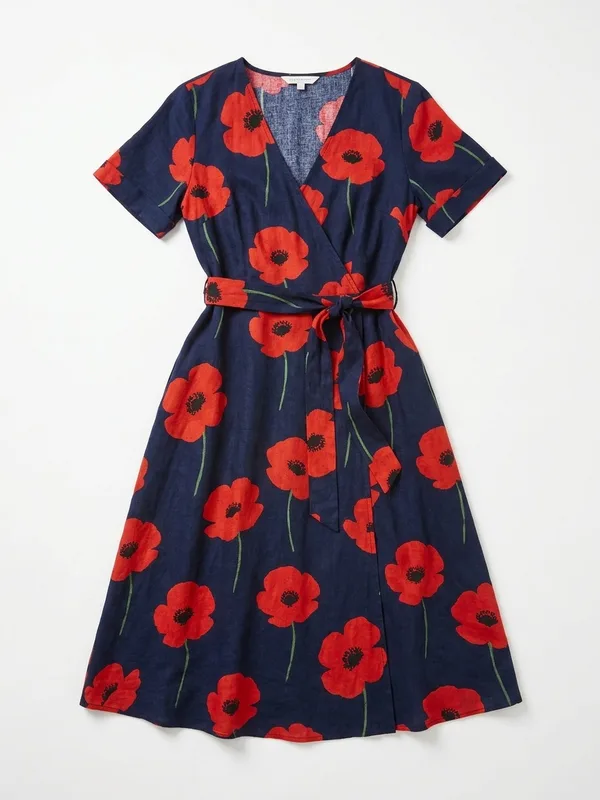
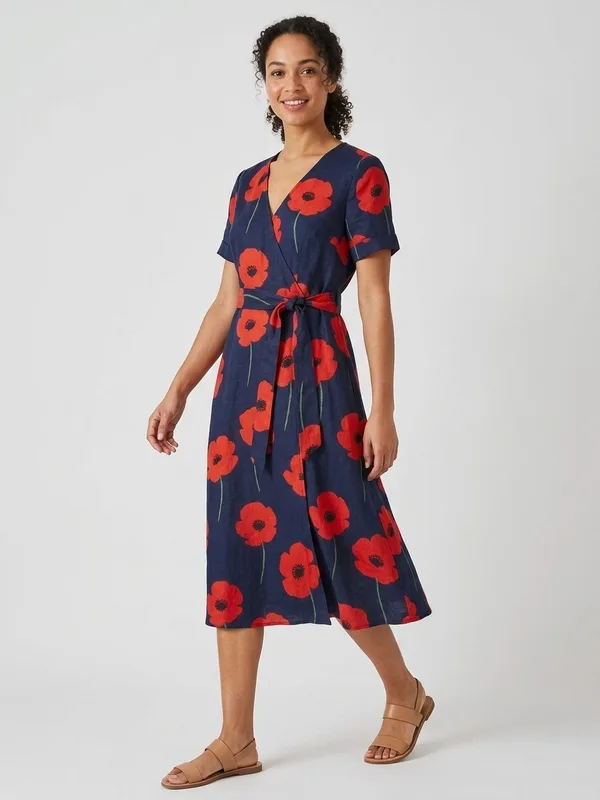
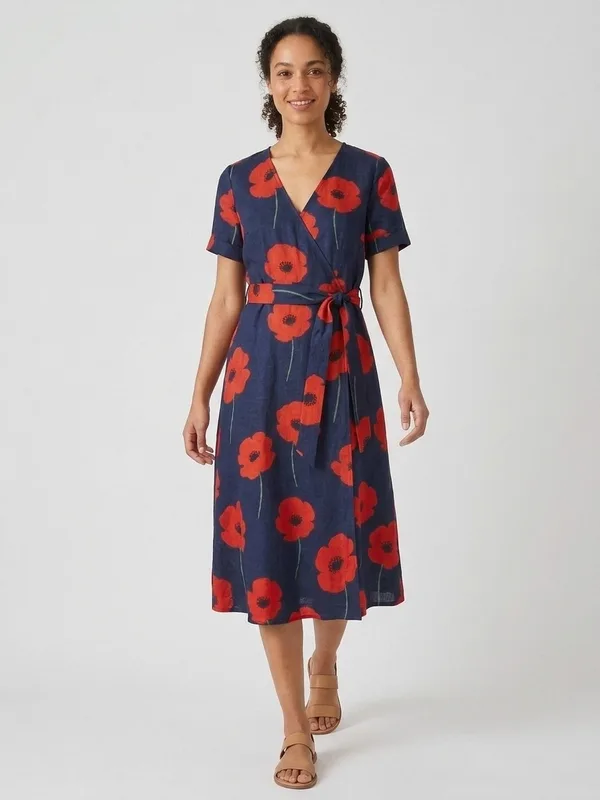
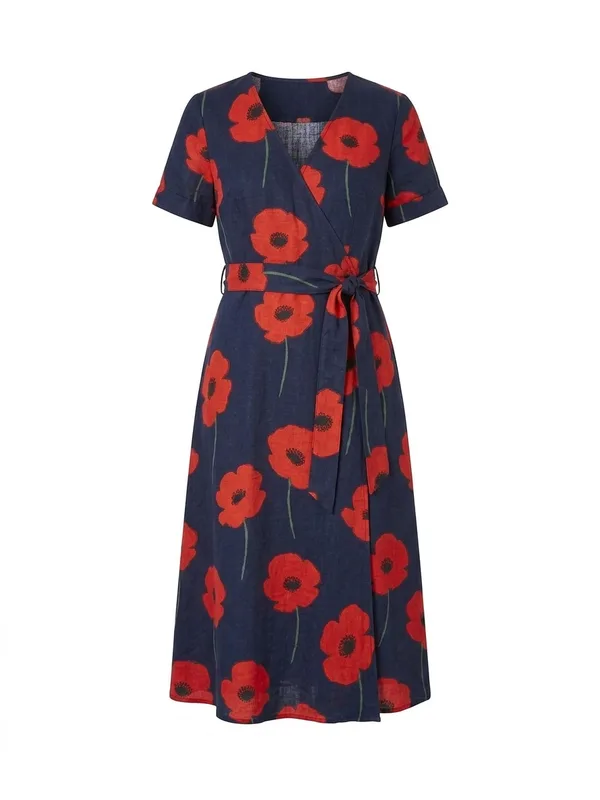
- ✓ Your product stays the same — colour, print and logo
- ✓ You see the credit total before anything runs
- ✓ Failed images are refunded and can be retried one by one
What does an AI pose generator do?
An AI pose generator takes one photo of a model and produces the same person in new poses: turned three-quarters, walking, in profile, seen from behind, seated. The face, the outfit and the background stay the same.
Sellers use it to fill a listing with several angles from a single shot. Creators use it to get more variety from one photo session.
What it does
Eight ready-made poses
Standing, three-quarter turn, walking, side profile, back view, seated, hands in pockets and leaning. Pick up to six per run.
Same person, same outfit
The model, the clothing and the background are kept, so the images sit together in one listing.
One image per pose
Each pose is a separate image you can retry or download on its own.
How it works
- 1
Upload a model photo
A full-length or three-quarter photo with the outfit clearly visible works best.
- 2
Pick the poses
Choose up to six. Each one becomes one image.
- 3
Generate and download
Keep the ones you like and retry the rest.
More tools for sellers
Questions and answers
Will the person and the clothes stay the same?+
That is what the tool is instructed to do, and it usually holds. Small details such as hands, jewellery or a busy print can change between poses, so check each result.
What about the back view?+
The tool continues the same fabric, colour and pattern onto the back. It cannot know what the real back of the garment looks like, so for a product listing use a back view only if the back is plain, or upload a real photo of the back.
How much does it cost?+
Each pose costs 50 credits with the Standard engine or 70 with the Advanced engine. The total is shown before you generate, and failed images are refunded automatically.
Can I upload a photo of myself?+
Yes. Upload only photos of yourself or of people who have agreed to it.
Can I describe my own pose?+
Yes. Add a short note such as “arms crossed” in the optional field and it is applied on top of the selected pose.