
Free prompt tool
Trình nâng cấp prompt AI
A free prompt optimizer and image prompt generator in one: paste a rough idea, get three structured, model-specific prompts back — copy them anywhere or generate with Ava.
Free · No login · Works with every model
AI Prompt Enhancer Specifications
| Đầu vào | A short idea or an existing prompt, 3 to 2,000 characters. Optional scene hint (portrait, landscape, product, creative) and a reference-image toggle. |
|---|---|
| Đầu ra | Three structured English prompts, each tuned to one model, ready to copy or send to Ava. |
| Models covered | Nano Banana Pro and Seedream 4.0 for every request; Z Image Turbo (free) for text-to-image, Qwen Image Edit Plus when you will use a reference image. The prompts also paste cleanly into Midjourney, DALL·E, Flux, or Stable Diffusion. |
| Ngôn ngữ | Write in any of 27 languages; the enhanced prompt comes back in English. |
| Chi phí | Free, no account. |
| Giới hạn | 2,000 characters, fair-use rate limit per visitor. Ideas that conflict with our content policy are declined before enhancement. |
How to Use the AI Prompt Enhancer
From a rough idea to three ready-to-paste prompts, in under a minute.
- 1
Paste your idea
Type or paste a short description in any language — “a tiger in the snow” is enough. Pick a scene (portrait, landscape, product, creative) if you already know it, and tick the reference-image box if you plan to edit or restyle an existing photo.
- 2
Enhance
The prompt enhancer rewrites your line into structured English: subject, setting, light and lens, style and mood. You get one version each for Nano Banana Pro, Seedream 4.0, and a third tuned to free drafts or precise edits.
- 3
Copy or generate
Copy any prompt into the generator you already use, or open Ava and let her pick the model, set the parameters, and generate the image after you approve the plan.
What a Prompt Optimizer Actually Changes
An image prompt is four decisions. The enhancer fills in the ones you skipped and phrases them the way each model scores best.
Chủ thể
Who or what the image is about, with one detail that makes it specific rather than generic.
a Siberian tiger mid-stride, frost on its whiskers
Bối cảnh
Where it happens and what surrounds the subject — the background does half the storytelling.
a birch forest after fresh snowfall, pale winter sun low behind the trees
Light & lens
How it is lit and how it is shot. This is what separates a photograph from a render.
backlit rim light, 200mm telephoto, shallow depth of field
Style & mood
The finish and the feeling: photoreal, illustrated, painted, 3D — plus the emotional register.
wildlife documentary photography, cold muted palette, quiet tension
a tiger in the snow
a Siberian tiger walking through a snow-covered birch forest, frost on its whiskers, low winter sun backlighting the fur, 200mm telephoto, shallow depth of field, wildlife documentary photography, cold muted palette
The original has a subject and a location and nothing else. The enhanced prompt adds a moment (walking), a light source, a lens, and a genre — the four things the model was otherwise guessing.
coffee shop logo, minimal
flat vector logo mark for an independent coffee roaster, a single continuous line forming both a coffee bean and a rising sun, black on warm cream, generous negative space, no text
“Minimal” means ten different things. Naming the technique (flat vector, single line), the concept (bean + sun), the palette, and the composition rule turns a vibe into a brief a model can execute.
make the sky more dramatic
replace the overcast sky with towering cumulonimbus clouds lit orange from below by sunset, keep the buildings, people, and foreground exactly as they are, match the new light direction on rooftops
Editing prompts need two lists: what changes and what must not. The enhanced version names the replacement, protects everything else, and asks for the lighting to stay consistent — which is how edit models avoid drifting the whole frame.
Common prompt mistakes
- Stacking quality words. “8k, ultra detailed, masterpiece, best quality” came from older models and does almost nothing on current engines — it spends prompt budget without changing the image.
- Describing what you do not want. Most image models read “no hands in frame” as “hands in frame”. Describe the frame you do want instead.
- Using one prompt for every model. Nano Banana Pro rewards fusion and consistency language; Seedream 4.0 rewards resolution and texture language; an edit model needs explicit change/keep instructions. That is why this tool returns three prompts, not one.
- Writing a paragraph before you have a draft. Generate a cheap draft first (Z Image Turbo is free), see what the model got wrong, then spend words fixing exactly that.
- Forgetting the lens and light. A subject with no lighting or camera direction comes out as a flat render; two words — “window light, 50mm” — fix it.
Tiếp tục khám phá CreateVision AI
Một tài khoản, trọn vẹn quy trình tạo ảnh và video.

Ava — Trợ lý AI tạo ảnh & video
Mô tả ý tưởng của bạn: Ava chọn mô hình xếp hạng đấu trường, viết prompt và tạo.
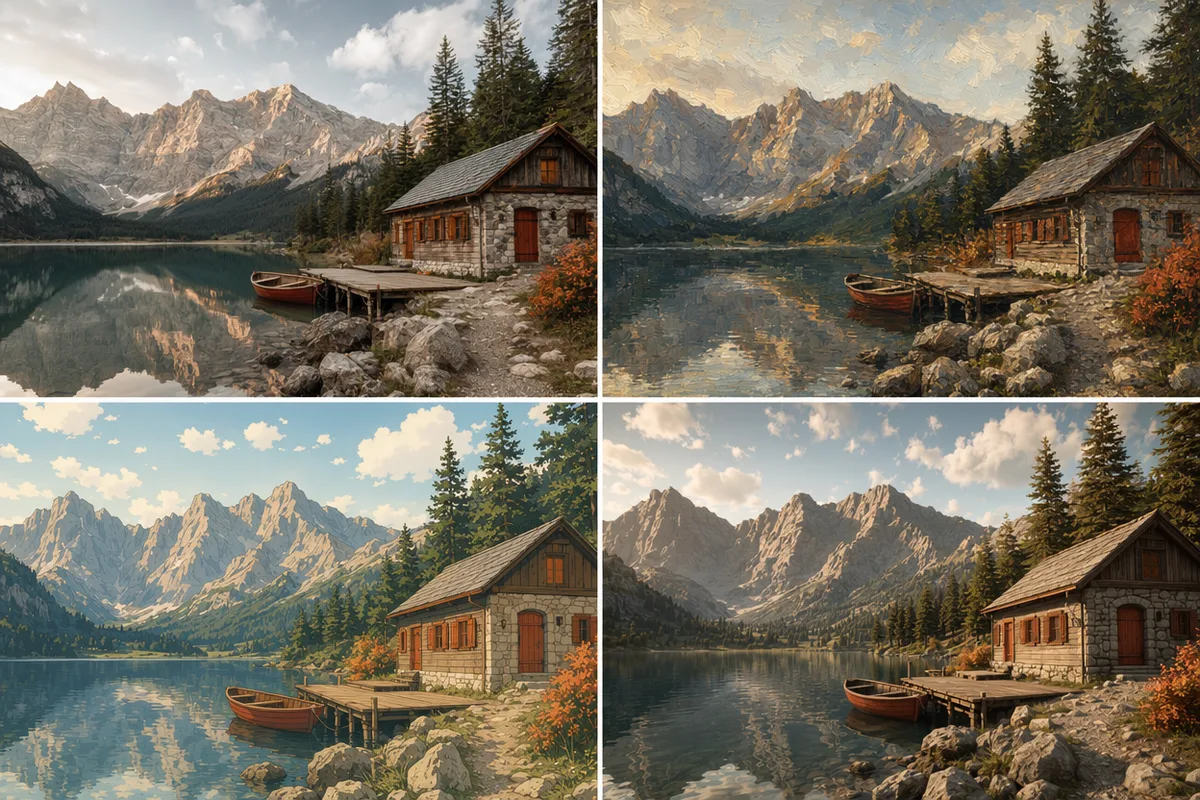
Văn bản thành ảnh
Biến một dòng mô tả thành ảnh hoàn chỉnh với các mô hình hàng đầu.
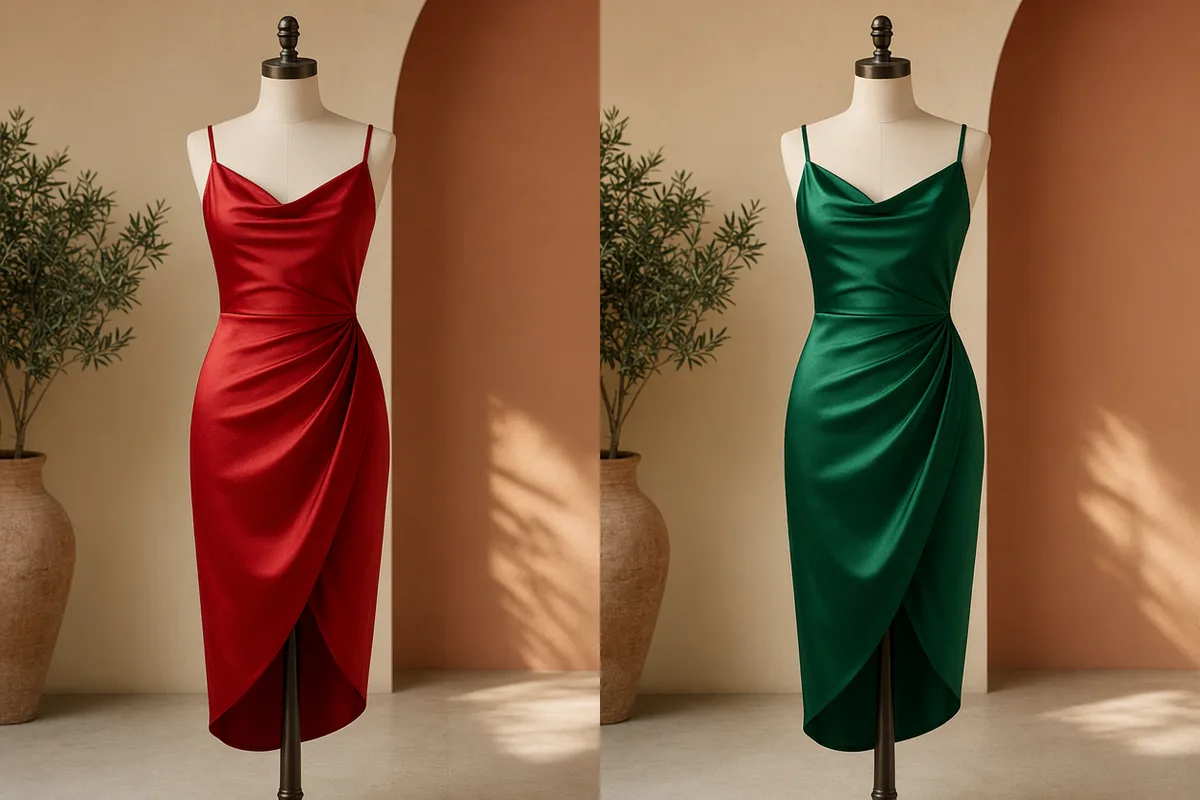
Ảnh sang ảnh
Tải lên một ảnh tham chiếu và đổi phong cách chất liệu, ánh sáng hoặc nền trong khi giữ nguyên bố cục.
Go Further Than the Prompt
Ava — AI design agent that writes the prompt for you
Skip the copy step: describe the idea in chat and Ava picks the model, writes the prompt, and generates after you approve.
Tạo ảnh bằng AI: Hướng dẫn đầy đủ 2026
How the models differ, what parameters matter, and how prompt structure changes the result.
Những trình tạo ảnh AI tốt nhất năm 2026
Which engines hold up when tested on the same enhanced prompts.
Trình tạo ảnh từ văn bản
Run your enhanced prompt on any of the platform's image models, with the credit cost shown before you generate.
Prompt Enhancement Is Free — Generation Starts Free Too
The prompt enhancer never costs anything. When you are ready to generate, sign up free and start with free Z Image Turbo drafts; upgrade for premium models and 4K output.
Miễn phí
Hoàn hảo để bắt đầu
- Đăng ký miễn phí
- Bản nháp Z Image Turbo với 0 credits
- Tốc độ tạo tiêu chuẩn
- Bao gồm lịch sử tạo
Premium
Phổ biến nhấtThanh toán hằng năm · $240/năm
- 8.000 tín dụng/tháng, không giới hạn ngày
- Tất cả các mô hình cao cấp — GPT Image 2, Nano Banana, Seedream, Seedance, Veo, Kling
- Tốc độ tạo nhanh gấp 5 lần, hàng đợi ưu tiên
- Tăng cường prompt bằng AI
Ultimate
Thanh toán hằng năm · $468/năm
- 18.000 tín dụng/tháng, không giới hạn ngày
- Tạo ảnh HD lên đến độ phân giải 4K
- Hỗ trợ ưu tiên
- Hàng đợi nhanh nhất và truy cập sớm các mô hình mới
Câu hỏi thường gặp
What is a prompt enhancer?
A prompt enhancer (or prompt optimizer) takes a short, rough description and rewrites it into the structured, specific prompt that image models respond to best — adding the subject detail, setting, lighting, lens, and style that most people leave out. This one goes a step further and produces a separate version for each model, because the same words do not score the same everywhere.
Does it work for Midjourney, DALL·E, or Flux prompts too?
Yes. The enhanced prompts are plain English with comma-separated descriptors, which is what those generators expect. Copy any card and paste it anywhere. The model-specific tuning is aimed at our lineup, but the structure — subject, setting, light and lens, style — improves results on every current image model.
Why do I get three different prompts instead of one?
Because models speak different dialects. Nano Banana Pro rewards fusion, consistency, and identity language; Seedream 4.0 rewards resolution, texture, and professional-lighting language; Z Image Turbo wants a clear, efficient prompt for fast drafts; Qwen Image Edit Plus needs explicit “change this, keep that” instructions. One generic prompt leaves each model guessing at the parts it cares about.
Is the AI prompt enhancer free?
Completely — no account, no credits, no watermark on the text. There is a fair-use rate limit per visitor so the tool stays fast for everyone. If you hit it, wait a minute or continue in Ava, where enhancement is part of every conversation.
Can I enhance prompts written in other languages?
Yes. Write your idea in any of the 27 languages CreateVision AI supports; the enhancer understands it and returns the prompt in English, which is the language current image models score best on. If you need the result in another language, ask Ava — she replies in the language you write in.
How is this different from Ava?
This page is a single step: idea in, prompts out, you decide what to do next. Ava is the full workflow — she enhances the prompt, chooses the model with public arena rankings to back the choice, sets ratio and quality, shows you the plan with its credit cost, and generates after you approve. Use the enhancer when you want the words; use Ava when you want the image.
Turn one line into a professional prompt
Enhance my promptNền tảng sáng tạo AI tất cả trong một
Một tài khoản cho ảnh, video, một AI agent làm việc thay bạn, các cố vấn AI chuyên gia và hơn 80 công cụ có sẵn.

Trình tạo ảnh & video AI
Mọi mô hình hàng đầu trong một không gian làm việc: Seedream, Nano Banana, GPT Image, Seedance, Veo và nhiều hơn nữa.
Mở
Ava, AI agent sáng tạo của bạn
Mô tả điều bạn cần, Ava sẽ lên kế hoạch, tạo và chỉnh sửa giúp bạn.
Mở
Hơn 80 công cụ AI
Công cụ một chạm cho ảnh, video, thiệp, chân dung và các trend viral.
Mở
Thư viện mẫu
Hàng nghìn prompt và phong cách có sẵn để bắt đầu.
Mở
Studio
Studio chân dung, marketing, poster và điện ảnh cho sản phẩm hoàn chỉnh, không chỉ một tấm ảnh.
Mở
Thư viện mô hình AI
So sánh và chọn mô hình ảnh hoặc video phù hợp cho mọi việc.
Mở
Cố vấn AI
Học hỏi từ các cố vấn chuyên gia về nhiếp ảnh, thiết kế và video, rồi sáng tạo theo hướng dẫn của họ.
Mở