Grok Imagine Image 2.0 — Generate and Edit in One Model

xAI's August 2026 image model, second only to GPT Image 2 on both the generation and editing arenas. It plans typography like a designer and leads on photorealism and faces. Generate from text or edit up to 3 references with the same model — 1K/2K, two speed tiers, batch up to 10, ratios out to 20:9 — from 40 credits, with no SuperGrok subscription.

Text-to-image + editing1K · 2KДо 3 референсных изображенийBatch up to 10
0 / 2,000
~40 cr

Real Grok Imagine Image 2.0 outputs from this workspace

All seven images were generated here on 15 August 2026, each on the first take, with the exact prompt and settings shown — no retouching and no cherry-picking from a larger batch. Generation times are measured, not quoted: 74–118s at 2K medium, 27s at 1K low.

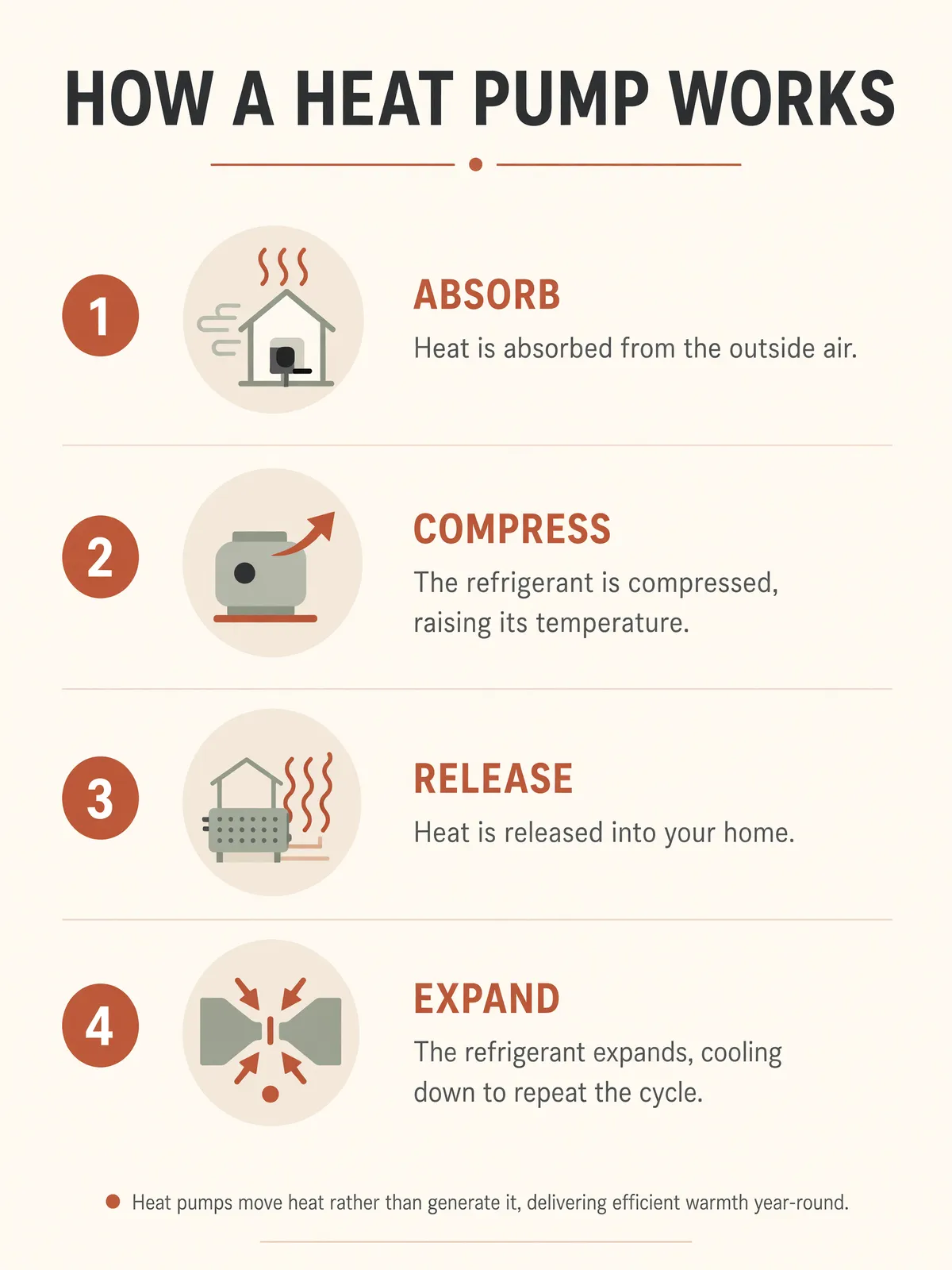
Grok Imagine Image 2.0 infographic poster with four numbered stages, labels, body copy and a footnote, all legible
Промпт2K · 3:4 · medium · 97s

A clean modern infographic poster titled 'HOW A HEAT PUMP WORKS' with four numbered stages — ABSORB, COMPRESS, RELEASE, EXPAND — each stage with a simple flat-design icon, a bold stage label and one short caption line of body copy underneath, plus a small footnote line at the bottom, warm neutral palette with terracotta accents, strict grid layout, legible sans-serif typography at every size.

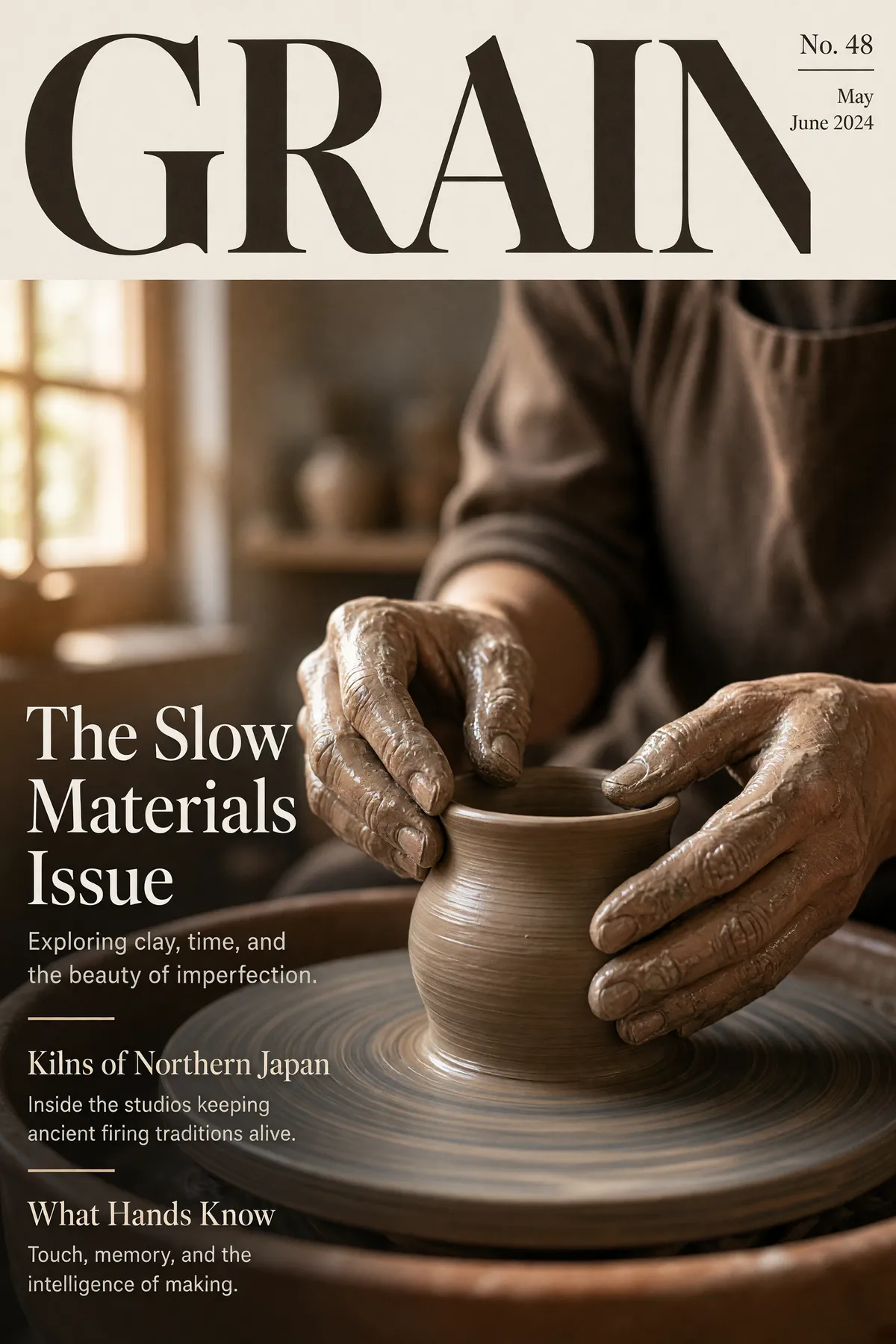
Grok Imagine Image 2.0 magazine cover with masthead, three cover lines each with a deck line, and issue details
Промпт2K · 2:3 · medium · 99s

Magazine cover for a design magazine called 'GRAIN': masthead 'GRAIN' in a heavy serif across the top, a ceramicist's hands shaping clay on a wheel in warm window light, cover lines reading 'The Slow Materials Issue', 'Kilns of Northern Japan' and 'What Hands Know', each with a smaller supporting deck line in light type, issue number and date in the corner, genuinely typeset editorial hierarchy.

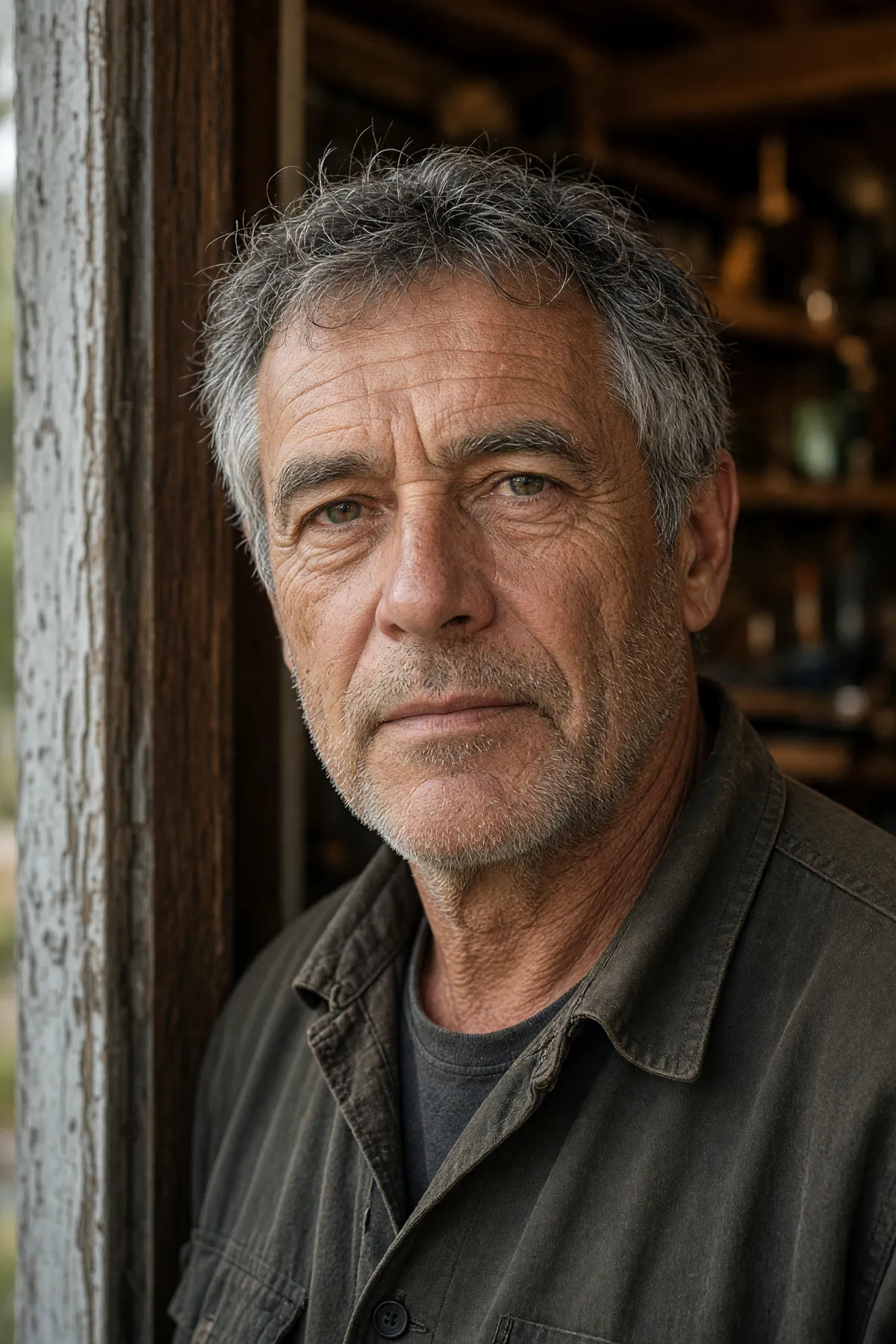
Grok Imagine Image 2.0 available-light portrait with unretouched skin texture and natural sun lines
Промпт2K · 2:3 · medium · 104s

Available-light portrait of a man in his fifties in a workshop doorway, weathered skin with visible pores and sun lines, grey stubble, soft overcast key light from the left with a warm bounce from the wood interior, honest unretouched photographic texture, shallow depth of field, 85mm lens.

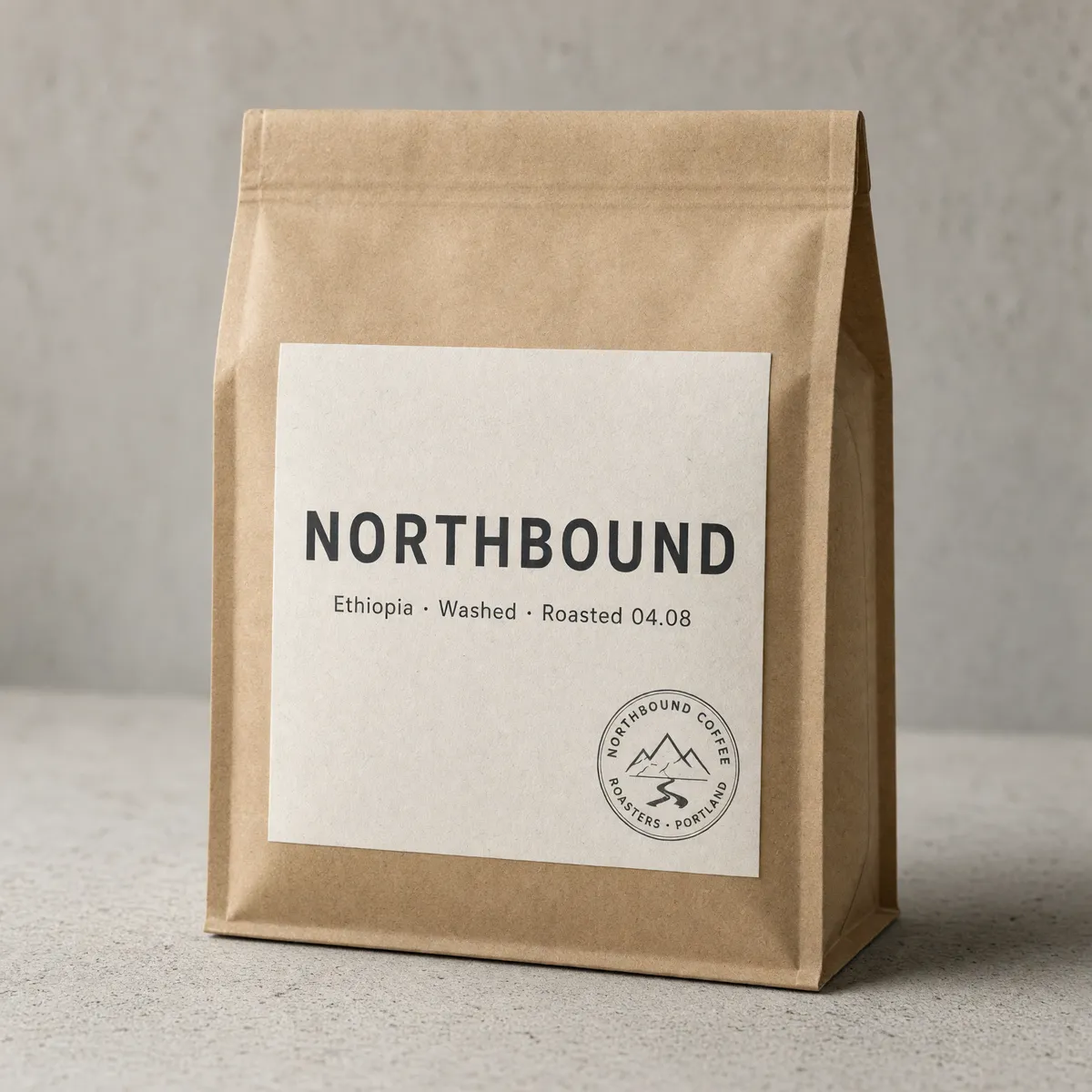
Grok Imagine Image 2.0 packaging shot with a correctly spelled label and legible curved text in a circular stamp
Промпт2K · 1:1 · medium · 74s

Studio packaging photograph of a matte kraft coffee bag standing on pale concrete, front label reading 'NORTHBOUND' in confident sans-serif with a smaller line beneath: 'Ethiopia · Washed · Roasted 04.08', a small circular roaster's stamp in the corner, soft directional light, shallow depth of field, all text crisp and correctly spelled.

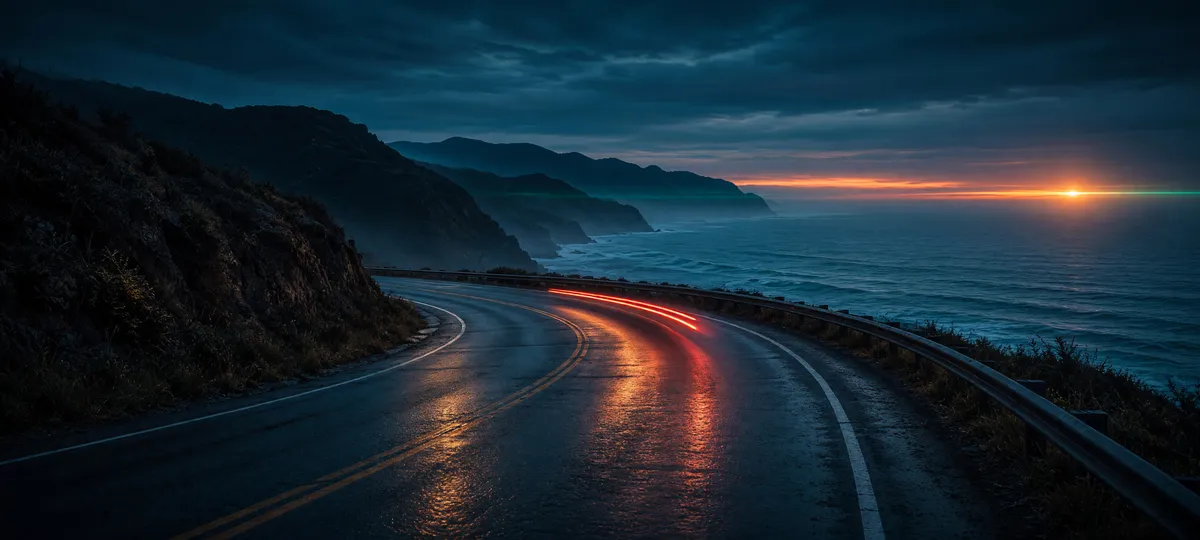
Grok Imagine Image 2.0 ultra-wide 20:9 cinematic coastal frame
Промпт2K · 20:9 · medium · 118s

Ultra-wide cinematic frame of a coastal highway at blue hour, a single car's tail lights streaking along the curve, wet asphalt reflecting the last band of orange on the horizon, distant headland silhouettes, anamorphic flare, moody teal-and-amber grade.

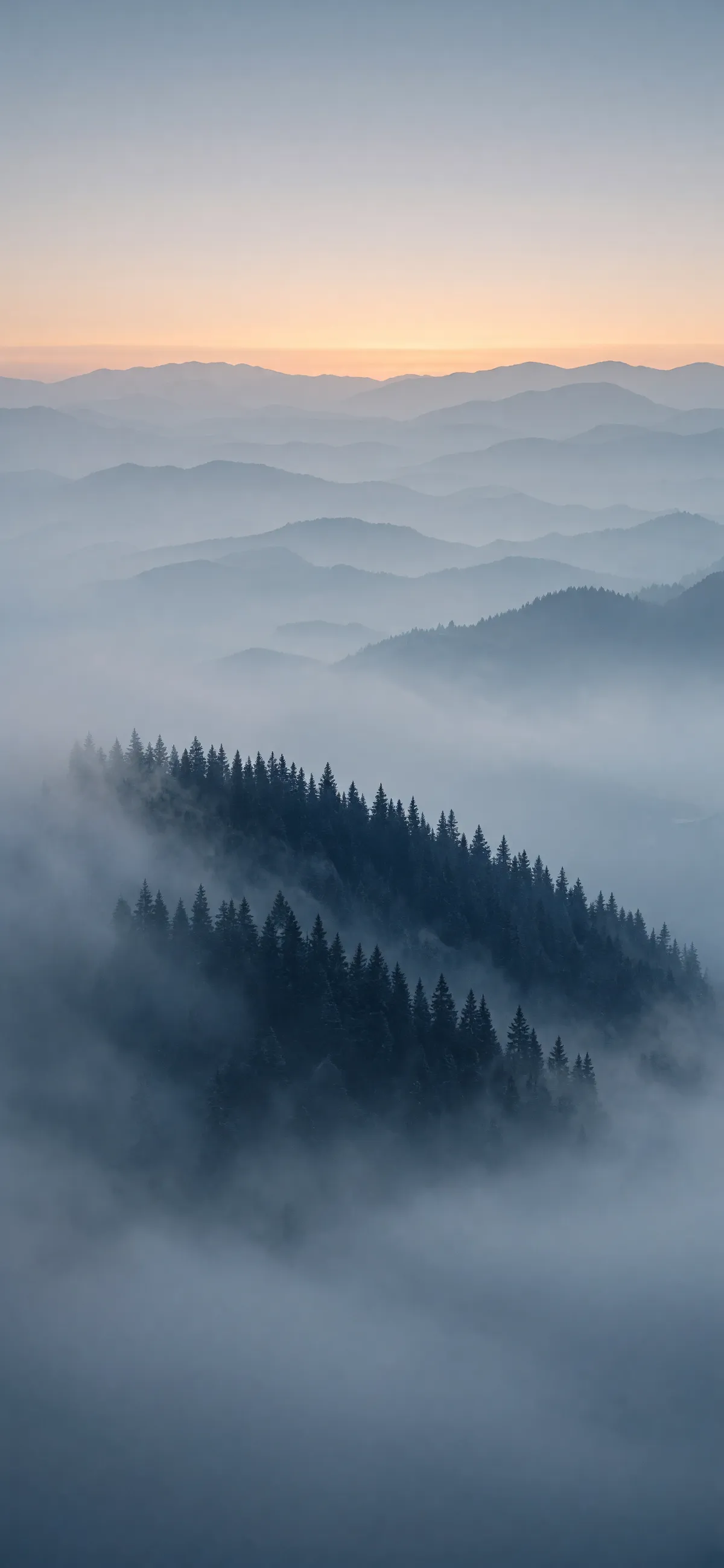
Grok Imagine Image 2.0 full-screen 9:19.5 phone wallpaper of a misty pine ridge at dawn
Промпт2K · 9:19.5 · medium · 108s

Vertical full-screen phone wallpaper: a misty pine ridge at dawn seen from above the cloud layer, layered blue-grey depth planes receding into distance, a thin band of warm sunrise light along the top ridge, minimal and calm, no text.

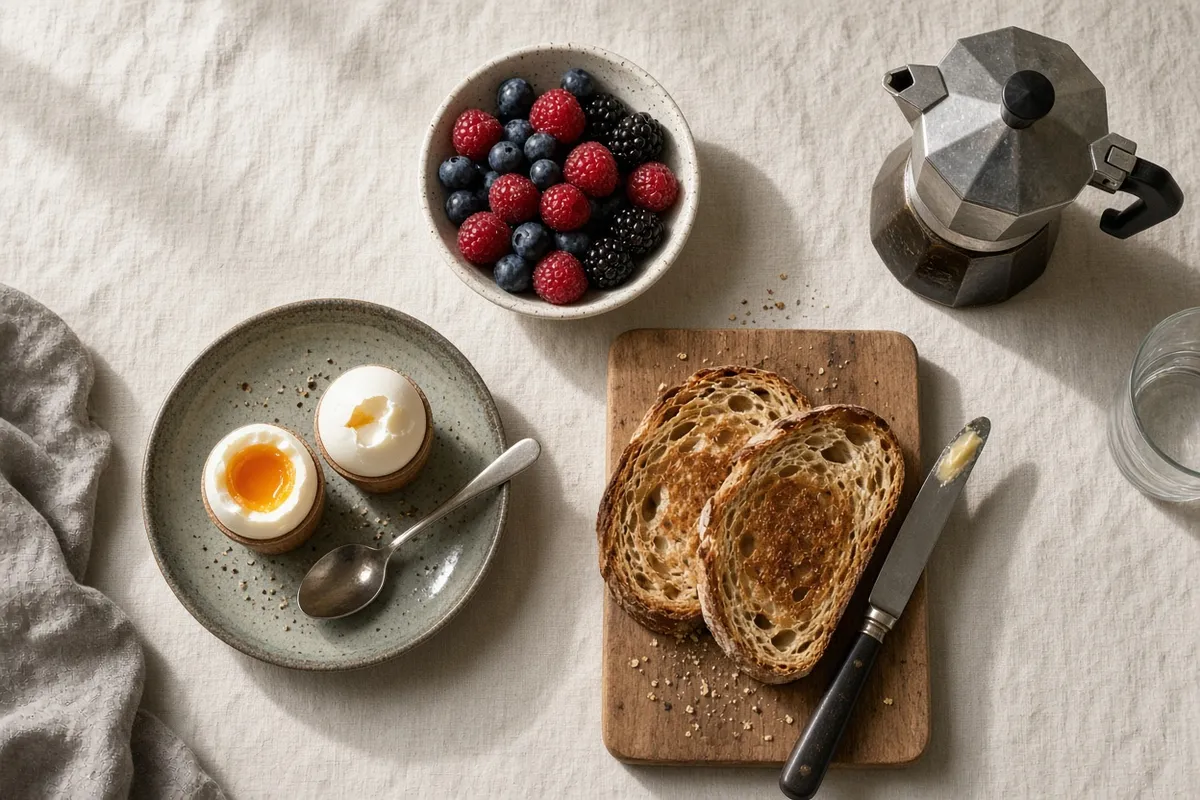
Grok Imagine Image 2.0 overhead breakfast flat-lay generated on the cheapest 40-credit tier
Промпт1K · 3:2 · low · 27s — the cheapest 40-credit tier, shown as-is

Overhead flat-lay of a weekend breakfast on a linen tablecloth: soft-boiled eggs, sourdough toast, a small bowl of berries and a stovetop espresso pot, warm morning window light, natural food photography.

More Image Models Like Grok Imagine Image 2.0

Compare Grok Imagine Image 2.0 with other image models — same workspace, one click to switch.

Grok Imagine Image 2.0 — xAI's design-literate image model, without the subscription

Released August 2026 as the Quality Mode inside Grok, it sits second on both the text-to-image and image-editing arenas, behind only GPT Image 2. Here it runs per image, in the browser, with no X subscription and no quota that resets every eight hours.

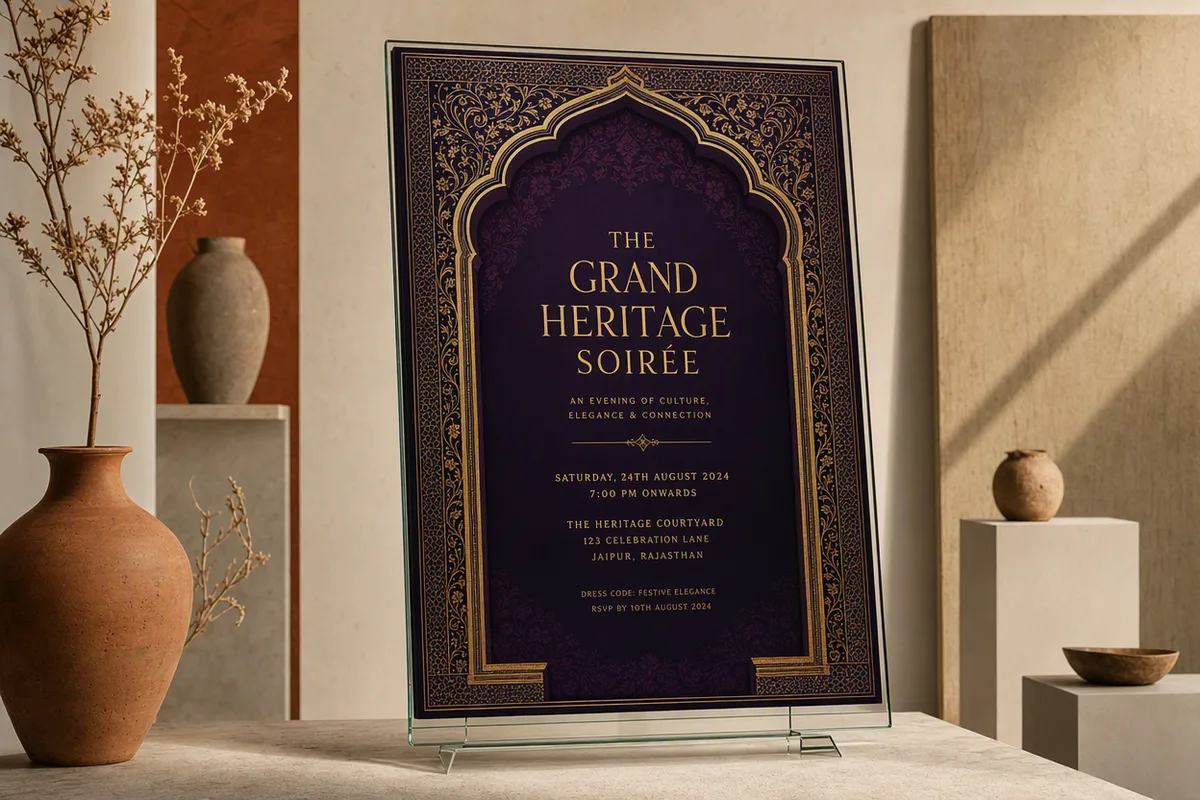
Infographic-style generation with organised typography and legible small text

It plans a layout the way a designer would

The clearest thing xAI changed in 2.0 is typography. Rather than scattering text across a picture, the model organises a hierarchy first — headline, subhead, captions, labels — then renders it, which is why dense pieces like infographics, posters and packaging comps hold together instead of falling apart at the small sizes. Independent comparisons put it slightly behind GPT Image 2 on expressive editorial flair but ahead on clean information hierarchy: if the brief is "make this readable and organised", this is the stronger pick.

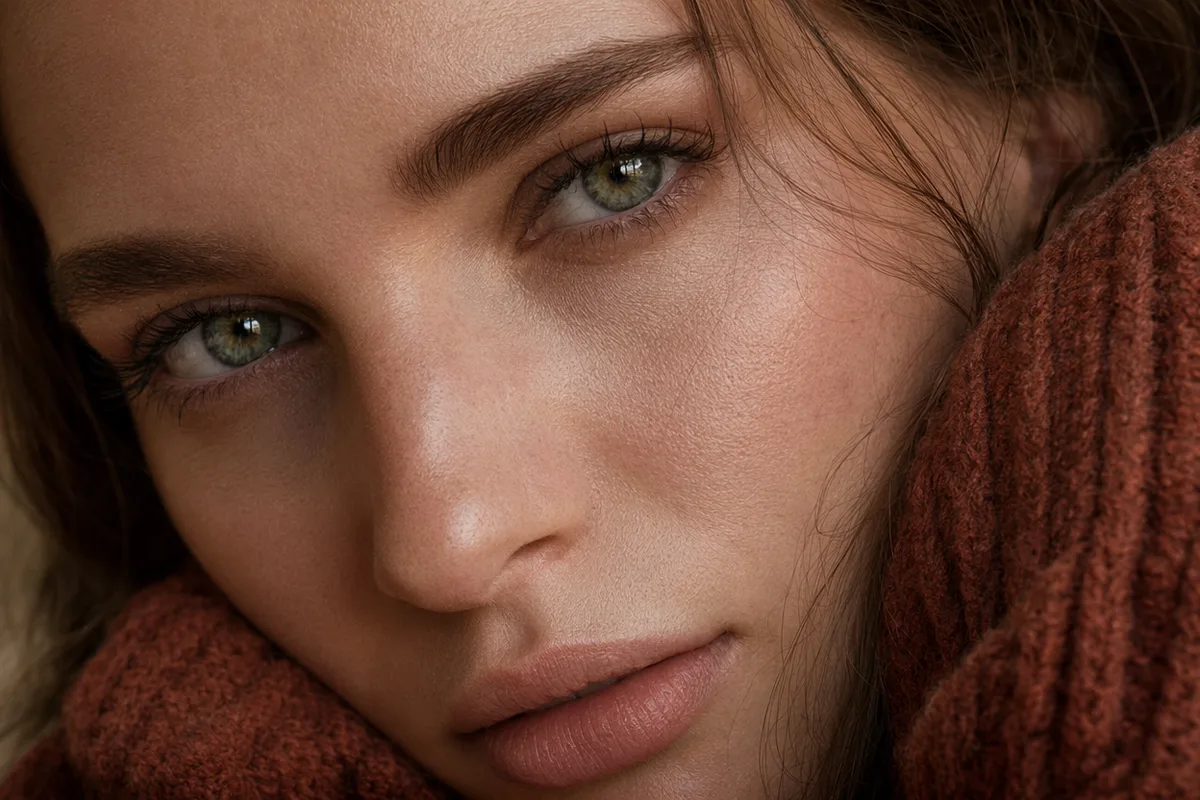
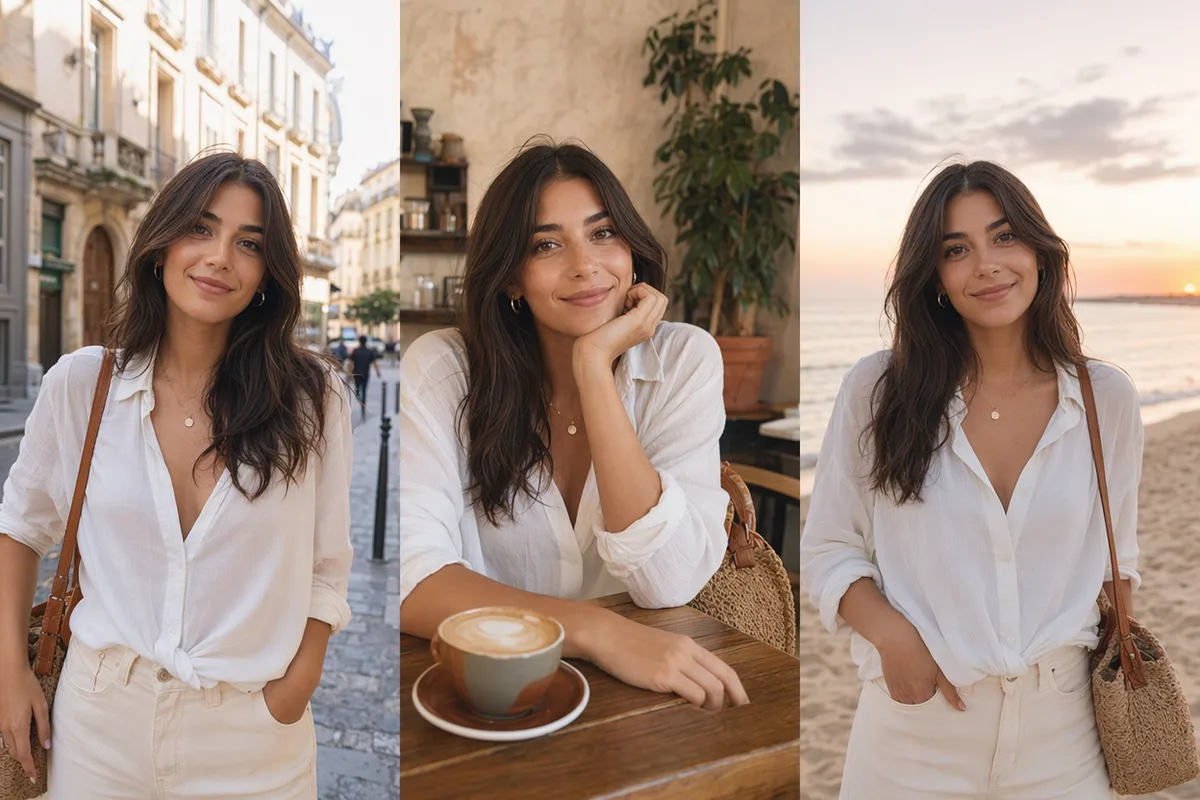
Photorealistic portrait render retaining subject identity

Photorealism and faces are where it leads

Across independent side-by-side tests the consistent finding is that Grok leads on photorealism and on holding a person's identity through a generation — the areas where AI images usually give themselves away. It is second on the Arena text-to-image leaderboard (Elo 1320) and second on the editing leaderboard (1439), behind GPT Image 2 on both, which is a fair summary of the gap: close, not equal.

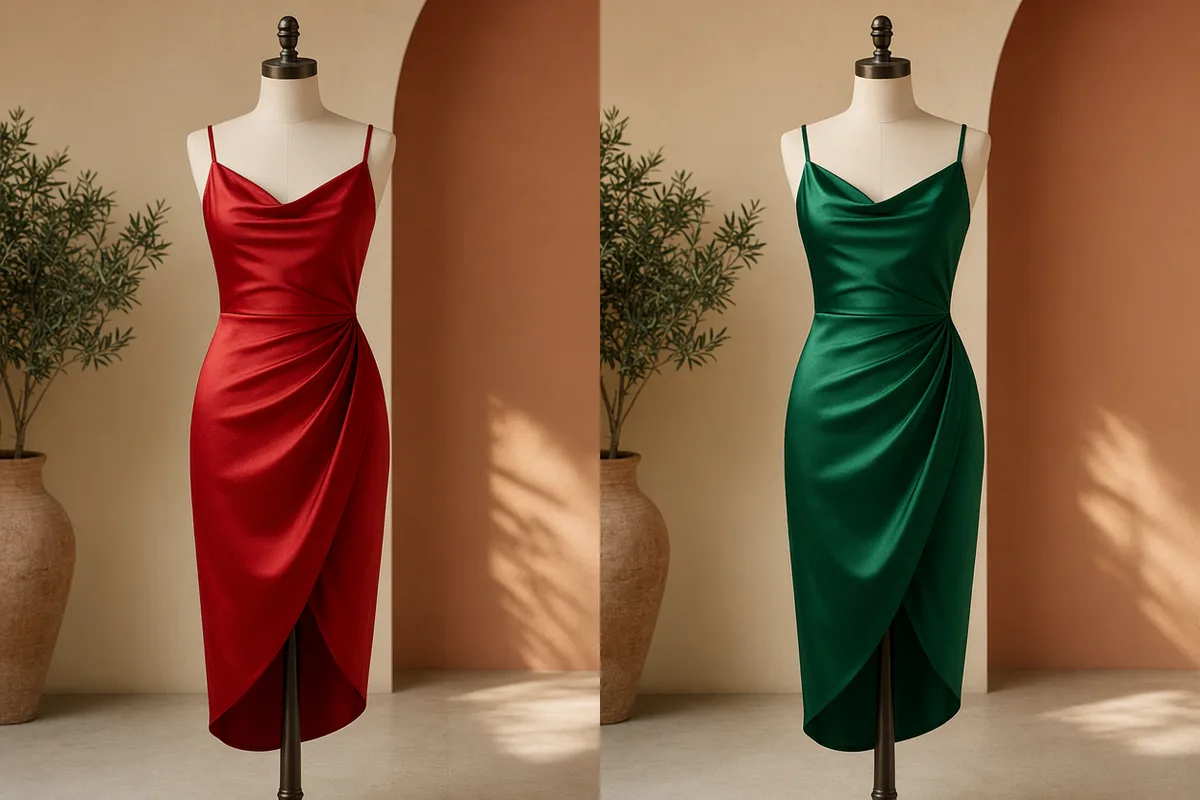
Reference-driven editing combining multiple source images

Generating and editing are the same model here

Attach one to three reference images and it edits or composites them; send text alone and it generates. There is no mode switch and no second model to pay for. With several references attached you can address each one individually in the prompt, so a composite brief stays a composite rather than collapsing into an averaged blend. Note the honest limit: this is prompt-driven editing. The magic-wand, segmentation and background-removal tools xAI ships in the Grok app are app features, not API ones, and they are not part of this workflow.

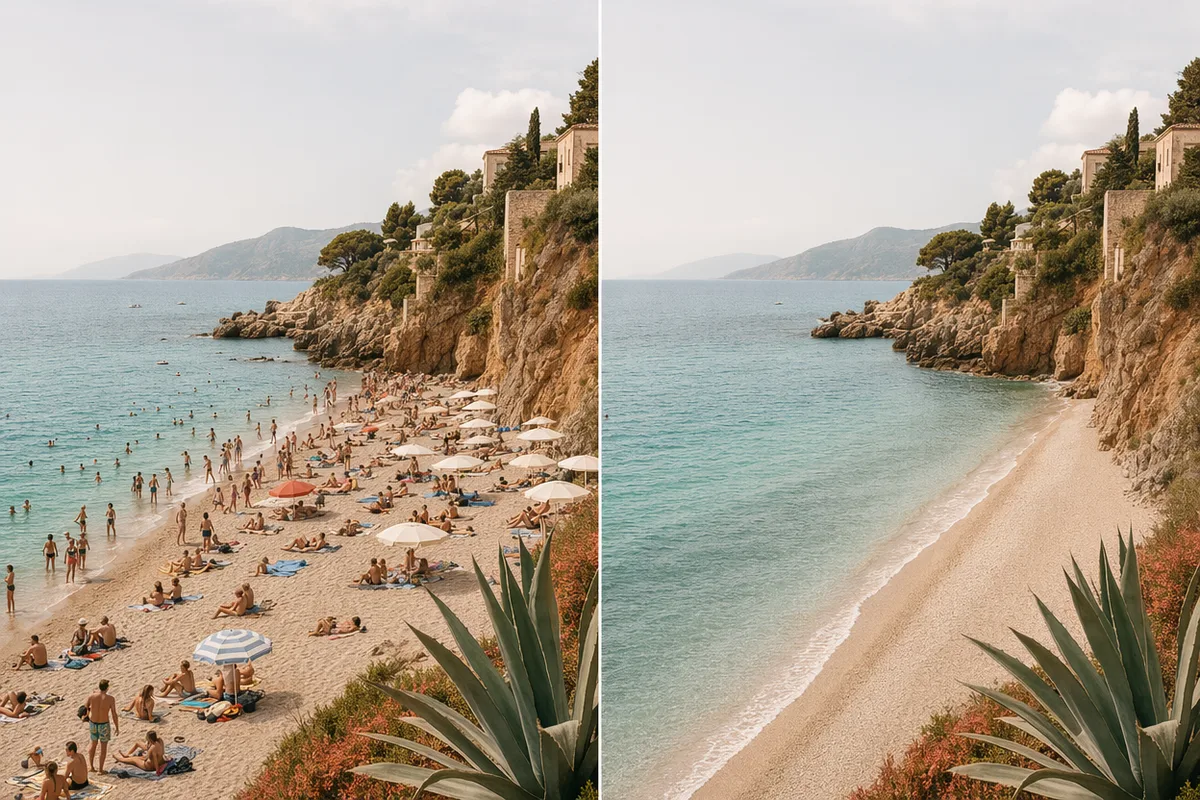
Model switcher showing alternative image models in the same workspace

What it is not the best at

Worth knowing before you spend credits. Independent testing found it trails GPT Image 2 on editing reliability — an edit is more likely to need a second run — and on multilingual text, where non-Latin scripts are less dependable than its English typography would lead you to expect. True style transfer, the kind that reinterprets a photo into a genuinely different medium, is also not its strength. For those three jobs, switch models; everything lives in one workspace here, so switching costs nothing but the click.

How to Use Grok Imagine Image 2.0

Три шага от пустого поля промпта до готового изображения.

  1. 1

    Select Grok Imagine Image 2.0

    Open the model picker and choose Grok Imagine Image 2.0. The panel shows its credit cost, resolution options, and aspect ratios before you spend anything.

  2. 2

    Опишите, что вы хотите получить

    Опишите объект, обстановку, свет и фактуру. Приложите референсные изображения, если модель их принимает.

  3. 3

    Сгенерируйте и продолжайте дальше

    Скачайте результат или продолжите — отредактируйте, смените стиль, увеличьте разрешение или оживите в видео. Каждая генерация хранит свой промпт и параметры.

Beyond Grok Imagine Image 2.0

Один аккаунт — полный рабочий процесс генерации изображений и видео.

Grok Imagine Image 2.0 Pricing and Free Daily Credits

Run Grok Imagine Image 2.0 on the free tier's daily credits, or upgrade for premium models, faster generation, and 4K output.

Бесплатно

$0

Идеально для начала

  • 80 кредитов в день, 400 в месяц
  • Z Image Turbo создаёт черновики за 0 кредитов
  • Стандартная скорость генерации
  • История генераций включена
Начать

Premium

Самый популярный
$29/month

Оплата раз в год · $240/год

  • 1 600 кредитов/день, 8 000 кредитов/месяц
  • Все премиум-модели — GPT Image 2, Nano Banana, Seedream, Seedance, Veo, Kling
  • 5-кратная скорость генерации, приоритетная очередь
  • ИИ-улучшение промптов
Перейти на Premium

Ultimate

$49/month

Оплата раз в год · $300/год

  • 4 000 кредитов/день, 18 000 кредитов/месяц
  • HD-генерация вплоть до разрешения 4K
  • Приоритетная поддержка
  • Самая быстрая очередь и ранний доступ к новым моделям
Перейти на Ultimate

Grok Imagine Image 2.0 — Frequently Asked Questions

1

What is Grok Imagine Image 2.0?

xAI's image model, released on 7 August 2026 as the Quality Mode inside Grok Imagine. One model covers both text-to-image generation and image editing — which of the two you get depends only on whether you attach reference images.

2

How good is it, really?

Second place on both the text-to-image and image-editing arenas, behind GPT Image 2 on each (Elo 1320 vs 1380 for generation, 1439 vs 1463 for editing). Independent side-by-side tests put its strengths in photorealism, identity retention and clean information hierarchy, and its weaknesses in editing reliability, multilingual text and style transfer.

3

Do I need an X subscription or SuperGrok to use it?

Not here. On xAI's own platform, image generation and editing sit behind a paid subscription and users have reported quotas being cut sharply. On CreateVision AI you pay per image from 40 credits, with no subscription requirement, no API key and no eight-hour reset window.

4

Сколько это стоит?

From 40 credits per image. 1K costs 40 credits at the low quality tier and 60 at medium; 2K costs 60 and 80. Each reference image adds 5 credits, charged once per request rather than per output image, so batching a reference-based edit is cheaper per image than repeating it. The total for your settings is shown on the button before you generate.

5

Does it include the magic wand and background removal from the Grok app?

No — those are interactive tools in xAI's own app, not part of the model API. Editing here is prompt-driven: attach up to three references and describe the change in words. For click-to-select background removal, use the dedicated AI Background Remover tool instead.

6

Сколько референсных изображений можно прикрепить?

Up to three on this workspace. xAI's first-party app accepts more, but the API surface this model runs on is capped at three — we would rather state the real number than the marketing one.

7

Which resolutions and aspect ratios are supported?

Two resolution tiers, 1K and 2K — there is no 4K. Thirteen aspect ratios, from 1:1 and 16:9 through to ultra-wide 2:1, 19.5:9 and 20:9, plus an auto mode that lets the model choose the shape.

8

What is the difference between the low and medium quality tiers?

Low is the fast tier, around ten seconds, for drafting and testing prompt wording. Medium takes longer — xAI quotes ten to seventy-five seconds — and renders more detail. The tiers are independent of resolution, so either can be combined with 1K or 2K.

Use Grok Imagine Image 2.0 without a subscription

Начать генерировать изображения

Откройте наши ИИ-инструменты для изображений в один клик

Инструменты в один клик для всего вокруг генерации — доработать, сменить стиль, поделиться.

Что новогоGrok Imagine Image 2.0

  1. New

    Grok Imagine Image 2.0 (xAI) integrated — text-to-image and image editing share one model, 1K/2K at two speed tiers, up to 3 reference images and batch up to 10. No API key or X Premium subscription needed.