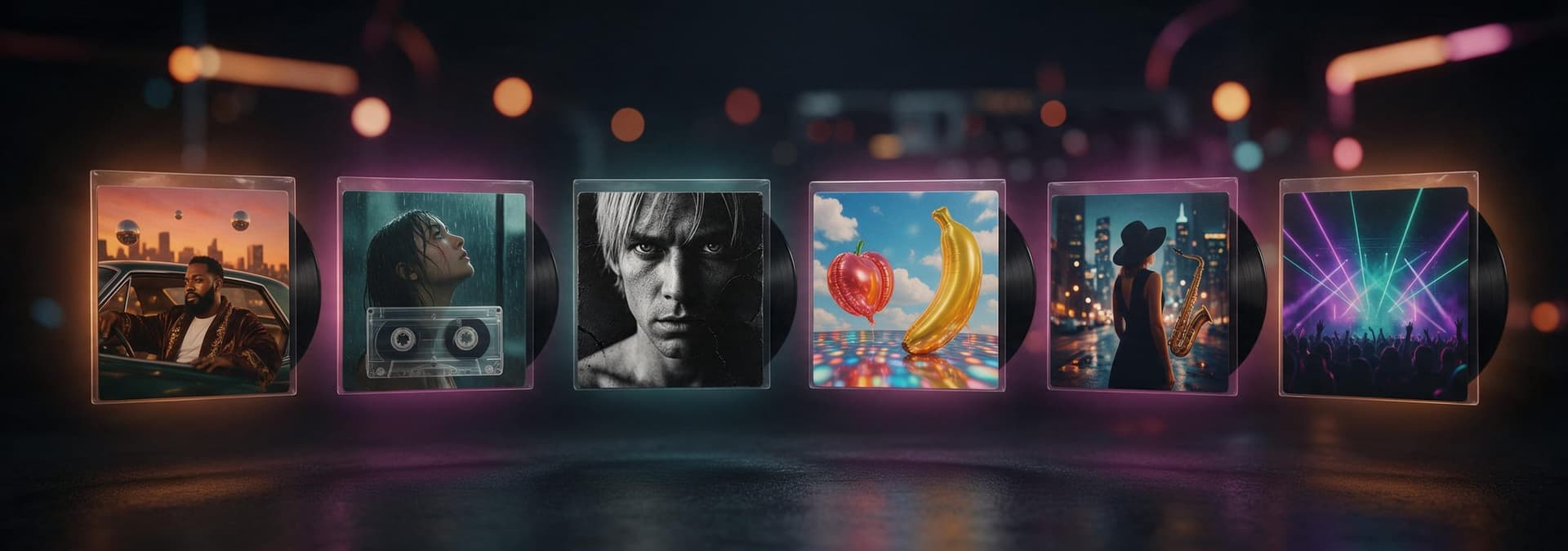
The short answer
To make an album cover, you need three things: a square image, the artist name and title (or no text at all), and a file that meets your distributor's size and colour rules. How you get there depends on your budget and how much control you want.
- Quickest with no design skills: an AI album cover generator. Type the artist name and title, pick a genre style, optionally add your photo, and download a square cover with the lettering already in it.
- Most hands-on: a template editor such as Canva or Adobe Express. You start from a layout and swap in your own photo, fonts and colours.
- Most original: hire a designer or photographer. Slower and more expensive, but the artwork is made for your record and nobody else's.
Whatever you use, finish by checking the file against the spec list below: square, RGB, big enough for your distributor, and no URLs, handles or logos.
Album cover specs: the checklist
Every store and distributor publishes its own rules, and they do not all agree on size. These are the requirements as the platforms themselves state them today. Always check your distributor's upload form before release, because they change.
| Platform | Size | File | Worth knowing |
|---|---|---|---|
| Spotify | 640 to 10,000 px, 1:1 | JPG, PNG or TIFF; sRGB, 24-bit | Asks for the highest resolution available and says not to upscale images. No embedded colour profiles or orientation metadata. |
| Apple Music | 3000 × 3000 px recommended minimum | Delivered by your distributor | This is why most distributors ask for 3000 × 3000. |
| DistroKid | 1000 × 1000 px minimum, 3000 × 3000 ideal | JPG, RGB | No URLs, QR codes, social handles, prices, streaming or social logos, blurry or pixelated images, unlicensed stock photos or nudity. One image only. |
| TuneCore | 1600 to 3000 px square | JPG, PNG or GIF, under 10 MB, RGB | Text on the cover should only be the artist name and release title exactly as entered in the release, or no text at all. |
- ✅ Perfectly square (1:1). Not 1080 × 1350, not a phone screenshot.
- ✅ RGB colour, not CMYK. Print files exported for a CD or vinyl printer are often CMYK, so export a separate RGB version.
- ✅ At least the minimum your distributor lists; 3000 × 3000 is the safe target for Apple Music.
- ✅ Text is only the artist name and title, spelled exactly as in your release metadata, or there is no text.
- ✅ No website addresses, QR codes, social handles, prices, release dates or "out now" stickers.
- ✅ No Spotify, Apple, YouTube or social media logos, and no images you do not have the rights to.
- ✅ Sharp at full size: no visible pixelation, stretching or compression blocks.
Is 2000 × 2000 good for an album cover? It clears Spotify's, DistroKid's and TuneCore's minimums, but it is below the 3000 × 3000 that Apple Music recommends and DistroKid calls ideal. If you can export at 3000 × 3000 from your source, do.
Sources: Spotify for Artists, "Cover art requirements"; Apple Music Specification (help.apple.com/itc/musicspec); DistroKid help centre, "What Are the Requirements for Album Artwork?"; TuneCore help centre, "What are TuneCore's cover art formatting requirements?". Checked October 2026.
Three ways to make an album cover, compared
The top results for this search are mostly template editors, and they are a good option. They are just not the only one. Here is how the three routes compare for an independent release.
| Template editor (Canva, Adobe Express) | Designer or photo shoot | AI album cover generator | |
|---|---|---|---|
| What you do | Pick a template, replace the photo, type your title, adjust fonts | Write a brief, give feedback over a few rounds | Type artist name and title, pick a genre, optionally add a photo |
| Where the image comes from | Your own photo or the editor's stock library | Made for you (illustration or a shoot) | Generated for your prompt, around your photo if you add one |
| Typography | Full control; you set every letter | Full control, done by a pro | Rendered into the artwork; usually right, occasionally needs a regenerate |
| Main risk | Looks like other covers built from the same template | Cost and lead time | Less pixel-level control; check spelling and resolution before upload |
| Best for | You already have a strong photo and like fiddling with layouts | A debut album, a label release, or physical print runs | Singles, mixtapes and beat tapes on a tight schedule |
If you have a great photo and an afternoon, a template editor is fine. If the record matters enough to spend real money, hire a designer. If you need a finished, genre-appropriate cover with your name on it today, an AI generator is the fastest of the three, and the honest trade-off is that you steer rather than draw.
How to make an album cover with AI, step by step
This is the workflow in CreateVision's AI Album Cover Generator. It runs Seedream 5 Pro, a model chosen because it renders text well, and falls back to Seedream 5 Lite automatically if a run fails.
- Type the words on the cover: the artist name, the album or single title, and one line about the mood. Put the names in quotes, for example "NOVA LEE" – "GLOSS", so they are rendered exactly as written.
- Pick one of ten genre styles (Hip-Hop, Trap, Lo-Fi, Pop, Rock, EDM, Jazz, Metal, Indie Folk, R&B). Each is a complete art direction: layout, palette, lettering and mood.
- Optionally refine it with four dials: layout (photo-led, typography-led, illustrated, abstract), title lettering (bold display, handwritten, minimal, graffiti), colour mood and era (90s, Y2K, modern).
- Optionally upload one clear photo of the artist and choose the photo-led layout. The cover is built around that person with the face kept as it is.
- Click Generate Cover. Each run costs 50 credits and returns a 1K square JPG. Regenerate until the spelling and the mood are right.
- Download, then check it against the spec list. For distributors that want 3000 × 3000, run it through an AI image upscaler before you upload.
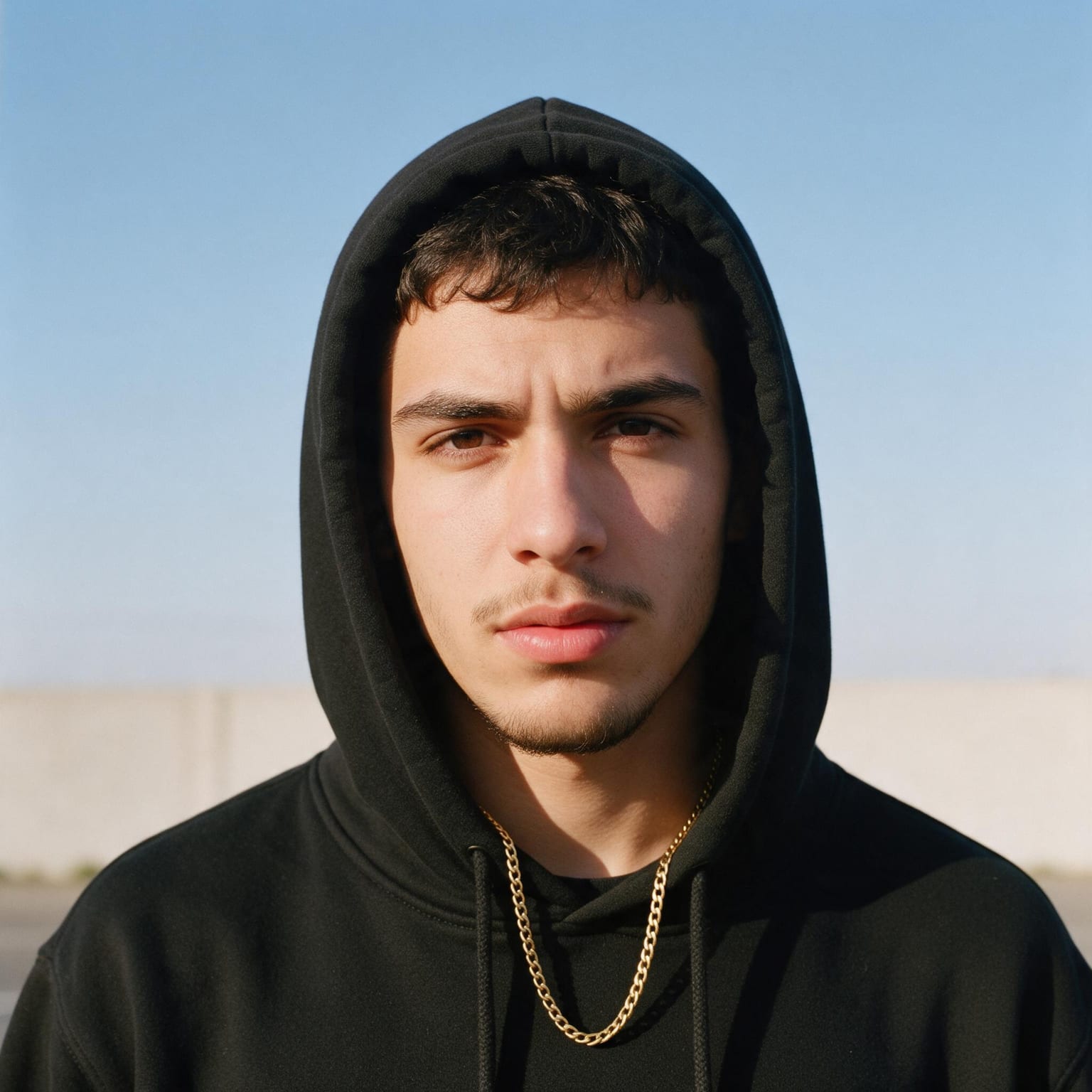
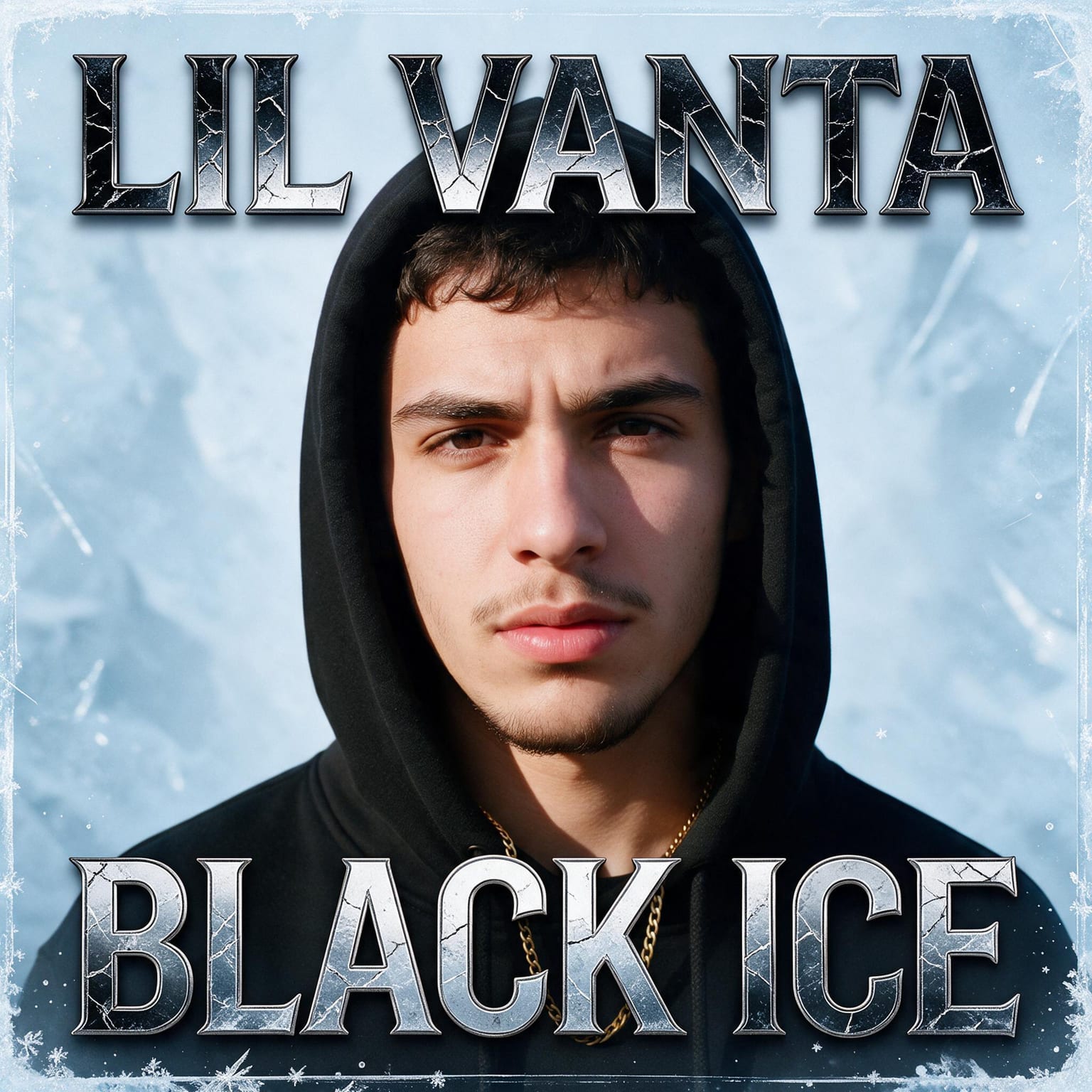
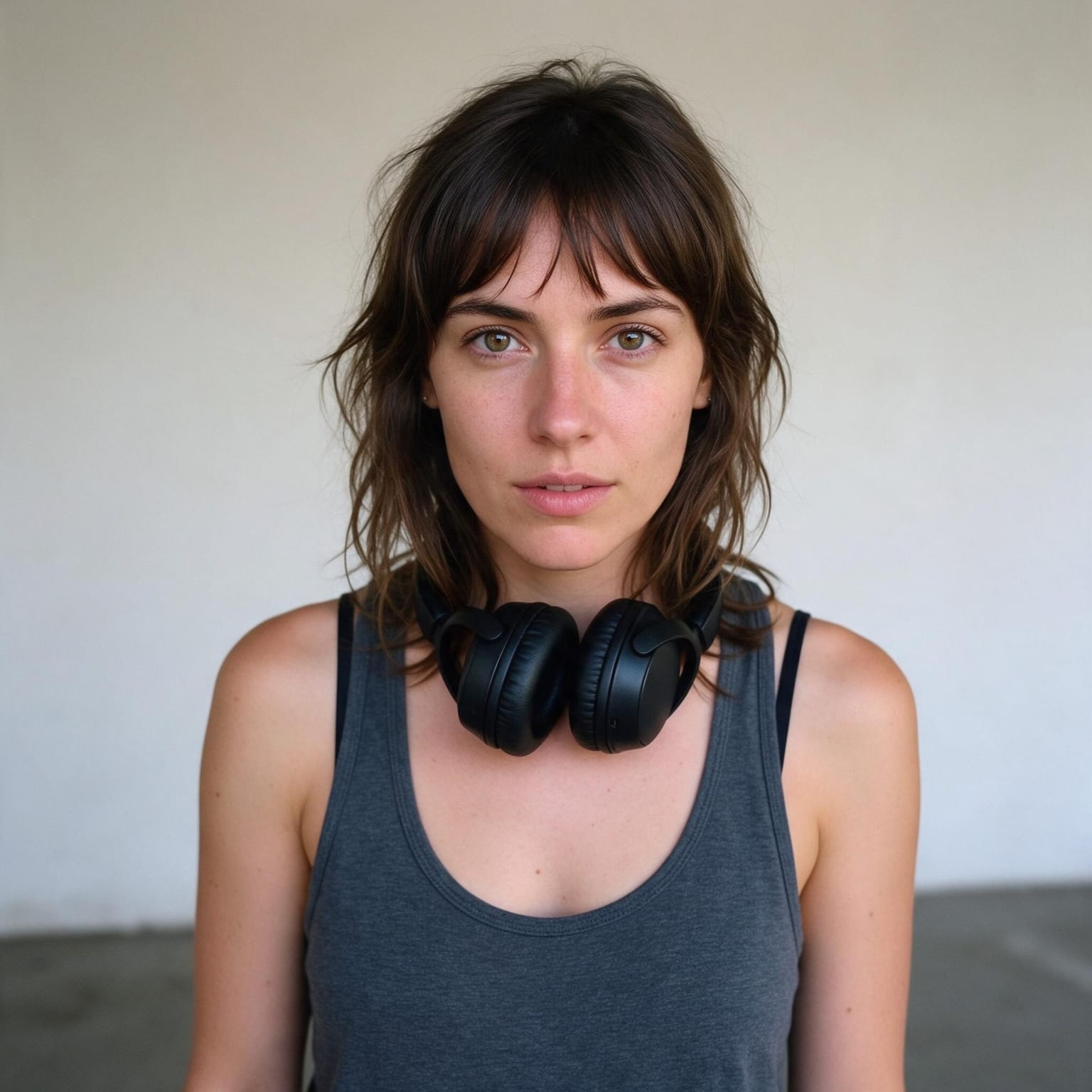
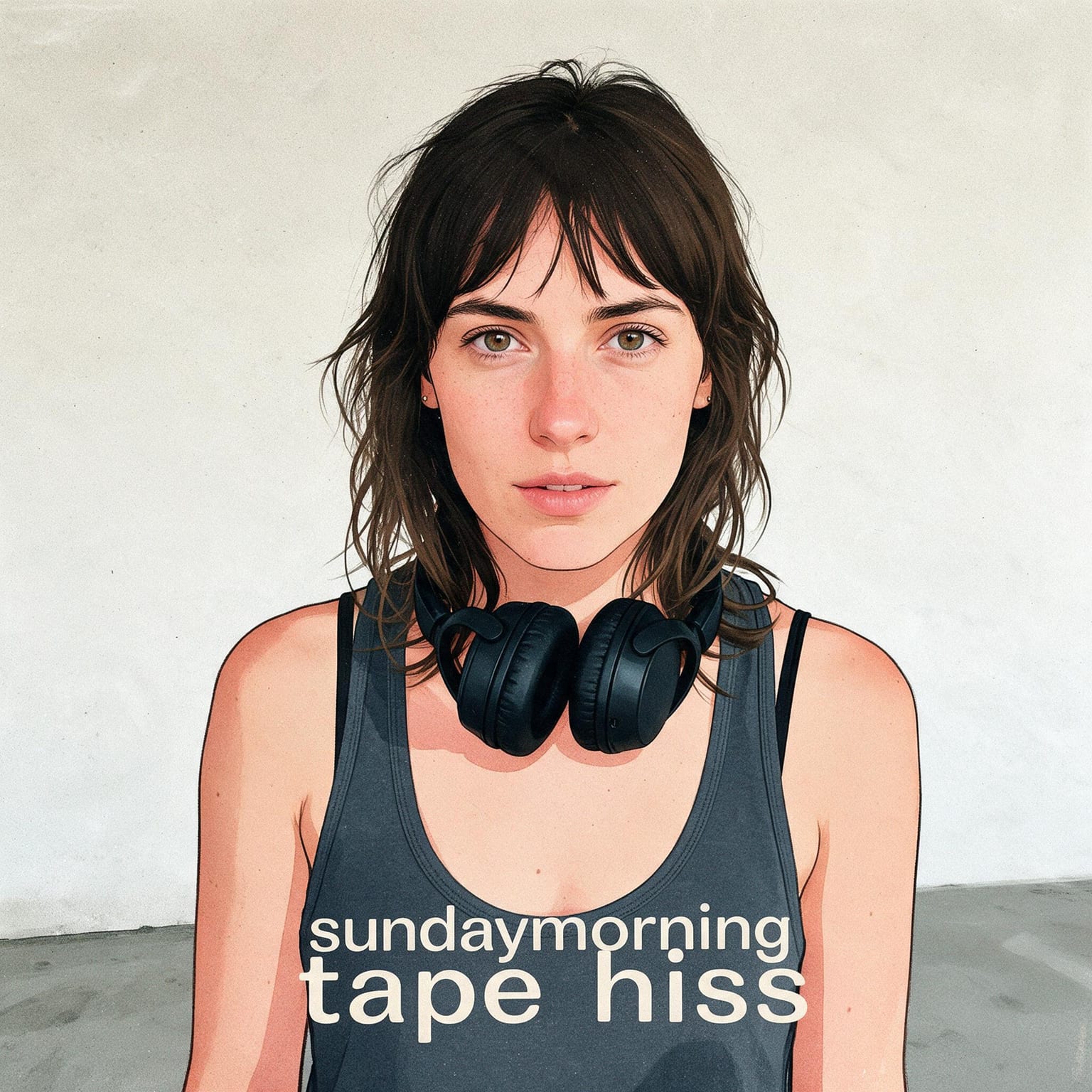
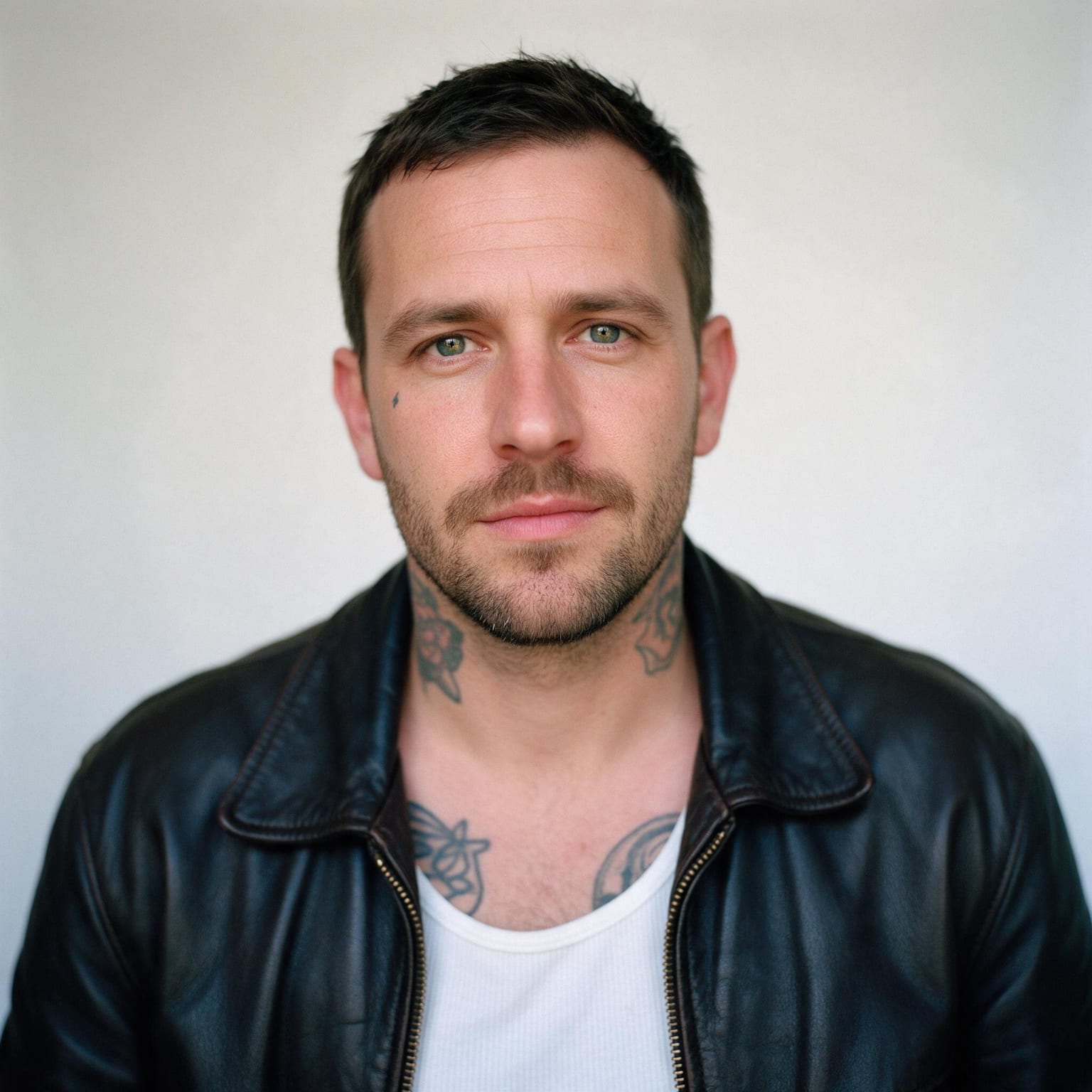
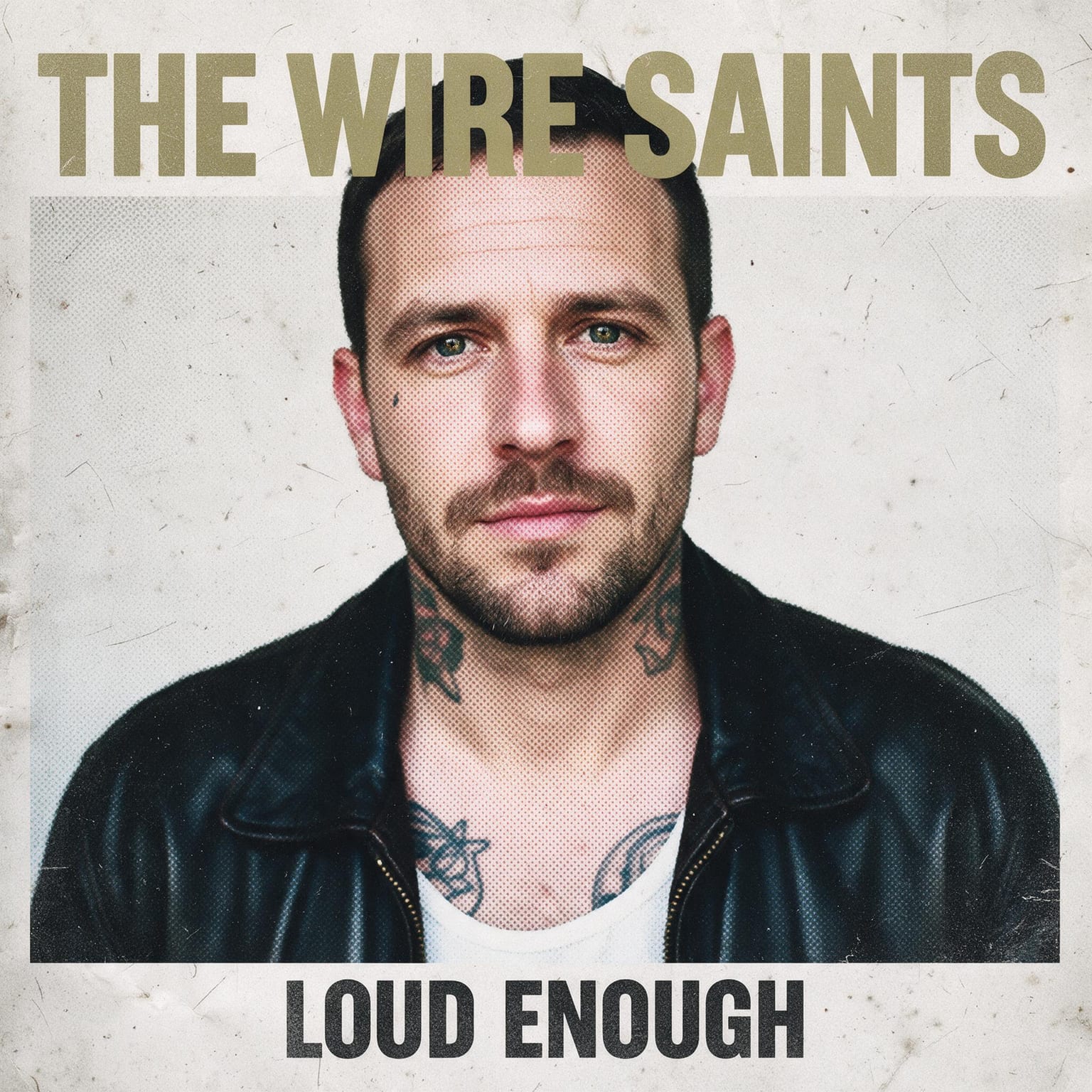
Regenerating is normal. Treat the first few runs as thumbnails, keep the one whose composition works, and only then worry about details.
Need the music too? Write it with the Rap Lyrics Generator and turn it into a track with the AI Rap Generator.
Album cover ideas by genre
Listeners judge a cover in a fraction of a second, mostly by whether it looks like the genre they expect. These are the directions behind each of the ten presets, and they work just as well as a brief for a designer or a Canva search.
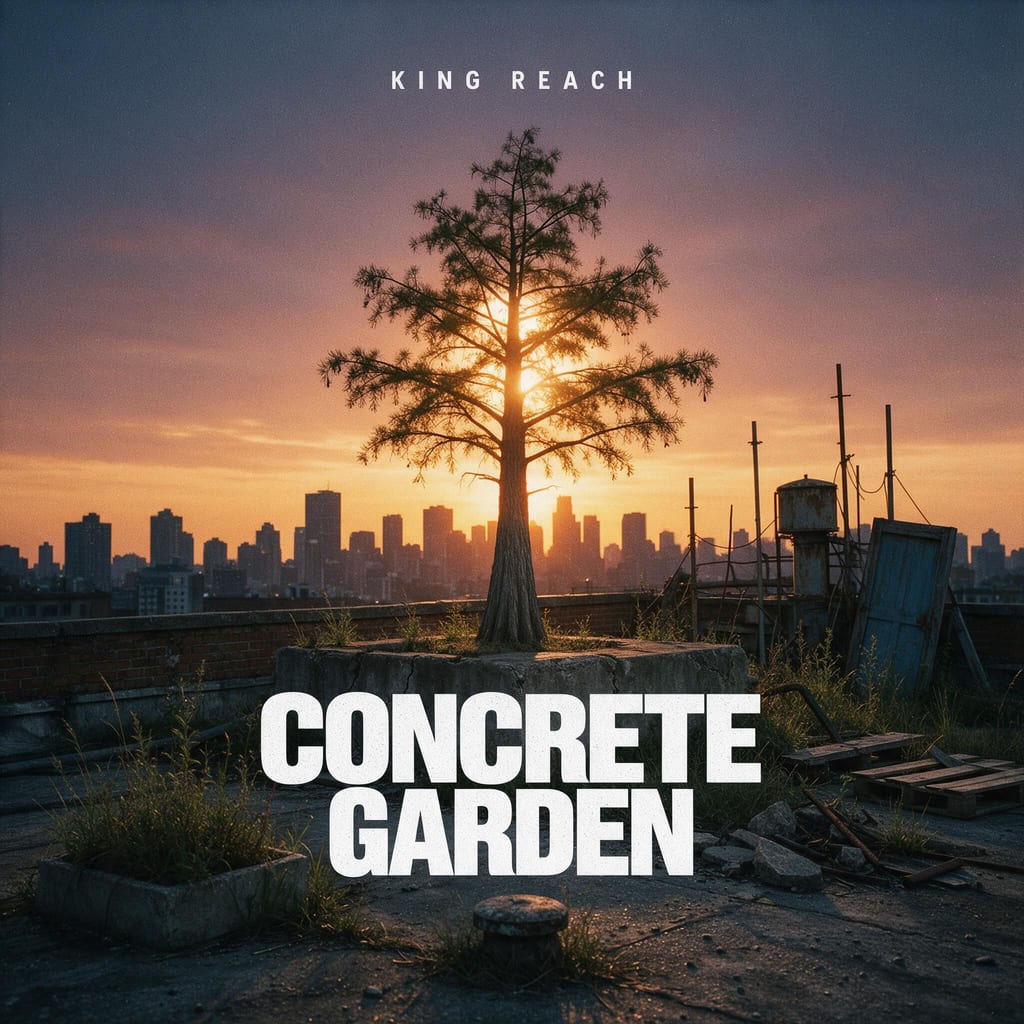
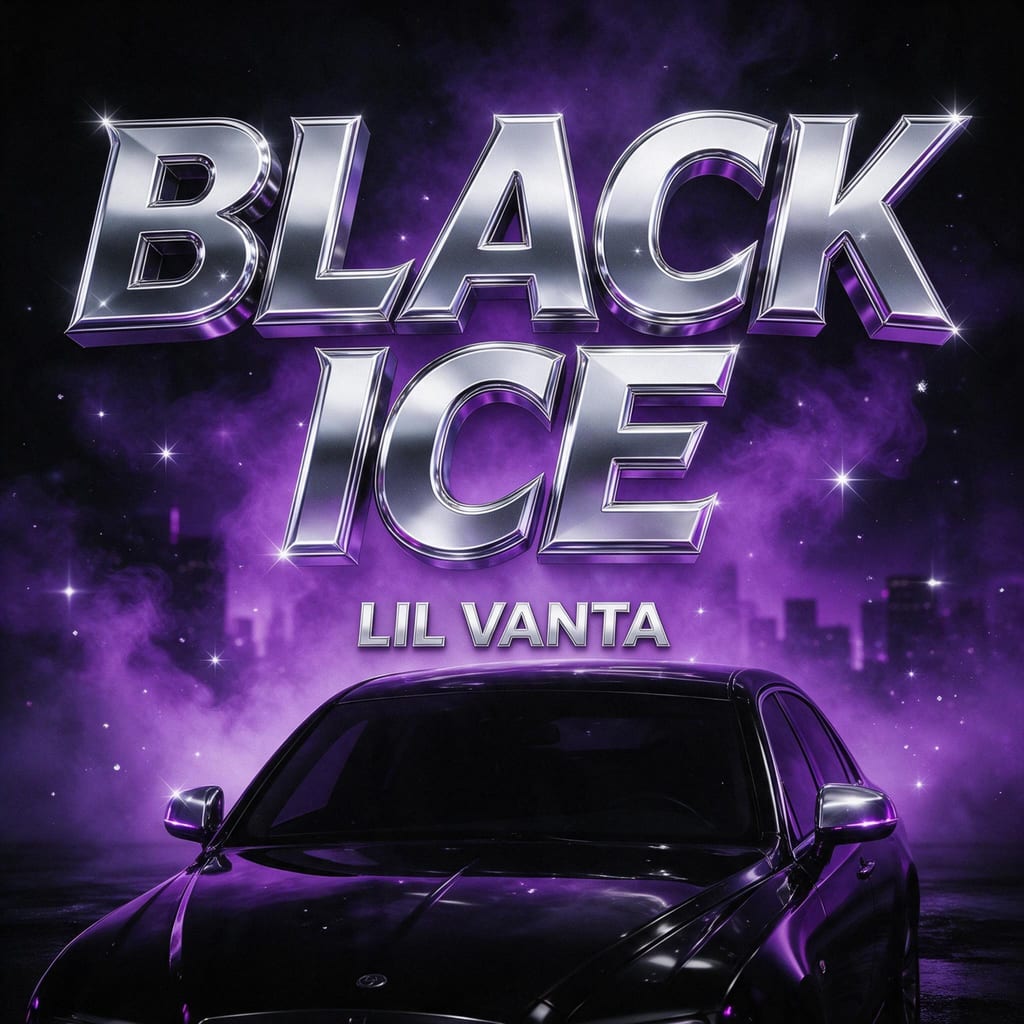
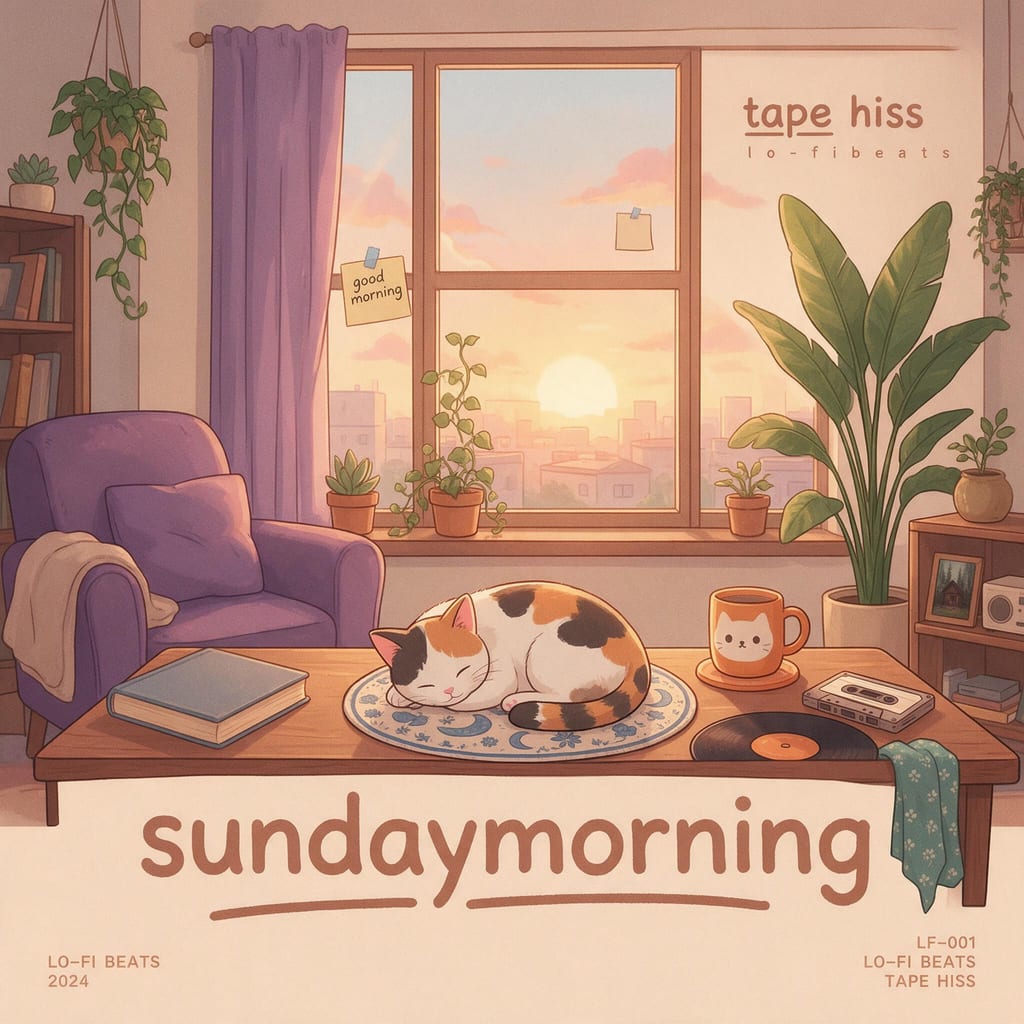
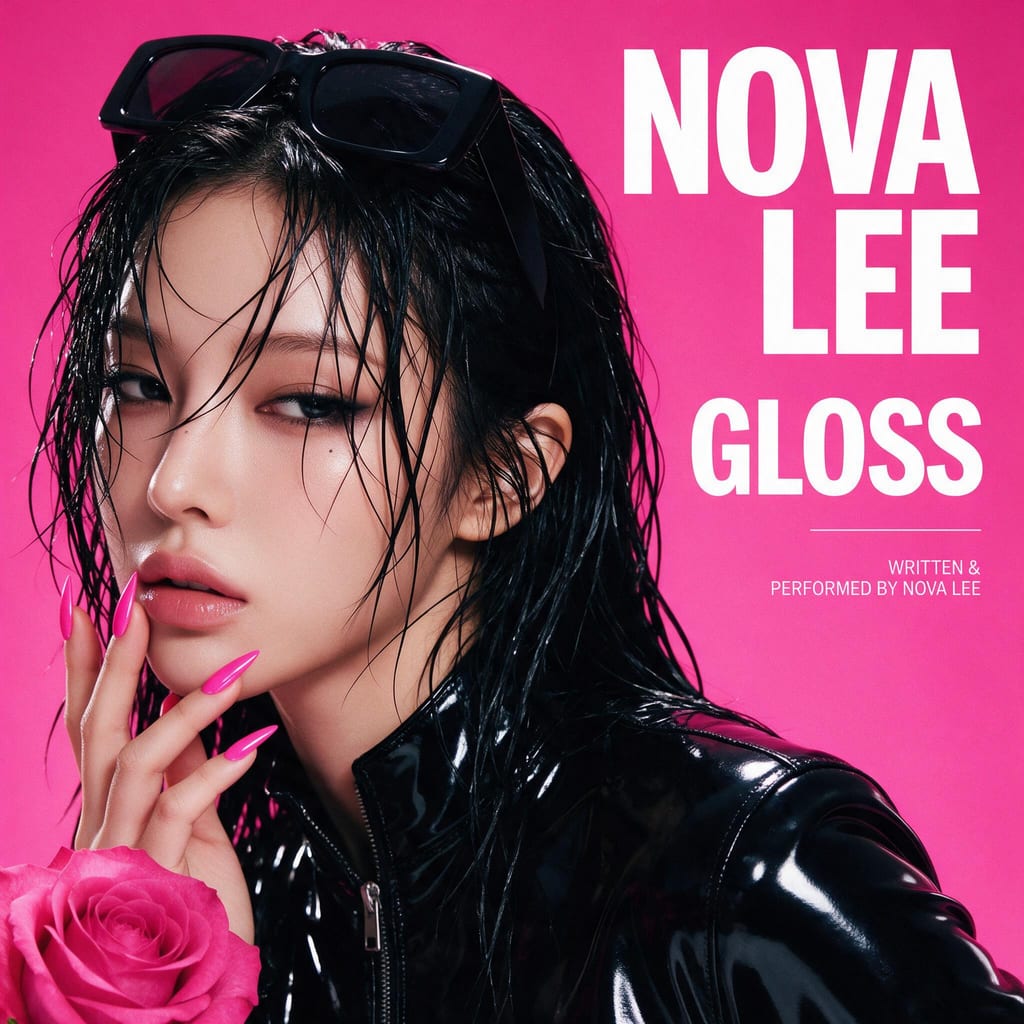
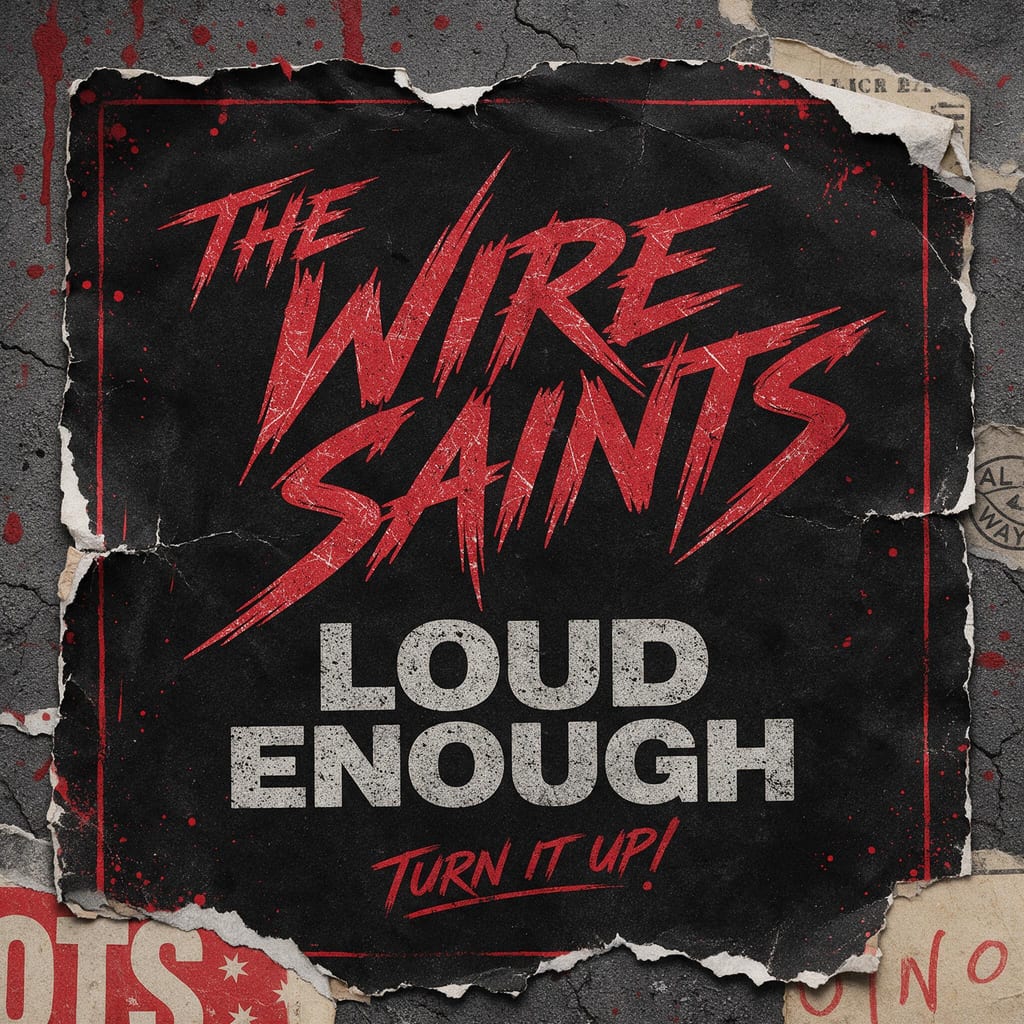
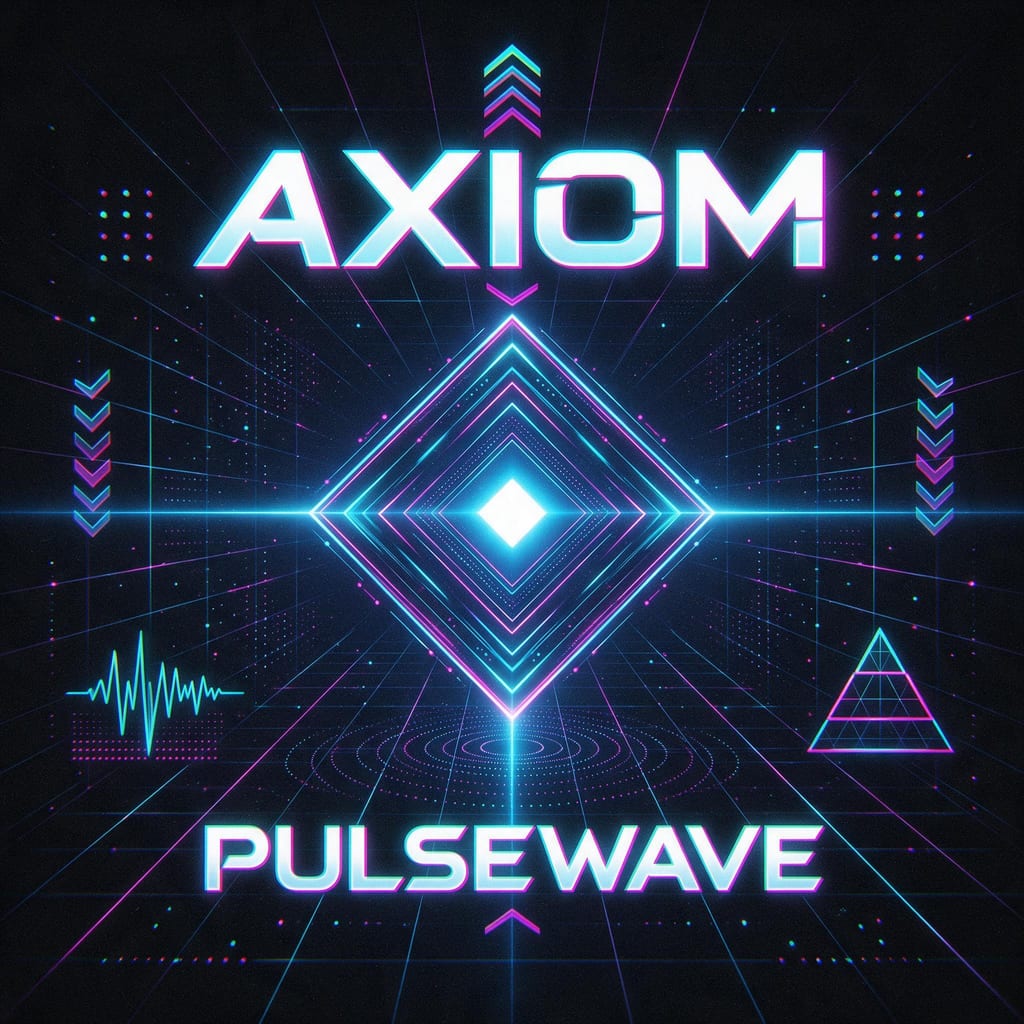
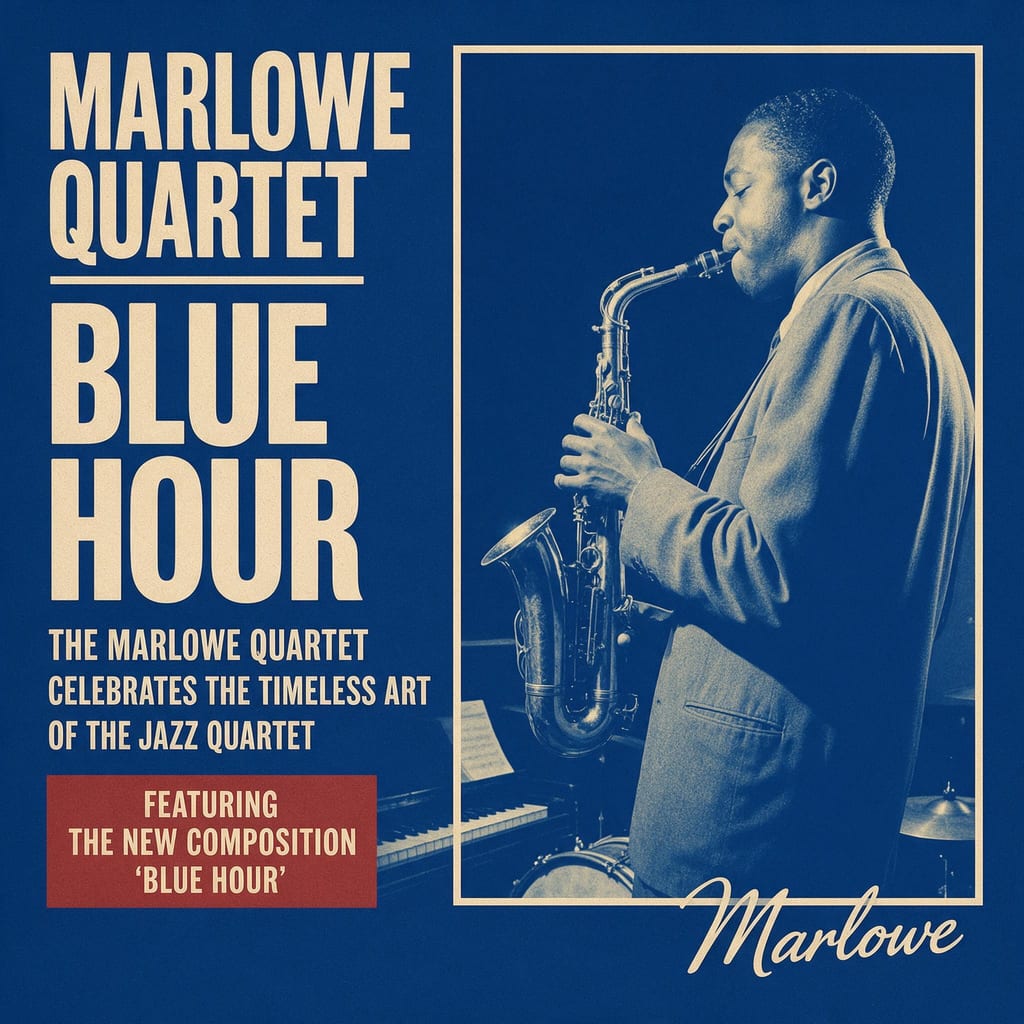
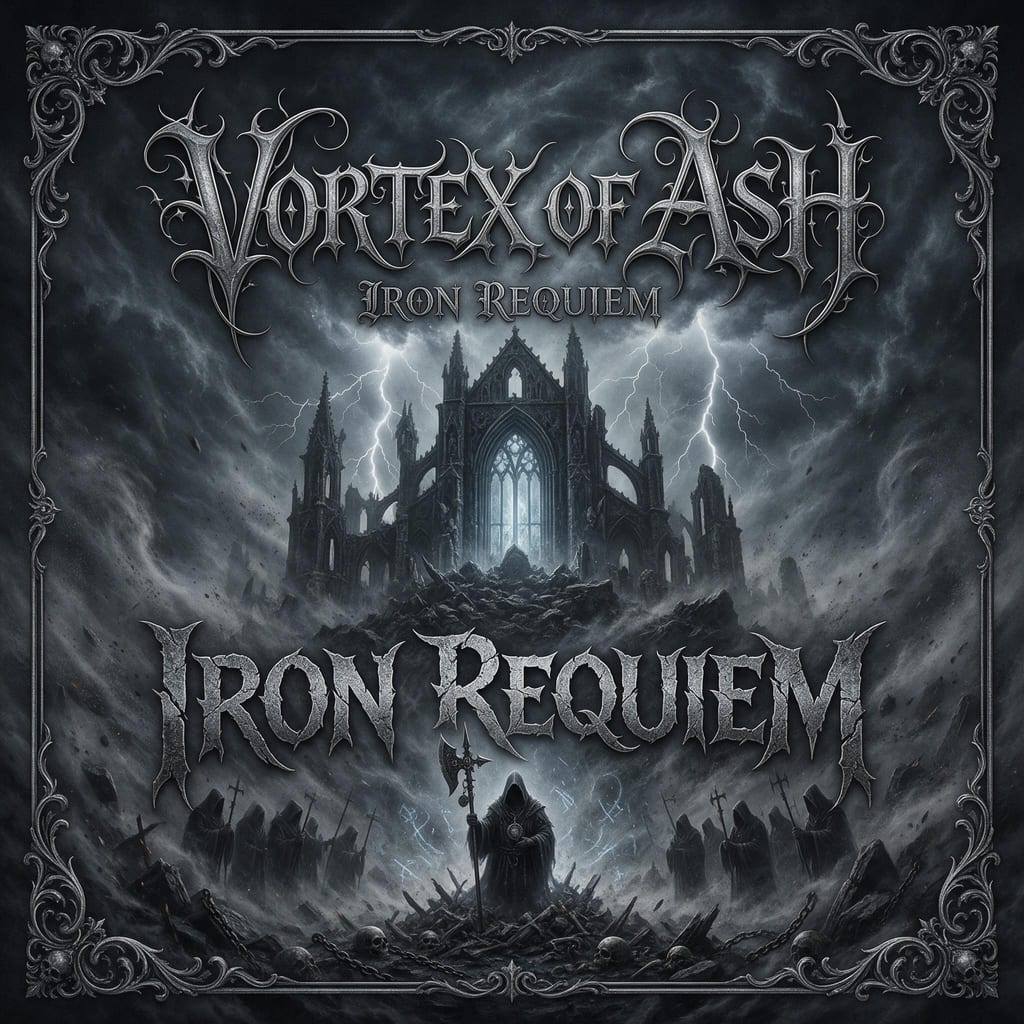
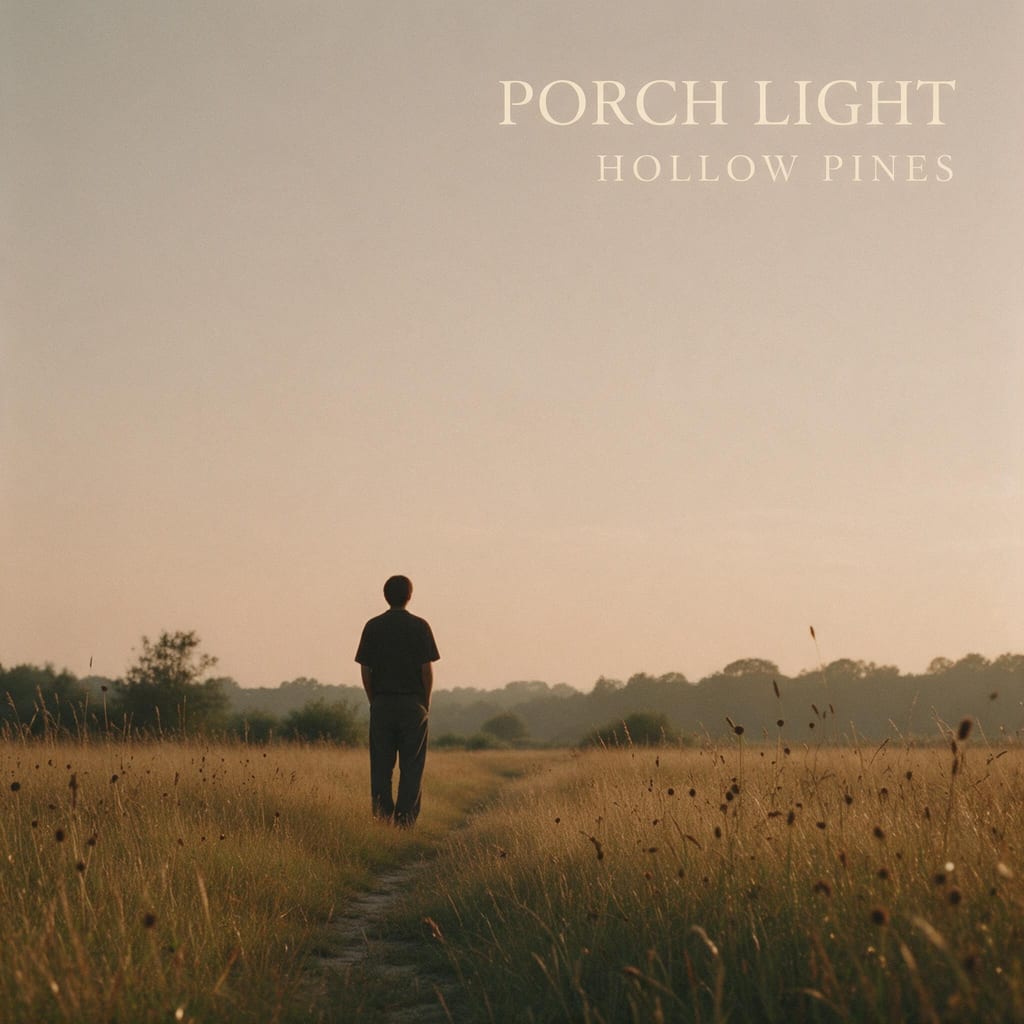
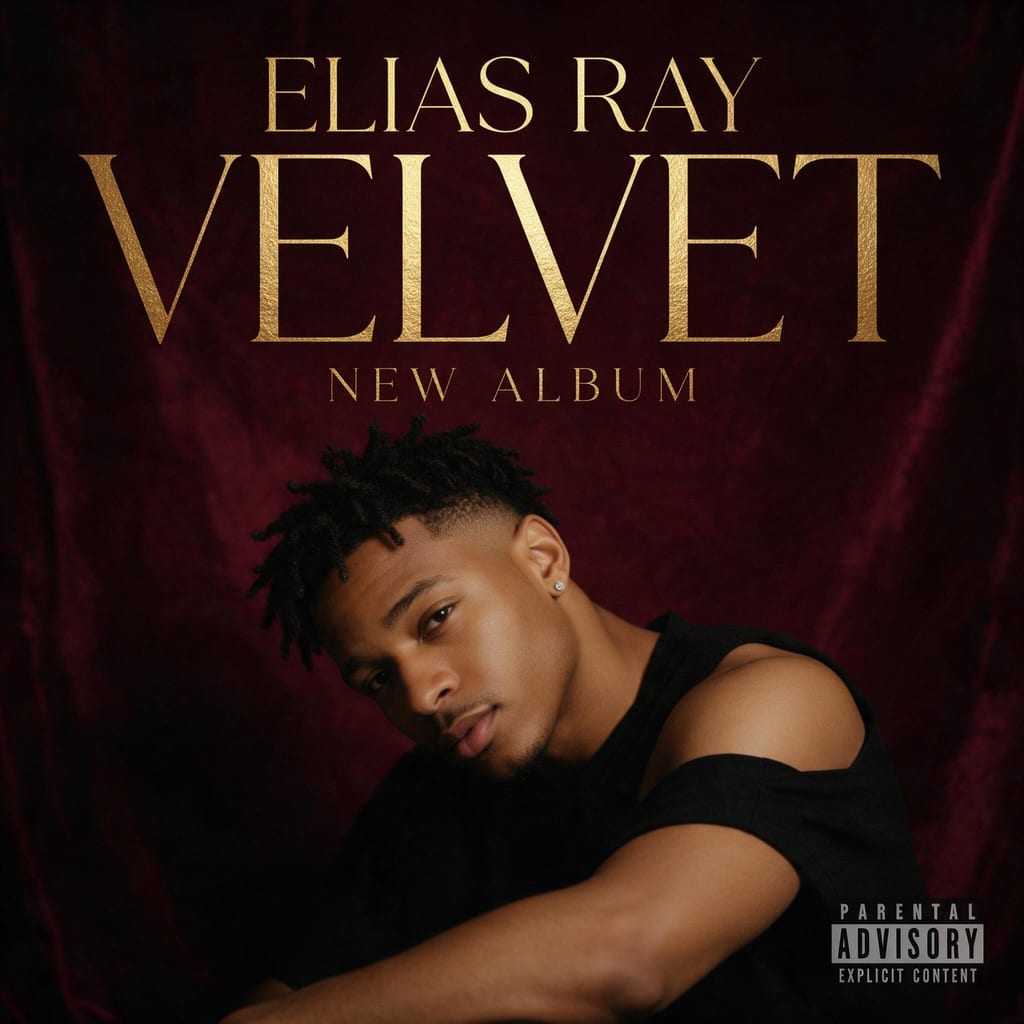
- Hip-Hop: Bold condensed sans-serif title, gritty portrait or street photography, high contrast, film grain, night city.
- Trap: Chrome 3D lettering, dark purple and black, smoke, diamond sparkle and luxury reflections.
- Lo-Fi: Soft anime-style illustration, a cosy room with a window, warm pastels, hand-drawn lowercase title.
- Pop: Glossy fashion-editorial portrait on a saturated single-colour backdrop, clean modern sans-serif.
- Rock: Distressed grunge textures, black and red, a hand-lettered spiky band logo, torn-poster energy.
- EDM: Neon geometry, laser grids, chromatic aberration, cyan and magenta glow, sleek techno type.
- Jazz: Duotone photograph with bold offset type blocks in cream and navy, the mid-century Blue Note tradition.
- Metal: Dark fantasy illustration, ornate gothic logo, ash and ruins, silver and charcoal.
- Indie Folk: 35mm film photo at golden hour, muted earth tones, a small serif title and lots of empty space.
- R&B: Intimate low-key studio portrait, velvet backdrop, soft rim light, thin elegant serif with a gold-foil feel.
Breaking the genre code on purpose can work, but do it deliberately. A lo-fi record with a metal cover will get clicks from the wrong listeners.
Typography that survives a thumbnail
Most people will first see your cover at the size of a fingernail: in a playlist, a search result or a lock screen. Design for that size first.
- Shrink your cover to about 60 pixels wide and look at it. If you cannot read the artist name, it is too small, too thin or too low in contrast.
- Keep the text short. Artist name and title only; long subtitles and feature credits belong in the metadata, not on the art.
- One or two typefaces at most, and let one element dominate: either the title is the artwork, or the image is and the title is small.
- Put text where the image is calm. A title over a busy face or a bright sky disappears at small sizes.
- Keep important text away from the very edges, where some apps crop or round the corners.
- With AI, put names in quotes and keep them short. Very long titles, unusual symbols and more than two lines of text are where text rendering is most likely to slip, so proofread every letter before you download.
If the lettering is the whole idea, choose the typography-led layout so the title is treated as the artwork rather than a label on top of it.
Rights, licensing and AI art
The cover is part of your release, so you need the right to use everything on it. This is not legal advice, but these are the points that matter for an independent release.
- On CreateVision, covers made on a paid plan can be used commercially, including on streaming platforms, merch and print. Free-plan downloads carry a small CreateVision watermark; subscribers download clean files.
- Type your own names and titles. Do not enter another artist's name, a label's trademark or a copyrighted logo, and do not imitate a famous existing cover.
- Only upload photos of yourself or of people who have agreed to be on the cover.
- Stock photos are only safe if your licence covers commercial music releases. DistroKid lists unlicensed stock photography as a rejection reason.
- Read your distributor's current policy on AI-generated content before you upload. Policies on AI art and AI music are changing, and your distributor's rules are the ones that apply to your release.
Keep your source files and a note of how the cover was made. If a store ever asks, you can show where it came from.
Why distributors reject album covers
Text that does not match the metadata
The title on the cover says "Vol. 2", the release is entered as "Volume II". TuneCore asks that cover text is only the artist name and title exactly as entered. Fix the metadata or the art so they match letter for letter, including any featured artists you choose to show.
URLs, handles, QR codes and logos
A website, an @handle, a QR code, a price or a Spotify or Instagram logo will get a cover rejected. DistroKid lists all of these. Promotion belongs in your bio, not on the cover.
Not square, or too small
A portrait-format photo or a 1080 × 1350 export will be rejected or auto-cropped. Export a true square at your distributor's minimum or higher.
Blurry, pixelated or stretched
Enlarging a small image in an editor creates soft, blocky edges that reviewers flag. Start from the largest source you have; if you upscale, use an AI upscaler that rebuilds detail, then inspect it at 100%.
CMYK files
A print-ready CMYK file is not what stores want. Export an RGB version for digital release.
Explicit imagery or material you do not own
Nudity, graphic content, unlicensed photos, other artists' artwork and trademarked logos are common reasons for rejection.
Album cover FAQ
How can I create my own album cover?
Start from a square canvas, decide whether the image or the title is the hero, add the artist name and title in one or two typefaces, and export a square RGB file at your distributor's size (3000 × 3000 is the safe target). You can do this in a template editor, with a designer, or with an AI album cover generator that renders the text for you.
Is there a free way to create album covers?
Template editors such as Canva and Adobe Express have free plans with album cover templates. On CreateVision, signing up is free and each cover costs 50 credits (credit packs start at $9 and never expire); free-plan downloads carry a small watermark. A subscription removes the watermark and allows commercial use.
Is 2000 × 2000 good for an album cover?
It meets the minimums at Spotify (640 px), DistroKid (1000 px) and TuneCore (1600 px), but Apple Music recommends at least 3000 × 3000 and DistroKid calls 3000 × 3000 ideal. Use 3000 × 3000 if your source allows it.
What size should an album cover be?
A perfect square, RGB, and 3000 × 3000 pixels if you can. Spotify accepts 640 to 10,000 px, DistroKid has a 1000 px minimum, and TuneCore accepts 1600 to 3000 px.
Can I make an album cover from a photo?
Yes. In a template editor you drop your photo into a layout. In the AI Album Cover Generator you upload one clear photo, choose the photo-led layout and a genre, and the cover is built around you with your face kept as it is.
Can AI put my artist name and title on the cover?
Yes. The generator uses a text-rendering model and asks for the artist name and title to be rendered exactly once, as the only text on the cover. Short names in quotes come out right most of the time; check every letter, and regenerate or shorten the title if something slips.
Can I use an AI-generated album cover on Spotify and Apple Music?
Covers made on a CreateVision paid plan can be used commercially, including on streaming platforms. Your distributor reviews every release, so check its current rules on AI-generated content and make sure the cover meets the size and content specs above.
How do I make an album cover on Canva?
Search Canva's templates for "album cover", pick one, replace the photo and text with your own, then download as PNG or JPG. Check that the export is square and large enough for your distributor, and remove any template text you are not using.