Model gambar AI

Seedream 5 Pro AI Image Generator

Use Seedream 5 Pro for the highest-fidelity renders, precise prompt following, and reference-guided image editing.

Seedream 5 Pro1K and 2KReference editing

Jelajahi Lebih Banyak Model

Compare Seedream 5 Pro with other image models — same workspace, one click to switch.

Dapatkan Inspirasi

Sekilas tentang apa yang orang ciptakan dengan model gambar AI di CreateVision AI.

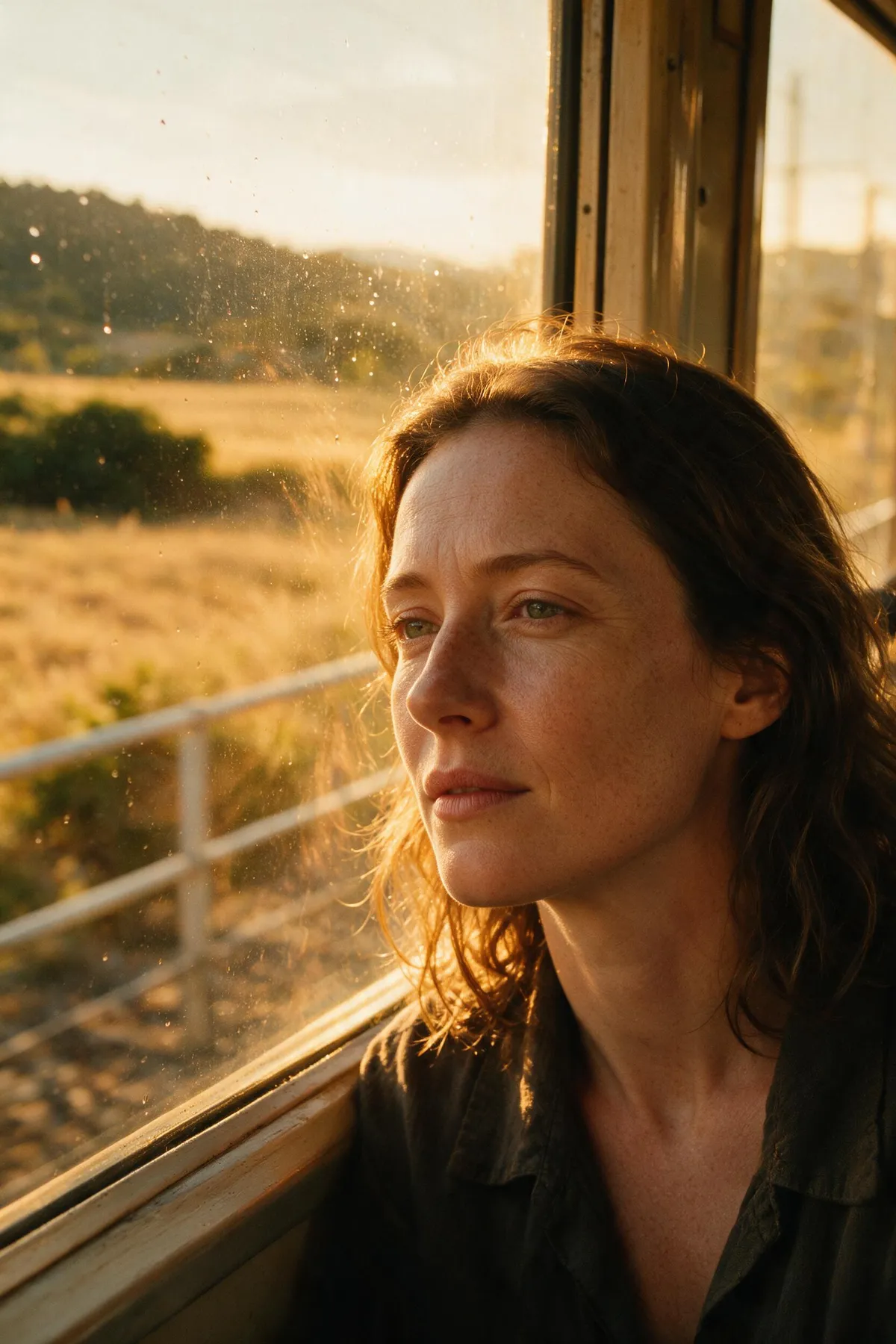
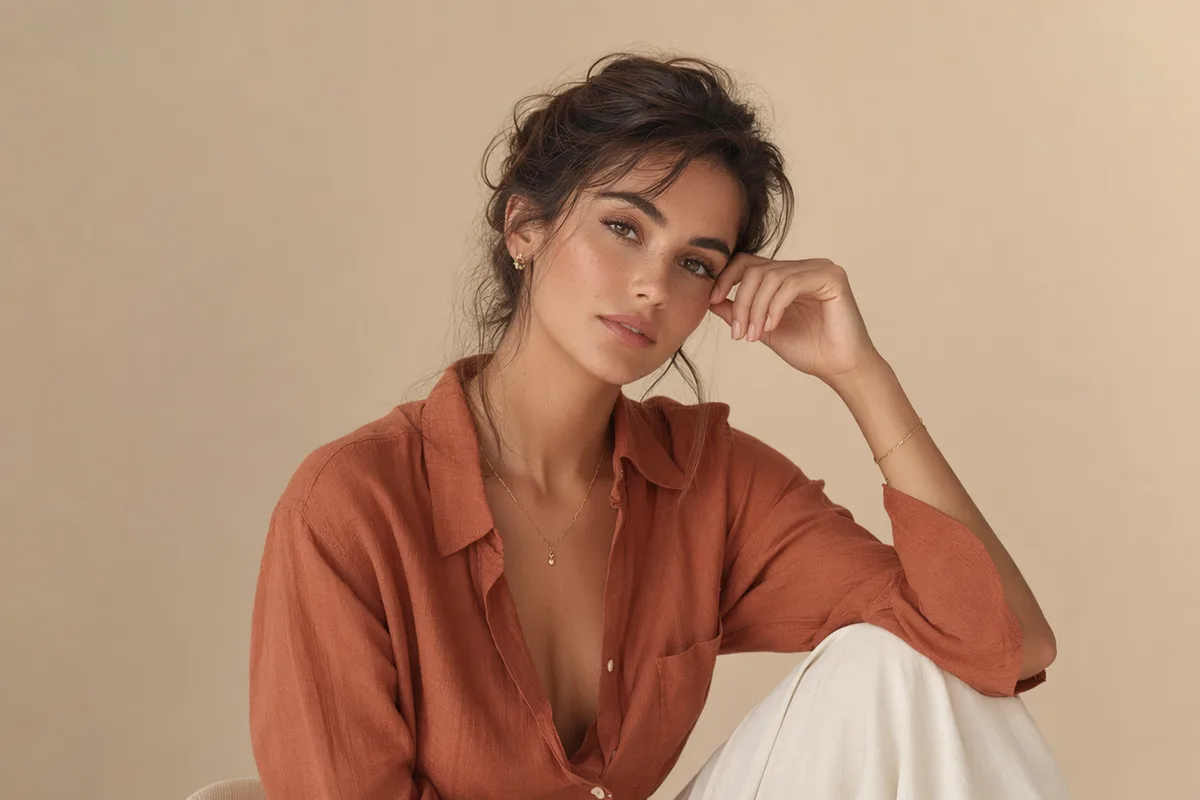
Potret editorial buatan AI seorang wanita dalam cahaya jendela yang lembut
Karakter naga bayi 3D buatan AI di atas batu berlumut
Foto arsitektur buatan AI berupa tangga spiral beton bernuansa hangat
Ilustrasi anime buatan AI tentang seorang gadis dengan payung di jalanan neon yang hujan
Fotografi makanan dari atas buatan AI berupa hidangan sarapan rustic
Foto satwa liar buatan AI berupa macan tutul salju di tengah turunnya salju
Potret editorial high fashion buatan AI dengan latar dinding terakota
Lanskap fantasi buatan AI berupa pulau-pulau terapung dengan air terjun

Seedream 5 Pro — ByteDance's flagship, tuned for maximum fidelity

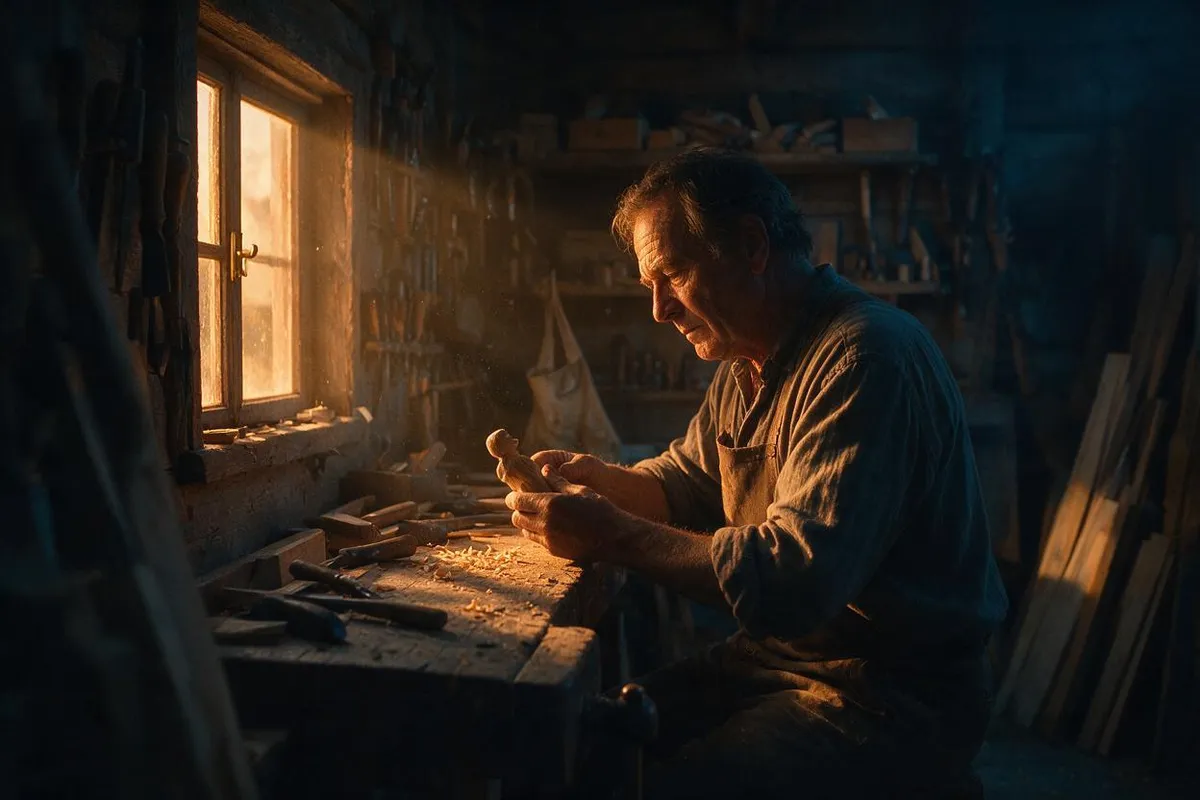
The Pro tier of the Seedream 5 line pushes rendering fidelity further: even finer skin and material detail, stronger prompt adherence, and reference-guided editing at 1K and 2K.

Ultra-detailed photoreal AI portrait with visible skin texture

Maximum-fidelity skin, faces, and materials

Seedream 5 Pro extends the Seedream line's photoreal reputation with even cleaner micro-detail — pores, hair strands, fabric weave, and reflective surfaces hold up under close inspection. Portraits and product shots come back looking captured, not rendered.

Editorial fashion scene with precise directional lighting

Stronger prompt adherence

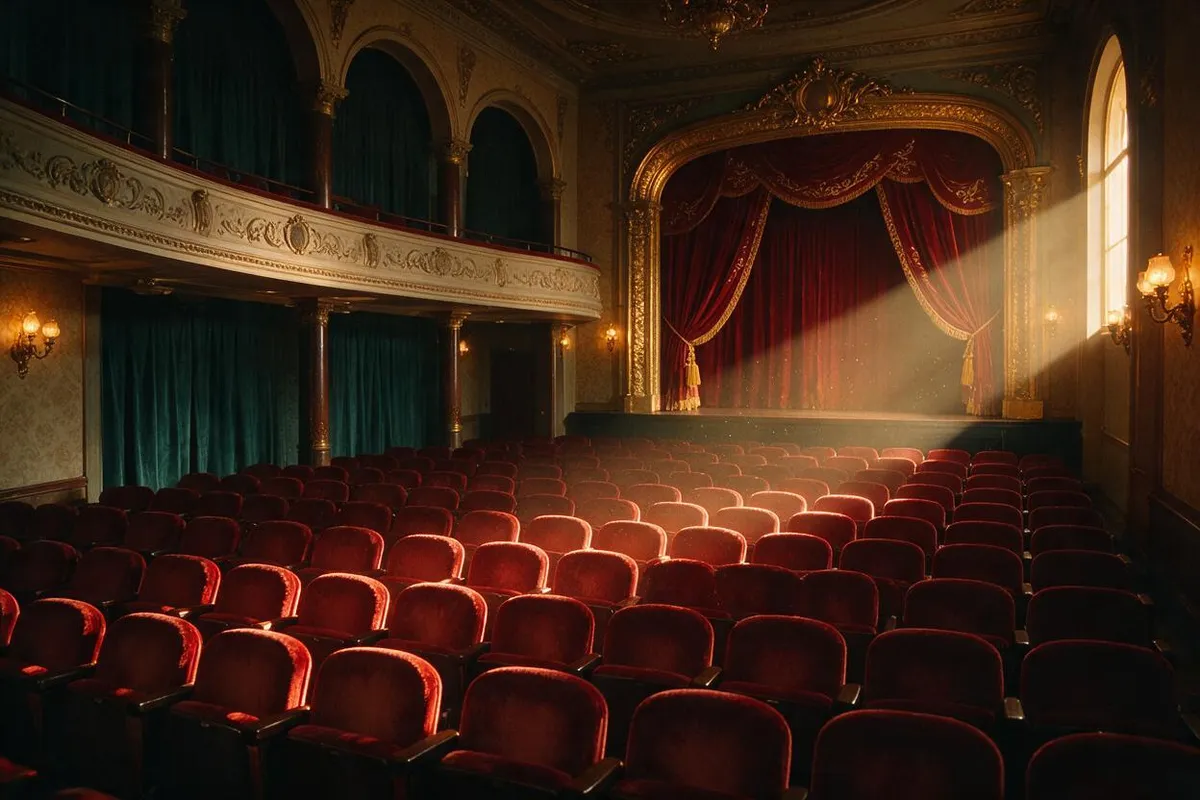
The Pro model follows long, specific prompts more faithfully — composition, wardrobe, lighting direction, and scene details land closer to the brief on the first try, cutting the number of re-rolls needed to nail a shot.

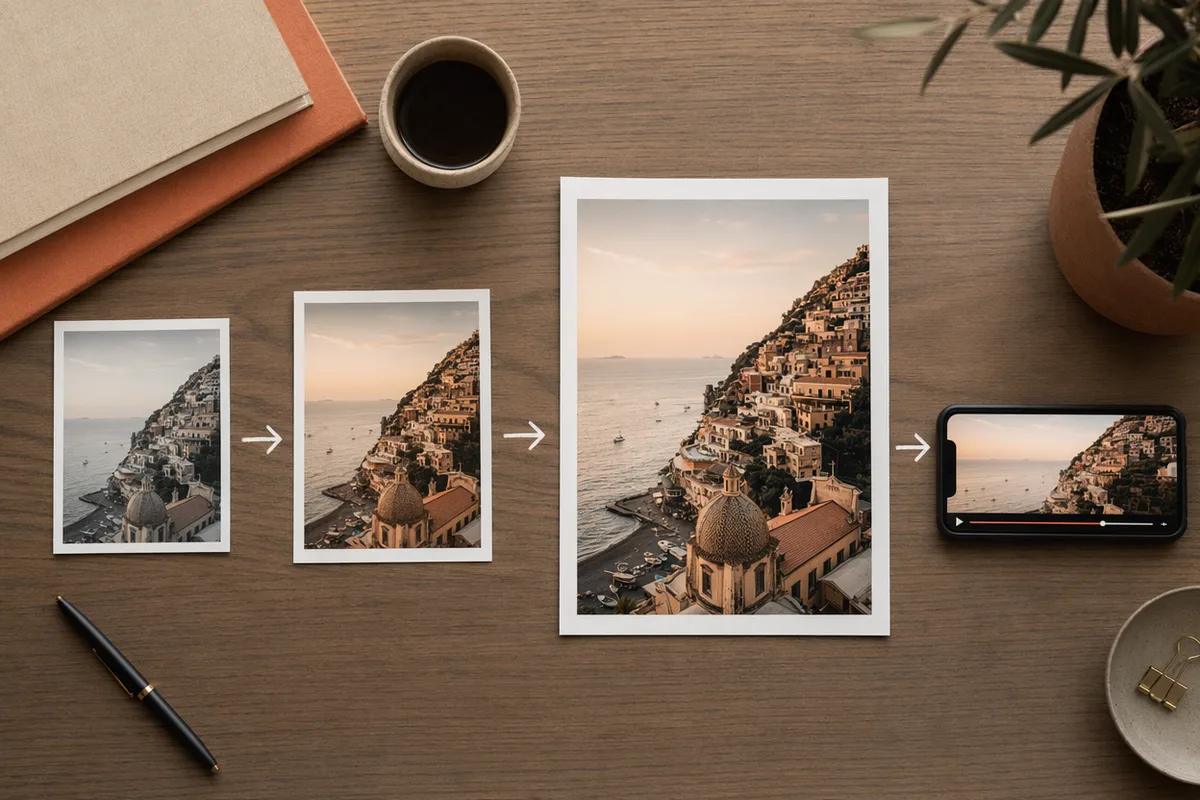
The same render shown at 1K and 2K side by side

1K and 2K quality tiers

Iterate cheaply at 1K while you dial in a prompt, then switch to 2K for the final, detail-critical render. Both tiers are shown with their credit cost in the generator before you run.

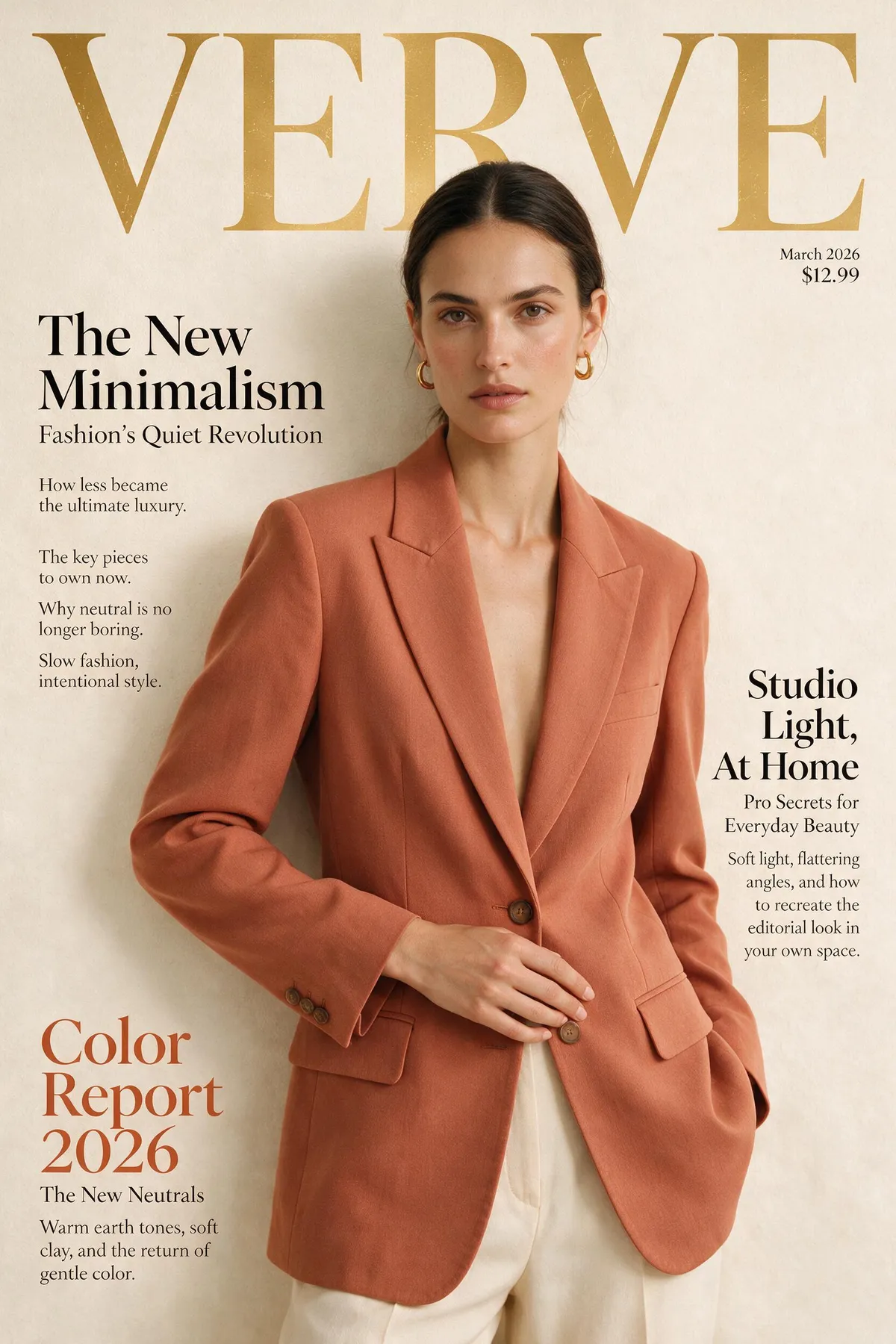
Consistent AI portrait series in soft window light

Reference-guided editing and series

Attach up to five references to keep a subject, product, or location consistent across an image set, or to guide precise edits. Seedream 5 Pro turns a shot list into a coherent, usable series.

Terus jelajahi CreateVision AI

Satu akun, alur kerja lengkap generasi gambar dan video.

Pilih Paket Anda

Mulai gratis dengan kredit harian. Tingkatkan untuk model premium, generasi lebih cepat, dan output 4K.

Gratis

$0

Sempurna untuk memulai

  • 80 kredit per hari, 400 per bulan
  • Z Image Turbo membuat draf dengan 0 kredit
  • Kecepatan generasi standar
  • Termasuk riwayat generasi
Mulai

Premium

Paling populer
$29/month

Ditagih tahunan · $240/year

  • 1.600 kredit/hari, 8.000 kredit/bulan
  • Semua model premium — GPT Image 2, Nano Banana, Seedream, Seedance, Veo, Kling
  • Kecepatan generasi 5x, antrean prioritas
  • Penyempurnaan prompt AI
Tingkatkan ke Premium

Ultimate

$49/month

Ditagih tahunan · $300/year

  • 4.000 kredit/hari, 18.000 kredit/bulan
  • Generasi HD hingga resolusi 4K
  • Generasi privat — hasil tetap di luar galeri
  • Antrean tercepat dan akses awal ke model baru
Tingkatkan ke Ultimate

Pertanyaan yang Sering Diajukan

1

How is Seedream 5 Pro different from Seedream 5?

Pro is the higher-fidelity tier of the same flagship line — finer micro-detail and stronger prompt adherence. It renders at 1K and 2K (Seedream 5 covers 2K/3K with an optional web-search step).

2

What resolutions does Seedream 5 Pro support?

1K and 2K. Use 1K to iterate cheaply, then 2K for the final detail-critical render. Both options appear with their credit cost before each run.

3

Berapa biayanya?

Seedream 5 Pro costs 50 credits at 1K and 100 credits at 2K per image. The exact cost is always shown before you generate, and credits refresh daily and monthly with your plan.

4

Bisakah saya menggunakan gambar referensi?

Yes — attach up to five references to hold a subject or style steady across a series, or to guide precise edits.

5

Seedream 5 Pro vs GPT Image 2?

Seedream 5 Pro leads on photoreal rendering and fine detail; GPT Image 2 leads on in-image text and complex layout instructions. Many workflows draft with one and finish with the other.

Render your next set at flagship fidelity with Seedream 5 Pro

Render your next set at flagship fidelity with Seedream 5 Pro

Mulai Membuat Gambar