
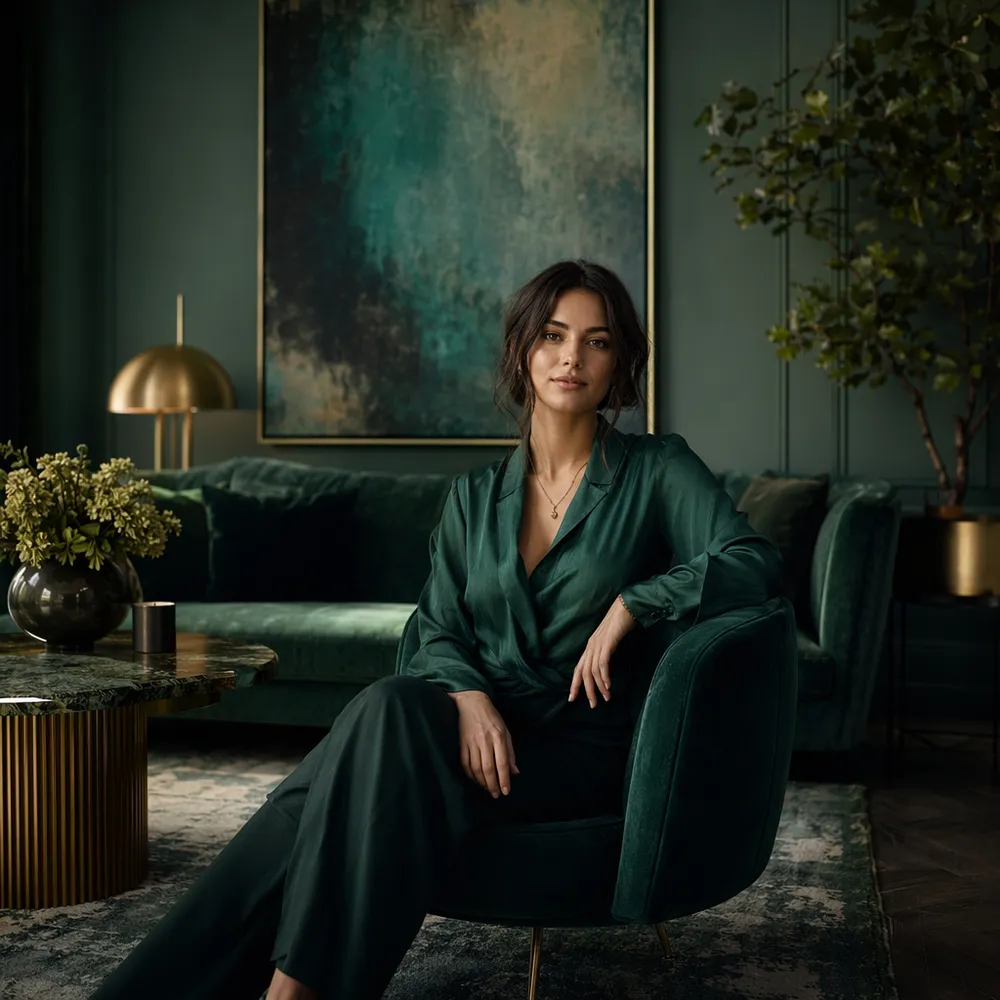
Room Vision's signature style, on tap
AI Room Vision brings the unmistakable Interior Design Visualizer aesthetic to every result — no prompt engineering required.

Interior Design Visualizer
Space design & home staging expert with 60+ design styles
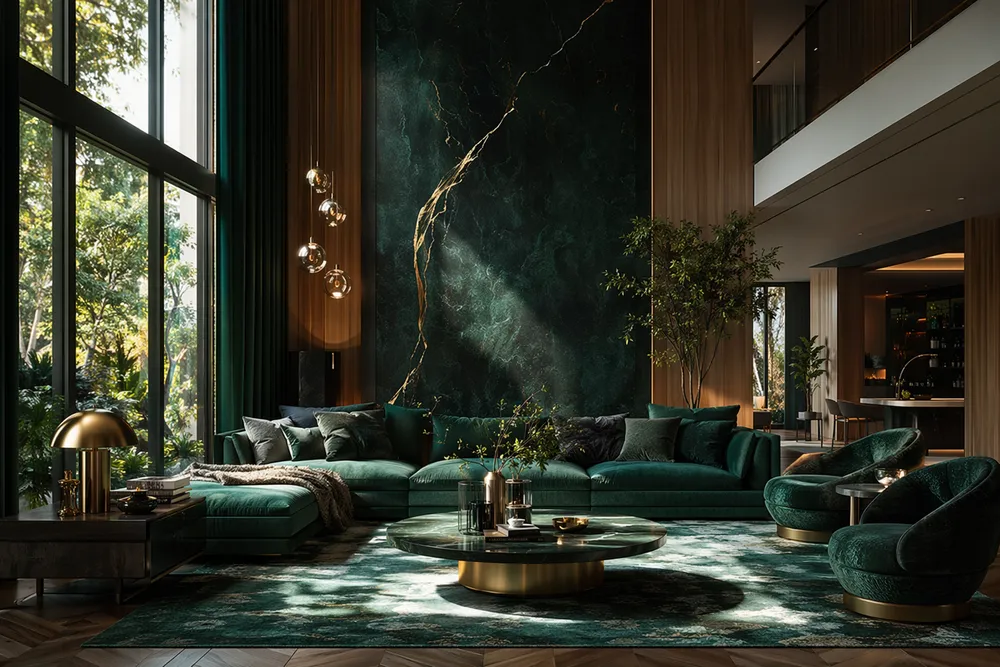
Room Vision is your AI interior design visualizer, built on the craft of award-winning designers and virtual stagers. It speaks the full language of space — across 60-plus styles from Scandinavian and Japandi to Mid-Century Modern and Wabi-Sabi.
Rather than "a nice living room," Room Vision names the style, specifies real materials ("wide-plank white oak with a matte finish"), designs the lighting, and layers furniture front to back. The result reads like a professional architectural render or a magazine-ready staging.
Scandinavian, Japandi, Industrial, Coastal and more — each with its own materials, palette, and mood.
Specific woods, stones, and textiles instead of vague "wood" — spaces that feel designed, not generated.
Natural and accent lighting plus front-to-back composition for depth and aspirational warmth.
Interior Design Visualizer — Space design & home staging expert with 60+ design styles
AI Room Vision brings the unmistakable Interior Design Visualizer aesthetic to every result — no prompt engineering required.
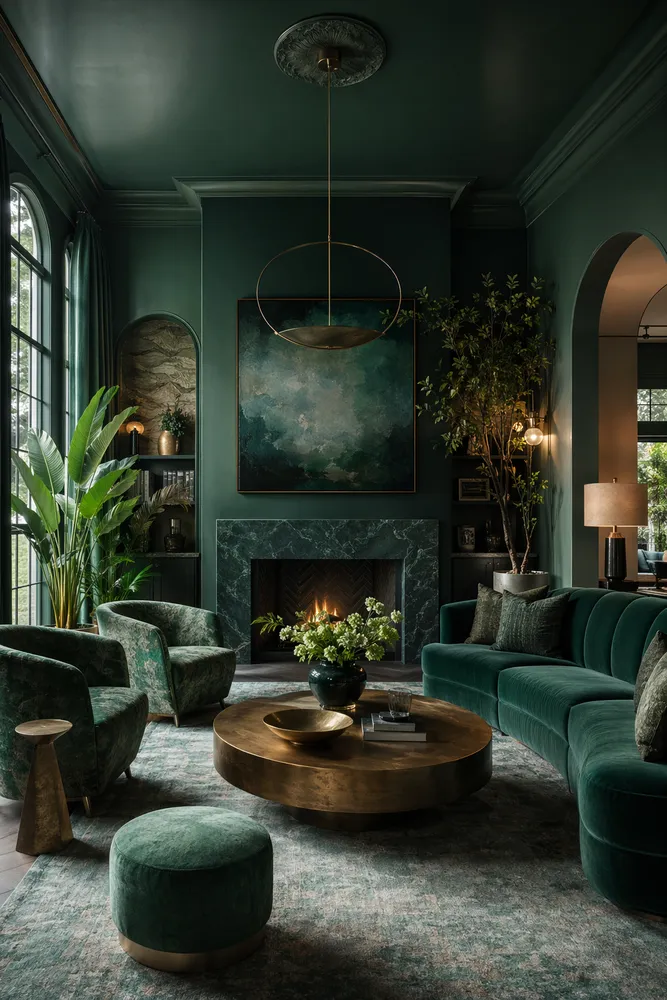
Tell Room Vision your idea and get replies in character — the right questions, smart suggestions, and a brief shaped the way Room Vision would. You stay in control.
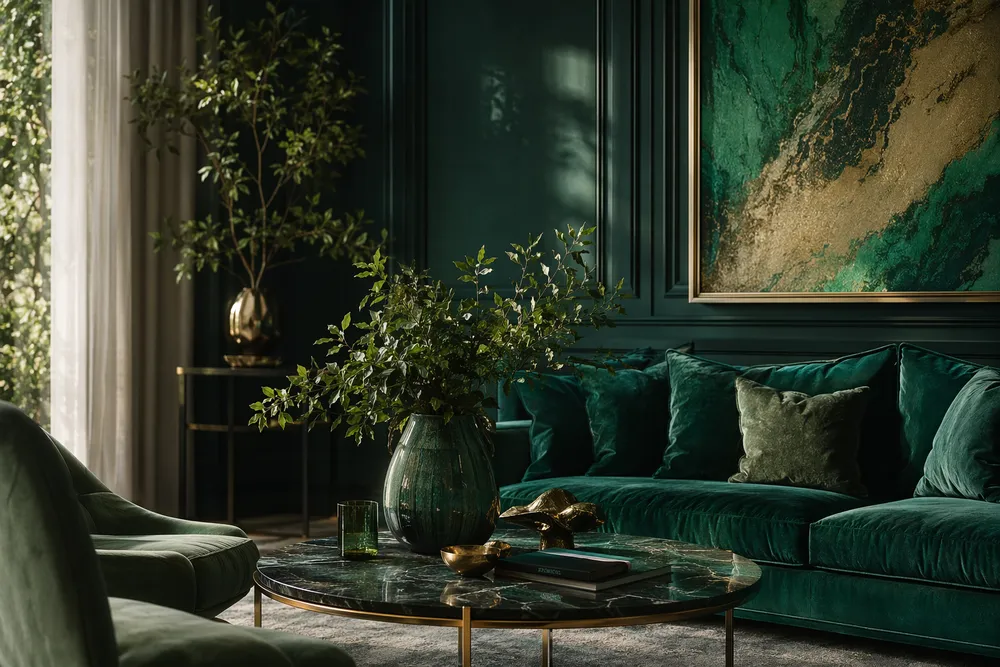
Room Vision picks the best model for the task and rewrites your prompt for expert-quality output — better results for fewer credits than a blind one-shot prompt.
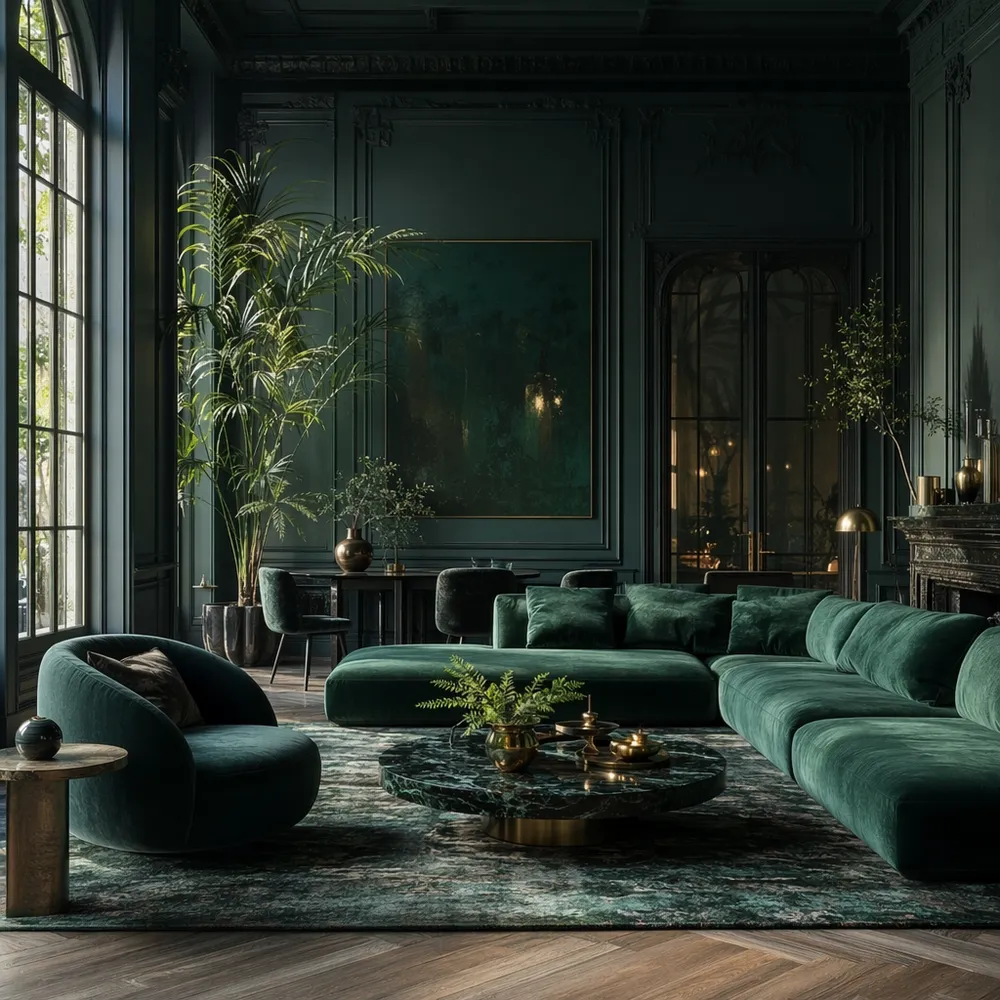
A glimpse of the signature Room Vision style, generated on CreateVision AI.
One account, the full image and video generation workflow.
Browse 28 scene experts and legendary masters, each with a signature style.

Product Photography Director — E-commerce & commercial photography expert with studio lighting mastery

Portrait Photography Master — Professional headshot & portrait expert with Hollywood-level lighting
Start free. Upgrade for premium models, faster generation, and 4K output.
Perfect for getting started
Billed annually · $240/year
Billed annually · $468/year
AI Room Vision is a CreateVision AI mentor modeled on Room Vision, Interior Design Visualizer. You chat with Room Vision like a creative director who plans the shot, picks the model, and sharpens your prompt.
Describe what you want and Room Vision turns it into a production-ready prompt in their signature style — images, and continue to video in the same conversation.
Instead of guessing keywords, Room Vision interviews you in character, recommends the best model, and rewrites your idea into an expert prompt — usually a better result for fewer credits.
No — mentor conversations are free, including multi-turn chats with Room Vision, and so is chatting with Ava, the default agent. You only spend credits when you generate: image and video generation uses the chosen model's credits.
Yes — upload references in the conversation and Room Vision will plan an image-to-image or editing workflow while keeping the signature Room Vision look.