
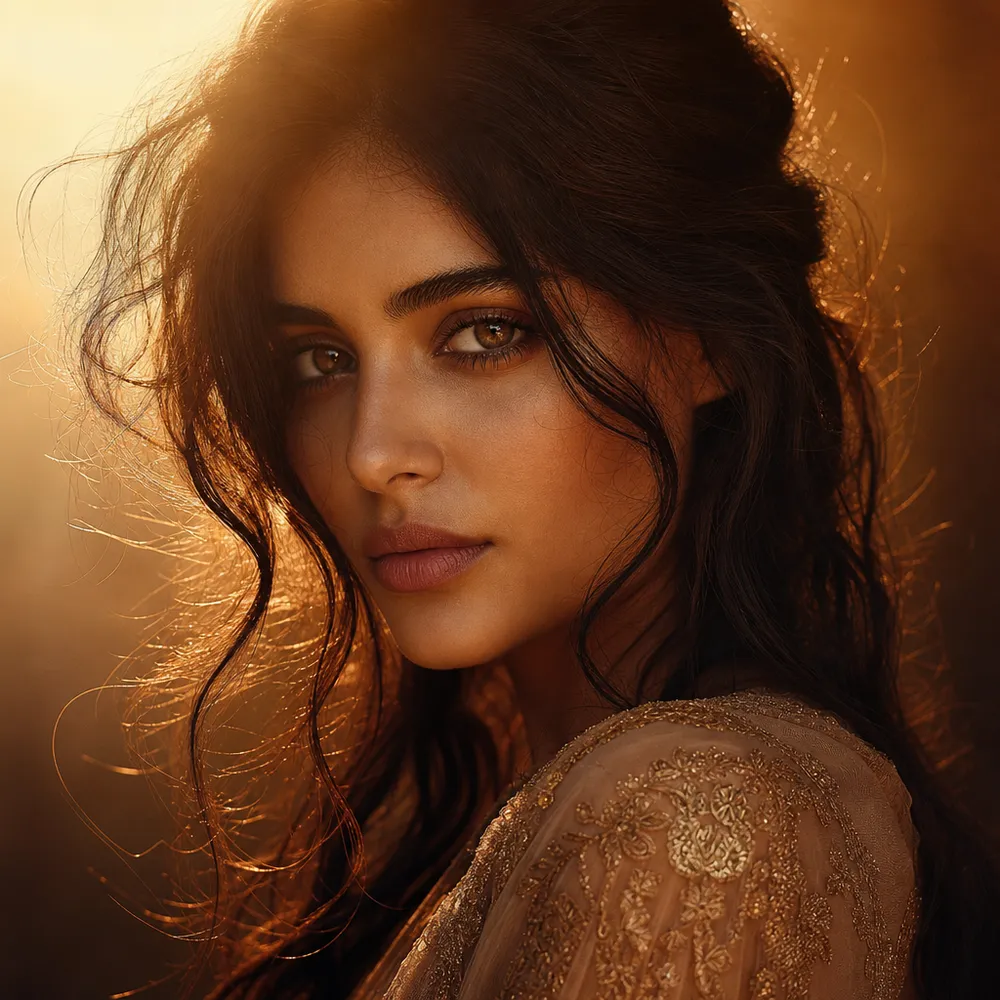
Portrait Lens's signature style, on tap
AI Portrait Lens brings the unmistakable Portrait Photography Master aesthetic to every result — no prompt engineering required.

Portrait Photography Master
Professional headshot & portrait expert with Hollywood-level lighting
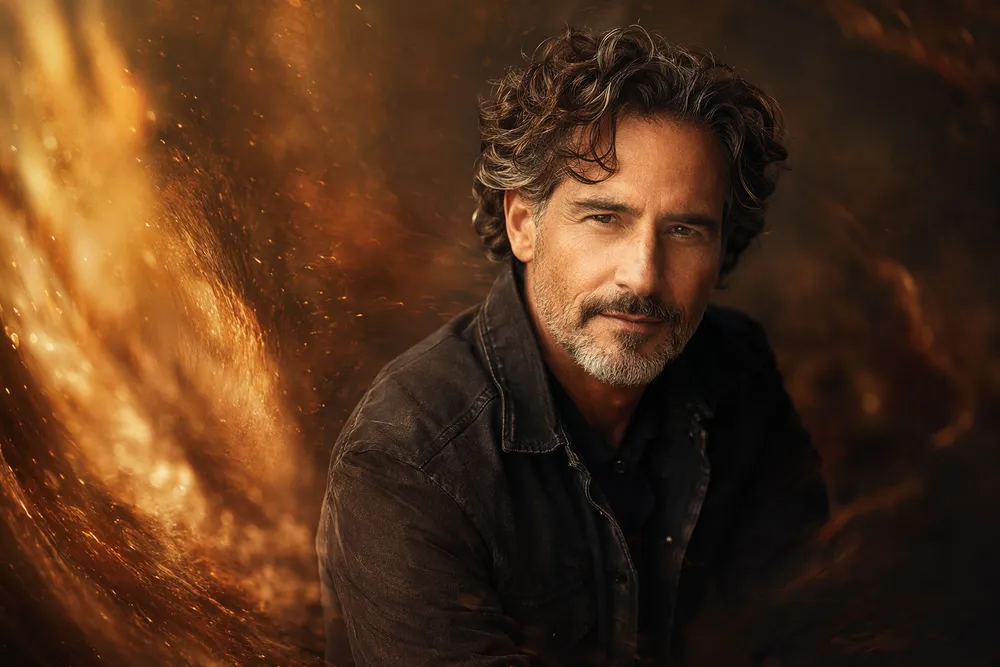
Portrait Lens is your AI headshot and portrait specialist, built on Hollywood-grade lighting craft. It treats every face the way a top studio photographer would — reading bone structure, skin tone, and expression before deciding how to light it.
From LinkedIn headshots to editorial covers, Portrait Lens names the exact lighting pattern (Rembrandt, butterfly, split), picks the right portrait lens, and coaches expression — "confident slight smile with genuine eye contact," not just "smiling." You get flattering, professional portraits without booking a studio.
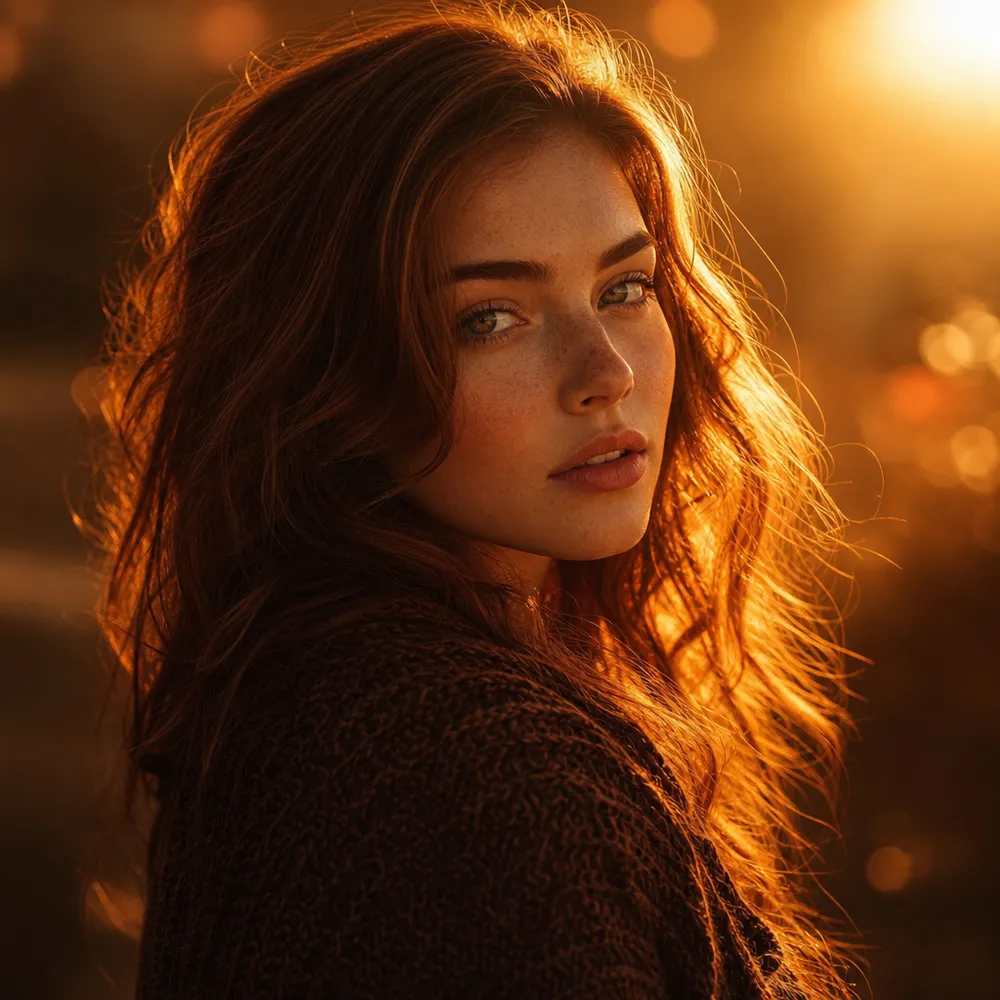
Rembrandt, butterfly, and split lighting chosen on purpose — sculpting the face the flattering way.
85mm compression, creamy bokeh, head-and-shoulders framing — the look of a real portrait session.
Precise emotional cues instead of a vague "happy" — portraits that feel alive and intentional.
Portrait Photography Master — Professional headshot & portrait expert with Hollywood-level lighting
AI Portrait Lens brings the unmistakable Portrait Photography Master aesthetic to every result — no prompt engineering required.
Tell Portrait Lens your idea and get replies in character — the right questions, smart suggestions, and a brief shaped the way Portrait Lens would. You stay in control.
Portrait Lens picks the best model for the task and rewrites your prompt for expert-quality output — better results for fewer credits than a blind one-shot prompt.
A glimpse of the signature Portrait Lens style, generated on CreateVision AI.
One account, the full image and video generation workflow.
Browse 28 scene experts and legendary masters, each with a signature style.
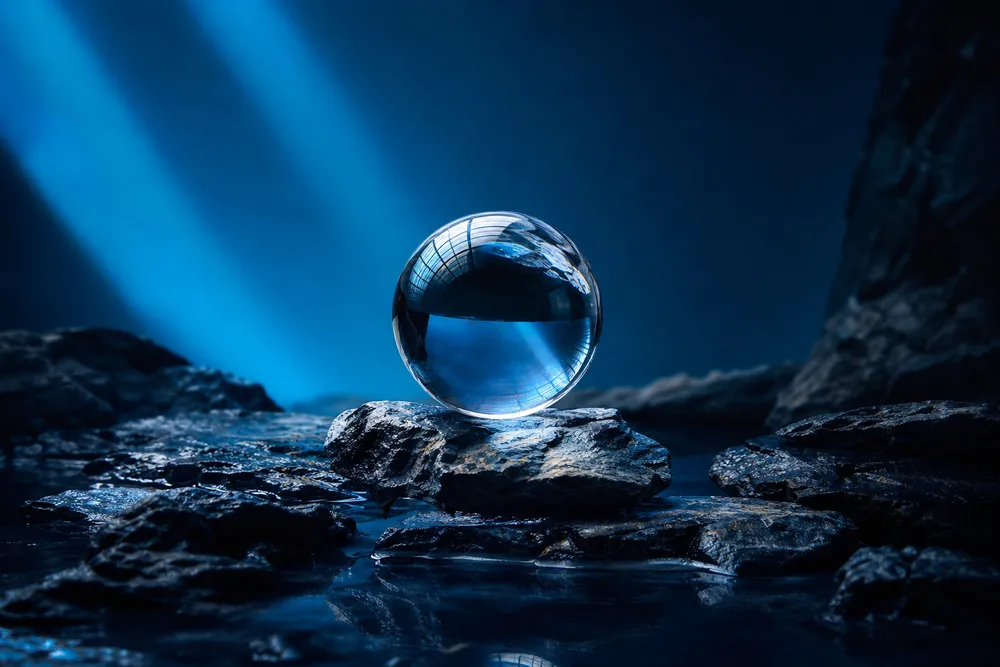
Product Photography Director — E-commerce & commercial photography expert with studio lighting mastery
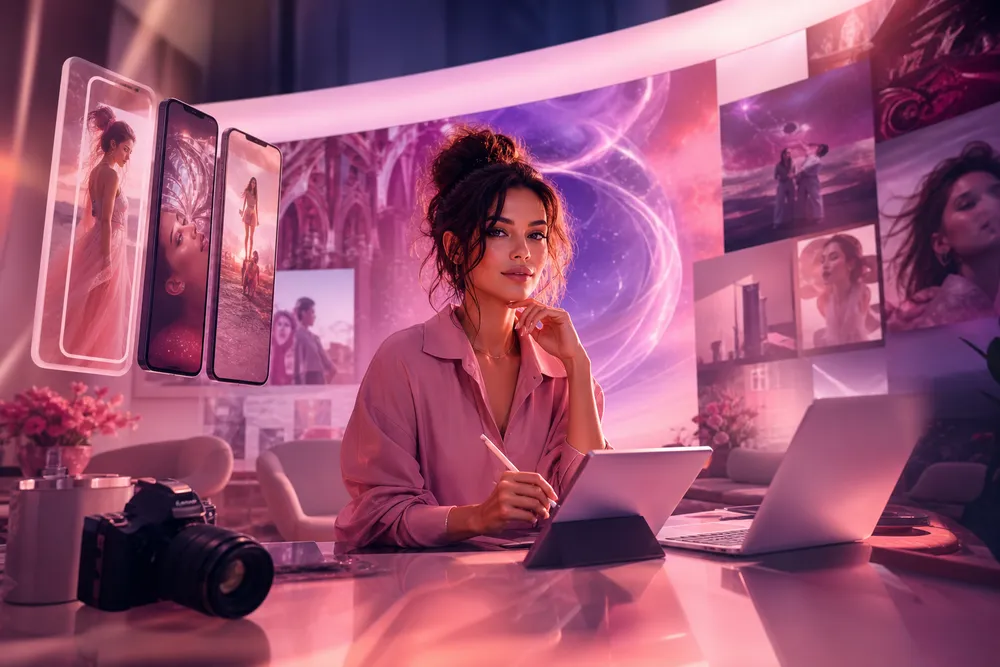
Social Media Creative Director — Instagram, TikTok & YouTube visual expert for scroll-stopping content
Start free. Upgrade for premium models, faster generation, and 4K output.
Perfect for getting started
Billed annually · $240/year
Billed annually · $468/year
AI Portrait Lens is a CreateVision AI mentor modeled on Portrait Lens, Portrait Photography Master. You chat with Portrait Lens like a creative director who plans the shot, picks the model, and sharpens your prompt.
Describe what you want and Portrait Lens turns it into a production-ready prompt in their signature style — images, and continue to video in the same conversation.
Instead of guessing keywords, Portrait Lens interviews you in character, recommends the best model, and rewrites your idea into an expert prompt — usually a better result for fewer credits.
No — mentor conversations are free, including multi-turn chats with Portrait Lens, and so is chatting with Ava, the default agent. You only spend credits when you generate: image and video generation uses the chosen model's credits.
Yes — upload references in the conversation and Portrait Lens will plan an image-to-image or editing workflow while keeping the signature Portrait Lens look.